7
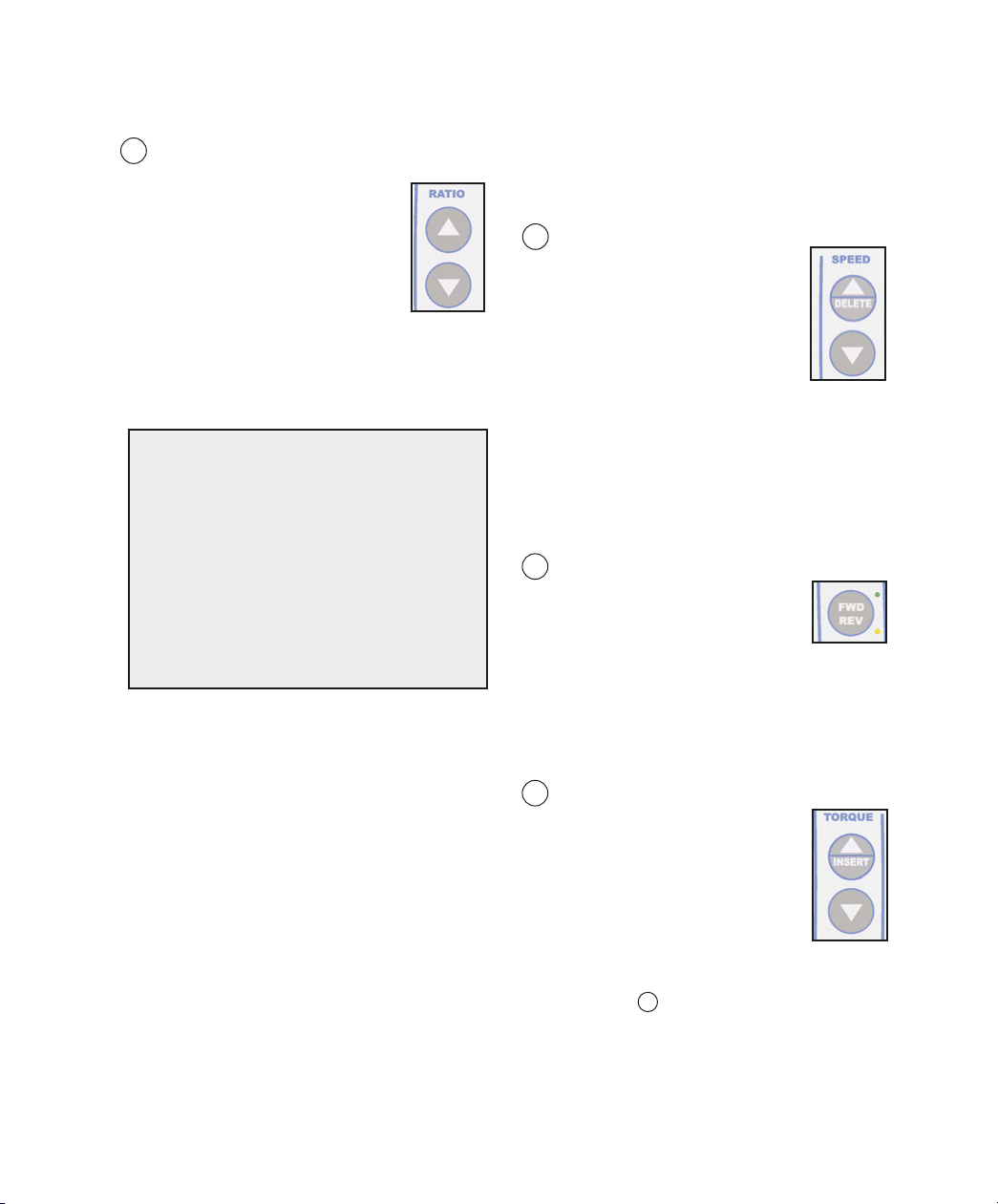
5 Handpiece Ratio Selector:
Allows user to select ratio of hand-
piece. Ensures accurate display of
speed and torque levels.
a. Press the handpiece Ratio
selector Up/ own buttons until
the Handpiece Ratio Indicator
matches the ratio indicated on the
handpiece being used. The available ratios
are 20:1, 1:1, 1:2, 1:3 and 1:5 in the mplant
mode, and 8:1, 1:1, 1:2, 1:3 and 1:5 in the
Endo mode. The relative speed ranges with
a 40K motor are shown in Figure 7.
Note: Prior to calibrating a handpiece on the
System, the user must preselect the ratio of
the handpiece via the Ratio Up/ own
buttons. The System can then perform a
“Free-Run” calibration on both increaser and
reduction handpieces, then a dynamometer
(“ yno”) calibration on reduction handpieces
only, with ratios of 4:1 to 16:1 in Endo, and
16:1 to 32:1 in mplant. The “ yno”
calibration includes a ratio and torque test.
After completing the “ yno” calibration on a
reduction handpiece, the System will
automatically set the precise handpiece ratio
found during these calibration measurements.
For example, after calibrating a 20:1
handpiece and saving the results, the display
will add a decimal to the ratio indicator (ex:
SPEED RANGES
20:1 15 - 2,000 RPM
8:1*38 - 5,000 RPM
1:1** 300 - 40,000 RPM
1:2 2,000 - 80,000 RPM
1:3 3,000 - 120,000 RPM
1:5 5,000 - 200,000 RPM
“20:1”, to “20.7:1”), indicating the precise ratio
measured. This also serves as an indicator
that the handpiece has been calibrated.
6 Speed:
Allows user to select desired
speed (RP ) for
motor/handpiece.
a. Press the Speed Up button to
increase speed or the Speed
own button to decrease speed.
Note: For display accuracy, the Ratio
Selector must exactly match the ratio of
the handpiece being used. The System will
do this automatically after calibration. In
some cases after calibration, the ratio
displayed will differ from the handpiece
rating, indicating the handpiece’s actual
characteristics.
7 Forward /Reverse (FWD/REV):
Sets the rotational direction of
the handpiece.
a. The green LE next to the
FW /REV button illuminates when forward
rotation is selected. The amber LE
indicates reverse rotation. When the
Reverse Tone feature is activated (ref.
Setup Option No. 3, page 20), an audible
beep will also indicate reverse rotation.
8 Torque Adjustment:
Allows the user to select torque
limits in Newton•centimeter
increments in Implant ode, and
gram-centimeter in Endo ode.
a. Press the Torque Adjustment
Up/ own buttons until the
desired torque level is indicated
on the isplay. Note: This feature is not
available when in “MAX” Mode - see
paragraph 9 , page 8 for details.
Fig.7
* 38 - 1,300 RPM if Endo ASR active.
** 300 - 10,000 RPM if Endo ASR active,
and 1,000 - 40,000 in Implant Mode.