manuals.online logo
Brands
  1. Home
  2. •
  3. Brands
  4. •
  5. Cedes
  6. •
  7. Accessories
  8. •
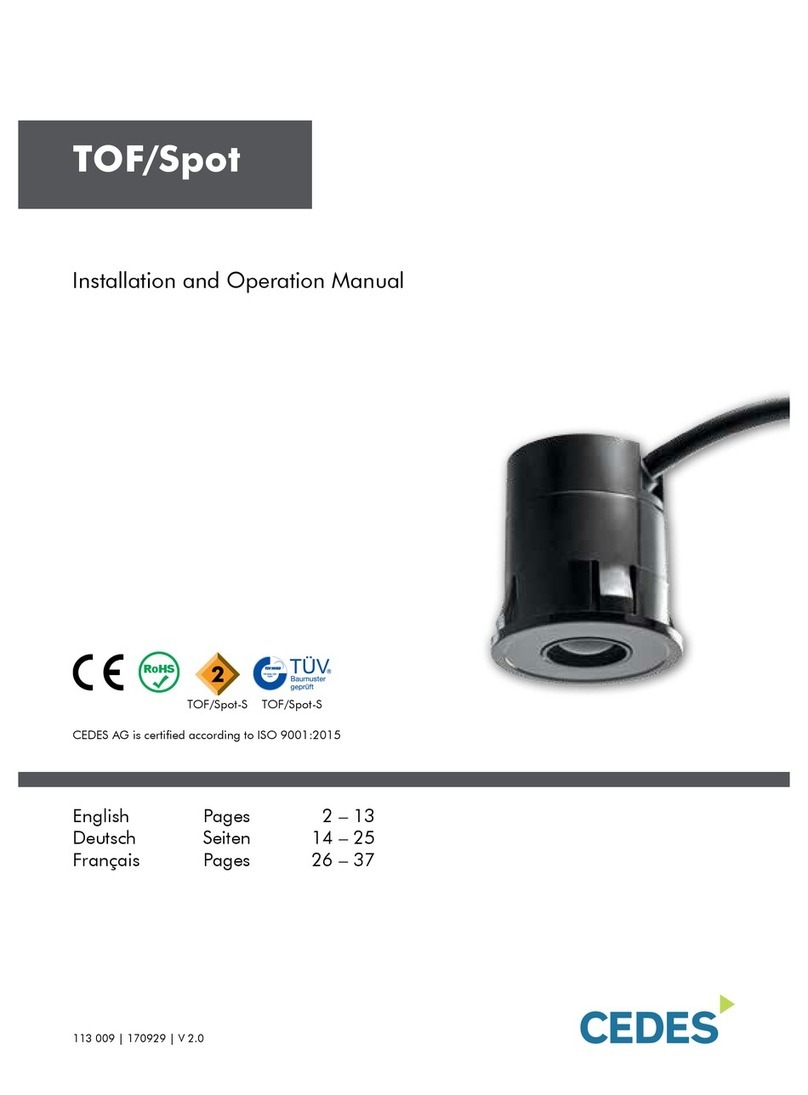
  9. Cedes TOF/Spot User manual

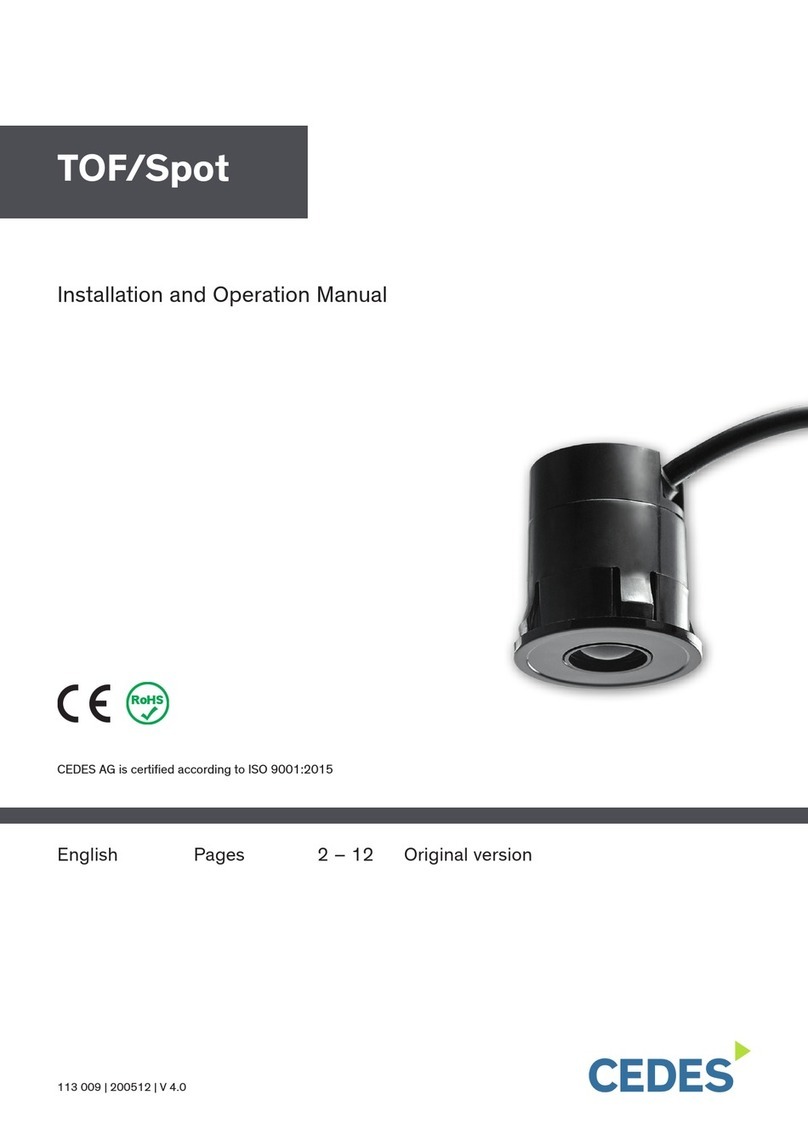
Cedes TOF/Spot User manual

Other manuals for TOF/Spot

3

Other Cedes Accessories manuals

Cedes TOF/Spot Owner's manual

Cedes

Cedes TOF/Spot Owner's manual

Cedes TOF User manual

Cedes

Cedes TOF User manual

Cedes TLS 500 User manual

Cedes

Cedes TLS 500 User manual

Cedes Mini-32-NA-TKE User manual

Cedes

Cedes Mini-32-NA-TKE User manual

Cedes TOF/Spot-car detection User manual

Cedes

Cedes TOF/Spot-car detection User manual

Cedes TOF/Spot User manual

Cedes

Cedes TOF/Spot User manual

Cedes GridScan/Pro SI User manual

Cedes

Cedes GridScan/Pro SI User manual

Cedes TLS 500 User manual

Cedes

Cedes TLS 500 User manual

Cedes cegard/Max-154 User manual

Cedes

Cedes cegard/Max-154 User manual

Cedes TLS 500 User manual

Cedes

Cedes TLS 500 User manual

Cedes TOF/Spot User manual

Cedes

Cedes TOF/Spot User manual

Cedes TLS 600 User manual

Cedes

Cedes TLS 600 User manual

Cedes GridScan/Pro User manual

Cedes

Cedes GridScan/Pro User manual

Cedes TOFniva User manual

Cedes

Cedes TOFniva User manual

Cedes TPS User manual

Cedes

Cedes TPS User manual

Cedes TOF/Start-EA User manual

Cedes

Cedes TOF/Start-EA User manual

Cedes IMS 100 Pro Series User manual

Cedes

Cedes IMS 100 Pro Series User manual

Cedes ELS 263 User manual

Cedes

Cedes ELS 263 User manual

Cedes TLS 600 User manual

Cedes

Cedes TLS 600 User manual

Cedes TOF/TaxI User manual

Cedes

Cedes TOF/TaxI User manual

Cedes ELS 300 User manual

Cedes

Cedes ELS 300 User manual

Cedes TOF/Spot-Safety User manual

Cedes

Cedes TOF/Spot-Safety User manual

Cedes IMS 100 User manual

Cedes

Cedes IMS 100 User manual

Popular Accessories manuals by other brands

Quincy lab 140AE-1 operating manual

Quincy lab

Quincy lab 140AE-1 operating manual

HomePro ZIR000 user manual

HomePro

HomePro ZIR000 user manual

DOL 20SCR Technical user guide

DOL

DOL 20SCR Technical user guide

RAB Smart Task installation manual

RAB

RAB Smart Task installation manual

Kemppi KMS 300 quick guide

Kemppi

Kemppi KMS 300 quick guide

Stearns 57,500 Series Installation and service instructions

Stearns

Stearns 57,500 Series Installation and service instructions

iGuzzini TWILIGHT COPENAGHEN manual

iGuzzini

iGuzzini TWILIGHT COPENAGHEN manual

Adelaide Annexe & Canvas Avan Deluxe installation guide

Adelaide Annexe & Canvas

Adelaide Annexe & Canvas Avan Deluxe installation guide

OHAUS 5000 instruction manual

OHAUS

OHAUS 5000 instruction manual

HOME8 WLS1300 quick start guide

HOME8

HOME8 WLS1300 quick start guide

MAXBOTIX MaxSonar quick start guide

MAXBOTIX

MAXBOTIX MaxSonar quick start guide

ioSmart iSmart56 Installation and user guide

ioSmart

ioSmart iSmart56 Installation and user guide

Focusrite Scarlett 18i8 user guide

Focusrite

Focusrite Scarlett 18i8 user guide

Velleman ED38105 user manual

Velleman

Velleman ED38105 user manual

JumpSport SkyBounce user manual

JumpSport

JumpSport SkyBounce user manual

Prima-Temp PRIYA Instructions for use

Prima-Temp

Prima-Temp PRIYA Instructions for use

Tefcold BC85I-BC85I W user manual

Tefcold

Tefcold BC85I-BC85I W user manual

Vaisala WMS302 user guide

Vaisala

Vaisala WMS302 user guide

manuals.online logo
manuals.online logoBrands
  • About & Mission
  • Contact us
  • Privacy Policy
  • Terms and Conditions

Copyright 2025 Manuals.Online. All Rights Reserved.

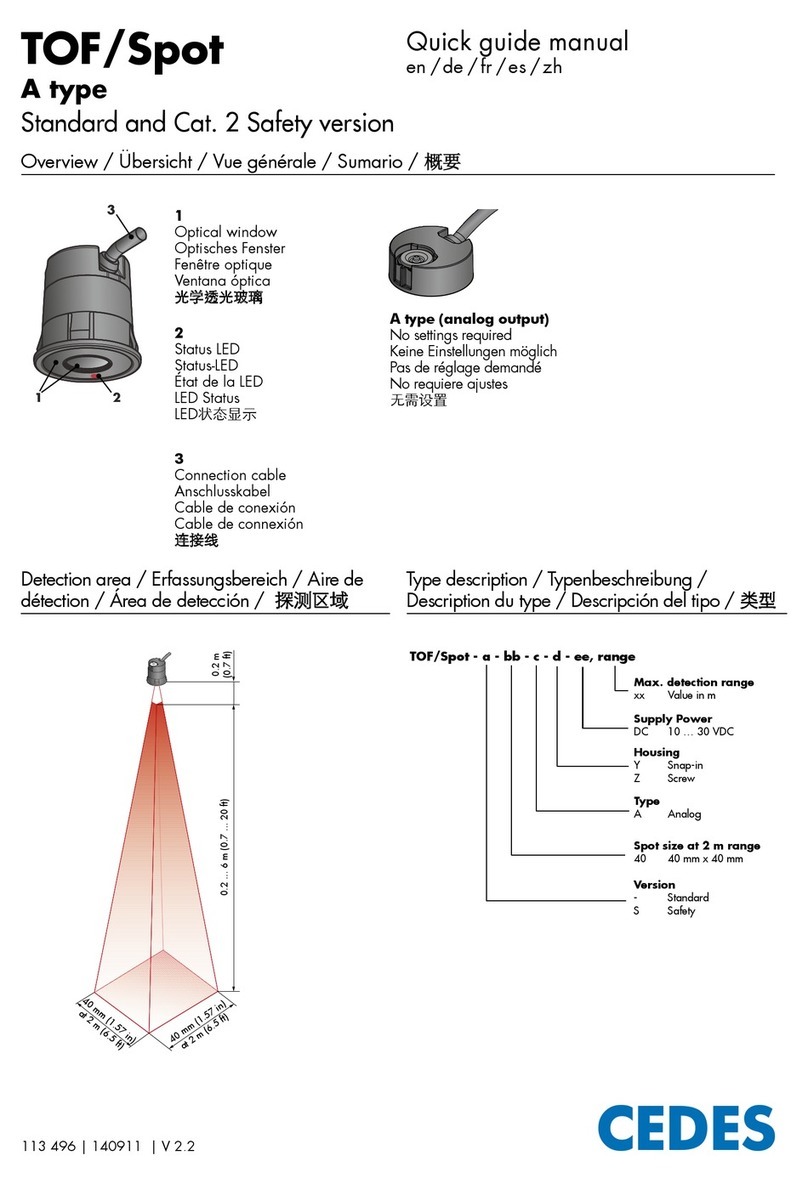
Quick guide manual
en /de /fr /es /zh
Overview / Übersicht / Vue générale / Sumario / 概要
Detection area / Erfassungsbereich / Aire de
détection / Área de detección / 探测区域
Type description / Typenbeschreibung /
Description du type / Descripción del tipo / 类型
113 502 | 160315 | V 2.3
TOF/Spot
T type
Standard and Cat. 2 Safety version
T type (teach-in button)
Distance setting with teach-in button
Reichweiteneinstellung mit Teach-in-Taster
Réglage de la distance avec capteur à apprentissage
Ajuste del alcance con pulsador „Teach-in“
距离设置旋钮
1
Optical window
Optisches Fenster
Fenêtre optique
Ventana óptica
光学透光玻璃
2
Status LED
Status-LED
État de la LED
LED Status
LED状态显示
3
Connection cable
Anschlusskabel
Cable de conexión
Cable de connexión
连接线
40 mm (1.57 in)
at 2 m (6.5 ft)
40 mm (1.57 in)
at 2 m (6.5 ft)
0.2 ... 6 m (0.7 ... 20 ft) 0.2 m
(0.7 ft)
TOF/Spot - a - bb - c - d - e, ff, range
Type
T Teach-in
Housing
Y Snap-in
Z Screw
Max. detection range
xx Value in m
Supply Power
DC 10 … 30 VDC
Output
U Universal (relay, PNP, NPN)
Spot size at 2 m range
40 40 mm x 40 mm
Version
- Standard
S Safety
1
2
3
Configuration / Konfiguration / Configuration / Configuración / 外形
1. possibility: Teach-in button / 1. Möglichkeit: Teach-in-Taster / 1. possibilité : Capteur à apprentissage / 1. posibilidad: Pulsador „Teach-in“ / 可带有设置旋钮
2. possibility: Polarity exchange / 2. Möglichkeit: Spannungswechsel / 2. possibilité : Changement de tension / 2. posibilidad: Cambio de polaridad / 输出电压可极性转换
Offset
150 mm
Start-up:
dimmed or
bright
dimmed dimmed
bright
blinking blinking ≤ 30 s
Check & operationCalibration
Sensor Phase
LEDButton
1 2 3 4 6
5
≥2 s
Push Release
Check & operation
Calibration
blue
+USP brown
GND
blue
+USP brown
GND
blue
GND brown
+USP
dimmed dimmed dimmed
bright
dimmed
blinking ≤ 30 s
Sensor Phase
LED
3 4 65
1 2
Offset
150 mm
< 30 s
Timing diagram / Zeitdiagramm / Diagramme en fonction du temps / Diagrama de tiempos / 时序图
Installation /Montage /Montage / Instalación /安装
Logic Selector / Einstellbare Ausgangslogik / Logique de sortie / Lógica de salidas /
逻辑选择
30 mm ± 0.5
(1.18 in ± 0.019 )
0.3 ... 3 mm
(0.011 ... 0.12 in)
Bright
Off Dimmed Dimmed
Bright Bright
< 200 ms
On
Off
Object
No object
Inactive
Active
Closed
Open
Closed
Open
≤60 ms ≤60 ms
1000 ms
Test input : The logic of the test input is recognized automatically.
Testeingang : Die Logik des Testeingangs wird automatisch erkannt.
Entrée test : Le niveau de l'entrée test est reconnu automatiquement.
Entrada de test : El nivel de la entrada de test se reconoce automáticamente.
测试输入 : 自动识别测试信号.
5 ms
1 ms
≤60 ms
> 60 ms
NO (normally open)
Output / Ausgang / Sortie / Salida / 输出
Power supply / Stromversorgung / Courant d’alimentation
Alimentacion / 电源供应
LED status / LED-Status / LED d‘état / LED estato /
LED 工作状态指示灯
Test input / Testeingang / Entrée test / Entrada de test / 自检
NC (normally closed)
Output / Ausgang / Sortie / Salida / 输出
TEST
FSS output / FSS-Ausgang / Sortie FSS / Salida de FSS /
输出 FSS
Object detection / Objekterkennung / Détection objet /
Detección de objeto / 物体探测
X X
X
XX
X
Outputs A and B
NC (normally closed)
Logic selector connected to GND (0 V)
or not connected
NO (normally open)
Logic selector connected to USP
Contact
open
Contact
closed
Contact
open
Contact
closed
For full manual and further information.
Vollständige Montage- und Betriebsanleitung.
Pour manuel complet et informations complémentaires.
Per il manuale completo ed ulteriori informazioni.
Para el manual completo y más información.
如您需要完整的操作手册或更多详尽信息,请联系我们
CEDES AG, Science Park | CH-7302 Landquart
Phone: +41 81 307 2323 | Fax: +41 81 307 2325 | info.eu@cedes.com | www.cedes.com
www.cedes.com
Connections /Anschlüsse /Raccordements /Conexiones / 连接
Category 2 operation / Kategorie 2 Betrieb / Sécurité catégorie 2 / Funcionamiento
Categoría 2 / 安全等级2级
• Category 2 safety applications require a test to be
carried out within each cycle; TOF/Spot also requires a
background within the maximum detection range.
• Kategorie 2 Sicherheitsanwendungen müssen bei
jedem Zyklus einen Testlauf durchführen. TOF/Spot
benötigt einen Hintergrund innerhalb der maximalen
Reichweite.
• Les applications de sécurité catégorie 2 nécessitent un
test qui doit être fait pendant chaque cycle; le TOF/Spot
a aussi besoin d'un arrière-plan compris dans sa portée
maximum de détection.
• En aplicaciones de seguridad categoría 2 debe
realizarse un testeado cada ciclo de operación.
TOF/Spot requiere de un plano de fondo dentro de su
alcance máximo.
• 安全等级2级的应用需每个周期执行一次测试。测
试过程中,TOF/Spot的最大探测距离之间需有背景
物。
TOF/Spot
DC supply - Universal
Controller
USP (10 ... 30 VDC)
GND (0 V)
Test input*
Logic selector
Output A
Logic selector:
NO = U
SP
NC = GND or n.c.
n.c. = not connected and isolated
* = If test input not used - connect
with U
SP
or GND
Output A = Output B
Output B
black
brown
green
blue
white
gray