manuals.online logo
Brands
  1. Home
  2. •
  3. Brands
  4. •
  5. Controlli
  6. •
  7. Controllers
  8. •
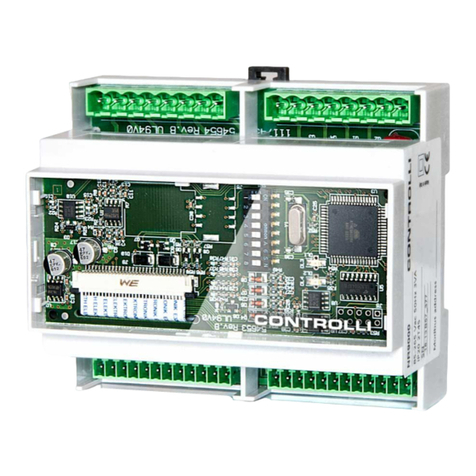
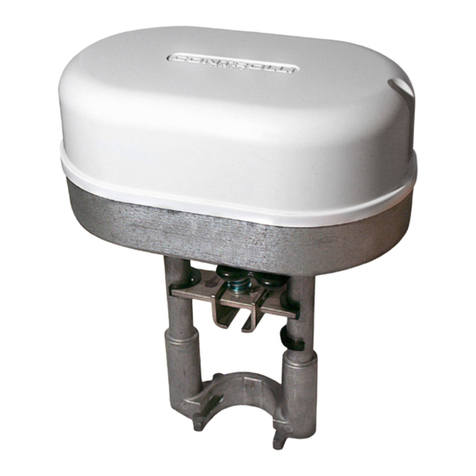
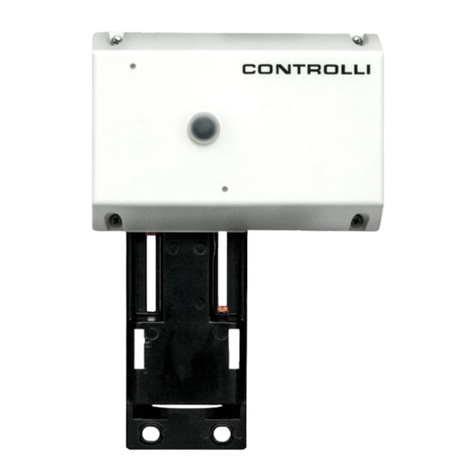
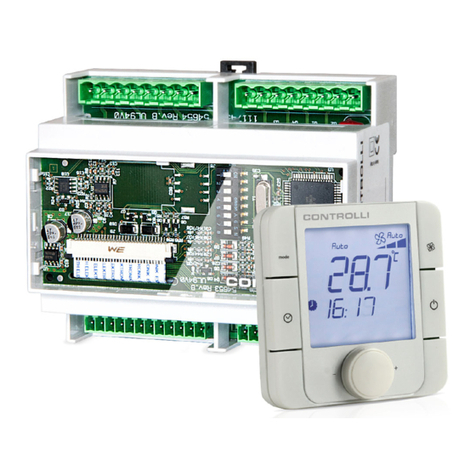
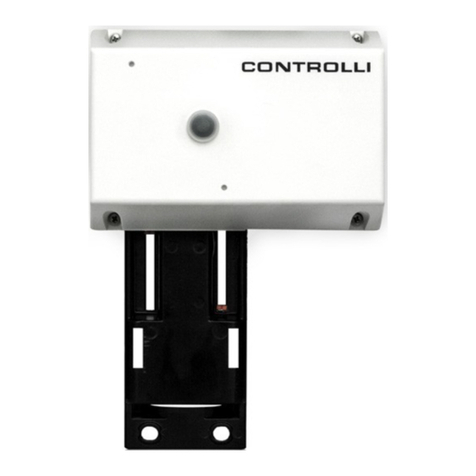
  9. Controlli MVHFA User manual

Controlli MVHFA User manual

Other manuals for MVHFA

2

Other Controlli Controllers manuals

Controlli Energon NR9001 User manual

Controlli

Controlli Energon NR9001 User manual

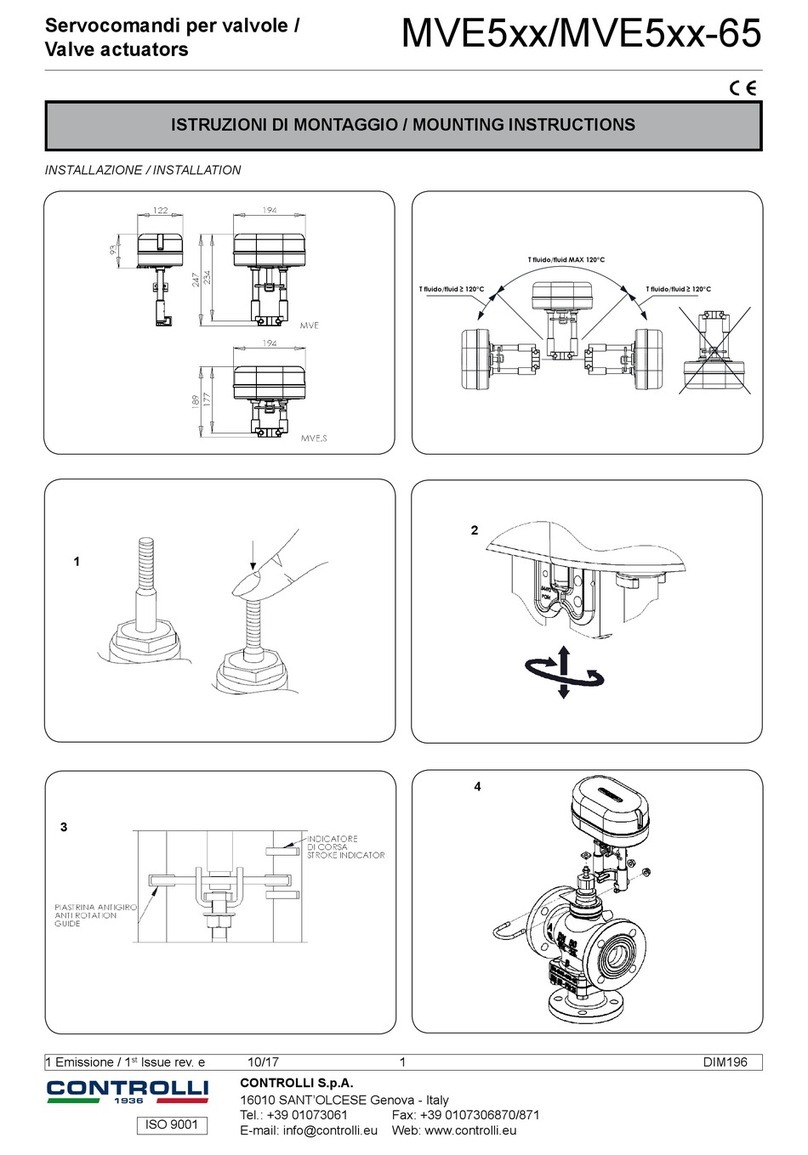
Controlli MVE2R Series User manual

Controlli

Controlli MVE2R Series User manual

Controlli MVH26 User manual

Controlli

Controlli MVH26 User manual

Controlli MVH User manual

Controlli

Controlli MVH User manual

Controlli MVT5 Series User manual

Controlli

Controlli MVT5 Series User manual

Controlli MVT203 User manual

Controlli

Controlli MVT203 User manual

Controlli MVB User manual

Controlli

Controlli MVB User manual

Controlli MVT5 Series User manual

Controlli

Controlli MVT5 Series User manual

Controlli MVE506 User manual

Controlli

Controlli MVE506 User manual

Controlli MVT5 Series User manual

Controlli

Controlli MVT5 Series User manual

Controlli MVE2-65 Series Owner's manual

Controlli

Controlli MVE2-65 Series Owner's manual

Controlli MVE2 Series User manual

Controlli

Controlli MVE2 Series User manual

Controlli DG501C User manual

Controlli

Controlli DG501C User manual

Controlli MVE2 Series User manual

Controlli

Controlli MVE2 Series User manual

Controlli MVH56E User manual

Controlli

Controlli MVH56E User manual

Controlli NR9003 User manual

Controlli

Controlli NR9003 User manual

Controlli MVE5 Series User manual

Controlli

Controlli MVE5 Series User manual

Controlli MVH.FC User manual

Controlli

Controlli MVH.FC User manual

Controlli MVE2XX User manual

Controlli

Controlli MVE2XX User manual

Controlli MVH56E User manual

Controlli

Controlli MVH56E User manual

Controlli MVE2 Series User manual

Controlli

Controlli MVE2 Series User manual

Controlli NC7311 User manual

Controlli

Controlli NC7311 User manual

Controlli Energon User manual

Controlli

Controlli Energon User manual

Controlli MVC503R-MB User manual

Controlli

Controlli MVC503R-MB User manual

Popular Controllers manuals by other brands

Sunricher SR-ZV9003T3-RGBW-US Installation

Sunricher

Sunricher SR-ZV9003T3-RGBW-US Installation

Ksenia intro Installation and configuration manual

Ksenia

Ksenia intro Installation and configuration manual

Inovance CAN200 Series manual

Inovance

Inovance CAN200 Series manual

Gauzy LC6 FLEX Controller Installation and operation guide

Gauzy

Gauzy LC6 FLEX Controller Installation and operation guide

Viking SLP-1 Technical practice

Viking

Viking SLP-1 Technical practice

CKD KBX-30E-U Series instruction manual

CKD

CKD KBX-30E-U Series instruction manual

Sharp Energy Sun Flux User manual & installation guide

Sharp Energy

Sharp Energy Sun Flux User manual & installation guide

Yamaha RCX40 user manual

Yamaha

Yamaha RCX40 user manual

AB Quality PowerFlex 400 Frames D-H Service bulletin

AB Quality

AB Quality PowerFlex 400 Frames D-H Service bulletin

Yamaha MJC8 owner's manual

Yamaha

Yamaha MJC8 owner's manual

AL-KO ATC operating instructions

AL-KO

AL-KO ATC operating instructions

Savant SmartControl 2 Deployment guide

Savant

Savant SmartControl 2 Deployment guide

GameSir T3S user manual

GameSir

GameSir T3S user manual

Kostal inveor operating manual

Kostal

Kostal inveor operating manual

Emerson Yarway 20-55 Operating and safety instructions

Emerson

Emerson Yarway 20-55 Operating and safety instructions

CoCo ACM-LV24 Quick installation guide

CoCo

CoCo ACM-LV24 Quick installation guide

Brooks SLA5810/20 Installation and operation manual

Brooks

Brooks SLA5810/20 Installation and operation manual

SIGMA TEK SR 011 Technical manual

SIGMA TEK

SIGMA TEK SR 011 Technical manual

manuals.online logo
manuals.online logoBrands
  • About & Mission
  • Contact us
  • Privacy Policy
  • Terms and Conditions

Copyright 2025 Manuals.Online. All Rights Reserved.

ISO 9001
CONTROLLI S.p.A.
16010 SANT’OLCESE Genova - Italy
Tel.: +39 01073061 Fax: +39 0107306870/871
E-mail: [email protected] Web: www.controlli.eu
MOUNTING INSTRUCTIONS
12
33a
Hotmediahazard.Beforeremovingactuatorfromvalveoropen-
ing the valve, ensure that the valve control medium is isolated
and remove the pressure. Work should only be carried out by a
competent engineer.
Note: do not use the actuator disassembled from the valve.
Lock the stem extension c on the rack placing the indicator disk
a and the jagged washer b.Assemble the actuator to the valve by U-bolt and the two nuts
with the washer without locking the nuts.
Valve Actuators MVHFA
1st Issue rev. e 02/13 1 DIM152e

ISO 9001
G, G0= Max 100 m (328 ft.)................................................1.5 mm² (AWG 15)
X1, MX, Y, VH, VC = Max 200 m (656 ft)............................0.5 mm² (AWG 20)
2
13
(0)
-Raise the valve stem
- Remove the cover and rotate the pivot clockwise so that the rack comes out for
assembling it with the valve stem; the pivot can be locked by a spanner as shown
in the picture
- Rotate the actuator to screw the extension on the valve stem, so lock it tightening
the nut on the stem.
-Tighten the two nuts on the U-bolt to lock the actuator.
-Remove the key from the pivot and mount the small cap. The pivot must be ro-
tated of 1/2 turn to assembly 45 mm stroke valves. It is necessary to rotate it with
several turns for valves having lower strokes; as an alternative it is possible to
insert the nut in place of the jagged washer to lock the stem extension in a lower
position. Thus for assembling the valve rotating the pivot of 1/2 turn.
3b
4
5
6
Observe the phases
during the parallel con-
nections
(Pages
3-4)
or
See the adjustment on page 5 or
See the adjustment on page 5
1st Issue rev. e 02/13 2 DIM152e
BLOCK FUNCTION DESCRIPTION
G 24Vac Supply voltage
G0 24Vac rtm
X1* Input Proportional control signal
MX* Input Neutral
VH Increase 3 point control
VH,VC short circuited on G0
VC Decrease
G1 16Vdc Auxiliary power supply 25mA max.
(G0) 0-100%
Y 2÷10Vcc Status indication
Position 0÷100%
(G0) Common
ISO 9001
0-10
6-9, 8-11
60 s
(INC)
NORM
INC
Floating
MOD
Proportional
– – – SEQ
INV
300 s
(INC)
1-5, 4-7
2-10
ON
(MOD) (MOD)
(SEQ)(SEQ)
300 s
60 s
0-5 Vdc
2-10 Vdc
1
2
3
4
5
6
7
OFF
1st Issue rev. e 02/13 3 DIM152e
1 (4) 5 (7) 6 (8) 9 (11)
ISO 9001
NORM
OP ADJ
LIN/LG
h
8
9
10 V
Y =
2 V
ON
OFF
Closing direction of the valve
1st Issue rev. e 02/13 4 DIM152e
ISO 9001
Sistemi di regolazione automatica per:

condizionamento/riscaldamento/processo termico industriale.
The performances stated in this sheet can be modified without any prior notice due to design improvements
Function in the Description
“OFF” pos. “ON” position
1 2-10 Vdc 0-5 Vdc Feedback signal
2 Modulating Increase/decrease Control (not at Sequence)
3 – Sequence Sequence control
4 0-10 V 2-10 V Voltage range
5 1-5 V, 4-7 V 6-9 V, 8-11 V Part of voltage range
6 60 s 300 s Running time
7 Normal Inverted Direction of movement
8 Normal Linear/Logarithmic Valve characteristic
9 Operation End position adjust Operation/End position adjustment
There are nine switches in a row on the
circuit board. On delivery (’Factory’), all
switches are in the “OFF” position.
1 Feedback signal — 2-10 / 0-5 Vdc
MVHFA actuators are equipped with a 2
-10 and 0-5Vdc position feedback signal
selectable by Switch No 1.
2 Control signal—MOD / INC
Actuator can either be controlled by a
variable direct voltage, a so called mod-
ulating signal (MOD), or by an increase/
decrease signal (INC).
3 Sequence or parallel control—
– – – / SEQ
Withsequence(orparallel)control(SEQ),
twoactuators/valvescanbecontrolledby
only one control signal.
For each of these you can choose which
part of the voltage range to use, the up-
per one, 6-9 V (8-11 V) or the lower one,
1-5 V (4-7 V).
If the switch NORM / INV is in NORM
position, the higher voltage corresponds
to 100% flow and the lower one to 0%.
With NORM / INV in the INV position you
will get the opposite function.
4 Voltage range—0-10 / 2-10
Youcanchoosewhethertousethecontrol
signal voltage range 0-10 V or 2-10 V.
5 Part of voltage range—
0-5, 2-6 / 5-10. 6-10
You can choose which part of a volt-
age range to use, the lower one 1-5 V
(4-7 V) or the upper one 6-9 V (8-11 V).
If the switch is in the NORM position, the
highervoltage correspondsto100% flow
and the lower one to 0%. To achieve the
opposite function, the switch should be
put in its INV position.
6 Running time—60 s / 300 s
With increase/decrease control, you can
choose a running time between 60 s or
300 s.
With modulating control, the running time
is always 15 s / 20 s / 30 s.
7 Direction of movement—
NORM / INV
WhenNORMisselected,thespindleofthe
actuator moves inwards when the control
voltage decreases or if the actuator gets
a decrease signal.
WiththeswitchNORM/ INV,the direction
of movement can be changed.
8 Linearization—NORM / LIN/LG
Themotorizedvalvecharacteristicscanbe
modified.Ifyouwishforthecharacteristics
tobeaffected,thesettingLIN/LGwillmake
the characteristics of an equally modified
percentage (EQM) valve almost linear.
On the other hand, with LIN/LG a motor-
izedvalveequippedwithalinearvalvewill
operatewith”Quickopencharacteristics”.
Thismeansthatwithasmallcontrolsignal,
the valve will be almost completely open.
9 End position adjustment—OP / ADJ
This switch is only used to adjust the end
positions when the actuator is commis-
sioned.
With powered actuator, momentarily put
theswitchintheONposition.Theactuator
willautomaticallyfind theend positionsof
the valve.At the end of the adjustment all
the other dip switch settings (1 to 8) will
be read again.
Note! For the actuator to register new
settings of the switches, the supply
voltage must be cut, the settings done
and then the power on
or
the end position adjustment must be
done again (see point 9).
Refer also to illustration on page 2.
(This does not apply to the switch OP/
ADJ).
1st Issue rev. e 02/13 5 DIM152e