©2015 DJI. All Rights Reserved. 3
5. Twist the red knob to lock each arm in place. Be sure there is an audible click, which indicates a proper lock. Check
the arm for movement. To store, untwist the knob and lower the frame arm.
6. Remove the lower cover of the center frame to connect the power cables and the ESC signal cable.
7. Pull all the cables of the frame arm through the cable fixing ring on bottom of the center frame.
8. Plug each ESC signal cable into the slot near each arm on the center frame.
9. Connect the power cables to the center frame. Each cable must be screwed into a positive (+) or negative (-) gold
bracket. Each bracket will have two cables of the same color screwed into it. Red cables are positive and black
cables are negative.
10. Ensure all ESC cables, and power cables are correctly installed onto the center frame.
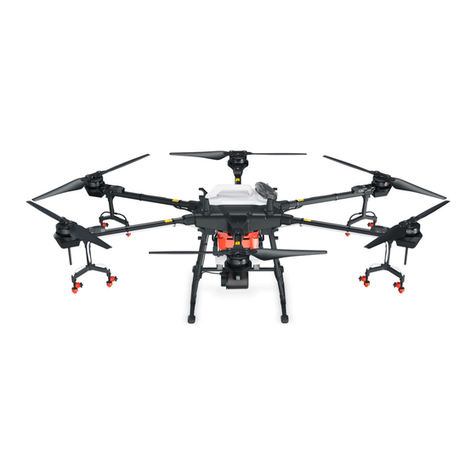
11. Double check all frame arms. Frame arms M1 and M2 are the forward facing (nose direction), frame arms M4 and
M5 are facing backward. Seen from the top, motors on arms M1, M3 and M5 rotate counter clockwise while those
on arms M2, M4 and M6 rotate clockwise.