5
Programming Section Descriptions
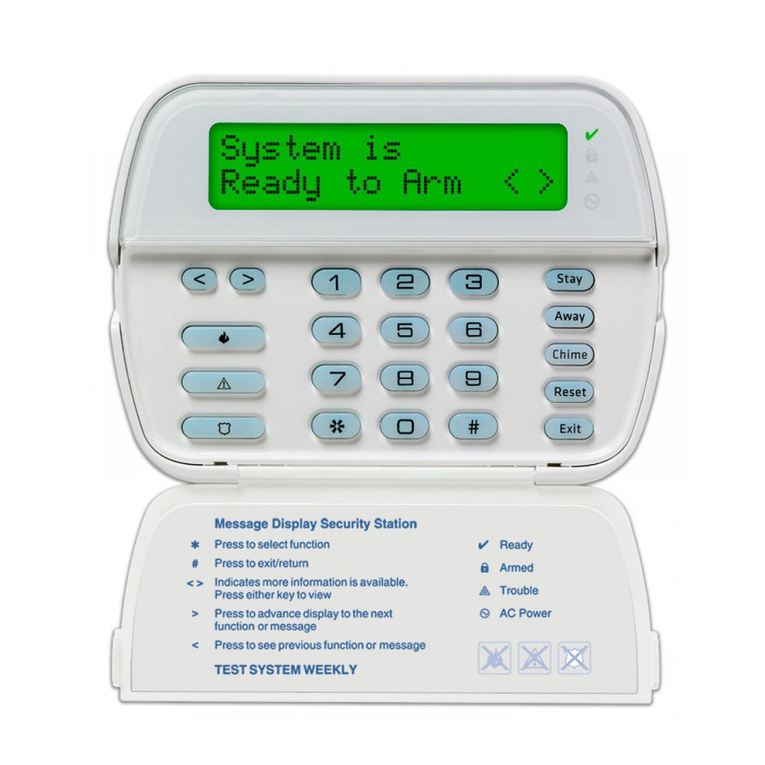
If you will be connecting the PC5400 to a PC5010, PC5015, PC1555 or PC580 control panel, access the
PC5400 programming sections at a system keypad by entering [*][8][Installer's Code][803]. Then enter
the 2-digit number of the section you want to program.
If you will be connecting the PC5400 to a PC1575, access the PC5400 programming sections at a
system keypad by entering [*][8][Installer's Code][87]. Then enter the 2-digit number of the section you
want to program.
Section [06], Option [2]: AC Communications
To change from standard DVACS (150 baud) to AC communications protocol (300 baud) program this
option as ON.
Section [07]: Subsystem Number
Program the DVACS Subsystem number in this section.
Section [08]: Group Number
Program the DVACS Group number in this section.
Section [09]: Panel DVACS Identifier Code
Program the DVACS ID code in this section.
Sections [10-17], and [50-52]: DVACS Reporting Codes
Program the DVACS reporting codes in these sections (see Appendix A: ADT DVACS Transmission
Table):
•To have the PC5400 transmit a pre-programmed code from the internal table, leave the
programming at the default value FF.
•To prevent the PC5400 from reporting an event, program the code as 00.
•To have the PC5400 transmit a different code, program a value from 01-FE.
Sections [18-27]: Transmission Options
To prevent the PC5400 from transmitting a group of reporting codes (e.g. zone troubles or zone trouble
restorals) program the appropriate option as OFF. All options are ON by default.
Sections [28-35]: Zone Assignments
The programming in these sections tells the PC5400 which partitions each zone is assigned to (on
control panels which are capable of partitioning) and/or which zones in active use.
If the PC5400 is connected to a control panel using partitions, make sure that the zone/partition
assignments match those programmed in the control panel.
If the PC5400 is connected to a control panel without partitions, you must still program these sections:
for each used zone on the control panel, turn ON the option that assigns the zone to partition 1.
Sections [36-39]: Zone Definitions
Make sure that the zone definitions match those programmed in the control panel.
NOTE: If you change any of the above options from the default settings, test the PC5400 to make sure
it is operating as desired.