STEP 3
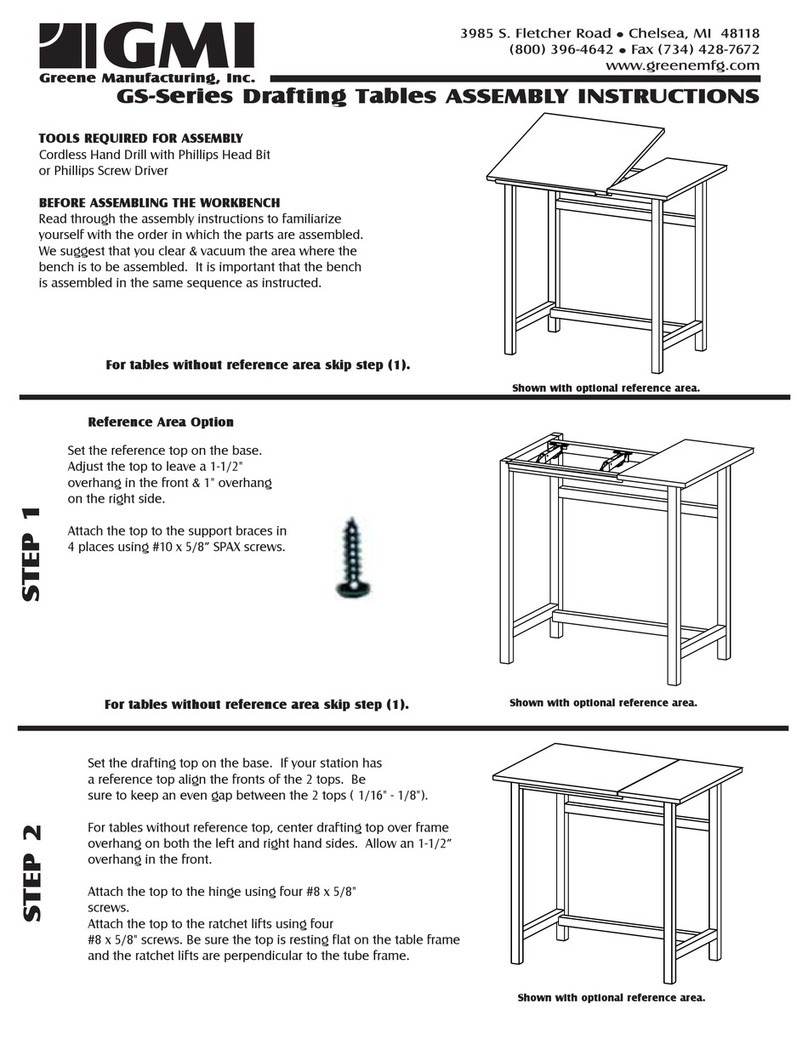
Turn the base onto the tops.
Attach the LEFT leg to the braces &
modesty panel. Use 1/4-20 x 1/2"
flange head bolts
Line up the front brace holes
with the holes in the reference
top. Secure with four 1/4-20 x
1/2" flange head bolts through
the braces into the top.
Verify that the drafting & reference tops are aligned.
Secure the drafting top to the front brace hinge. Use
#8 x 5/8 Black Screws.
STEP 4
Attach the ratchet lifts to the rear brace. Notice the orientation below. Use #8 x 5/8" black screws (2 per ratchet lift).
Attach the other end of the ratchet lifts to the drafting top using #8 x 5/8" black screws (2 per).
Remove your keyboard tray from its box. Line up the holes on the base of the tray to the holes on the keyboard mounting
bracket. Attach using four #8 x 5/8" Black screws.
Attach the pencil edge to the front of the drafting top (bent lip toward floor) & 1" space between the
bent lip & the edge of the drafting top. Use #8 x 5/8" Black screws
Orientation of ratchet
plate when attached to
rear brace
Side Profile of Pencil Edge on top
Hinge
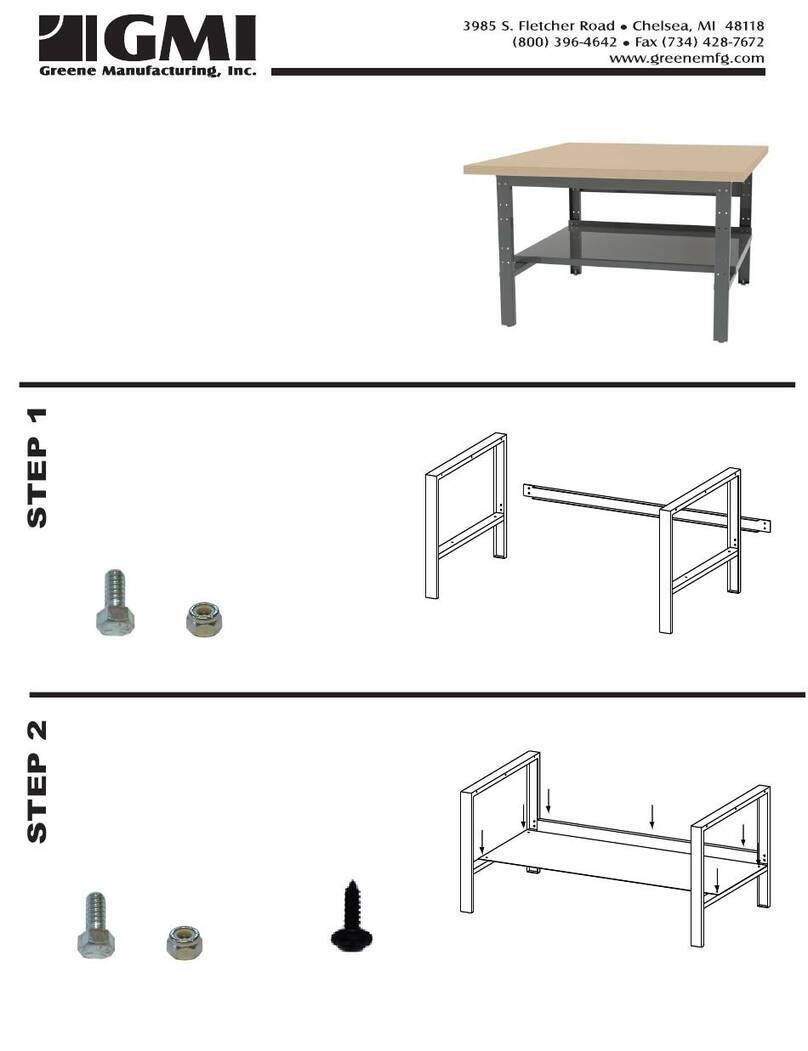
STEP 1