manuals.online logo
Brands
  1. Home
  2. •
  3. Brands
  4. •
  5. Haverland
  6. •
  7. Heater
  8. •
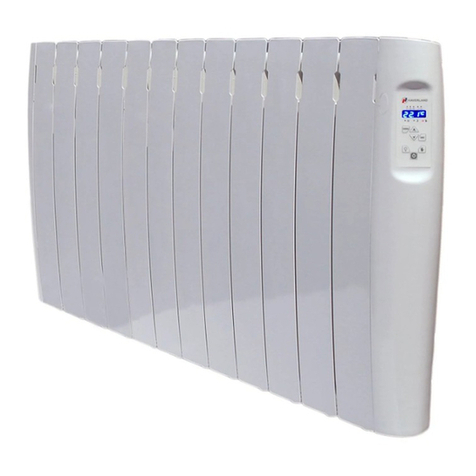
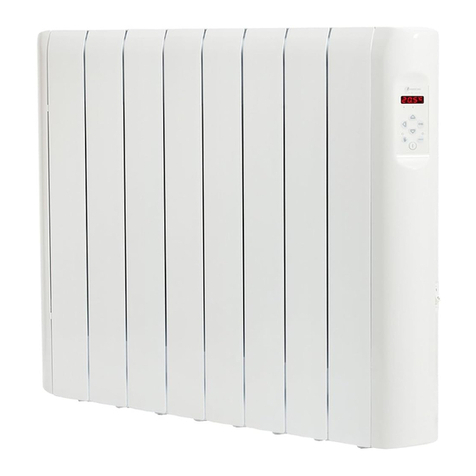
  9. Haverland RC WAVE User manual

Haverland RC WAVE User manual

Other Haverland Heater manuals

Haverland RCZ Parts list manual

Haverland

Haverland RCZ Parts list manual

Haverland RC 6 E Quick guide

Haverland

Haverland RC 6 E Quick guide

Haverland OTTiMO Series Parts list manual

Haverland

Haverland OTTiMO Series Parts list manual

Haverland RC-4A Manual

Haverland

Haverland RC-4A Manual

Haverland ASPEN User manual

Haverland

Haverland ASPEN User manual

Haverland WOW User manual

Haverland

Haverland WOW User manual

Haverland RCTT Manual

Haverland

Haverland RCTT Manual

Haverland ULTRAD User manual

Haverland

Haverland ULTRAD User manual
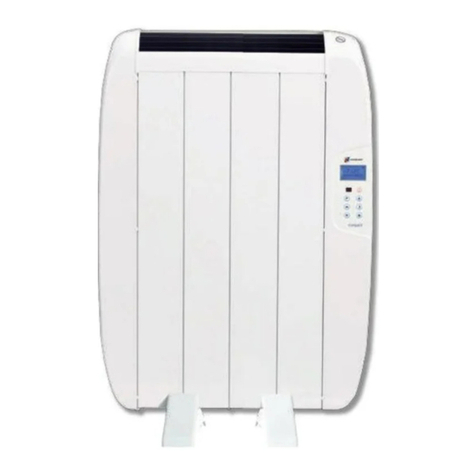
Haverland ECO-DRY GPS Series Parts list manual

Haverland

Haverland ECO-DRY GPS Series Parts list manual

Haverland HAT Parts list manual

Haverland

Haverland HAT Parts list manual

Haverland SIMPLY Parts list manual

Haverland

Haverland SIMPLY Parts list manual

Haverland RCWave+ ANTHRACITE Parts list manual

Haverland

Haverland RCWave+ ANTHRACITE Parts list manual

Haverland RCTT Manual

Haverland

Haverland RCTT Manual

Haverland WOW User manual

Haverland

Haverland WOW User manual

Haverland RCTT Manual

Haverland

Haverland RCTT Manual

Haverland RCTT 2018 Version User manual

Haverland

Haverland RCTT 2018 Version User manual

Haverland TE-700I User manual

Haverland

Haverland TE-700I User manual

Haverland RC 4 A Manual

Haverland

Haverland RC 4 A Manual

Haverland DENVER 22 Parts list manual

Haverland

Haverland DENVER 22 Parts list manual

Haverland TTi Parts list manual

Haverland

Haverland TTi Parts list manual

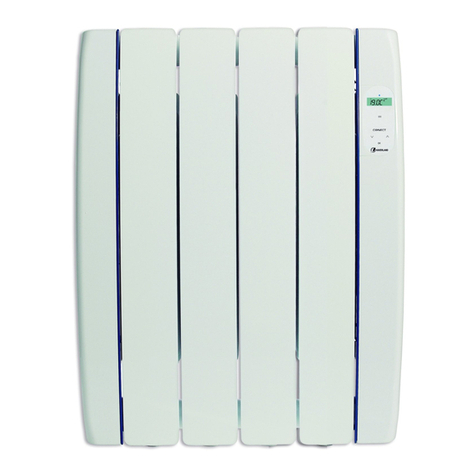
Haverland ECODRY-GPS Operating instructions
Haverland

Haverland ECODRY-GPS Operating instructions

Haverland RCTTConnect Parts list manual

Haverland

Haverland RCTTConnect Parts list manual

Haverland RC3W Parts list manual

Haverland

Haverland RC3W Parts list manual

Haverland RCES LCD Parts list manual

Haverland

Haverland RCES LCD Parts list manual
Popular Heater manuals by other brands
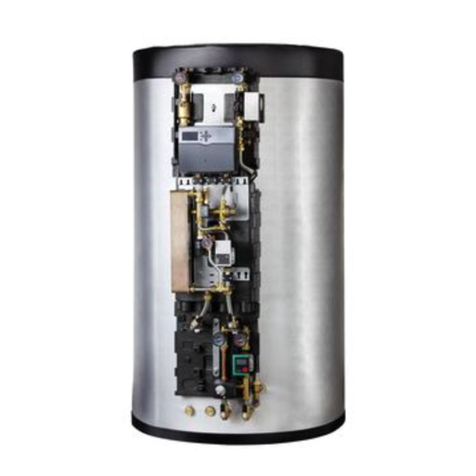
oventrop Regucor Series quick start guide

oventrop

oventrop Regucor Series quick start guide

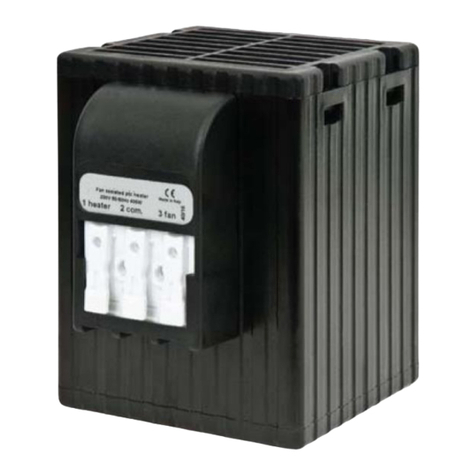
Blaze King CLARITY CL2118.IPI.1 Operation & installation manual
Blaze King

Blaze King CLARITY CL2118.IPI.1 Operation & installation manual

ELMEKO ML 150 Installation and operating manual
ELMEKO

ELMEKO ML 150 Installation and operating manual

BN Thermic 830T instructions

BN Thermic

BN Thermic 830T instructions
KING K Series Installation, operation & maintenance instructions

KING

KING K Series Installation, operation & maintenance instructions

Empire Comfort Systems RH-50-5 Installation instructions and owner's manual

Empire Comfort Systems

Empire Comfort Systems RH-50-5 Installation instructions and owner's manual
Well Straler RC-16B user guide

Well Straler

Well Straler RC-16B user guide

EUROM 333299 instruction manual

EUROM

EUROM 333299 instruction manual

Heylo K 170 operating instructions

Heylo

Heylo K 170 operating instructions
Eterna TR70W installation instructions
Eterna

Eterna TR70W installation instructions

Clarke GRH15 Operation & maintenance instructions
Clarke

Clarke GRH15 Operation & maintenance instructions

Empire Heating Systems WCC65 Installation and owner's instructions

Empire Heating Systems

Empire Heating Systems WCC65 Installation and owner's instructions
Wetekom 92 86 43 Original instructions

Wetekom

Wetekom 92 86 43 Original instructions

Desa SPC170-F owner's manual

Desa

Desa SPC170-F owner's manual

Watlow Watrod Electric Tubular Heaters Specifications

Watlow

Watlow Watrod Electric Tubular Heaters Specifications

Stelpro ASILVC2060 Series user guide

Stelpro

Stelpro ASILVC2060 Series user guide

iLO IHP2424 User and installation manual

iLO

iLO IHP2424 User and installation manual

SUNWIND ZSG101 user manual

SUNWIND

SUNWIND ZSG101 user manual

manuals.online logo
manuals.online logoBrands
  • About & Mission
  • Contact us
  • Privacy Policy
  • Terms and Conditions

Copyright 2025 Manuals.Online. All Rights Reserved.

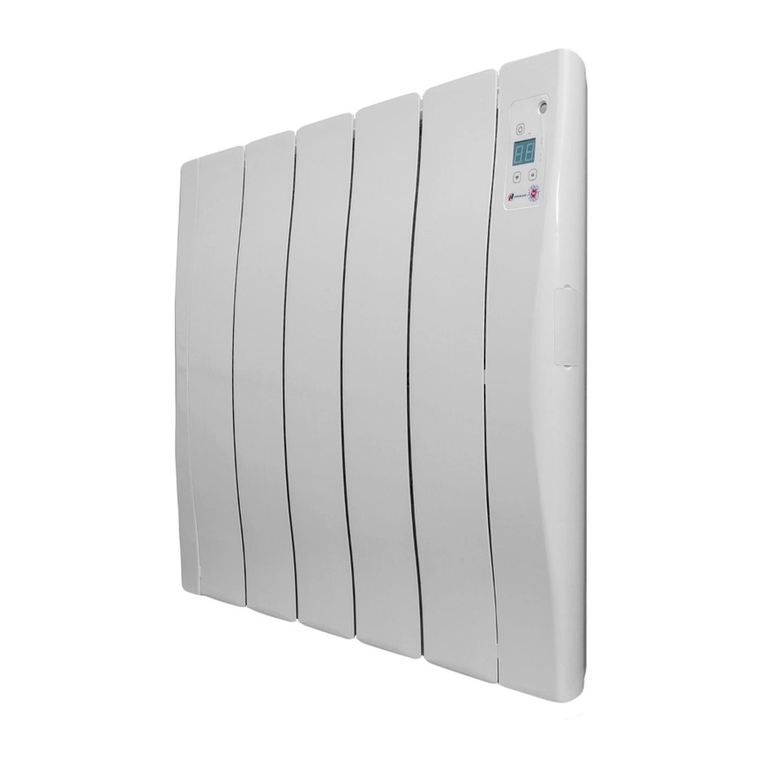
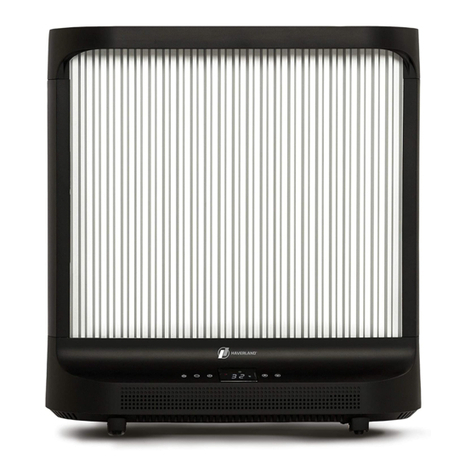
HAVERLAND RC WAVE
QUICK START GUIDE0330 300 4444
Follow the link at the end of this guide to access the full manual online.
Manual includes full installation and programming instructions, warranty details, safety guidance
and advanced settings.
SCAN ME FOR FULL
MANUAL
Follow the link at the end of this guide to access the full manual online.
Manual includes full installation and programming instructions, warranty details, safety
guidance and advanced settings.
https://www.electricradiatorsdirect.co.uk/media/pdf/RC-Wave-Manual-2020.pdf
INSTALLATION SET DAY & TIME SETTING A PROGRAM
• Fix firmly to a solid and levelled wall.
• Check socket is within reaching distance.
• Unit must not be mounted within 15cm of any object - including adjacent walls.
• DO NOT COVER
• NOT FOR USE IN BATHROOMS
• SEE MANUAL FOR FULL SAFETY DETAILS
!
SAFETY
INITIAL SETUP
To reach clock screen, Press until
you see the frost screen:
Hold down for 5 seconds.
Press once more.
Use and to set the weekday. Press .
Use and to set the hours. Press .
Use and to set the minutes. Press .
CHOOSING A MODE
Press to toggle between frost and heating modes.
Frost: On frost, the radiator will only heat
if the temperature drops below
7 °C. This is the mode to use if
you’re going away and want a minimal level
of heat to prevent your pipes freezing.
Press to toggle between the 3 heating modes:
Economy is always at least 3 degrees lower
than comfort.
On program mode the radiator heats as per
your set program, using the temperatures
you set for comfort and economy.
Comfort and Economy are constant heat modes.
Use and to set the temperature.
Heating Modes:
Comfort Economy Program
KEYPAD LOCK
If the keypad is not responding, it may be
locked.
Hold down and for 3 seconds to
lock or unlock.
Press until you see the frost screen.
Hold down for 5 seconds.
Programs are set by assigning a heating mode
(comfort, economy or frost) to each hour of each
day of the week.
The program starts at midnight on Monday.
Use to choose the mode for this hour:
comfort, economy or frost.
Repeat this process for every hour of every day of
the week.
If you make a mistake, you can’t go backwards, but it’s
easy to start over and skip back to where you were. Your
programming so far will be saved.
Press twice.
Hold down for 5 seconds.
Use to skip back to where you were.
When the program is set, the controller will move
to the time setting screen. Follow the steps above
to set or press to skip.
You can then move to the next hour using the
or buttons:
Moves to the next hour without making
changes
Use this if the next hour will be a dierent mode
Copies the current mode to the next hour
Use this if the next hour will be the same mode
day of the week
time
frost
frosteconomycomfort
comfort
economy
BABY CARE FUNCTION - OPTIONAL
Hold down and to activate baby care function. BABY CARE and ON will
flash on the keypad. Repeat to de-activate. BABY CARE and OFF will display.
When baby care is activated, the radiator will operate at approximately half the
wattage, keeping the surface at a lower temperature. Be aware that the radiator
will heat up slower and may be less effective at getting rooms to temperature
when this mode is engaged.
Plug in to a 13 Amp
socket.