5
――――――――――――――――――――――――――――――――――――――――――――――――――――――――
Recording the Surge Current Waveform when Power is Supplied
――――――――――――――――――――――――――――――――――――――――――――――――――――――――
Recording the Surge Current Waveform when Power is
Su
lied
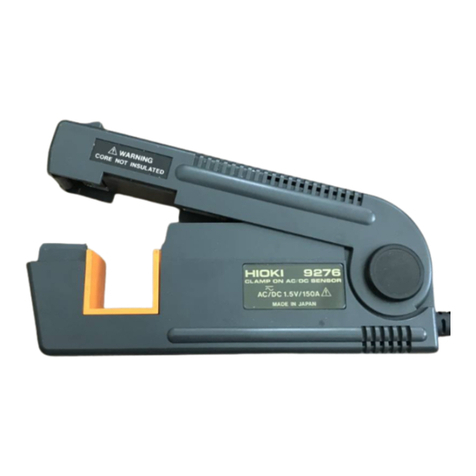
9418-15 AC ADAPTER 9010-10 CLAMP ON PROBE
カード
DMM
Measurement
mode
Selection Move the cursor
Starting a measurement
Clamp the clamp-on sensor to the power line
you want to measure.
Press the [START] key to start the measurement.
Turn on the power of the line you want to measure.
When the trigger activates, the current waveform
appears on the waveform display screen.
After the waveform equal to the recording length is captured, the
state returns to "wait for trigger".
To stop the measurement, press the [STOP] key.
After the measurement stops, the current waveform last
captured appears on the screen.
2.5 A
Trigger activates when the current
exceeds 2.5 A.
Because the recording length is
set to "20 DIV" and the pre-
trigger is 50%, 10 DIV of
waveform before and after the
trigger point are captured. For
details on pre-trigger, see page
16.
20 A
To record the waveform of the surge current, set the measurement mode to "Waveform". For
the time axis setting, "2ms" would be quite satisfactory. Set the recording length to "20 DIV".
In the case of current waveform, after selecting "clamp sensor" as the input mode, select the
range of the clamp. In this example, "9010" and "20A" are selected. Set the clamp sensor also
to this range.
Set the trigger to "LVL", and then configure the trigger level. If you set the level to "2.500A" and
"", when the current exceeds 2.5 A the trigger activates and then the waveform is captured.
To see the waveform before the trigger point, try to set the trigger to "50%". Until the trigger
activates, the state remains as "wait for trigger".