Place the �n on the gears
Your sta�ons is being updated
Do you want to update firmware?
EARTH FUSE F1.25 A
USE ONLY WITH A 250 V FUSE
EARTH FUSE F1.25 A
Place the �n on the gears
Your sta�ons is being updated
Do you want to update firmware?
EARTH FUSE F1.25 A
USE ONLY WITH A 250 V FUSE
EARTH FUSE F1.25 A
Place the �n on the gears
Your sta�ons is being updated
Do you want to update firmware?
EARTH FUSE F1.25 A
USE ONLY WITH A 250 V FUSE
EARTH FUSE F1.25 A
Place the �n on the gears
Your sta�ons is being updated
Do you want to update firmware?
EARTH FUSE F1.25 A
USE ONLY WITH A 250 V FUSE
EARTH FUSE F1.25 A
Place the �n on the gears
Your sta�ons is being updated
Do you want to update firmware?
EARTH FUSE F1.25 A
USE ONLY WITH A 250 V FUSE
EARTH FUSE F1.25 A
1
2
Inlet
Nozzle
Wire
Guidance
Solder Wire Loading
Pass the solder wire through the wire guidance
and introduce the solder wire into the inlet nozzle
(1) until it reaches the wheels (2).
Make sure the wire passes through the
intermediate nozzle (3) and enters the guide
tube (4).
Guide
Tube
Wheels
Intermediate
Nozzle
4 3
Acces to Main Menu by pressing , select “Feeder settings” (1) and then “Wire diameter” (2) to
adjust the value to the current solder wire diameter.
1
2
Select “Tin reload process” and then use to
feed the solder wire and advance until it comes
out of the outlet nozzle.
If needed, carefully push the wire until it gets
locked in between the rotating wheels for the
wire to start moving forward. Keep pressed
and after a while, the wire will advance faster.
Main Menu Screen
Wire
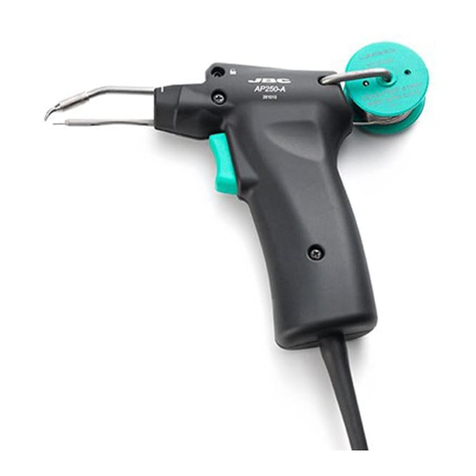
AP250
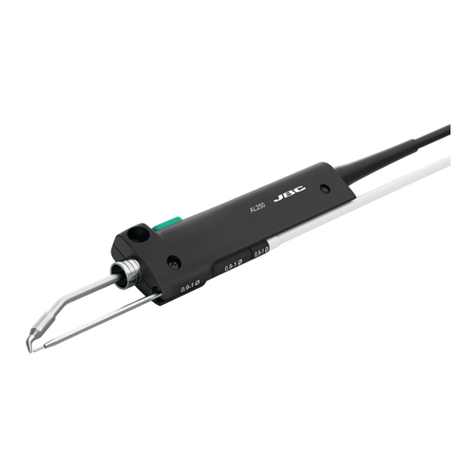
AL250
AL250
SF280
SF250
ALE250
Solder Wire Dragging Button
Forward the solder wire by pushing the dragging button (1) until the wire comes out of the tip (2).
1
2
Solder Wire Feeding
Alternatively, solder wire can also be fed using
the pedal P405. The pedal should be plugged
in at the rear of the feeder control unit into the
pedal connector.
Place the �n on the gears
Your sta�ons is being updated
Do you want to update firmware?
EARTH FUSE F1.25 A
USE ONLY WITH A 250 V FUSE
EARTH FUSE F1.25 A
Place the �n on the gears
Your sta�ons is being updated
Do you want to update firmware?
EARTH FUSE F1.25 A
USE ONLYWITH A 250 V FUSE
EARTH FUSE F1.25 A
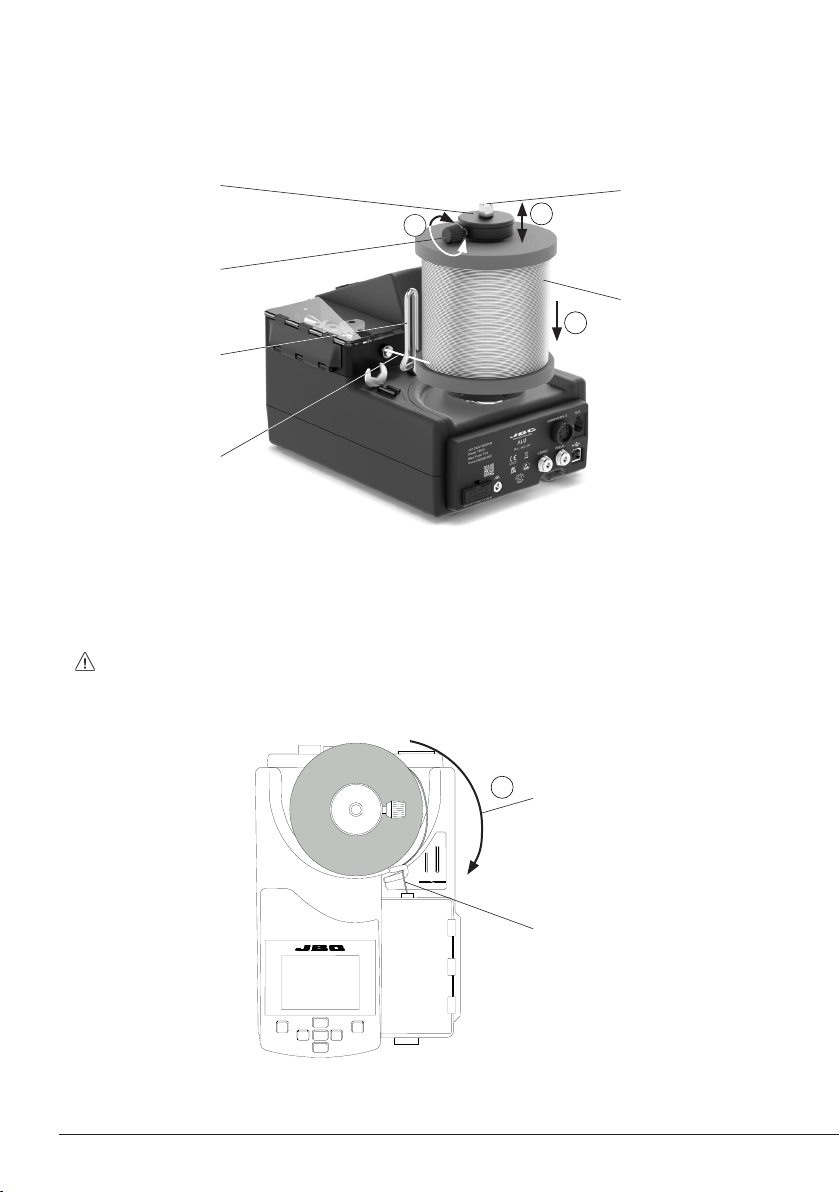
Inlet Nozzle
Wire Guidance
1
Solder Wire
Wire Winding Direction
Solder Wire Unloading
With Solder Wire Perforation
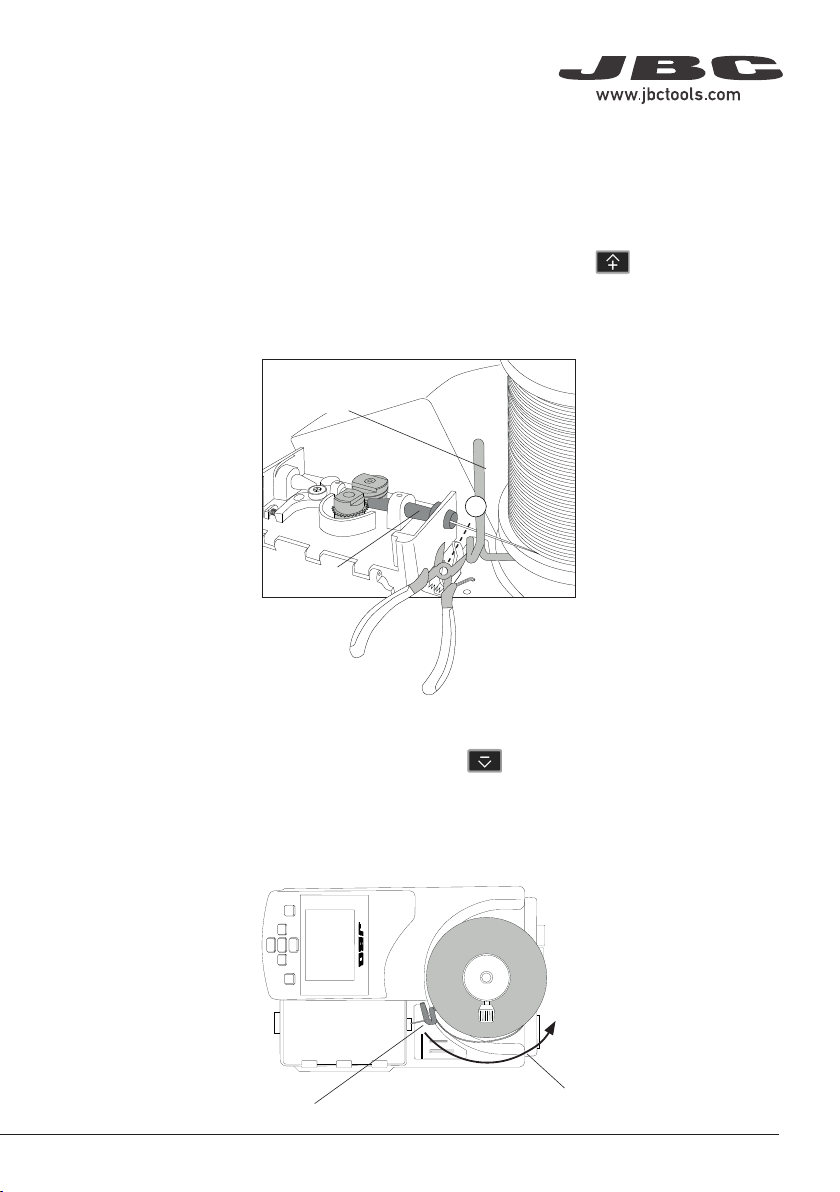
To unload solder wire with perforation that has already passed through the guide tube, cut the wire
between the wire guidance and the inlet nozzle (1).
To extract the wire out of the tube, hold the tool on your hand and press until the wire stops
moving forward.
Grasp the wire coming out of the outlet nozzle with a pliers and pull from it until it is completely out.
Without Solder Wire Perforation
When using a kit without solder wire perforation, press until the wire is completely wound to
unload the solder wire. It is best to rotate the reel by hand as the wire is being pulled back in order
to keep it neatly arranged on the reel.
Or, If preferred, proceed as described before for perforated solder wire unloading.
9
40 mm
50 mm
60 mm
80 mm
100 mm
130 mm 130 mm
para manuales - color gris
200 mm
300 mm