EnglishDeutsch
 logo
Brands
  1. Home
  2. •
  3. Brands
  4. •
  5. M-system
  6. •
  7. Security System
  8. •
  9. M-system M8SED User manual

M-system M8SED User manual

Other M-system Security System manuals
M-system ASL User manual

M-system

M-system ASL User manual

M-system 10AS User manual

M-system

M-system 10AS User manual

M-system AS User manual

M-system

M-system AS User manual

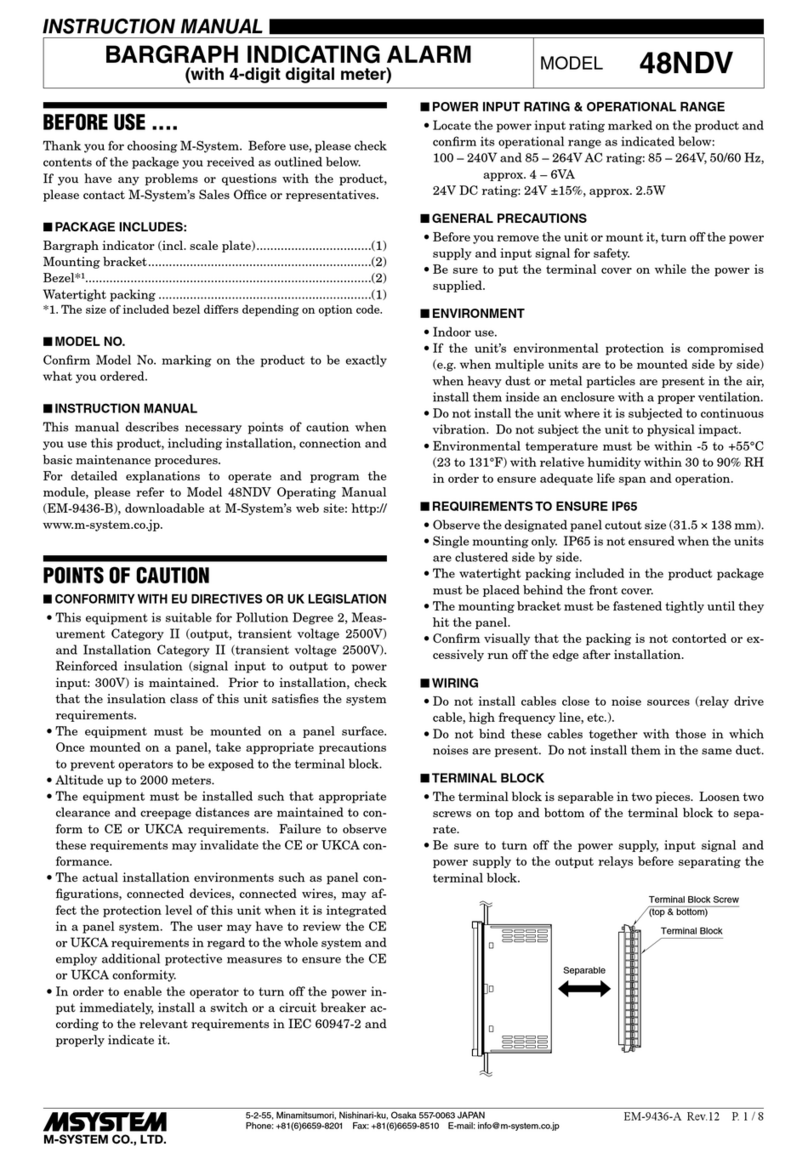
M-system 48NDV User manual

M-system

M-system 48NDV User manual

M-system M1EAXV-2 User manual

M-system

M-system M1EAXV-2 User manual

M-system 48NAM User manual

M-system

M-system 48NAM User manual

M-system 48NDVD User manual

M-system

M-system 48NDVD User manual

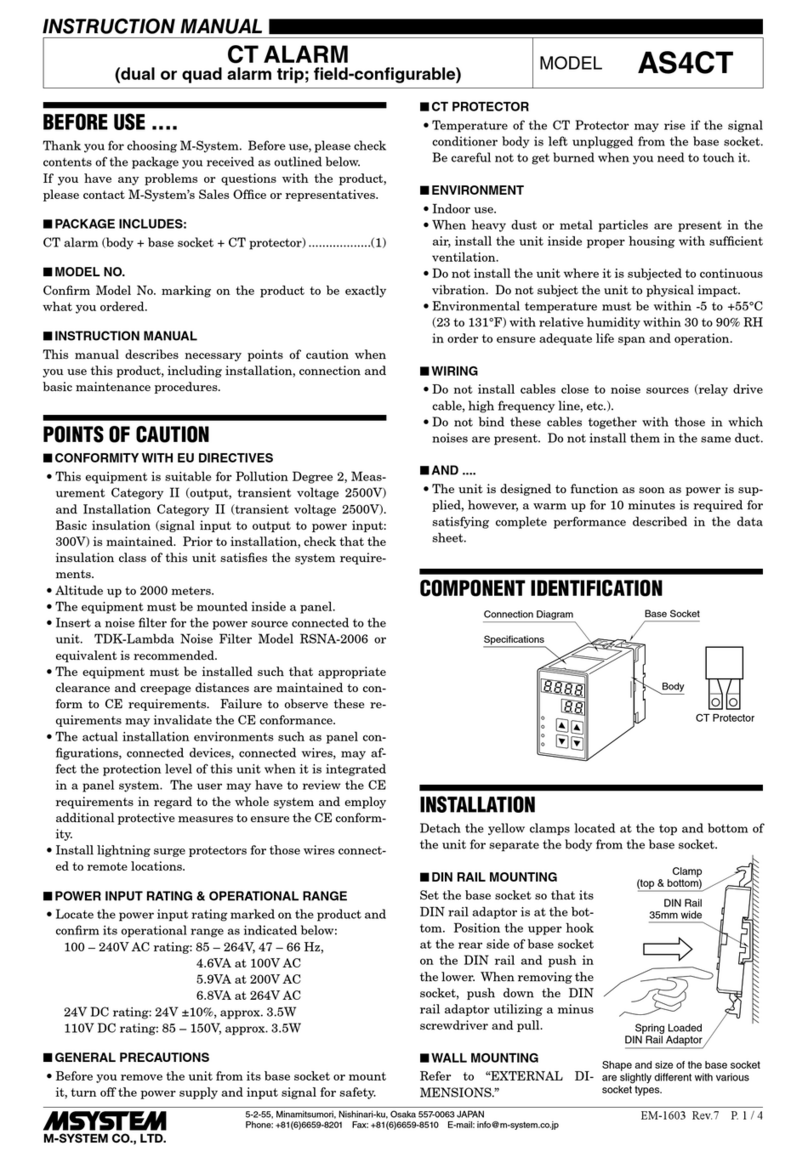
M-system AS4CT User manual

M-system

M-system AS4CT User manual

M-system AYDV User manual

M-system

M-system AYDV User manual

M-system AS4LC User manual

M-system

M-system AS4LC User manual

M-system KSE-x2 User manual

M-system

M-system KSE-x2 User manual

M-system AS4T User manual

M-system

M-system AS4T User manual

M-system KSE-1 User manual

M-system

M-system KSE-1 User manual

M-system AS4V User manual

M-system

M-system AS4V User manual

M-system KSL-x5 User manual

M-system

M-system KSL-x5 User manual

M-system KSL2 User manual

M-system

M-system KSL2 User manual
M-system 48NAT User manual

M-system

M-system 48NAT User manual

M-system 48NDT User manual

M-system

M-system 48NDT User manual

M-system 48NDVA User manual

M-system

M-system 48NDVA User manual

M-system AYDV User manual

M-system

M-system AYDV User manual

M-system 48NDM User manual

M-system

M-system 48NDM User manual

M-system AS4CT User manual

M-system

M-system AS4CT User manual
M-system AS4V User manual

M-system

M-system AS4V User manual
M-system Mini-M M2SED User manual

M-system

M-system Mini-M M2SED User manual
Popular Security System manuals by other brands

Inner Range Concept 2000 user manual

Inner Range

Inner Range Concept 2000 user manual

Climax Mobile Lite R32 Installer's guide

Climax

Climax Mobile Lite R32 Installer's guide

FBII XL-31 Series installation instructions

FBII

FBII XL-31 Series installation instructions

Johnson Controls PENN Connected PC10 Install and Commissioning Guide

Johnson Controls

Johnson Controls PENN Connected PC10 Install and Commissioning Guide

Aeotec Siren Gen5 quick start guide

Aeotec

Aeotec Siren Gen5 quick start guide

IDEAL Accenta Engineering information

IDEAL

IDEAL Accenta Engineering information

Swann SW-P-MC2 Specifications

Swann

Swann SW-P-MC2 Specifications

Ecolink Siren+Chime user manual

Ecolink

Ecolink Siren+Chime user manual

Digital Monitoring Products XR150 user guide

Digital Monitoring Products

Digital Monitoring Products XR150 user guide

EDM Solution 6+6 Wireless-AE installation manual

EDM

EDM Solution 6+6 Wireless-AE installation manual

Siren LED GSM operating manual

Siren

Siren LED GSM operating manual

Detection Systems 7090i Installation and programming manual

Detection Systems

Detection Systems 7090i Installation and programming manual

Se-Kure Controls MicroMini SK-4841 instructions

Se-Kure Controls

Se-Kure Controls MicroMini SK-4841 instructions

Siemens FDM273 manual

Siemens

Siemens FDM273 manual

DSC PC 4010 Programming manual

DSC

DSC PC 4010 Programming manual

UniPOS 6202L quick start guide

UniPOS

UniPOS 6202L quick start guide

AJAX DoubleButton user manual

AJAX

AJAX DoubleButton user manual

Rondish Nexus User instructions

Rondish

Rondish Nexus User instructions

https://manuals.online logo
https://manuals.online logoBrands
  • About & Mission
  • Contact us
  • Privacy Policy
  • Terms and Conditions

Copyright 2026 Manuals.Online. All Rights Reserved.

BEFORE USE ....
Thank you for choosing M-System. Before use, please check
contents of the package you received as outlined below.
If you have any problems or questions with the product,
please contact M-System’s Sales Office or representatives.
■PACKAGE INCLUDES:
Signal conditioner ...............................................................(1)
■MODEL NO.
Confirm Model No. marking on the product to be exactly
what you ordered.
■INSTRUCTION MANUAL
This manual describes necessary points of caution when
you use this product, including installation, connection and
basic maintenance procedures.
POINTS OF CAUTION
■POWER INPUT RATING & OPERATIONAL RANGE
• Locate the power input rating marked on the product and
confirm its operational range as indicated below:
24V DC rating: 24V ±10%, approx. 60mA
■GENERAL PRECAUTIONS
• Before you remove the unit or mount it, turn off the power
supply and input signal for safety.
■ENVIRONMENT
• Indoor use.
• When heavy dust or metal particles are present in the
air, install the unit inside proper housing with sufficient
ventilation.
• Do not install the unit where it is subjected to continuous
vibration. Do not subject the unit to physical impact.
• Environmental temperature must be within 0 to 55°C (32
to 131°F) with relative humidity within 30 to 95% RH in
order to ensure adequate life span and operation.
• Be sure that the ventilation slits are not covered with ca-
bles, etc.
■WIRING
• Do not install cables close to noise sources (relay drive
cable, high frequency line, etc.).
• Do not bind these cables together with those in which
noises are present. Do not install them in the same duct.
■AND ....
• The unit is designed to function as soon as power is sup-
plied, however, a warm up for 10 minutes is required for
satisfying complete performance described in the data
sheet.
COMPONENT IDENTIFICATION
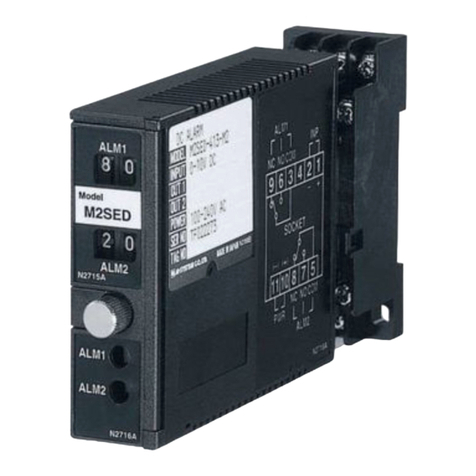
Output 1 Monitor LED
Output 1
Setpoint Adj.
Output 2
Setpoint Adj.
44
13
Output 2 Monitor LED
Mounting Screw
Body
Specifications
INSTALLATION
Use Installation Base (model: M8BSx).
DC ALARM
(thumbwheel switch adjustment) MODEL M8SED
5-2-55, Minamitsumori, Nishinari-ku, Osaka 557-0063 JAPAN
Phone: +81(6)6659-8201 Fax: +81(6)6659-8510 E-mail: info@m-system.co.jp
EM-5488 Rev.2 P. 1 / 2
INSTRUCTION MANUAL
TERMINAL CONNECTIONS
Connect the unit as in the diagram below.
■EXTERNAL DIMENSIONS unit: mm (inch)
I/O PINS
17.5 (.69)
48 (1.89)
75 (2.95)
83 (3.27)
■CONNECTION DIAGRAM
Installation Base
OUTPUT 1
6
7
8
9
10
11
+
–
OUTPUT 2
1
2
A
B
POWER
+
–
INPUT
CHECKING
1) Terminal wiring: Check that all cables are correctly con-
nected according to the connection diagram.
2) Power input: Check the power input voltage.
3) Input: Check that the input signal is within 0 – 100% of
the full-scale.
4) Check that the output load is 125V AC/25VA or 60V
DC/15W at the maximum. For maximum relay life with
inductive loads, external protection is recommended.
When used with a multi-channel installation base (e.g.
M8BS-16), the ratings derated as following.
Terminal block type: 125V AC @ 0.2A, 30V DC @ 0.25A
Cable connector type: 24V AC @ 50mA, 24V DC @ 50mA
ALARM TRIP OPERATION
TRIP
ACTION
OUT
CODE
POWERED UNPOWERED
INP < SET INP > SET
OUT
1
Hi 1 OFF ON OFF
Hi 2 ON OFF ON
OUT
2
Lo 1 ON OFF OFF
Lo 2 OFF ON ON
ADJUSTMENT PROCEDURE
Turn the front thumbwheel SW to indicate desired set-
points in %.
Output 1 is for high trip, while Output 2 is for low.
Monitor LED turn ON when the coil is energized; Output 1
coil is energized when the input is above the setpoint, while
Output 2 coil is when the input is below the setpoint.
Relay contact turns ON when the coil is energized with Out-
put Code 1, de-energized with Output Code 2.
MAINTENANCE
Regular calibration procedure is explained below:
■CALIBRATION
Warm up the unit for at least 10 minutes.
• Hi Setpoint
Increase the input signal from a value lower than the set-
point and check that the relay trips at the setpoint.
• Lo Setpoint
Decrease the input signal from a value higher than the
setpoint and check that the relay trips at the setpoint.
When the trip points are shifted, please contact M-System’s
Sales Office or representatives.
LIGHTNING SURGE PROTECTION
M-System offers a series of lightning surge protector for
protection against induced lightning surges. Please contact
M-System to choose appropriate models.
M8SED
5-2-55, Minamitsumori, Nishinari-ku, Osaka 557-0063 JAPAN
Phone: +81(6)6659-8201 Fax: +81(6)6659-8510 E-mail: info@m-system.co.jp
EM-5488 Rev.2 P. 2 / 2