manuals.online logo
Brands
  1. Home
  2. •
  3. Brands
  4. •
  5. Migatronic
  6. •
  7. Welding System
  8. •
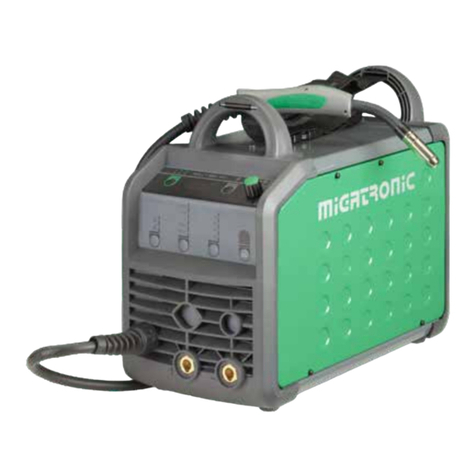
  9. Migatronic RALLY MIG 161i User manual

Migatronic RALLY MIG 161i User manual

Other manuals for RALLY MIG 161i

10

Other Migatronic Welding System manuals

Migatronic SIGMA2 300 STBOFF SHORE User manual

Migatronic

Migatronic SIGMA2 300 STBOFF SHORE User manual

Migatronic OMEGA2 BASIC II User manual

Migatronic

Migatronic OMEGA2 BASIC II User manual

Migatronic Focus Tig 200 AC/DC User manual

Migatronic

Migatronic Focus Tig 200 AC/DC User manual

Migatronic RALLY MIG 161i User manual

Migatronic

Migatronic RALLY MIG 161i User manual

Migatronic IWF User manual

Migatronic

Migatronic IWF User manual

Migatronic Automig 230 User manual

Migatronic

Migatronic Automig 230 User manual

Migatronic RALLY MIG 161i User manual

Migatronic

Migatronic RALLY MIG 161i User manual

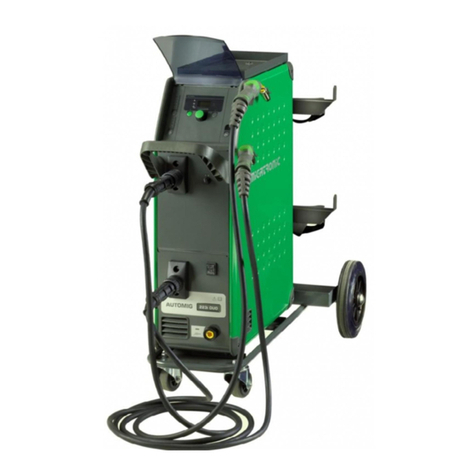
Migatronic AUTOMIG II User manual

Migatronic

Migatronic AUTOMIG II User manual

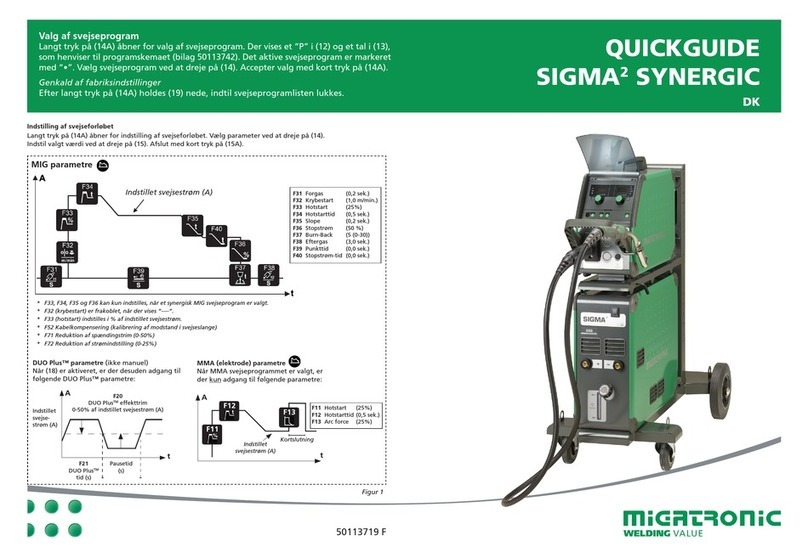
Migatronic SIGMA2 SYNERGIC User manual

Migatronic

Migatronic SIGMA2 SYNERGIC User manual

Migatronic RALLY MIG 161i Operating manual

Migatronic

Migatronic RALLY MIG 161i Operating manual

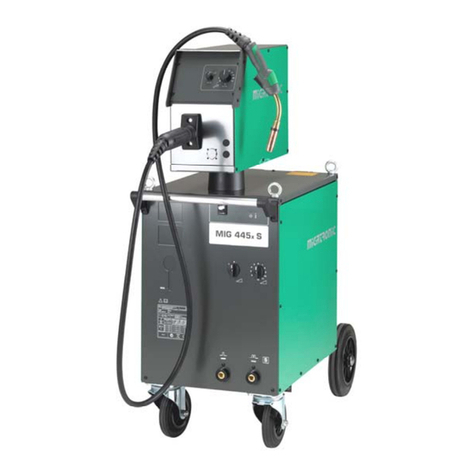
Migatronic MIG 305x User manual

Migatronic

Migatronic MIG 305x User manual

Migatronic automation CoWelder UR10E PI350 AC/DC Manual

Migatronic

Migatronic automation CoWelder UR10E PI350 AC/DC Manual

Migatronic Multimotive 220 User manual

Migatronic

Migatronic Multimotive 220 User manual

Migatronic DELTA 180 E PFC User manual

Migatronic

Migatronic DELTA 180 E PFC User manual

Migatronic AUTOMIG2 223i/273i User manual

Migatronic

Migatronic AUTOMIG2 223i/273i User manual

Migatronic SIGMA SELECT ROBO User manual

Migatronic

Migatronic SIGMA SELECT ROBO User manual

Migatronic FOCUS MIG User manual

Migatronic

Migatronic FOCUS MIG User manual

Migatronic OMEGA2 CoWelder 300 User manual

Migatronic

Migatronic OMEGA2 CoWelder 300 User manual

Migatronic MIG 335 MK II User manual

Migatronic

Migatronic MIG 335 MK II User manual

Migatronic SIGMA ONE 270 User manual

Migatronic

Migatronic SIGMA ONE 270 User manual

Migatronic AUTOMIG XE User manual

Migatronic

Migatronic AUTOMIG XE User manual

Migatronic PILOT 200 HP User manual

Migatronic

Migatronic PILOT 200 HP User manual

Migatronic FLEX2 3000 Compact User manual

Migatronic

Migatronic FLEX2 3000 Compact User manual

Migatronic PI 200 DC HP User manual

Migatronic

Migatronic PI 200 DC HP User manual

Popular Welding System manuals by other brands

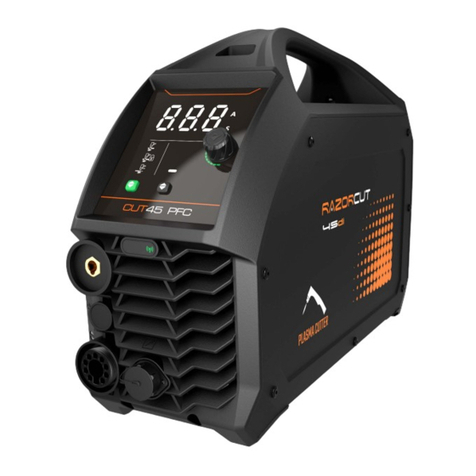
Razorweld RAZORCUT45 instruction manual

Razorweld

Razorweld RAZORCUT45 instruction manual

Lincoln Electric Fleet 500 Operator's manual

Lincoln Electric

Lincoln Electric Fleet 500 Operator's manual

Magmaweld ID 300T DC user manual

Magmaweld

Magmaweld ID 300T DC user manual

Sealey POWERMIG Series instructions

Sealey

Sealey POWERMIG Series instructions

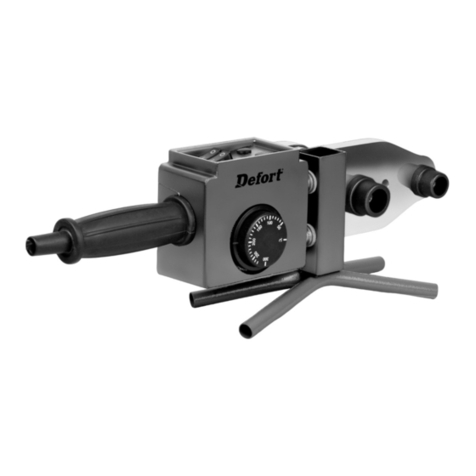
Defort 98291254 user manual

Defort

Defort 98291254 user manual

Hobart Welding Products AirForce 375 owner's manual

Hobart Welding Products

Hobart Welding Products AirForce 375 owner's manual

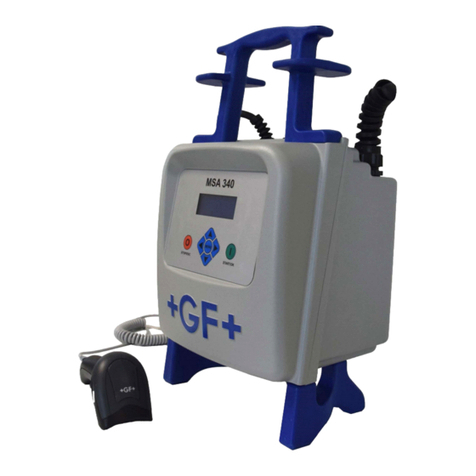
GF MSA 330 instruction manual

GF

GF MSA 330 instruction manual

Hakko Electronics FX-888D instruction manual

Hakko Electronics

Hakko Electronics FX-888D instruction manual

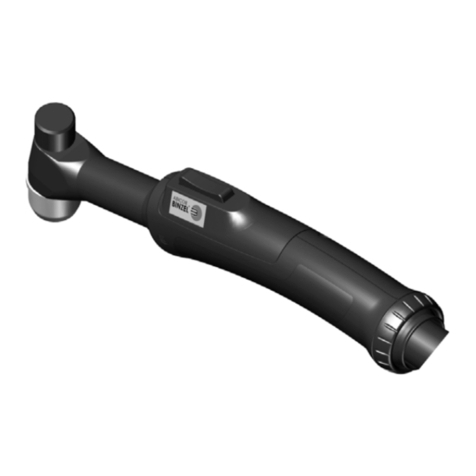
Abicor Binzel ABIPLAS WELD 100 W operating instructions

Abicor Binzel

Abicor Binzel ABIPLAS WELD 100 W operating instructions

EWM Taurus 355 Basic TDM operating instructions

EWM

EWM Taurus 355 Basic TDM operating instructions

Thermal Dynamics PakMaster 100 XL plus operating manual

Thermal Dynamics

Thermal Dynamics PakMaster 100 XL plus operating manual

Berner PLASMACUT 54 instruction manual

Berner

Berner PLASMACUT 54 instruction manual

Pro Spot PR-155 Assembly instructions

Pro Spot

Pro Spot PR-155 Assembly instructions

Forney 210 operating manual

Forney

Forney 210 operating manual

Thermal Arc 400S operating manual

Thermal Arc

Thermal Arc 400S operating manual

Lincoln Electric HANDYMIG 170I Operator's manual

Lincoln Electric

Lincoln Electric HANDYMIG 170I Operator's manual

GYS PROTIG 201 AC/DC Original instructions

GYS

GYS PROTIG 201 AC/DC Original instructions

TECNA 4660N Installation and use manual

TECNA

TECNA 4660N Installation and use manual

manuals.online logo
manuals.online logoBrands
  • About & Mission
  • Contact us
  • Privacy Policy
  • Terms and Conditions

Copyright 2025 Manuals.Online. All Rights Reserved.

QUICKGUIDE RALLY MIG 161i
UK
50113775 D
RALLY MIG 161i - Factory setting
Setting possibilities Area Step Factory setting Unit
2T
Primary parameters:
1 Welding current Area depends on
program
1 Depending on
program
A
Wire feed speed 0.1 m/min
Thickness of material 0.1 mm
2 Arc length -9.9 – +9.9 0.1 0.0 V
Secondary parameters:
1 Hotstart (MMA/TIG) 0 - 100 1 25 %
3 Arc power (MMA/TIG) 0 - 150 1 25 %
TIG process (TIG) ON/OFF OFF
1 Arc Adjust (MIG) -5.0 – +5.0 0.1 0.0 -
6 Burnback (MIG) 1 – 30 1 5 ms
Note: Fe programs with reversed polarity are recommended
for Innershield wires
Programs
No. Wire Material Gas
P106 Ø 0.6 mm Fe SG2 CO2
P101 Ø 0.8 mm Fe SG2 CO2
P109 Ø 0.9 mm Fe SG2 CO2
P102 Ø 1.0 mm Fe SG2 CO2
P116 Ø 0.6 mm Fe SG2 ArCO2(82/18)
P111 Ø 0.8 mm Fe SG2 ArCO2(82/18)
P119 Ø 0.9 mm Fe SG2 ArCO2(82/18)
P112 Ø 1.0 mm Fe SG2 ArCO2(82/18)
P201 Ø 0.8 mm CrNi ER 316 LSI ArCO2(98/2)
P209 Ø 0.9 mm CrNi ER 316 LSI ArCO2(98/2)
P202 Ø 1.0 mm CrNi ER 316 LSI ArCO2(98/2)
P311 Ø 0.8 mm AlMg5 ER5356 Ar
P319 Ø 0.9 mm AlMg5 ER5356 Ar
P312 Ø 1.0 mm AlMg ER5356/ER5554 Ar (100)
P359 Ø 0.9 mm AlSi5 ER4043 Ar (100)
P352 Ø 1.0 mm AlSi5 ER4043 Ar
P369 Ø 0.9 mm AlMg3Mn ER5554 Ar (100)
P372 Ø 1.0 mm AlSi12 ER4047 Ar (100)
P501 Ø 0.8 mm CuAl8 Brazing ArCO2(98/2)
P509 Ø 0.9 mm CuAl8 Brazing ArCO2(98/2)
P502 Ø 1.0 mm CuAl8 Brazing ArCO2(98/2)
P561 Ø 0.8 mm CuSi3 Brazing ArCO2(98/2)
P569 Ø 0.9 mm CuSi3 Brazing Ar (100)
P562 Ø 1.0 mm CuSi3 Brazing ArCO2(98/2)
Arc adjust (electronic choke)
1
Set welding current (A)
Burnback
MIG parameters
Set welding
current (A)
Hotstart
Arc
power
Short circuit
MMA parameters
TIG
welding
QUICKGUIDE RALLY MIG 161i
UK
Selection of AlMg/AlSi programs:
1. Select material the material type “Al”
2. Select material type 0.9 or 1.0mm
3. Keep the material key pressed for 5sec
until the “Al” LED is switched off as
indication of entrance to set-up mode.
The display shows
319 (0.9 mm AlMg ER5356),
359 (0.9 mm AlSi5 ER4043) or
369 (0.9 mm AlMg3Mn ER5554)
if 0.9 mm wire has been selected, or
312 (1.0 mm AlMg ER5356/ER5554),
352 (1.0 mm AlSi5 ER4043) or
372 (1.0 mm AlSi12 ER4047)
if 1.0mm wire has been selected.
4. Turn the control knob back and forth
until the correct program is displayed.
5. The program is selected by one more
press on the material key knob, and the
machine will return to normal mode.
Selection of CuAl/CuSi programs:
1. Select material the material type “Cu”
2. Select material type 0.8, 0.9 or 1.0mm
3. Keep the material key pressed for 5sec
until the “Cu” LED is switched off as
indication of entrance to set-up mode.
The display shows
501 (0,8 mm CuAl8 Brazing) or
561 (0,8 mm Cusi3 Brazing)
if 0,8 mm wire has been selected, or
509 (0,9 mm CuAl8 Brazing) or
569 (0,9 mm CuSi3 Brazing)
if 0,9 mm wire has been selected, or
502 (1,0 mm CuAl8 Brazing) or
562 (1,0 mm CuSi3 Brazing)
if 1,0 mm wire has been selected.
1 Selecting welding process MIG/MMA
Selecting welding process TIG under
secondary MMA parameters.
2 Selecting type of material
Press the key until the LED is lit at the
relevant material.
3 Selecting wire diameter
Press the key until the LED is lit at the
relevant wire diameter.
7 Secondary parameters
Press the key until the desired parameter is
shown on the display.
Press key 4briefly to finish.
AWelding voltage
B Warning – overheating
RALLY MIG 161i CONTROL PANEL
I. Switch on the machine select process
II. Select type of material and
wire diameter
III. Set one of the following parameters:
welding current, wire feed speed or
thickness of material
IV. Trim the arc length, if required
5
B
1
A
4
2
6
3 7
4. Turn the control knob back and forth
until the correct program is displayed.
5. The program is selected by one more
press on the material key knob, and the
machine will return to normal mode.
Reset function
Press and hold the key for 5 seconds. Flashing

LED indicates that the relevant program is
reset to factory settings.
4 Primary parameters
Set one of the following interdependent
primary parameters at your own option:
welding current, wire feed speed or thickness
of material.
Inching
Wire inching starts by pressing the green key
pad and simultaneously triggering the torch
trigger. Wire inching continues even though
the green key pad has been released. It does
not stop until the torch trigger has been
released again
5 Arc length
The arc length can be adjusted as required.
Press the key under the symbol and turn the
control knob: plus (+) for a longer arc and
minus (-) for a shorter arc (-9.9 to +9.9).
6 Control knob
Adjustment of welding current, wire feed
speed, thickness of material or arc length.
Inching speed is adjustable during wire
inching. If the key for secondary parameters
is active, it is possible to trim the secondary
parameters.