8
Warning:
For safety reason, please use only the same size of fixing or mounting screw which are recommended in this
instruction manual.
Failure to install the screws or fixing device in accordance with these
Instruction may result in electrical hazards.
SLIDE CONTROL
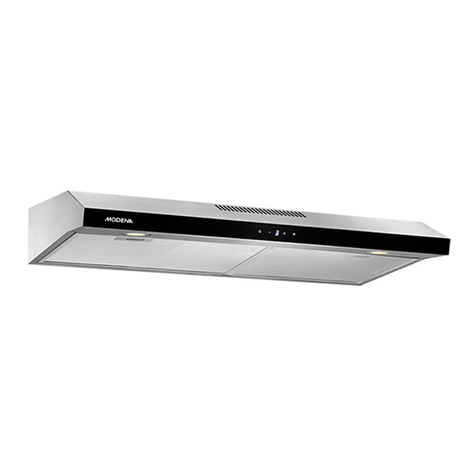
This control system consists of two parts, power panel and touch panel. Touch panel contains five function buttons
(Power, speed, light, timer, slide control).
Timer Light Slide Control Speed Power
Functional Operation
1. Power on, the hood will standby with backlight, backlight will be extinguished after 5 seconds without any
operation, for using the hood again, touch any key to wake up its standbymotion.
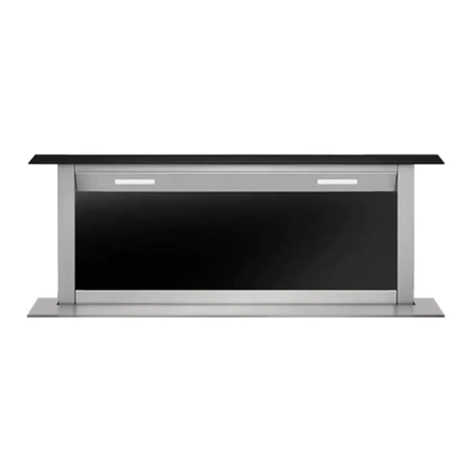
2. Touch the power button for 2 seconds, the hood will slide upwards, and works at the first speed.
Touch the power button for 2 seconds again, the hood will slide downwards, and stop working. If
you stop the hood, without stopping the motor, when you open the hood again, the hood will work at the
speed it works last time.
•Press the power button , when the hood is coming upwards or going downwards, the
hood will stop moving, with motor keeping running. Press the power button again, the
hood will moveagain.
3. Motor on/off and speed setting:
•Touchthe speed button , the motor will turn on; touch it again, it will turnoff.
•How to set the speed? Touch th is area , with your finger sliding on it.
When your finger stops at the first or second point, the motor will run at the lowest speed; when your
finger stops at the third or fourth point, the motor will run at the second speed; when your
finger stops at the fifth or sixth point, the motor will run at the third speed; when your finger
stops at the seventh or eighth point, the motor will run at the highest speed.