4.2 User Calibration
Each unit is calibrated in the factory before shipment. The user can still modify the calibrationin
the field.
There are two parameters: Offset Low (OFTL) and Offset High (OFTH) for adjustment tocorrect
an error in the process value.
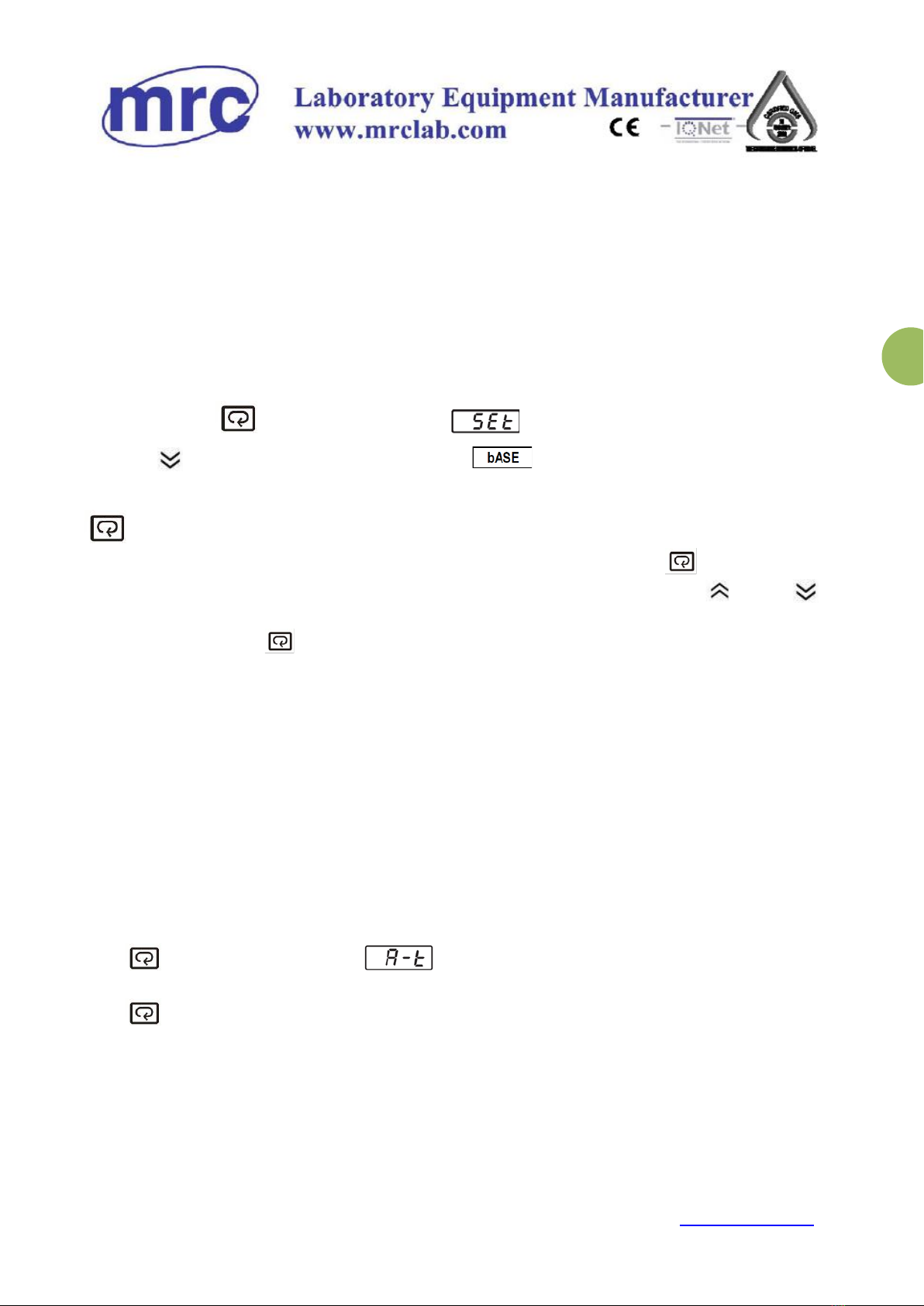
Press and hold the key until the setup Menu page is obtained.
Then, press key to scroll to the parameter.
Press key several times to scroll to the parameter OFTL to calibration low value. Send your
low signal to the sensor input of the controller, then press and releasethe key. If the process
value (the upper display) is different from the input signal, the user can use and to
change the OFTL value (the lower display) until the process value is equal to the value theuser
needs. Press and hold the key for 5 seconds to complete the low point calibration. A similar
procedure is applied for high scale calibration.
The two points OFTL and OFTH construct a straight line. For the purpose of accuracy, it isbest
to change the value same on the two points as possible.
4.3 Auto-Tuning
Instrument has been set the best PID value; we suggest executing auto-calculatingwhen
temperature is unstable. Enter auto-calculating:
Press and hold until appears on the display then release.
Press and hold at least 5 seconds. The TUNE indicator will begin to flash and
the auto-tuning procedure is beginning.
After the Auto-Tuning process is completed, the TUNE indicator will stop flashing andthe
unit will revert to PID control by using its new PID values. The PID values obtainedare
stored in nonvolatile memory.
Note: To enable auto-calculating the lock parameter should be set with 1000.