EnglishDeutsch
 logo
Brands
  1. Home
  2. •
  3. Brands
  4. •
  5. Parker
  6. •
  7. Measuring Instrument
  8. •
  9. Parker DPIT1 VS08MDC1 Series User manual

Parker DPIT1 VS08MDC1 Series User manual

This manual suits for next models

4

Other Parker Measuring Instrument manuals

Parker ServiceJunior SCJN Series User manual

Parker

Parker ServiceJunior SCJN Series User manual

Parker RK 11-1669 User manual

Parker

Parker RK 11-1669 User manual

Parker Service Master COMPACT User manual

Parker

Parker Service Master COMPACT User manual

Parker PFM1 Series User manual

Parker

Parker PFM1 Series User manual

Parker Porter F65 User manual

Parker

Parker Porter F65 User manual

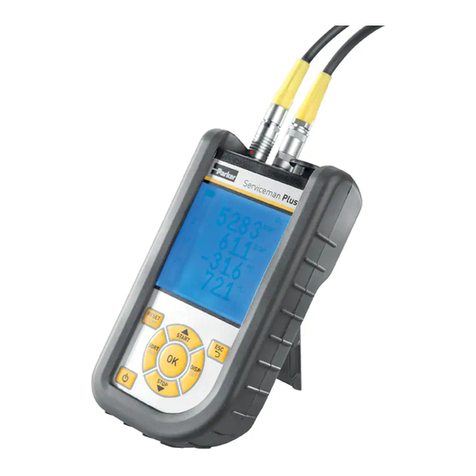
Parker Serviceman Plus User manual

Parker

Parker Serviceman Plus User manual

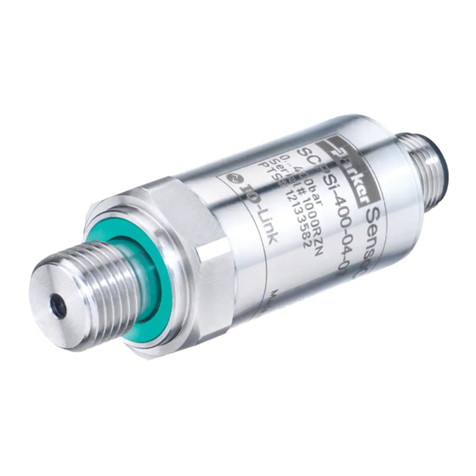
Parker SCPSi User manual

Parker

Parker SCPSi User manual

Parker C3000 Instruction Manual

Parker

Parker C3000 Instruction Manual

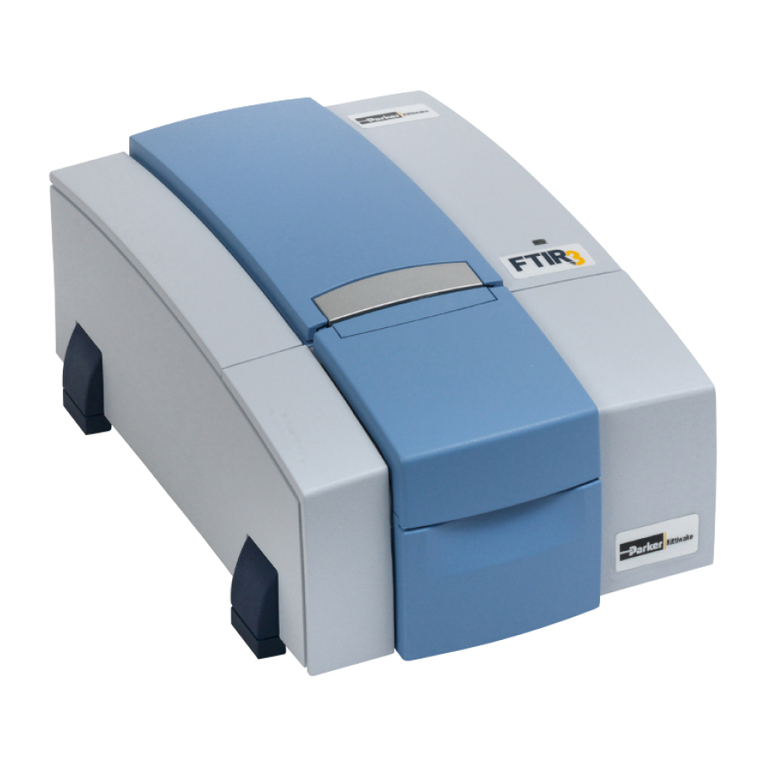
Parker FTIR3 User manual

Parker

Parker FTIR3 User manual

Parker icountBS Series User manual

Parker

Parker icountBS Series User manual

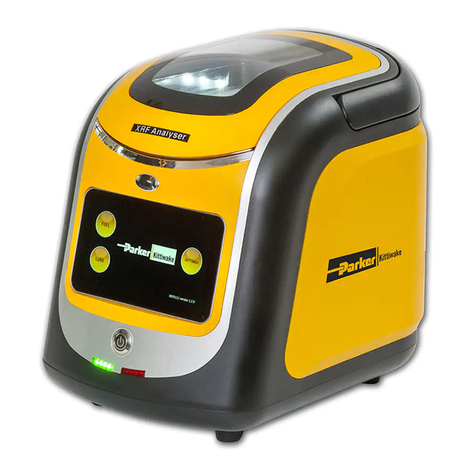
Parker XRF User manual

Parker

Parker XRF User manual

Parker icountACM202024 User manual

Parker

Parker icountACM202024 User manual

Parker SensoControl ServiceJunior Series User manual

Parker

Parker SensoControl ServiceJunior Series User manual

Parker Service Master CONNECT User manual

Parker

Parker Service Master CONNECT User manual

Parker BD15 Series Installation and maintenance instructions

Parker

Parker BD15 Series Installation and maintenance instructions

Parker SensoControl User manual

Parker

Parker SensoControl User manual

Parker PMS User manual

Parker

Parker PMS User manual

Parker SciLog SciTemp Guide

Parker

Parker SciLog SciTemp Guide

Parker OSP-P User manual

Parker

Parker OSP-P User manual

Parker Digital MXR-D 4065D User manual

Parker

Parker Digital MXR-D 4065D User manual

Parker icountOS User manual

Parker

Parker icountOS User manual

Parker DIGI+ User manual

Parker

Parker DIGI+ User manual

Parker SensoControl Serviceman SCM-150 Series User manual

Parker

Parker SensoControl Serviceman SCM-150 Series User manual

Parker 023-064 Series User manual

Parker

Parker 023-064 Series User manual

Popular Measuring Instrument manuals by other brands

Suaoki D40 user manual

Suaoki

Suaoki D40 user manual

Elster BK-G1.6 operating instructions

Elster

Elster BK-G1.6 operating instructions

Endress+Hauser Deltabar FMD71 technical information

Endress+Hauser

Endress+Hauser Deltabar FMD71 technical information

Duratool D03128 manual

Duratool

Duratool D03128 manual

Vega VEGAPULS 65 Quick setup guide

Vega

Vega VEGAPULS 65 Quick setup guide

Tonghui TH2618B Operation manual

Tonghui

Tonghui TH2618B Operation manual

Tenmars TM-801 user manual

Tenmars

Tenmars TM-801 user manual

MSR 145 user manual

MSR

MSR 145 user manual

TPS WP-82 manual

TPS

TPS WP-82 manual

PCB Piezotronics 003C30 Installation and operating manual

PCB Piezotronics

PCB Piezotronics 003C30 Installation and operating manual

Tenma 72-10465 manual

Tenma

Tenma 72-10465 manual

Endress+Hauser Proline Promag 50 Brief operating instructions

Endress+Hauser

Endress+Hauser Proline Promag 50 Brief operating instructions

Siemens SITRANS F Coriolis FCT030 Function manual

Siemens

Siemens SITRANS F Coriolis FCT030 Function manual

KLINGER CMF V Series instruction manual

KLINGER

KLINGER CMF V Series instruction manual

Keysight M8290A Getting started guide

Keysight

Keysight M8290A Getting started guide

Acterna MS1400 Operation manual

Acterna

Acterna MS1400 Operation manual

R&S ZPH manual

R&S

R&S ZPH manual

Datacolor ColorReader DC10-2 user guide

Datacolor

Datacolor ColorReader DC10-2 user guide

https://manuals.online logo
https://manuals.online logoBrands
  • About & Mission
  • Contact us
  • Privacy Policy
  • Terms and Conditions

Copyright 2026 Manuals.Online. All Rights Reserved.

1234
COM
Normally open (N.O.)
Normally closed (N.C.)
P1-P2
DPIT1_VS08MDC1
ELECTRICAL DIFFERENTIAL
PRESSURE INDICATOR
The power supply of the sensor must be
provided by a dedicated voltage source
and not by a distributed dc network.
ELECTRICAL SPECIFICATIONS
VOLTAGE LOAD
14 V dc 5 (4) A
30 V dc 4 (3) A
125 V ac 5 (3) A
250 V ac 3 (2) A
Min load 5V dc 160 mA
TECHNICAL SPECIFICATIONS
Switching contacts SPDT
Max pressure (P1=P2) 450 bar
Proof pressure 675 bar
Max differ. pressure (P1-P2) 210 bar
Working temperature -20° to +100°C
Body material Brass
Max torque 50 Nm
Protection degree IP65
INDICATOR SELECTION TABLE
DP SETTING DP CODE ORDERING CODE MARKING CODE
1.2 bar (± 0.25) G DPIT1GVS08MDC1 T1 1.2 S08
2.5 bar (± 0.35) K DPIT1KVS08MDC1 T1 2.5 S08
3.5 bar (± 0.55) L DPIT1LVS08MDC1 T1 3.5 S08
5.0 bar (± 0.75) M DPIT1MVS08MDC1 T1 5.0 S08
SEAL KIT SEAL CODES ORDERING CODE
Fluoroelastomer V 930000298
Engraving on Hex.
Pressure setting & thread code
P1: High pressure, P2: Low pressure
Parker reserves the right to change or discontinue any model
or specification at any time and without notice.
Parker Hannifin / Hydraulic Filtration EMEA
Orders and inquiries: please contact your local Parker representative. 20348 C
Contact configuration of DPIT1 indicator is shown
in Pic. A. Indicator contains a SPDT switch and
can be connected as Normally open or Normally
closed.
Contact configuration in the new DPIT1 indicator
will remain the same as it was in the old FMUT1
indicator (Pic. A).
Location of pins (plug side) shown in the Pic B.
Always connect cable after mounting indicator on filter head. Power supply must be off when connecting
indicator with cable to avoid electrocution. Power supply for sensor must be provided by dedicated voltage
source not by distributed DC network. Make sure connection cable is not under tension or slugghish. If the
indicator is not working properly, check external o-rings and replace if necessary. If this will not fix the
problem, please replace the indicator.
ASSEMBLY INSTRUCTION DPIT1
CONTACT CONFIGURATION
Remove the indicator port plug (Fig. 1) or the
indicator plug (Fig. 2).
Lubricate indicator on the thread side with
industrial grade grease (Fig. 3) or oil (Fig. 4)
properly.
Clean indicator port to be dust and moisture
free (Fig. 5 and 6).
Insert indicator to indicator port. Exert pressure
from top of the indicator to overcome hardness
and tighten indicator turning clockwise (Fig. 7).
Use size 30 wrench to complete the tightening
to 50Nm (Fig. 8).
Do not attempt to turn the indicator by means
of plastic part, otherwise it could be damaged
beyond further use.
Fig. 9
INSTALLING INDICATOR TO FILTER HEAD
TIGHTENING SEQUENCE
This indicator comes with S08 thread,
which is used in EPF and GMF filters.
Please note that there are other filters
using U12H, U14M or U14H threads.
Make sure to install indicator to
the filter head before filter is
installed to the system.
All relevant safety regulations must be met.
Fig. 1 Fig. 2
Fig. 3 Fig. 4
Fig. 5 Fig. 6
Fig. 7
Pic. A Pic. B
Fig. 8
1234
COM
Normally open (N.O.)
Normally closed (N.C.)
P1-P2

1
3
2