Function operation
1. Function and operation
1.1Turn on/off
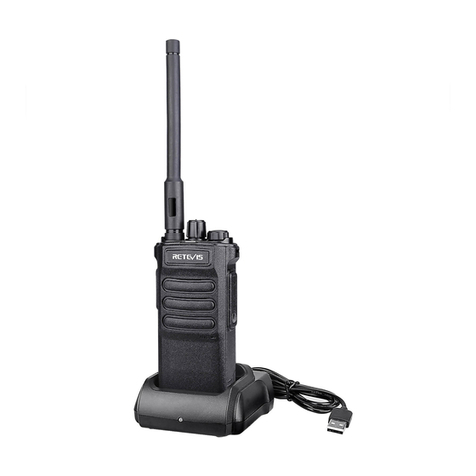
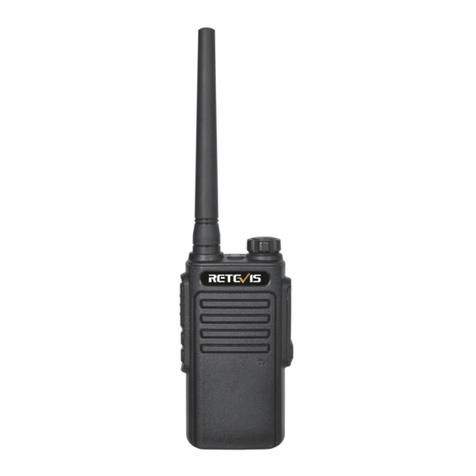
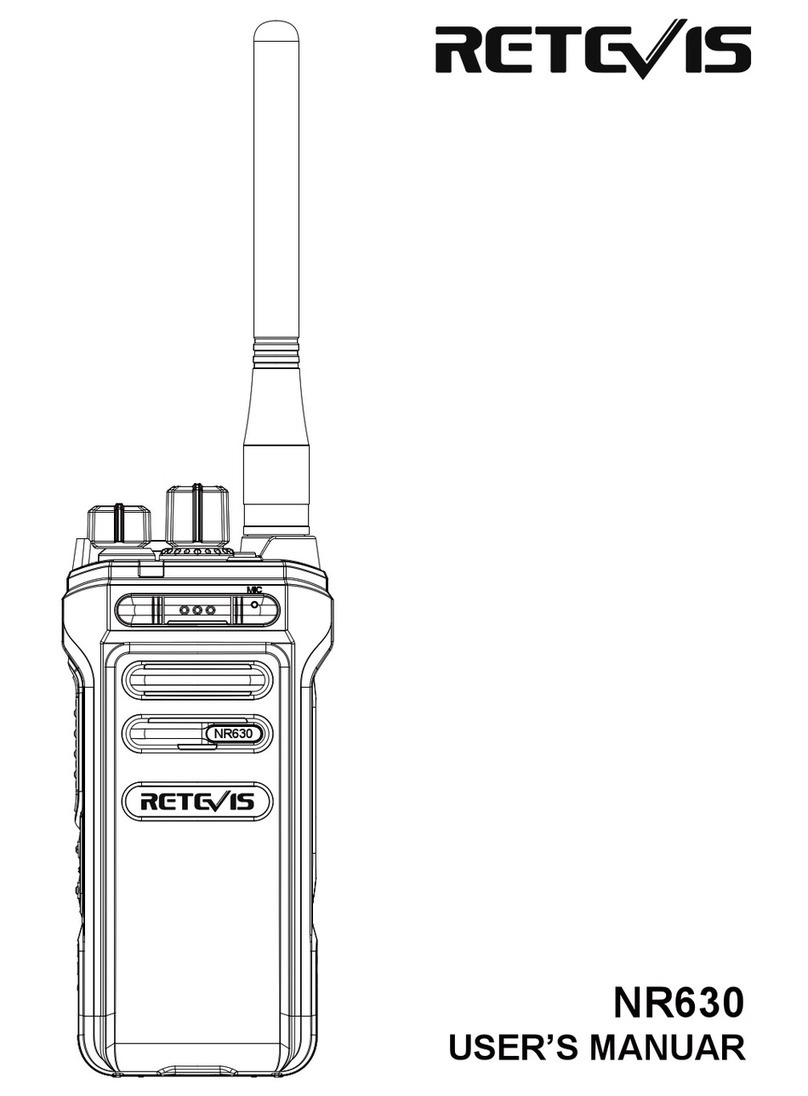
Rotate the volume switch clockwise and hear a "click" to indicate that the
radio is turned on; turn the volume switch counterclockwise, and hear a
"click" sound to indicate that the radio is turned off.
1.2Programming
Programming needs to pass through the Type-C charging port.
1.3One-click copy CTC/DCS
Switch radio A to channel 1, turn off the radio, press and hold the channel
+ button to turn on the one-click copy function, the blue light will flash
slowly when entering the pairing; press radio B PTT to transmit, the radio A
will make a beep when the signal is paired, the blue light flashes quickly,
indicating that the copy CTC/DCS is successful, and the current CTC/DCS
will be saved, switch the channel, then radio A will copy the next
CTC/DCS.
Note: This function is the function of intercommunication with other brand
radios of same frequency. After the copy CTC/DCS is completed, please
restart the radio, otherwise it will consume power quickly.
1.4Wireless copy CTC/DCS
If you want to copy all the parameters of the radio A to multiple radios, turn
all the radios (including the radio A) to channel 2 first, turn off these radios,
then press and hold the channel "+" to power on, the blue light flashes
slowly (indicates that the wireless copy function is turned on), Press and
hold the radio A PPT to transmit, after releasing, the red light is on, and
when the red light is off, it indicates that the copy is successful (restart the
radios and the copy is successful).
Note: Wireless copy CTC/DCS is only possible when the radio has the
same model and software version as the radio A.
1.5Alarm
Set the side button " + / - " of the radio as the remote alarm function in the
software. Press and hold the side button " + / - " on the radio for three
seconds to turn on the emergency alarm function, and press the PTT
button to turn off the alarm function during alarm. Local alarm + remote
alarm
04