II
3.1 Installation Procedure..............................................................................................................10
3.2 Before You Begin.....................................................................................................................10
3.3 Precautions..............................................................................................................................11
3.4 Installing the Access Point.......................................................................................................11
3.4.1 Wall Mount...................................................................................................................11
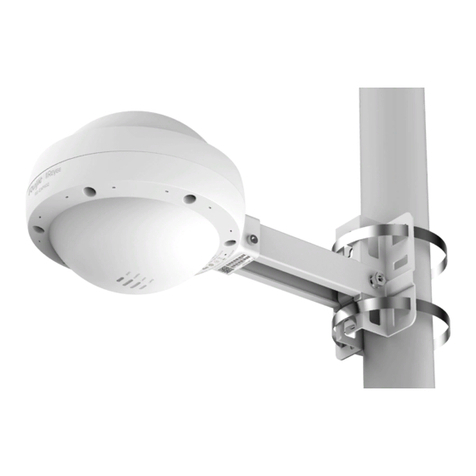
3.4.2 Vertical Pole Mount......................................................................................................12
3.4.3 Horizontal Pole Mount..................................................................................................13
3.5 Installing the Cables ................................................................................................................13
3.5.1 Installing the Ethernet Cable........................................................................................13
3.5.2 Installing the Fiber-Optic Cable ...................................................................................14
3.6 Bundling Cables.......................................................................................................................17
3.7 Checking after Installation .......................................................................................................19
4 Verifying Operating Status .............................................................................................................. 20
4.1 Setting up Configuration Environment.....................................................................................20
4.2 Powering on the Access Point.................................................................................................20
4.2.1 Checklist before Power-on...........................................................................................20
4.2.2 Checklist after Power-on (Recommended) .................................................................20
5 Monitoring and Maintenance........................................................................................................... 21
5.1 Monitoring................................................................................................................................21
5.2 Hardware Maintenance............................................................................................................21
6 Common Troubleshooting............................................................................................................... 22
6.1 General Troubleshooting Procedure.......................................................................................22
6.2 Common Faults........................................................................................................................22
7 Appendix.......................................................................................................................................... 23