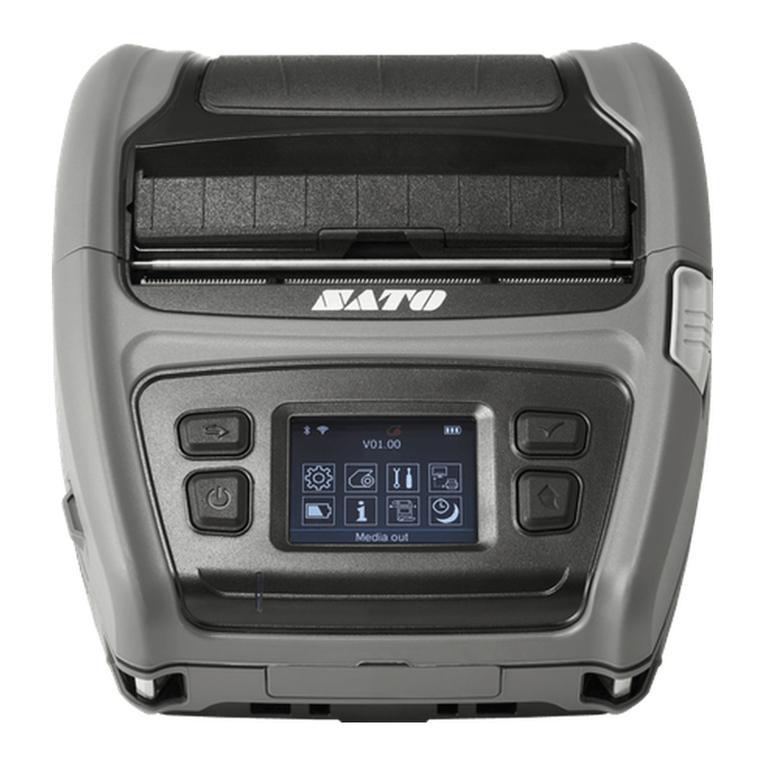
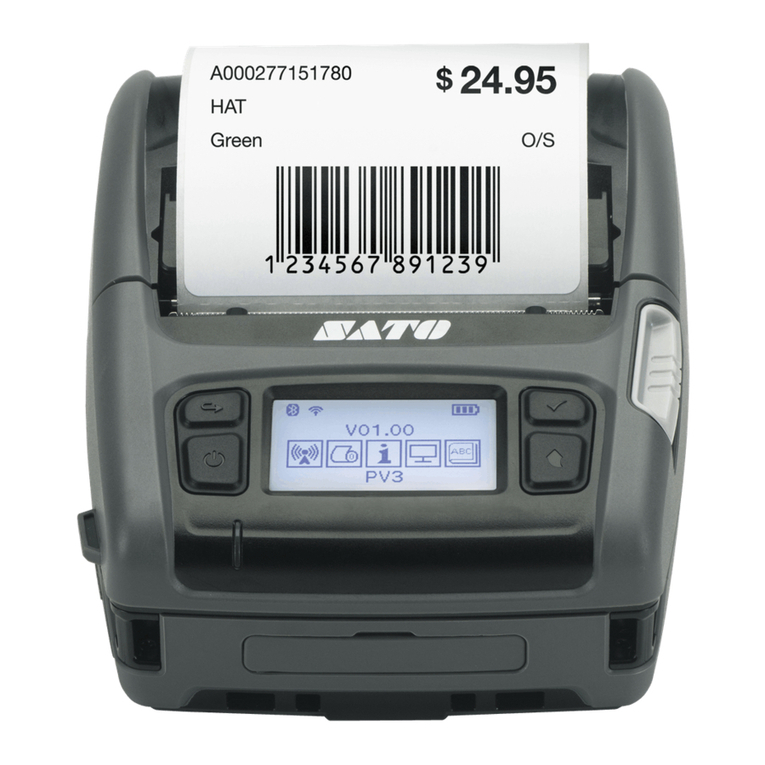
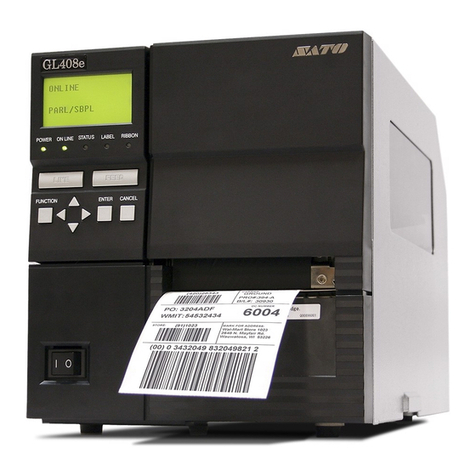
SATO MB400 User manual

Thank you for your
purchase of the SATO
barcode printer MB400.
Make sure to read this
operation manual and
keep it in a handy place.
Quick Guide
MB
MB400
Barcode Printer

2
Thank you for your purchase of the SATO barcode printer MB400.
This manual helps first time users understand the basics of the MB400 in a short period
of time.
To get the most out of the functions of the MB400, make sure to read this manual
carefully.
Warning!
1. This manual may not be reproduced whole or in part without prior consent from
SATO.
2. The information in this manual is subject to change without notice.
3. Despite this manual has been created to be as accurate as possible, contact the shop or
the dealer where you purchased this product if you find any errors or mistakes.
Introduction
This device complies with Part 15 of the FCC Rules.Operation is subject to the following
two conditions:(1)This device may not cause harmful interference,and(2)This device
must accept any interference received,including interference that may cause undesired
operation.
NOTE : This equipment has been tested and found to comply with the limits for a Class
B digital device,pursuant to Part 15 of the FCC Rules.
These limits are designed to provide reasonable protection against harmful interference
in a residential installation.This equipment generates use and can radiate radio
frequency energy and,if not installed and used in accordance with instructions,may
cause harmful interference to radio communications.However,there is no guarantee
that interference will not occur in a particular installation.If this equipment does cause
harmful interference to radio or television reception,which can be determined by
turning the equipment off and on,the user is encouraged to try to correct the
interference by one or more of the following measures:
-Reorient or relocate the receiving antenna.
-Increase the separation between the equipment and receiver.
-Connect the equipment into an outlet on a circuit different from that to whcih the
receiver is connected.
-Consult the dealer or an experienced radio/TV technician for help.

3
Features of the MB400
With compact and lightweight body combined with high performances, this printer prints
barcodes clearly on various types of thermal paper.
Excellent Printing Performance
Not only does this printer print barcodes clearly, but it can also enlarge and print various
types of fonts and Kanji characters in a free layout.
Durable and Easy to Use
This printer is also superb in durability, as it has been designed with the premises of
printing barcodes. Also, special consideration has been taken so that the printer can be
easily cleaned everyday.
Dispenser Function
As a portable printer, this printer can easily print and dispense labels to enable the
application of labels at site.

4
Preparation/Operation
Table of Contents
1. Safety Precautions ....................................................................................5
Markings and Symbols .........................................................................5
Precautions in Use..............................................................................11
2. Unpacking ...............................................................................................12
3. Part Names .............................................................................................13
Name and Function of Operating Parts ..............................................15
4. Before Starting ........................................................................................16
Charging the Battery Pack ..................................................................16
Installing and Removing the Battery Pack ..........................................18
Setting Labels .....................................................................................20

5
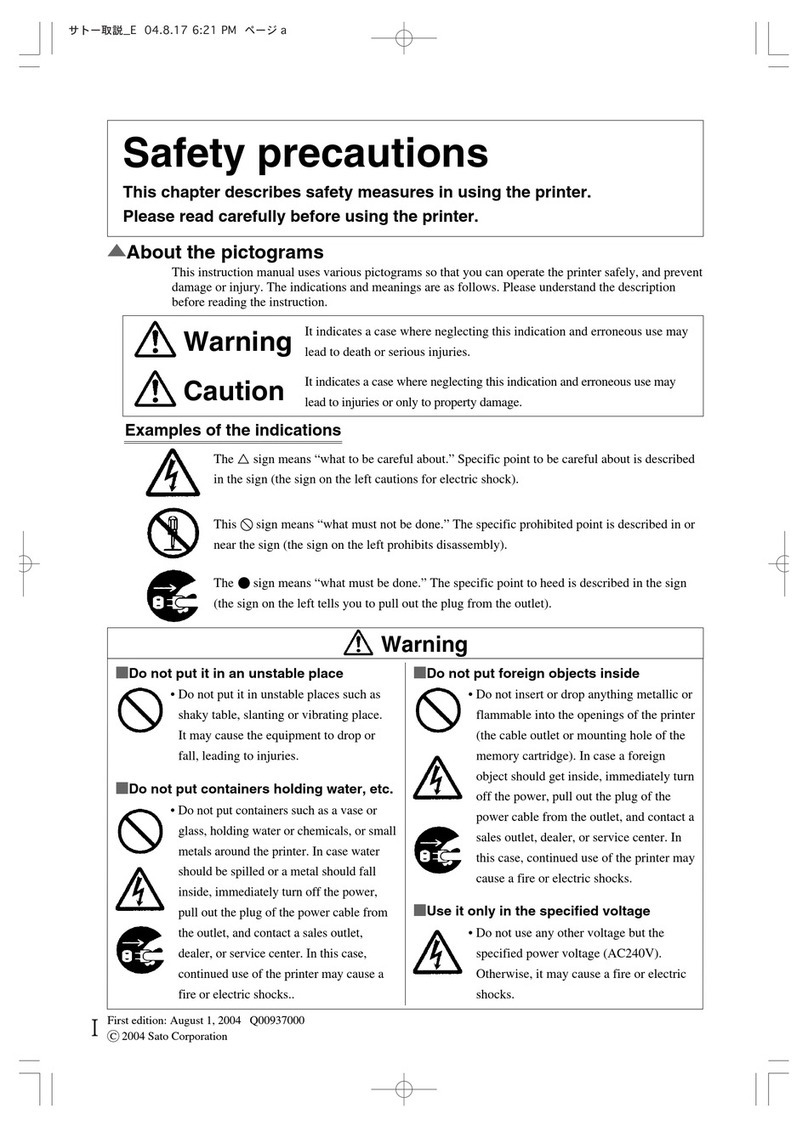
Safety Precautions
In this section, safety precautions about printer operation are explained to ensure proper
care and usage. Make sure to read these carefully before using your printer.
Markings and Symbols
The following symbols or markings are used in this quick guide and on the printer so
that you can properly use the printer, and to prevent any damage to property, harm or
injury to yourself and others. Make sure to read their explanations carefully to
familiarize yourself with their meanings.
This symbol indicates information that, if ignored
or applied incorrectly, creates the danger of death
or serious personal injury.
This symbol indicates information that, if ignored
or applied incorrectly, creates the possibility of
personal injury or property damage.
Warning
Caution
Symbol example
The triangle ( ) indicates something you should take absolute
care when doing. The cautions are indicated concretely within the
symbol. The symbol on the left indicates caution with electric
shock.
A diagonal line within a circle ( ) indicates something you should
not do. The symbol on the left indicates you should not try to take
the unit apart.
A black circle ( ) indicates something you need to do. The symbol
on the left indicates you should unplug the unit from the wall
outlet.
Safety Precautions

6
Safety Precautions
Safety Precautions
Warning
Liquids
Do not place any containers with water or chemicals, such as
flower vases or cups, as well as small metallic objects near the
printer. Continued use creates the danger of fire or electrical
shock.
* If any of these should fall into the printer, immediately turn off
the power and contact your nearest dealer or service center.
Foreign Matter
Do not drop or insert metallic or flammable objects into the
openings on the printer (such as outlets for cables). Continued
use creates the danger of fire or electrical shock.
* If any of these should fall into the printer, immediately turn
off the power and contact your nearest dealer or service
center.
Dropping and Damage
Do not use if the product has been dropped or damaged.
Continued use creates the danger of fire and electrical shock.
* Should the printer ever fall or otherwise become damaged,
immediately turn off the power and contact your nearest
dealer or service center. Continued use creates the danger of
fire or electrical shock.
Abnormal Conditions
Do not use the printer if it is emitting smoke or strange odors.
Continued use creates the danger of fire and electrical shock.
* Immediately turn off the power and contact your nearest
dealer or service center for repairs. Do not try to service the
printer by yourself.

7
Safety Precautions
Warning
Disassembly
Never try to take the unit apart or modify it in any way. Doing
so creates the danger of fire or electrical shock. Contact your
nearest dealer or service center for repairs.
Battery Pack
Never try to take apart the battery pack or modify it in any way
such as with a solder.
Doing so creates the danger of heating, fire or explosion.
Never expose the battery to direct flame, throw it into fire, or
take any actions that may lead to shorting.
Doing so creates the danger of heating, fire or explosion.
Never charge the battery pack with any other battery charger
except for the specified one.
Doing so creates the danger of heating, fire or explosion.

8
Safety Precautions
Safety Precautions
Warning
AC Adapter / Battery Charger (Optional)
Use only the specified voltage. Using a different voltage may
create the danger of fire or electrical shock.
Never use the battery charger with any other battery pack except
for the specified one.
Doing so creates the danger of fire and electrical shock.
Never cut or damage the power cord. Also, never place heavy
objects on, set fire to or pull the power cord.
Doing so creates the danger of fire and electrical shock.
Never use a damaged cord.
Doing so creates the danger of fire and electrical shock.
* Contact your nearest dealer or service center.
Never modify, excessively bend, twist, or pull the power cord.
Doing so creates the danger of fire or electrical shock.

9
Safety Precautions
Warning
Location
Do not locate the printer in areas subjected to high humidity or
dew.
Doing so creates the danger of electrical shock.
* If dew forms inside the printer, immediately turn off the
power and do not use it until it has dried up.
Power
Never operate the power switch, replace the battery pack or
unplug the AC adapter or battery charger with wet hands.
Doing so creates the danger of electrical shock.
Thermal Head
The thermal head becomes very hot after printing. Make sure
not touch it with bare hands.
Doing so creates the danger of injury, burns and electrical shock.
* Take care when replacing labels after printed and when
cleaning to avoid burn.
Do not touch the edge of the thermal head with bare hands.
Doing so may cause injury.
* Take care when replacing labels or cleaning to avoid injury.
Do not try to replace the thermal head by yourself.
Doing so creates the danger of injury, burns or electric shock.

10
Warning
Easy Cutter
This part contains a blade. Do not touch with your bare hands,
as this may lead to injury.
Replacing the Battery Pack
Use only the specified battery pack.
When replacing the battery pack, make sure to install the pack
with the poles (+) and (–) facing the correct direction.
Incorrectly replacing the battery can rupture the battery and
create injury and damage to surrounding areas due to leakage.
When disposing of old battery packs, make sure to contact your
nearest dealer or service center.
Not using the printer for a long time
Remove the battery pack from the printer and unplug the AC
adapter from the wall outlet.
Maintenance and Cleaning
For safety during maintenance and cleaning, make sure to
remove the battery pack and the AC adapter from the printer.
Safety Precautions
Safety Precautions
Other manuals for MB400
3
Table of contents
Other SATO Barcode Reader manuals

SATO
SATO Argox AI-6800 User manual

SATO
SATO Argox D4 Series User manual
SATO
SATO ARGOX AS-9400 User manual
SATO
SATO Argox P4 Series User manual
SATO
SATO Argox D4 Series User manual
SATO
SATO S8400 User manual
SATO
SATO MB 200i User manual
SATO
SATO CT4i Series User manual
SATO
SATO CL4NX Plus User manual
SATO
SATO ARGOX GPIO User manual