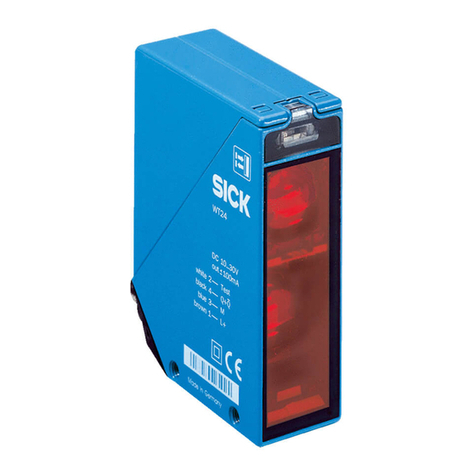
LED indicator/fault pattern Cause Measures
Sensor is faulty If the power supply is OK,
replace the sensor
Yellow LED lights up, no object
in the path of the beam
Excessive background remis‐
sion
Check changes to the back‐
ground. Reduce the sensitivity
of the sensor or use sensors
with background suppression
Object is in the path of the
beam, yellow LED does not
light up
Sensitivity is set too low or dis‐
tance between the sensor and
the object is too long
Increase the sensing range,
take note of the distance
between the sensor and the
background
Object is in the path of the
beam, yellow LED does not
light up
Remission capability of the
object is insufficient
Increase the sensing range,
take note of the distance
between the sensor and the
background
9 Disassembly and disposal
The sensor must be disposed of according to the applicable country-specific regula‐
tions. Efforts should be made during the disposal process to recycle the constituent
materials (particularly precious metals).
NOTE
Disposal of batteries, electric and electronic devices
•According to international directives, batteries, accumulators and electrical or
electronic devices must not be disposed of in general waste.
•The owner is obliged by law to return this devices at the end of their life to the
respective public collection points.
•
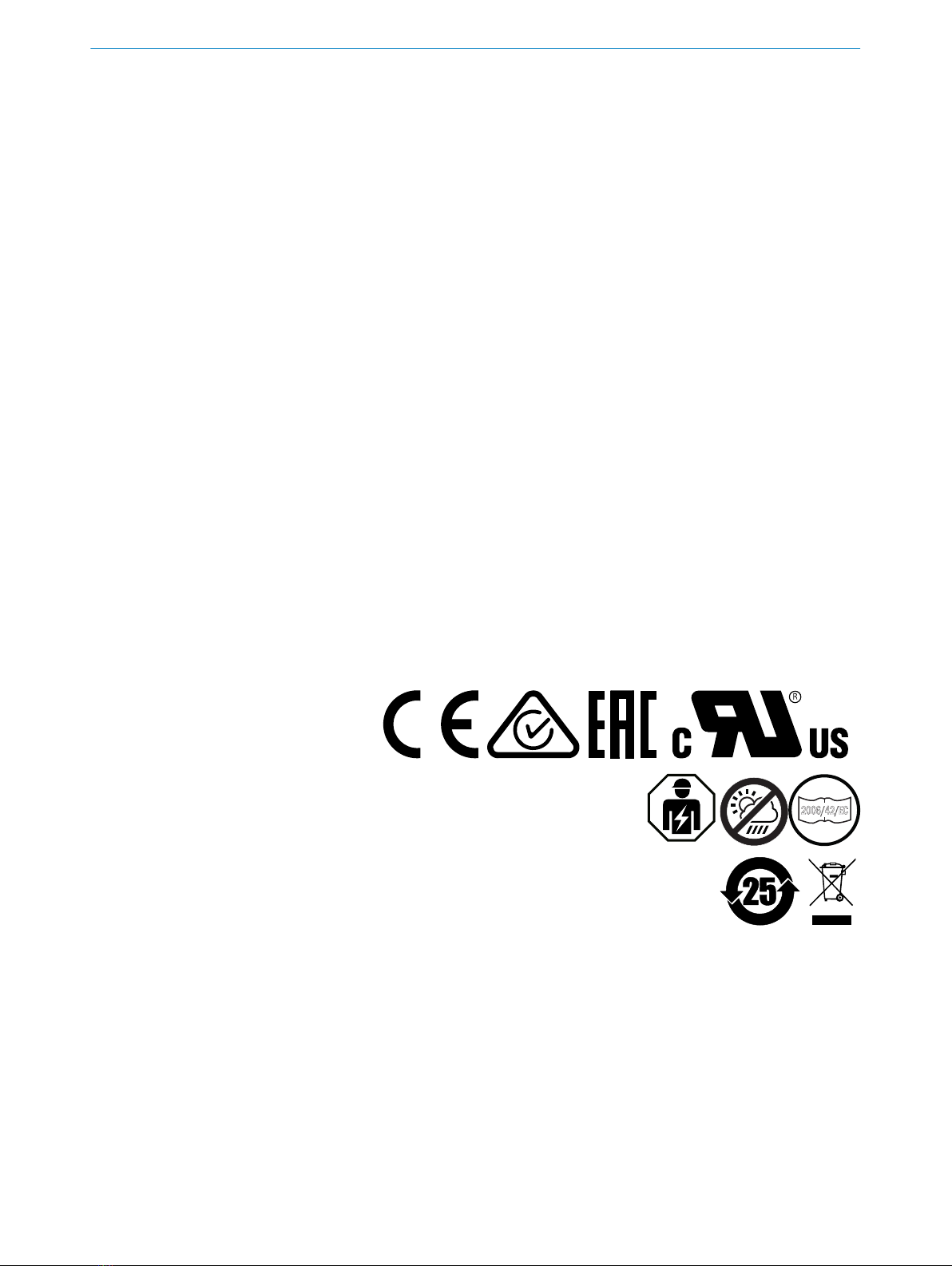
WEEE: This symbol on the product, its package or in this document, indi‐
cates that a product is subject to these regulations.
10 Maintenance
SICK sensors are maintenance-free.
We recommend doing the following regularly:
•Clean the external lens surfaces
•Check the screw connections and plug-in connections
No modifications may be made to devices.
Subject to change without notice. Specified product properties and technical data are
not written guarantees.
DISASSEMBLY AND DISPOSAL 9
8025415 | SICK
Subject to change without notice 9