logo
Brands
  1. Home
  2. •
  3. Brands
  4. •
  5. Snom
  6. •
  7. IP Phone
  8. •
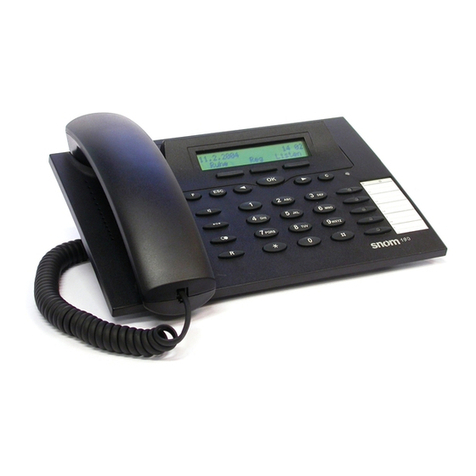
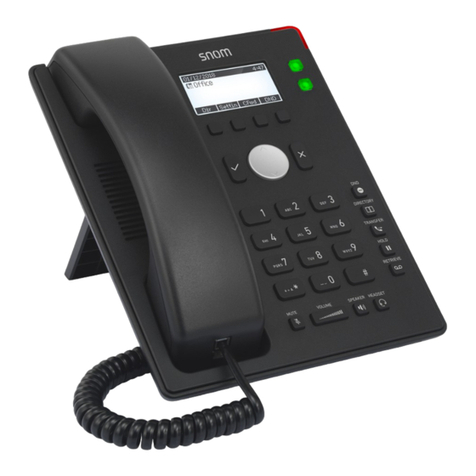
  9. Snom 190 Quick start guide

Snom 190 Quick start guide

Other Snom IP Phone manuals
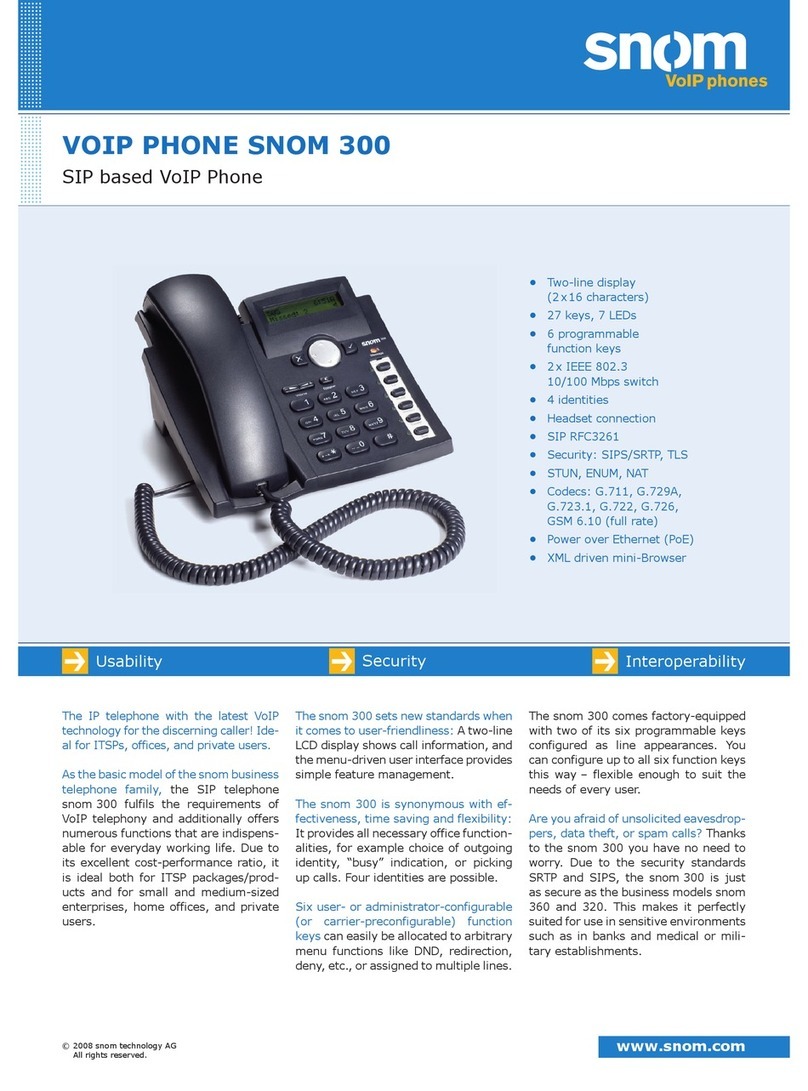
Snom 300 User manual

Snom

Snom 300 User manual

Snom 300 User manual

Snom

Snom 300 User manual

Snom 710 User manual

Snom

Snom 710 User manual

Snom 360 User manual

Snom

Snom 360 User manual

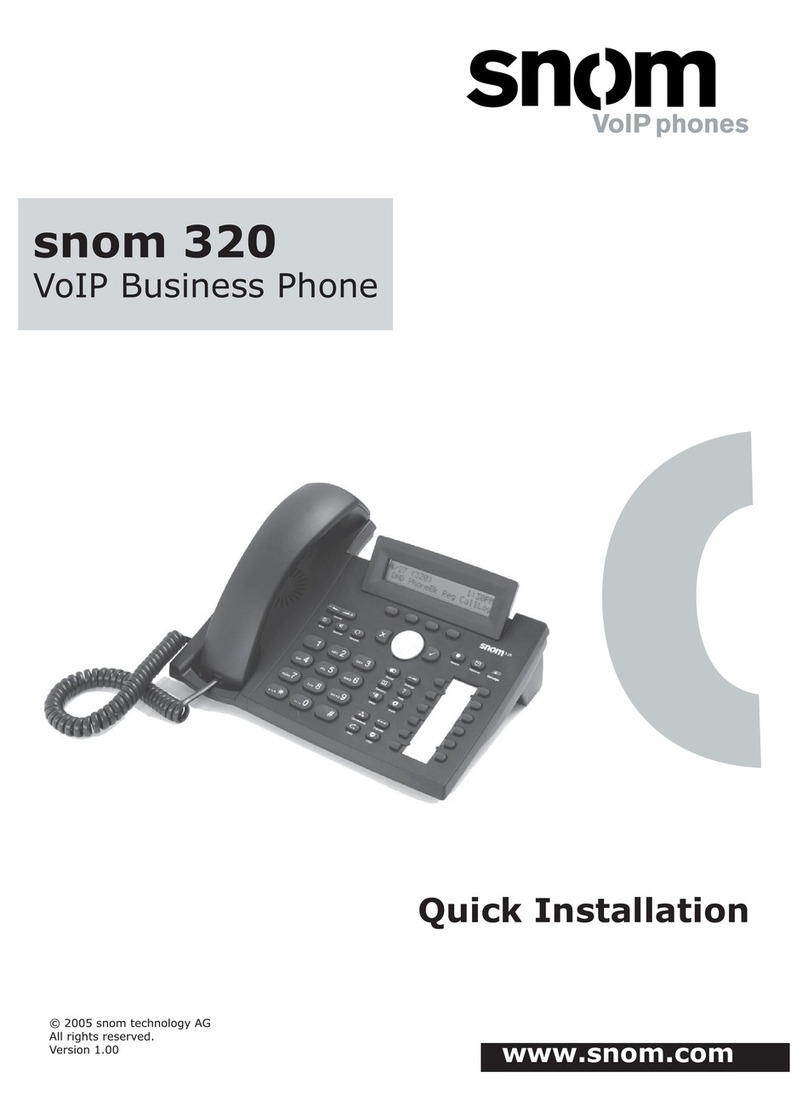
Snom 320 User manual

Snom

Snom 320 User manual

Snom 300 Instruction manual

Snom

Snom 300 Instruction manual

Snom D765 User manual

Snom

Snom D765 User manual

Snom 715 User manual

Snom

Snom 715 User manual

Snom D862 Product information sheet

Snom

Snom D862 Product information sheet

Snom 360 Instruction manual

Snom

Snom 360 Instruction manual

Snom 720 User manual

Snom

Snom 720 User manual

Snom 100 User manual

Snom

Snom 100 User manual

Snom Vodafone 821 User manual

Snom

Snom Vodafone 821 User manual

Snom 370 User manual

Snom

Snom 370 User manual

Snom M9 User manual

Snom

Snom M9 User manual

Snom D862 User manual

Snom

Snom D862 User manual

Snom 220 User manual

Snom

Snom 220 User manual

Snom 370 User manual

Snom

Snom 370 User manual

Snom 710 User manual

Snom

Snom 710 User manual

Snom 300 User manual

Snom

Snom 300 User manual

Snom D785N User manual

Snom

Snom D785N User manual

Snom 320 User manual

Snom

Snom 320 User manual

Snom D315 User manual

Snom

Snom D315 User manual

Snom Vodafone 821 User manual

Snom

Snom Vodafone 821 User manual

Popular IP Phone manuals by other brands

Alcatel 4028 manual

Alcatel

Alcatel 4028 manual

Polycom Polycom VVX 600 quick reference

Polycom

Polycom Polycom VVX 600 quick reference

Polycom SoundPoint IP 450 datasheet

Polycom

Polycom SoundPoint IP 450 datasheet

Cisco SPA-500 Series user guide

Cisco

Cisco SPA-500 Series user guide

Polycom SoundPoint IP 650 user guide

Polycom

Polycom SoundPoint IP 650 user guide

Proximus Maestro 3016 IP quick start guide

Proximus

Proximus Maestro 3016 IP quick start guide

Fanvil X4 user manual

Fanvil

Fanvil X4 user manual

Cisco 7962 user guide

Cisco

Cisco 7962 user guide

Yealink Yealink SIP-T46G Guide

Yealink

Yealink Yealink SIP-T46G Guide

Avaya 4625SW user guide

Avaya

Avaya 4625SW user guide

Yealink SIP-T52S quick start guide

Yealink

Yealink SIP-T52S quick start guide

Nortel 1140E Getting started

Nortel

Nortel 1140E Getting started

Nexotek NT-P500 user manual

Nexotek

Nexotek NT-P500 user manual

Avaya Integral 5 R3.0 user guide

Avaya

Avaya Integral 5 R3.0 user guide

GE 28320EE2 - Dect 6.0 InfoLink 2 user guide

GE

GE 28320EE2 - Dect 6.0 InfoLink 2 user guide

Avaya 4600 Series Administrator's guide

Avaya

Avaya 4600 Series Administrator's guide

Mitel MIVOICE OFFICE 400 6940 SIP user guide

Mitel

Mitel MIVOICE OFFICE 400 6940 SIP user guide

Nortel i2050 installation guide

Nortel

Nortel i2050 installation guide

https://manuals.online logo
https://manuals.online logoBrands
  • About & Mission
  • Contact us
  • Privacy Policy
  • Terms and Conditions

Copyright 2026 Manuals.Online. All Rights Reserved.

© 2004 snom technology AG
All rights reserved.
Important Notes v1.0
snom 190
EMEA & ROW
snom technology AG
Pascalstr. 10B
10587 Berlin, Germany
Phone: +49 (30) 39833-0
mailto:[email protected]
http://www.snom.com
sip:[email protected]
SAARC & ASEAN
snom technology (India) Pvt Ltd.
No. 417, International Trade Tower
Nehru Place, New Delhi-110019
Phone: +91 11 26234097
Fax: +91 11 26234079
http://www.snomindia.com
mailto:[email protected]
sip:[email protected]
North and Latin America
snom USA Representation
ABP International, Inc.
1203 Crestside Dr.
Coppell, Texas 75019, USA
Phone: +1-972-831-0280
sip:[email protected]
mailto:[email protected]
www.snom.com
The current product documentation can be obtained from our web site:
User Manual and Data Sheet:
http://www.snom.com/products_en.htm
FAQs:
http://www.snom.com/faq_en.php
If you face problems installing your snom 190 VoIP phone, inform our support:
[email protected]
Dear customer:
Congratulations on the purchase of your snom 190 Voice over IP telephone!
Please read these notes carefully before you start using the snom 190.
Documentation
• To clean the snom 190 use anti-static cloth.
Do not use liquid cleaners.
• Place this unit only on even, horizontal surfaces
• Do not expose to humid environment
• Do not locate power and network cable where a
person can step or trip on.
• Power Supply:
- An external power supply (5V)
- DO NOT USE A DIFFERENT POWER SUPPLY!!
• Do not disassemble this unit.
Opening this unit will void the product warranty.
Safety Notes
snom 190 VoIP Phone
Using your snom 190 VoIP
phone with a snom Headset you are
able to optimize productivity. The
snom Headset provides users with
more exibility, freedom and comfort.