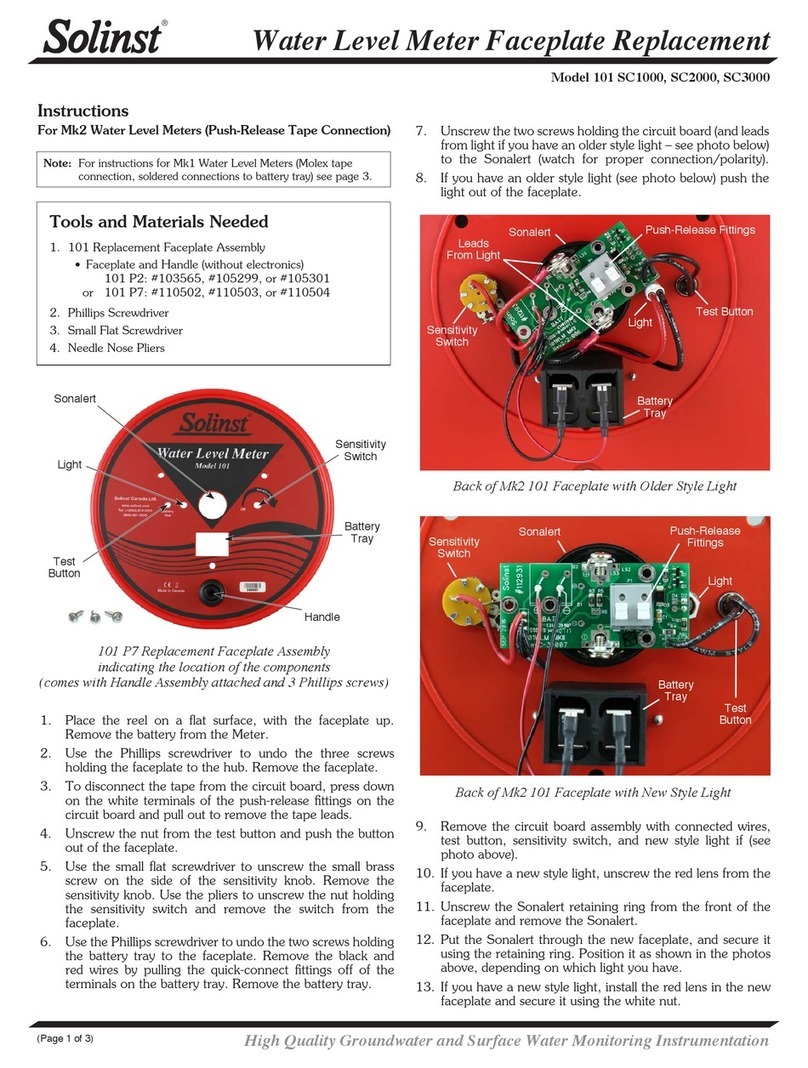
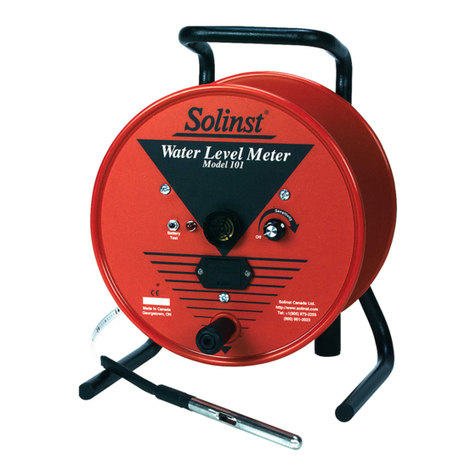
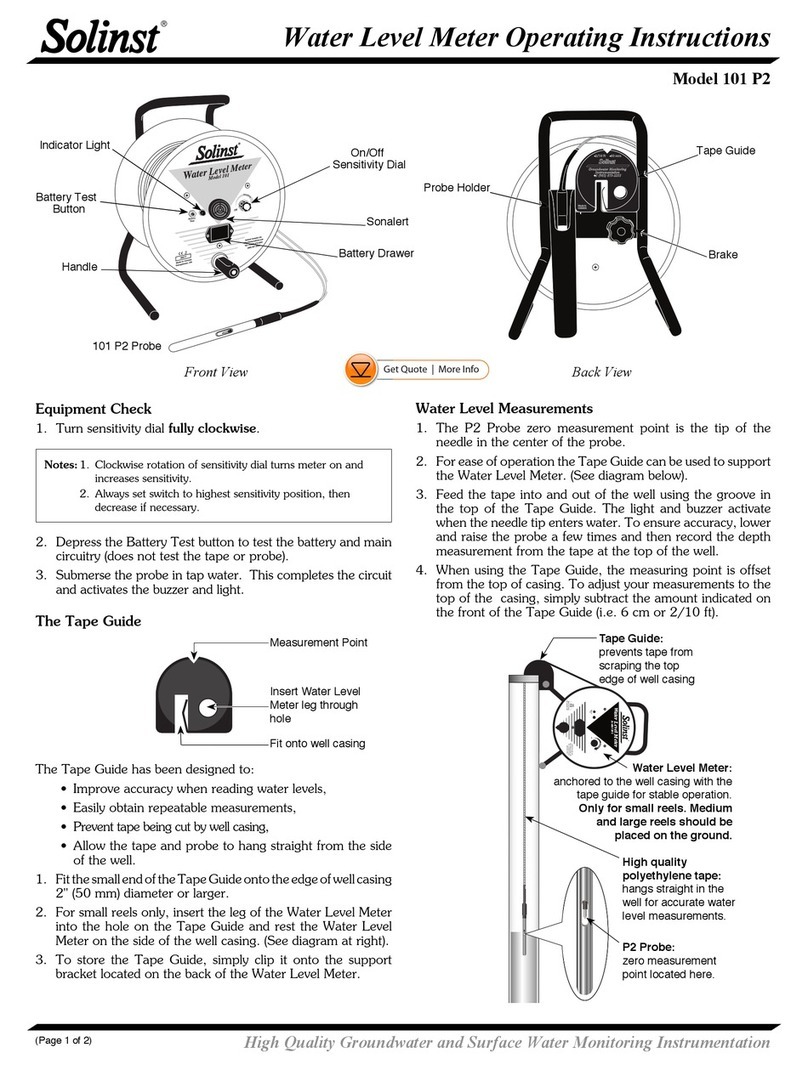
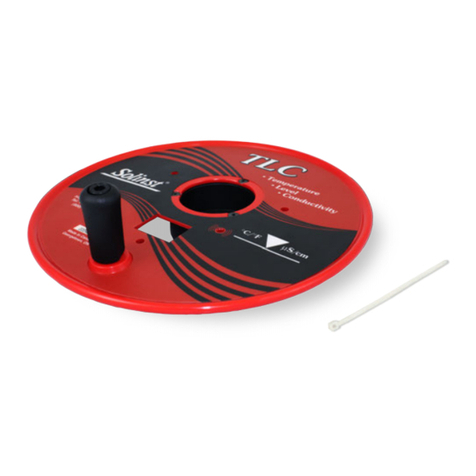
Printed in Canada
August 29, 2014
(#111428)
(Page 2 of 2)
For further information contact: Solinst Canada Ltd.
Fax: +1 (905) 873-1992; (800) 516-9081 Tel: +1 (905) 873-2255; (800) 661-2023
35 Todd Road, Georgetown, Ontario Canada L7G 4R8
®Solinst is a registered trademark of Solinst Canada Ltd.
8. Use the Phillips screwdriver to undo the screw holding the green
wire to the motor.
9. Pull the wires out from the motor. Use the wire cutters to cut the
red and black wires in the motor from the black and white wires
of the motor cord. Cut the wires as close to the butt splice crimp
terminals as possible.
10. Use the adjustable wrench to undo the strain relief nut around the
cable, and pull the cable to remove the old motor cord.
11. Put the new motor cord through the strain relief.
12. Strip each of the wires by 10 mm, as shown below.
Cut Wires Here
Remove Screw
Molex Crimp Tool Options (16-14 AWG)
Use 16-14 AWG
position of tool
Recommended:
Molex 64106-0037 (Solinst #110729)
Alternative Tool
13. Insert the green wire into the new ring terminal. Use the crimping
tool to crimp the ring terminal to the green wire. Ensure a good
connection.
14. Insert the white and red wires into the ends of one of the butt splice
crimp terminals. Ensure they are inserted as far as possible into the
terminal. Use the crimping tool to secure the wires in the butt splice
crimp terminal. Ensure a good connection.
15. As above, crimp the black wires together using the other butt splice
crimp terminal. Ensure a good connection.
16. Connect the green wire to the motor using the screw, as shown in
the photo at top left.
17. Carefully tuck all wires into the motor and re-secure the panel.
18. Tighten the strain relief around the new motor lead.
Loosen the
Strain Relief Nut
19. Use the four cable ties to secure the power cord to the frame, as
shown in the photo below.
20. Once you are sure all correct connections have been made, and
that they are very secure, test the new Control Box (see 12V Power
Reel Operating Instructions).