3
Anwendung
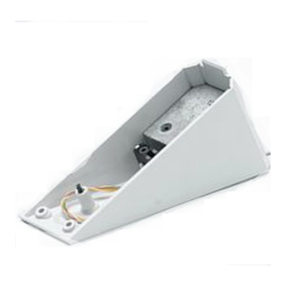
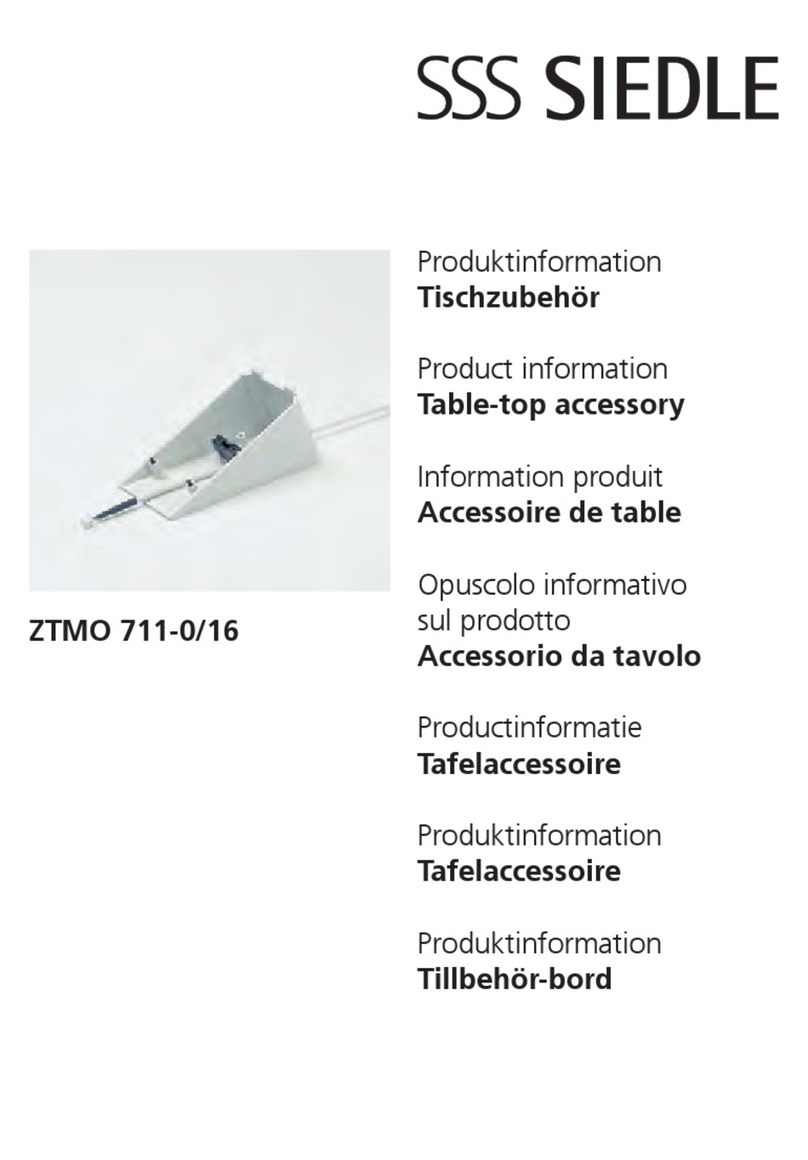
Das Zubehör-Tisch ZT/IEIB 711-...
mit 2 m langem Anschlusskabel und
RJ 45 Stecker (8poligem Western-
stecker) wird ohne Anschlussdose
ausgeliefert.
Es dient zur Umwandlung des
IEIB 711-... mit MOCT 711-... von
Wand- in Tischausführung.
Für den MOCT 711-... ist zusätzlich
das ZTMO 650-... erforderlich.
Achtung!
Die handelsübliche Anschlussdose
aus dem jeweiligen Schalterpro-
gramm muss bauseitig beschafft und
eindeutig für die Verwendung als
EIB-Anschlussdose gekennzeichnet
werden.
Montage
RJ 45 Anschlussdose für das ZT/
IEIB 711-0... unter Berücksichtigung
des 2 m langen Anschlusskabels und
dem Standort der IEIB/MOCT-Kombi-
nation, montieren.
1Öffnen der Systemkomponenten
IEIB 711-... und MOCT 711-... .
Die Anschlussdrähte des ZT/
IEIB 711-... durch die Kabeleinfüh-
rung der IEIB-Grundplatte einziehen.
2Konsole nach Zeichnungen auf
dem Gehäuse-Unterteil befestigen
und die beiliegenden 2 Gummifüße
in die vorgesehenen Vertiefungen,
an der unteren Schrägseite des Tele-
fons kleben. Zusätzlich beiliegende
zweite Schraube wie dargestellt in
das Gehäuse eindrehen.
3Die EIB-Anschlussklemmen auf der
Leiterplatte abziehen.
4Anschlussdrähte nach Plan ste-
cken.
5 Gehäuse-Oberteil wieder anbrin-
gen.
Aufstellen des Gerätes
Die heutigen Möbel sind mit einer
unübersehbaren Vielfalt von Lacken
und Kunststoffen beschichtet und
können mit unterschiedlichen Lack-
pflegemitteln behandelt werden.
Bestandteile dieser Stoffe können
bei Tischgeräten zur Erweichung der
Kunststoffüße und verbunden damit
zu unliebsamen Beeinträchtigungen
der Möbeloberfläche führen.
Wir bitten um Verständnis, dass wir
für Schäden dieser Art keine Haf-
tung übernehmen können.
Deutsch
Montage
English
Mounting
Application
Table-top accessory
ZT/IEIB 711-... with 2 m long
connecting cable and RJ 45 plug
(8-pin Western plug) is supplied
without a junction box. It is used for
conversion of the IEIB 711-... with
MOCT 711-... from a wall to a table-
top version.
For the MOCT 711-..., the
ZTMO 650-... is additionally
required.
Please note!
The standard available junction box
from the switch range must be
procured by the user, and be clearly
marked as suitable for use as an EIB
junction box.
Mounting
Mount the RJ 45 junction box for
the ZT/IEIB 711-0... taking into
account the 2 m long connecting
cable and the location of the
IEIB/MOCT combination.
1Open the system components of
the IEIB 711-... and MOCT 711-....
Pull the connecting wires of the
ZT/IEIB 711-... through the cable
gland of the IEIB base plate.
2Fasten the console in accordance
with the drawings on the bottom
half of the housing and glue the
provided rubber feet into the
prepared recesses on the under-
neath oblique side of the telephone.
Screw the additionally supplied
screws as indicated into the housing.
3Detach the EIB terminals on the
circuit board.
4Plug the connecting wires in accor-
dance with the diagram.
5 Close the upper half of the hou-
sing again.