manuals.online logo
Brands
  1. Home
  2. •
  3. Brands
  4. •
  5. superbrightleds
  6. •
  7. Lighting Equipment
  8. •
  9. superbrightleds MWP2-SW Series User manual

superbrightleds MWP2-SW Series User manual

This manual suits for next models

1

Other superbrightleds Lighting Equipment manuals
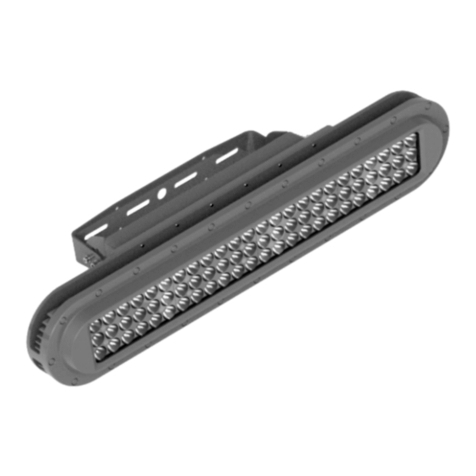
superbrightleds EPLL Series User manual
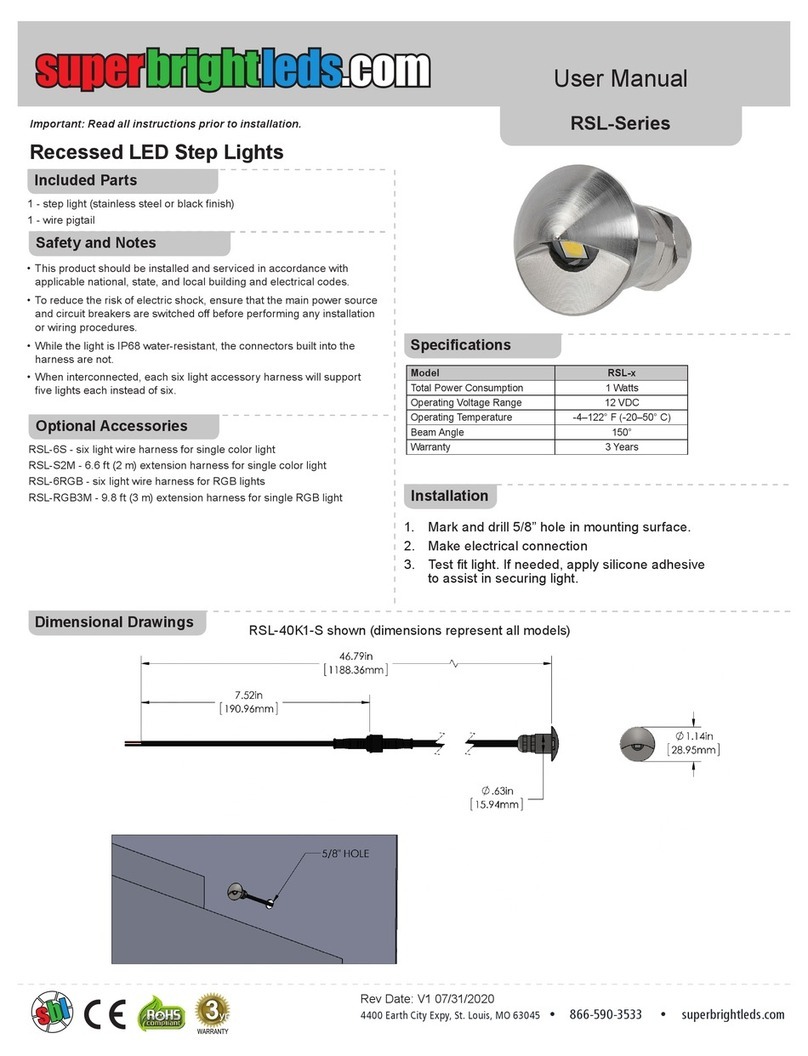
superbrightleds

superbrightleds EPLL Series User manual

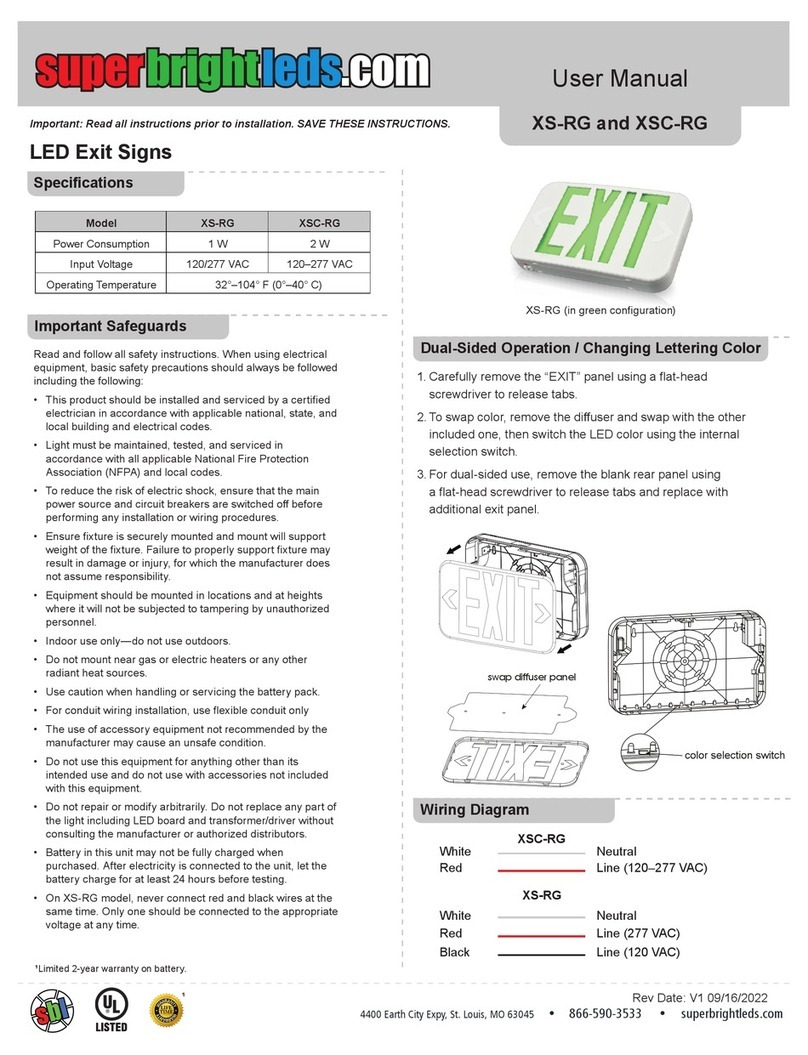
superbrightleds RSL Series User manual
superbrightleds

superbrightleds RSL Series User manual

superbrightleds XS-RG User manual

superbrightleds

superbrightleds XS-RG User manual
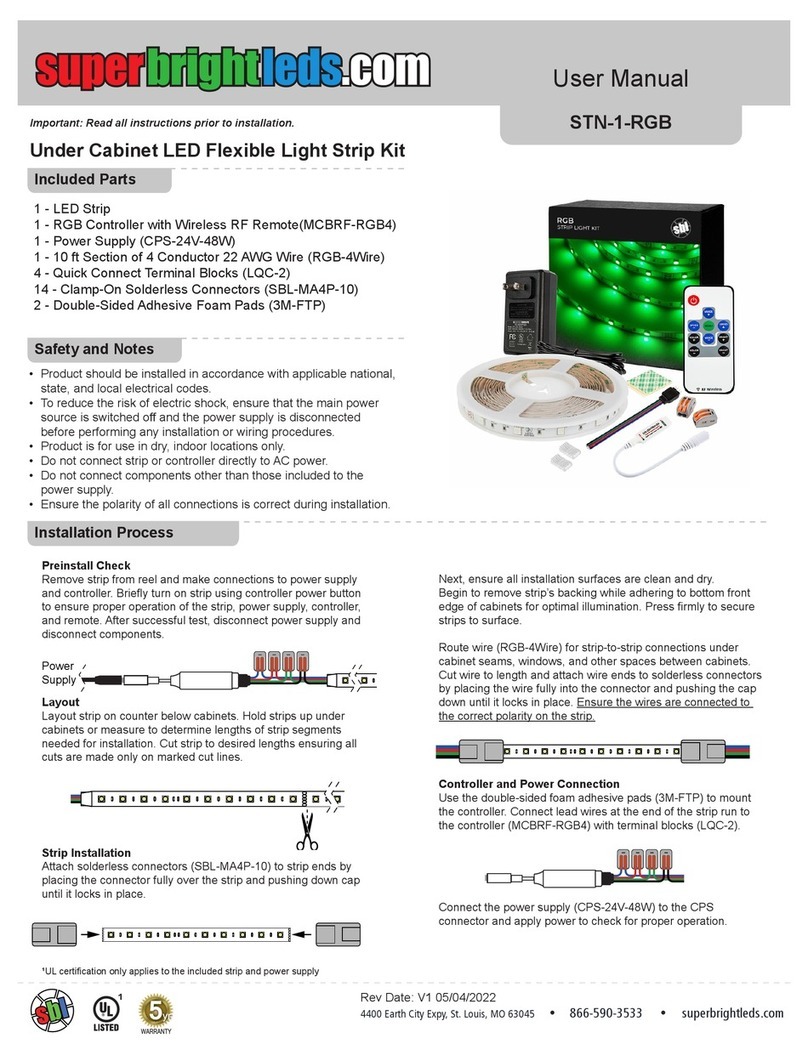
superbrightleds STN-1-RGB User manual

superbrightleds

superbrightleds STN-1-RGB User manual
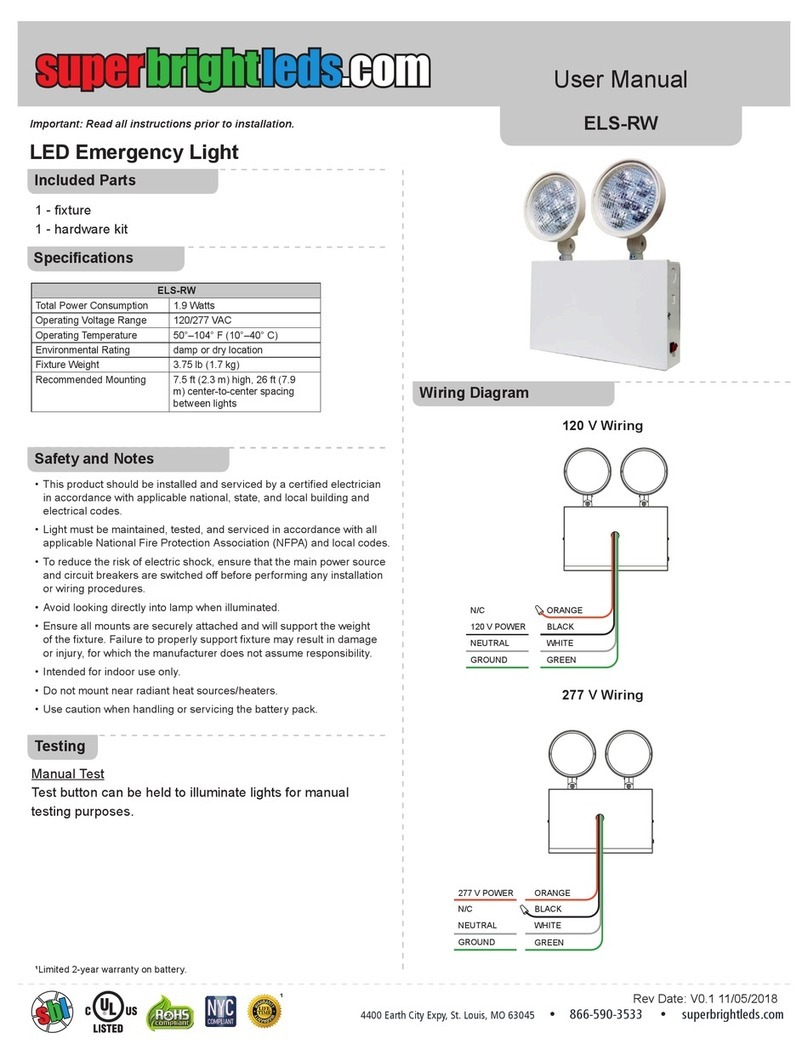
superbrightleds ELS-RW User manual

superbrightleds

superbrightleds ELS-RW User manual

superbrightleds MSTRB2 User manual

superbrightleds

superbrightleds MSTRB2 User manual
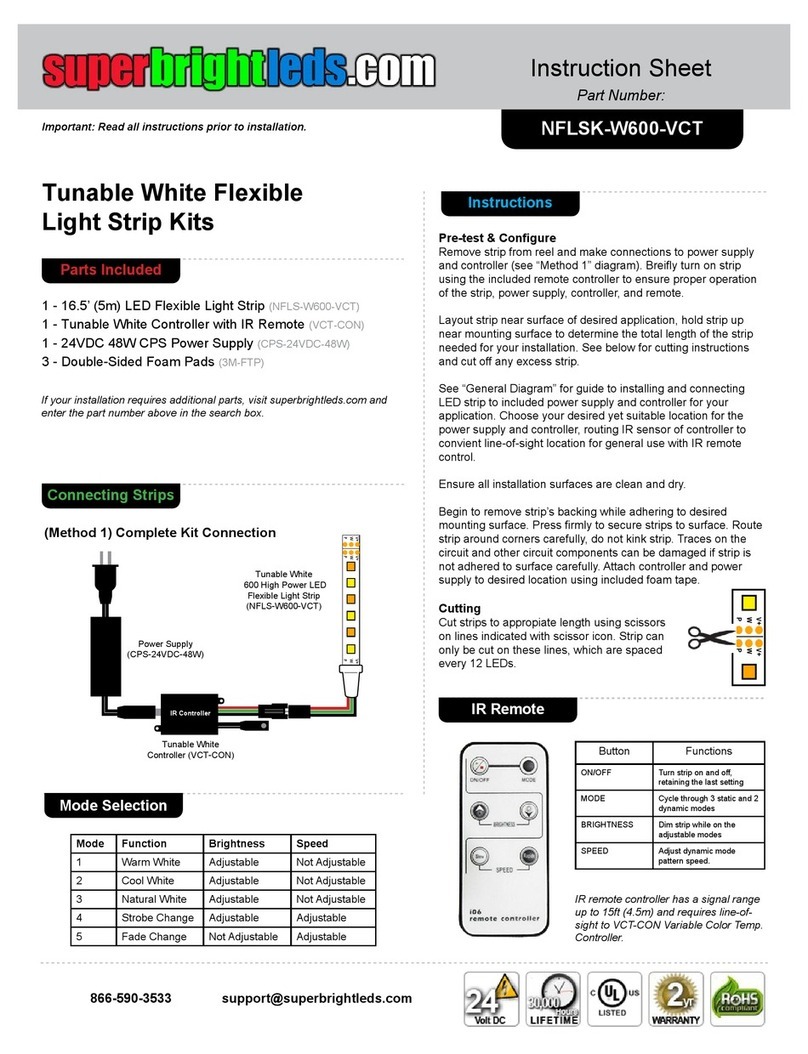
superbrightleds NFLSK-W600-VCT User manual

superbrightleds

superbrightleds NFLSK-W600-VCT User manual

superbrightleds STN-2-UC User manual

superbrightleds

superbrightleds STN-2-UC User manual
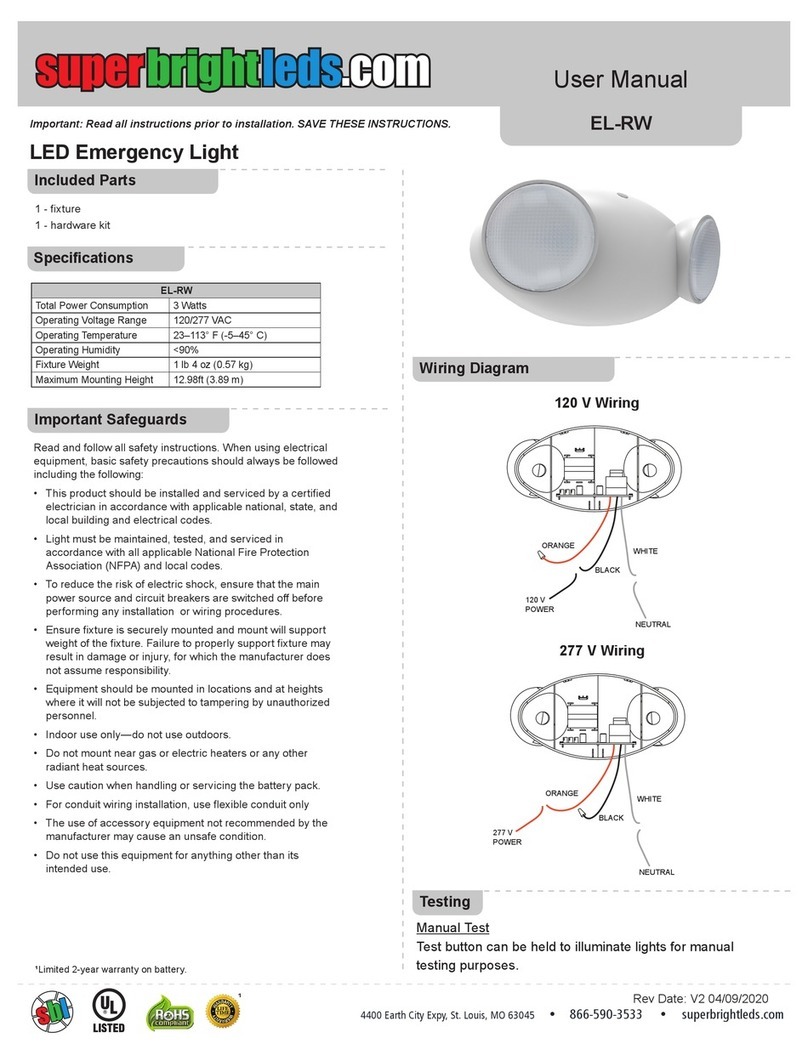
superbrightleds EL-RW User manual

superbrightleds

superbrightleds EL-RW User manual
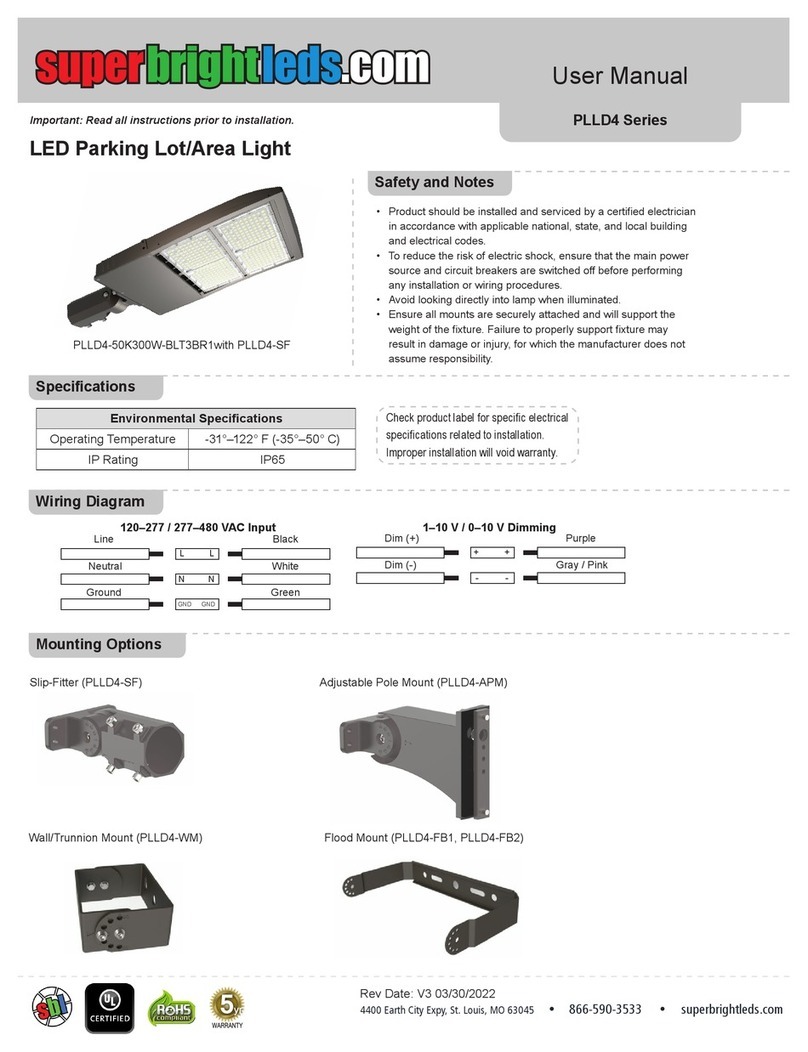
superbrightleds PLLD4 Series User manual

superbrightleds

superbrightleds PLLD4 Series User manual

superbrightleds WPFC-R1 User manual

superbrightleds

superbrightleds WPFC-R1 User manual

superbrightleds MWPE Series User manual
superbrightleds

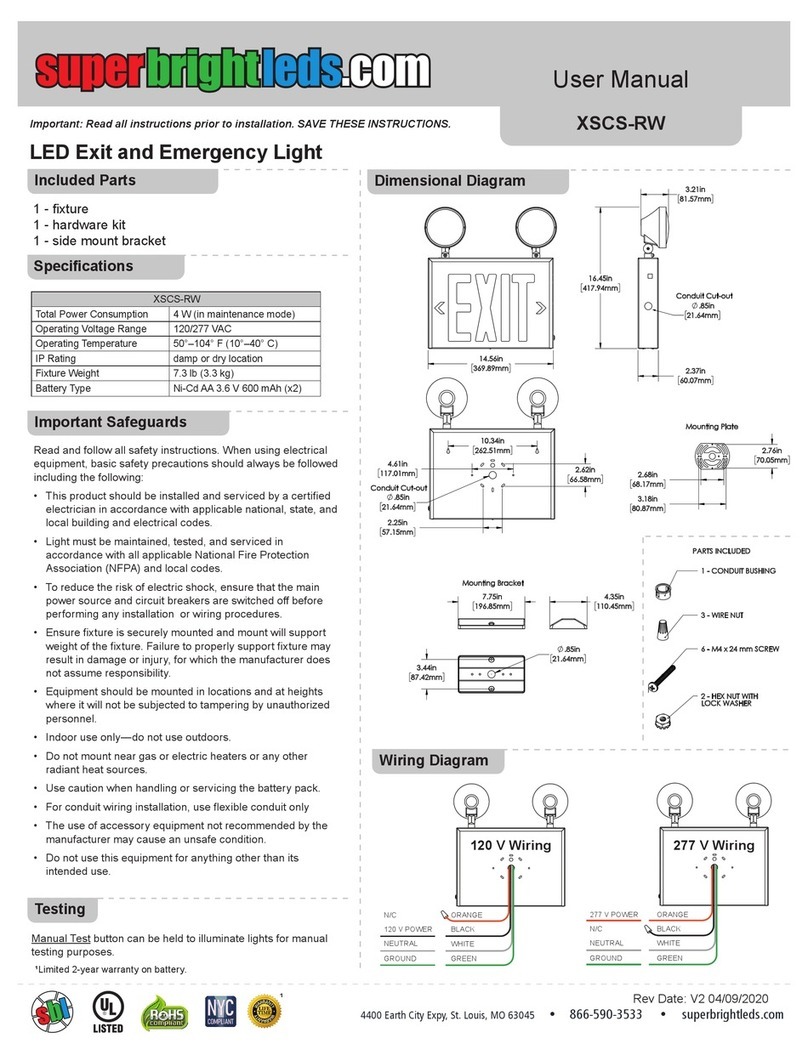
superbrightleds MWPE Series User manual

superbrightleds XSCS-RW User manual

superbrightleds

superbrightleds XSCS-RW User manual
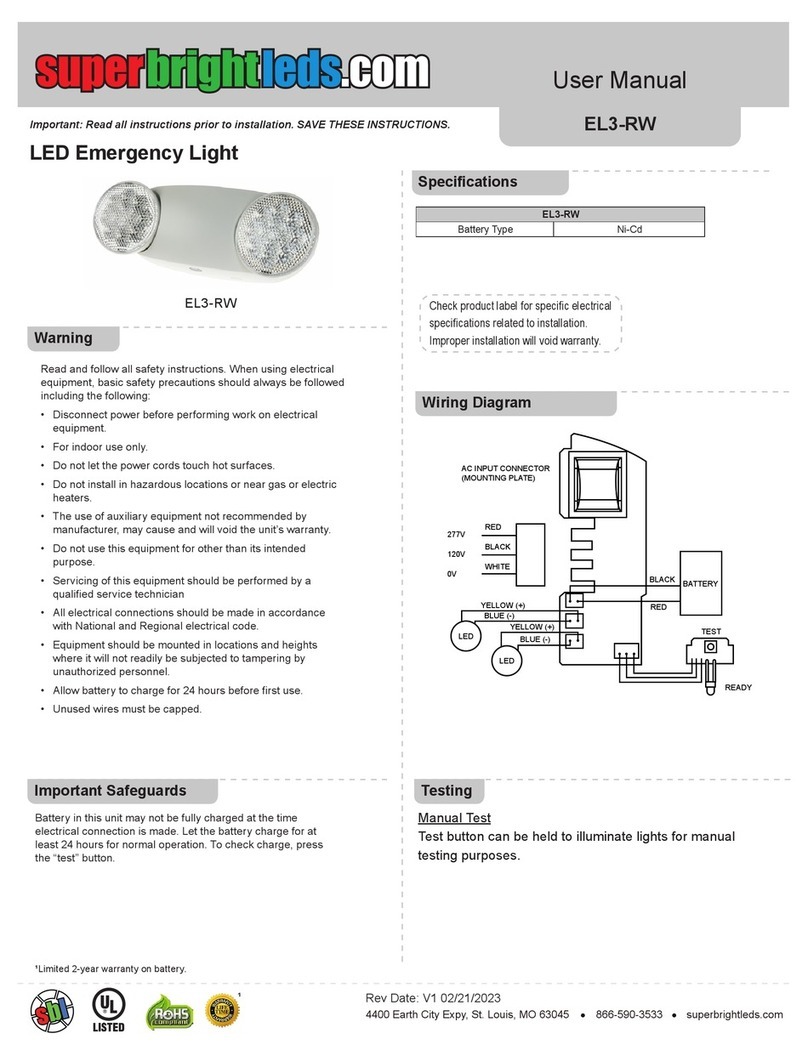
superbrightleds EL3-RW User manual

superbrightleds

superbrightleds EL3-RW User manual
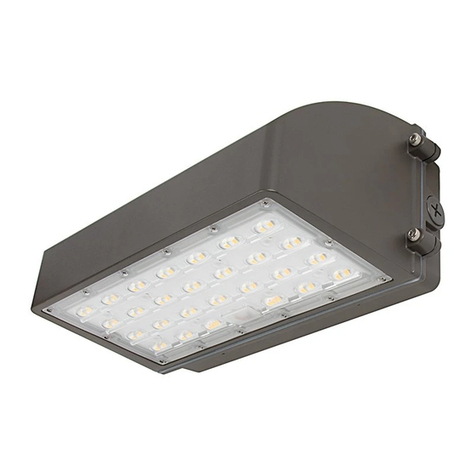
superbrightleds WPFC2 Series User manual
superbrightleds

superbrightleds WPFC2 Series User manual

superbrightleds WPA-SW Series User manual
superbrightleds

superbrightleds WPA-SW Series User manual

superbrightleds STN-3-UC User manual

superbrightleds

superbrightleds STN-3-UC User manual

superbrightleds WIFI-CON User manual

superbrightleds

superbrightleds WIFI-CON User manual

superbrightleds RWLA Series User manual

superbrightleds

superbrightleds RWLA Series User manual

superbrightleds FLCKM2 Series User manual

superbrightleds

superbrightleds FLCKM2 Series User manual
superbrightleds HLV5 Series User manual

superbrightleds

superbrightleds HLV5 Series User manual

superbrightleds WPGL Series User manual

superbrightleds

superbrightleds WPGL Series User manual

superbrightleds WPR Series User manual

superbrightleds

superbrightleds WPR Series User manual

superbrightleds STAC Series User manual

superbrightleds

superbrightleds STAC Series User manual

Popular Lighting Equipment manuals by other brands

Life 39.9F70020C quick start guide

Life

Life 39.9F70020C quick start guide

EuroLite LED ML-20 user manual

EuroLite

EuroLite LED ML-20 user manual

LIGMAN OD-50141 installation manual

LIGMAN

LIGMAN OD-50141 installation manual

Home Accents Holiday 1002461144 instructions

Home Accents Holiday

Home Accents Holiday 1002461144 instructions

Experia IRiS Ripple Light instruction manual

Experia

Experia IRiS Ripple Light instruction manual

Erco Gecko Mounting instructions

Erco

Erco Gecko Mounting instructions

Inter-lux ZTA.100.Surface Installation and maintenance instructions

Inter-lux

Inter-lux ZTA.100.Surface Installation and maintenance instructions

Whelen Engineering Company TN Series installation guide

Whelen Engineering Company

Whelen Engineering Company TN Series installation guide

IKEA BJÖRKSPIREA manual

IKEA

IKEA BJÖRKSPIREA manual

Toolland PM 6640 instruction manual

Toolland

Toolland PM 6640 instruction manual

GTD GTD-LP200 user manual

GTD

GTD GTD-LP200 user manual

LIVARNO home 1105-W-UK manual

LIVARNO home

LIVARNO home 1105-W-UK manual

ProLights EclPar IPMFC user manual

ProLights

ProLights EclPar IPMFC user manual

Velvet EVO Series user manual

Velvet

Velvet EVO Series user manual

IDTOLIGHT GENT installation instructions

IDTOLIGHT

IDTOLIGHT GENT installation instructions

MAYTONI S35 installation manual

MAYTONI

MAYTONI S35 installation manual

MaxLite MLFP14DP4535 user manual

MaxLite

MaxLite MLFP14DP4535 user manual

SLV Elektronik 550621 instruction manual

SLV Elektronik

SLV Elektronik 550621 instruction manual

manuals.online logo
manuals.online logoBrands
  • About & Mission
  • Contact us
  • Privacy Policy
  • Terms and Conditions

Copyright 2025 Manuals.Online. All Rights Reserved.

Field-Selectable CCT LED Wall Pack
Important: Read all instructions prior to installation. MWP2-SW Series
4400 Earth City Expy, St. Louis, MO 63045 866-590-3533 superbrightleds.com
Rev Date: V1.0 08/14/2020
5yr
User Manual
Specications
Safety and Notes Wiring Diagram
CCT Selection
Line
Neutral
Ground
Black
L L
N N
GND GND
White
Dim (+)
Dim (-)
Purple
+ +
- -
Gray
Yellow / Green
• Product should be installed and serviced by in accordance with applicable
national, state, and local building and electrical codes.
• To reduce the risk of electric shock, ensure that the main power source and
circuit breakers are switched o󰀨 before performing any installation or wiring
procedures.
• Avoid looking directly into lamp when illuminated.
• Ensure all mounts are securely attached and will support the weight of the
xture. Failure to properly support xture may result in damage or injury, for
which the manufacturer does not assume responsibility.
• Photocell sensor can be disabled by unplugging it and capping the connector
that was attached to the sensor.
To set CCT, open the wall pack and use
internal switch to select the desired color
temperature. This process should be done
prior to installation. If adjustment is needed
after installation, make certain to remove
supply power before opening the wall pack
or making any changes.
Model MWP2-SW50Kx-SLFBR
Ambient Operating
Temperature -4°–113° F (-20°–45° C)
Environmental Rating IP65
Dimming 0–10 V
Photocell Operation Light will turn on when the ambient light level falls below 25 lx and
will turn o󰀨 when the ambient light level exceeds 130 lx.
Check product label for specific electrical
specifications related to installation.
Improper installation will void warranty.
FIXTURE
FIXTURE
SCREW
SCREW
SCREW
(not included)
MOUNTING PLATE
MOUNTING PLATE
FOAM GASKET
GASKET
FIXTURE
SCREW
SCREW
(not included)
MOUNTING PLATE
FOAM GASKET
CONDUIT
GASKET
JUNCTION BOX
Field-Selectable CCT LED Wall Pack
Important: Read all instructions prior to installation. MWP2-SW Series
4400 Earth City Expy, St. Louis, MO 63045 866-590-3533 superbrightleds.com
Rev Date: V1.0 08/14/2020
5yr
User Manual
FIXTURE
FIXTURE
SCREW
SCREW
SCREW
(not included)
MOUNTING PLATE
MOUNTING PLATE
FOAM GASKET
GASKET
FIXTURE
SCREW
SCREW
(not included)
MOUNTING PLATE
FOAM GASKET
CONDUIT
GASKET
JUNCTION BOX
FIXTURE
FIXTURE
SCREW
SCREW
SCREW
(not included)
MOUNTING PLATE
MOUNTING PLATE
FOAM GASKET
GASKET
FIXTURE
SCREW
SCREW
(not included)
MOUNTING PLATE
FOAM GASKET
CONDUIT
GASKET
JUNCTION BOX
Wall/Junction Box Installation
Conduit Installation
1. Remove screws and separate front and rear housings.
2. Select desired CCT value on internal switch.
3. Drill holes in rear housing for mounting, and remove plug
for wiring.
4. Mount rear housing to junction box/wall, making certain
to use the included gasket.
5. With supply power o󰀨, connect wiring
6. Reattach front housing to rear housing.
7. Once secure, apply supply power
1. Remove screws and separate front and rear housing.
2. Select desired CCT value on internal switch.
3. Drill holes in rear housing and mount housing to surface.
Note: Sealant should be used around mounting points
to avoid water intrusion.
4. With supply power o󰀨, connect wiring.
5. Remove plug(s) and attach conduit.
6. Reattach front housing to rear housing.
7. Once secure, apply supply power