manuals.online logo
Brands
  1. Home
  2. •
  3. Brands
  4. •
  5. Tanco
  6. •
  7. Farm Equipment
  8. •
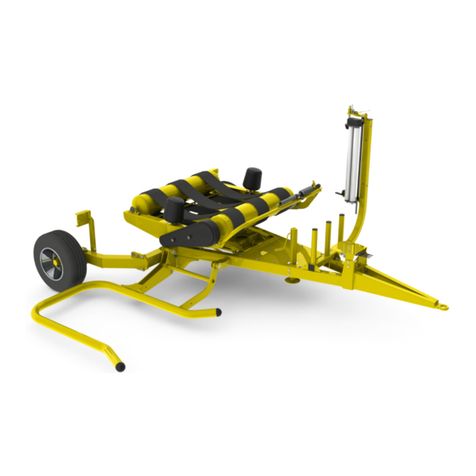
  9. Tanco S100 A User manual

Tanco S100 A User manual

Other Tanco Farm Equipment manuals

Tanco 404 S Service manual

Tanco

Tanco 404 S Service manual

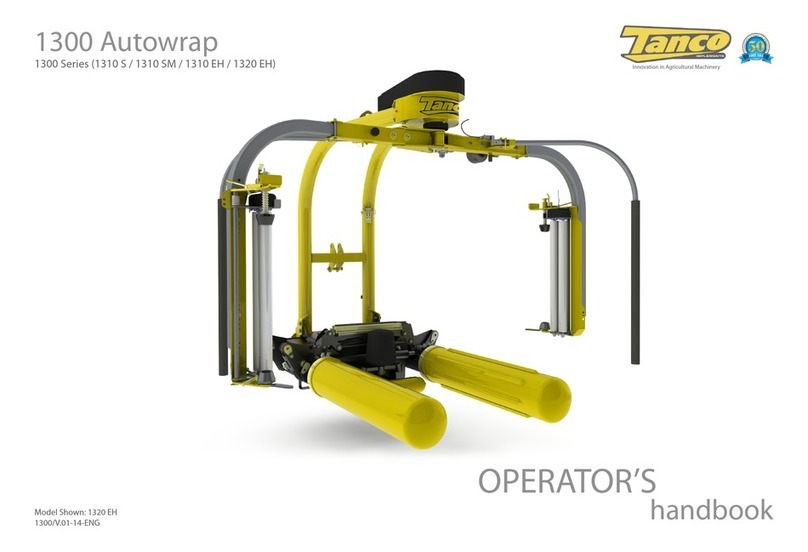
Tanco i73 Service manual

Tanco

Tanco i73 Service manual

Tanco 580A User manual

Tanco

Tanco 580A User manual

Tanco A Series Service manual

Tanco

Tanco A Series Service manual

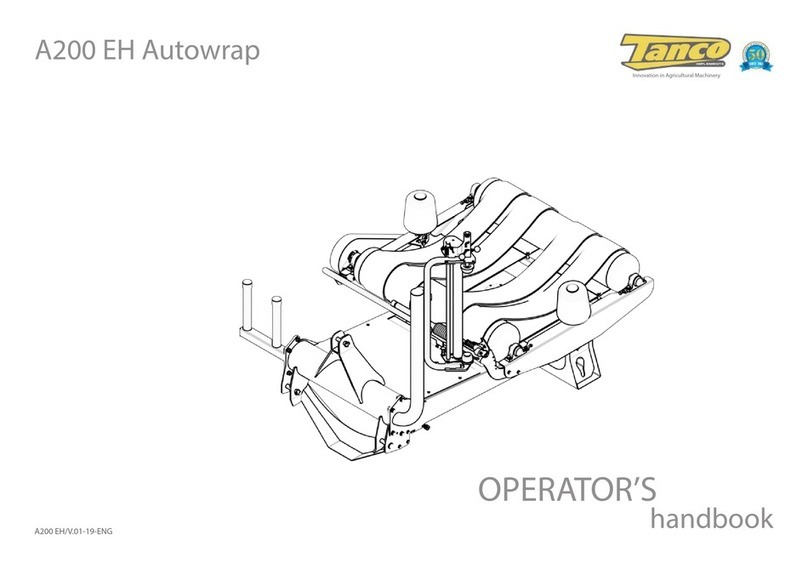
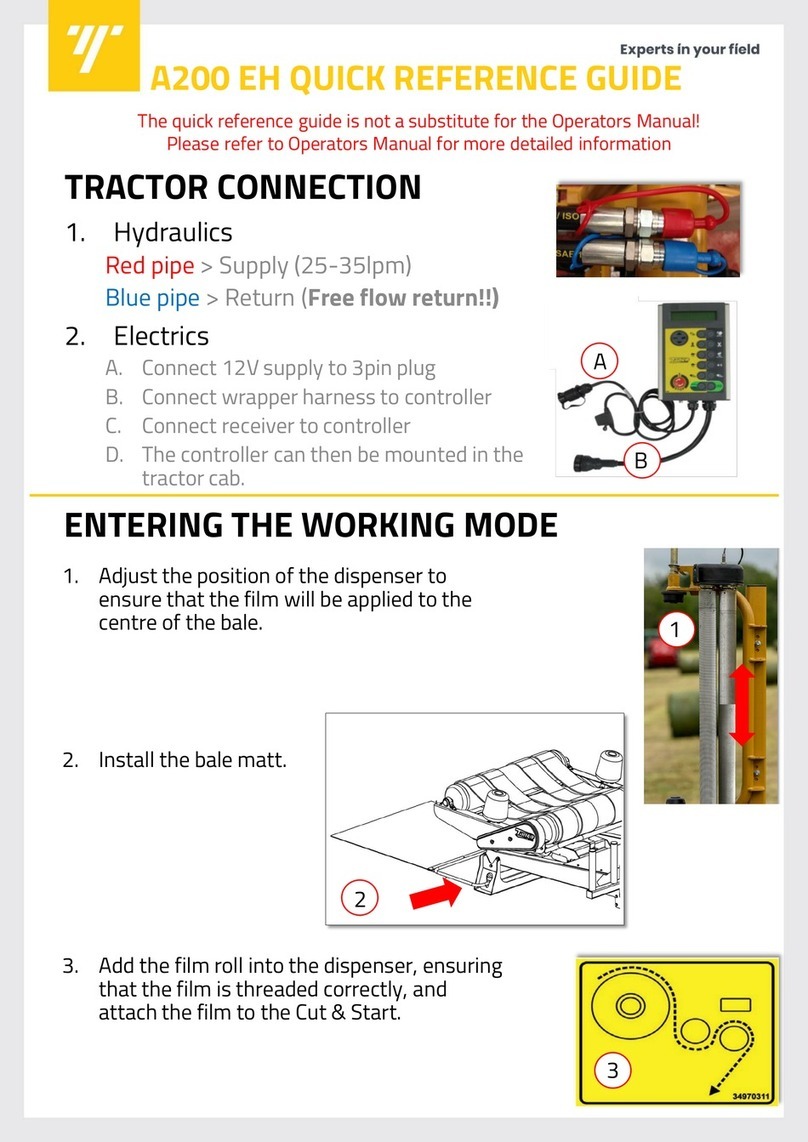
Tanco A200 EH User manual

Tanco

Tanco A200 EH User manual

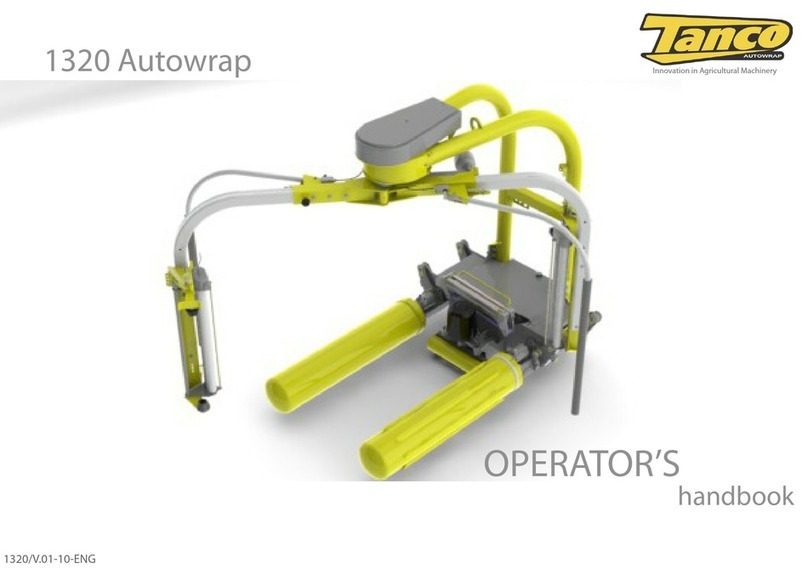
Tanco Autowrap 1320 Service manual

Tanco

Tanco Autowrap 1320 Service manual

Tanco D80 Service manual

Tanco

Tanco D80 Service manual

Tanco 1400 Autowrap Service manual

Tanco

Tanco 1400 Autowrap Service manual

Tanco E100 SA Service manual

Tanco

Tanco E100 SA Service manual

Tanco 1300 Series Service manual

Tanco

Tanco 1300 Series Service manual

Popular Farm Equipment manuals by other brands

GSi PNEG-2314 installation manual

GSi

GSi PNEG-2314 installation manual

Checchi & Magli TEXDRIVE owner's manual

Checchi & Magli

Checchi & Magli TEXDRIVE owner's manual

Amazone Cenius 4003-2TX operating manual

Amazone

Amazone Cenius 4003-2TX operating manual

MASSEY FERGUSON MF 9313S Operator's manual

MASSEY FERGUSON

MASSEY FERGUSON MF 9313S Operator's manual

Cima BLITZ Maintenance Instruction

Cima

Cima BLITZ Maintenance Instruction

Amazone CombiDisc 3000 Original operating manual

Amazone

Amazone CombiDisc 3000 Original operating manual

HE-VA Disc-Roller XL Contour Operating instructions/spare parts list

HE-VA

HE-VA Disc-Roller XL Contour Operating instructions/spare parts list

AGT AGT-SSFM product manual

AGT

AGT AGT-SSFM product manual

Milestone 72-84 manual

Milestone

Milestone 72-84 manual

KUHN Hector 3000 Complementary instructions

KUHN

KUHN Hector 3000 Complementary instructions

Krone X-Disc 6200 operating instructions

Krone

Krone X-Disc 6200 operating instructions

Eliet DZC450 manual

Eliet

Eliet DZC450 manual

Taarup BIO+ B4000 Operator's manual

Taarup

Taarup BIO+ B4000 Operator's manual

Garland SHAKER 310 DPG instruction manual

Garland

Garland SHAKER 310 DPG instruction manual

stable comfort StableWall System installation guide

stable comfort

stable comfort StableWall System installation guide

Raven AccuBoom installation manual

Raven

Raven AccuBoom installation manual

International 710 Operator's manual

International

International 710 Operator's manual

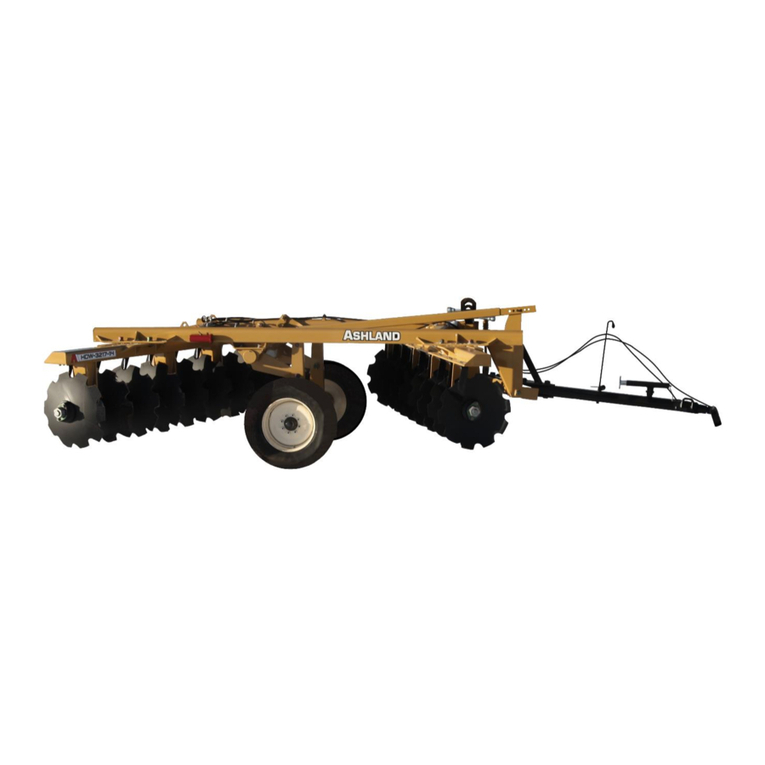
Ashland HDW-3217-14 parts manual

Ashland

Ashland HDW-3217-14 parts manual

manuals.online logo
manuals.online logoBrands
  • About & Mission
  • Contact us
  • Privacy Policy
  • Terms and Conditions

Copyright 2025 Manuals.Online. All Rights Reserved.

TRACTOR CONNECTION
1. Hydraulics
Red pipe > Supply (35-40lpm)
Blue pipe > Return (Free flow return!!)
2. Electrics
A. Connect 12V supply to 3pin plug
B. Connect wrapper harness to controller
ENTERING THE WORKING POSITION
1. Remove the wrap arm transport lock.
2. Position the safety arms into the working
position by removing the retaining pin.
3. Adjust the load arm stop pin to allow
clearance between the top of the bale at the
rotating arm.
4. Install the roll of film and attach the film to
the Cut & Start.
The quick reference guide is not a substitute for the Operators Manual!
Please refer to Operators Manual for more detailed information
B
A
3
4
1
2
S100 A QUICK REFERENCE GUIDE
OPERATION
1. Activate the “Rollers out” (a) function
to open the rollers
2. Drive into the bale until the bale
contacts the bale support roller.
3. Activate “Rollers in” (b) to load the
bale.
4. Once the bale is loaded, pressing
“Auto start” (c) will commence
wrapping.
5. When wrapping is complete, press
“Rollers out” (a) to offload the bale.
Note: “Rollers in” & “Rollers out”
functions can be operated by “one touch”
meaning that the operator does not need
to keep the button pressed. To activate
“one touch” increase “Rollers in” & “Roller
out” time in the Operator Menu.
a
b
c
Using the End Tip
1. The End Tip must first be activated by
turning a hydraulic tap which is located
next to the hydraulic valve block
assembly.
2. When wrapping is complete, press the
“Rollers out” button (a). The End Tip
will first extend before the rollers
move out to unload the bale.
a
Auto mode (A)

EXPERT CONTROLLER OPERATION
OPTIONAL RF REMOTE OPERATION
The RF (Radio Frequency) remote is required if you wish to operate the
S100A wrapper statically.
Auto Start wrap
Close Cut & Start
Offload the bale
Emergency Stop
Rotate wrap arms
in reverse
Rotate wrap
arms forward
Load bale / add
extra wrap
Open Cut & Start
RF Receiver
The red button on the
rear of the remote must
be pressed while
pressing any other
button (except “STOP”).
- Current No. of wraps
- Target No. of wraps
- Wrapping speed (RPM)
- Bale total
- Grand total No. of bales
- Mode: Manual /Auto
Pause wrapping
Open cutter
Fast wrap arm rotate /
Resume wrapping
Pause bale rotation (during
wrapping)
Rollers in
Start Auto wrap cycle
Select Manual or Auto
- Set No. of wraps
- Change / reset bale sub-total
- Access Operator Menu
- Access Technician Menu
Reverse wrap arm
Slow wrap arm rotate
Close cutter
Add extra wrap
Rollers out
Power on/off /
Emergency Stop
ENTERING THE TRANSPORT POSITION
1. Fully close the loading rollers.
2. Rotate the wrap arm until it is behind
the Cut & Start.
3. Insert the wrap arm transport lock.
4. Lock the safety arm into the transport
position.
4
3
OPTIONAL HANDHELD REMOTE
The operator can activate the main wrapper functions through the handheld
remote. This means that the operator can hold the remote in their hand while
operating the tractor.
Auto mode
Auto start wrap
Auto mode
Rollers out Auto mode
Rollers in