manuals.online logo
Brands
  1. Home
  2. •
  3. Brands
  4. •
  5. WAC Lighting
  6. •
  7. Lighting Equipment
  8. •
  9. WAC Lighting Silo X10 User manual

WAC Lighting Silo X10 User manual

Other WAC Lighting Lighting Equipment manuals

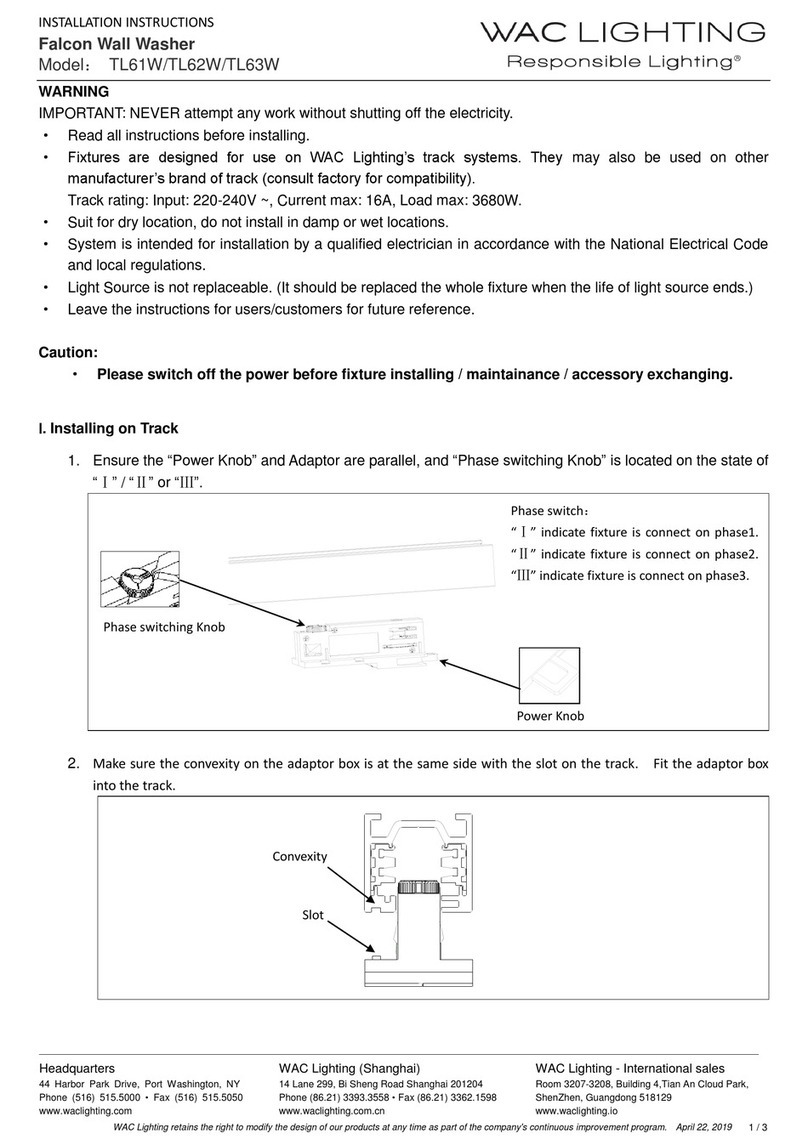
WAC Lighting LED-TC Series User manual

WAC Lighting

WAC Lighting LED-TC Series User manual

WAC Lighting HTK-793 User manual

WAC Lighting

WAC Lighting HTK-793 User manual

WAC Lighting GATE 12V User manual

WAC Lighting

WAC Lighting GATE 12V User manual

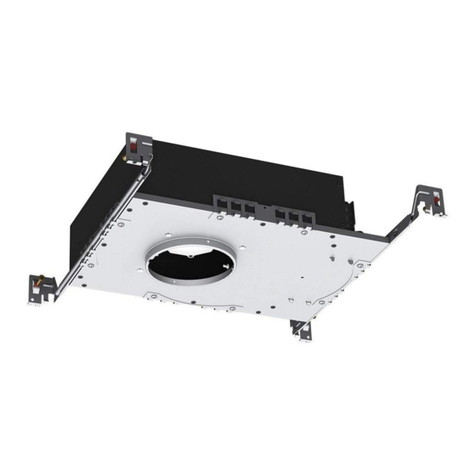
WAC Lighting Modern Forms 708-LED User manual

WAC Lighting

WAC Lighting Modern Forms 708-LED User manual

WAC Lighting WT-RT User manual

WAC Lighting

WAC Lighting WT-RT User manual

WAC Lighting dweLED 299-LED Wall Sconce User manual

WAC Lighting

WAC Lighting dweLED 299-LED Wall Sconce User manual

WAC Lighting LED-350MA03-RB User manual

WAC Lighting

WAC Lighting LED-350MA03-RB User manual

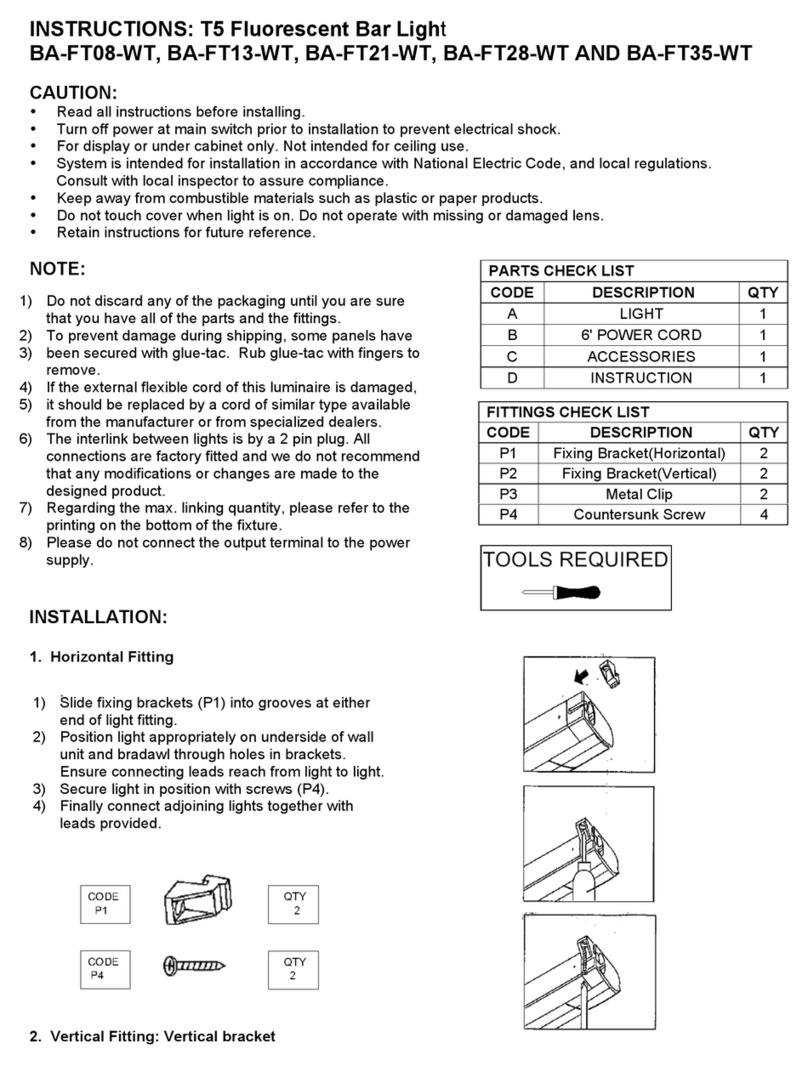
WAC Lighting BA-FT08-WT User manual

WAC Lighting

WAC Lighting BA-FT08-WT User manual

WAC Lighting LD-700MA03-EDIM-IS User manual

WAC Lighting

WAC Lighting LD-700MA03-EDIM-IS User manual

WAC Lighting Paloma MO-LED512 User manual

WAC Lighting

WAC Lighting Paloma MO-LED512 User manual

WAC Lighting M6000-STAKE User manual

WAC Lighting

WAC Lighting M6000-STAKE User manual

WAC Lighting 6011 User manual

WAC Lighting

WAC Lighting 6011 User manual

WAC Lighting Volta 2" LED Series User manual

WAC Lighting

WAC Lighting Volta 2" LED Series User manual

WAC Lighting WS-90627 User manual

WAC Lighting

WAC Lighting WS-90627 User manual

WAC Lighting InvisiLED Classic LED-T24 User manual

WAC Lighting

WAC Lighting InvisiLED Classic LED-T24 User manual

WAC Lighting 5221 User manual

WAC Lighting

WAC Lighting 5221 User manual

WAC Lighting H-LED160 User manual

WAC Lighting

WAC Lighting H-LED160 User manual

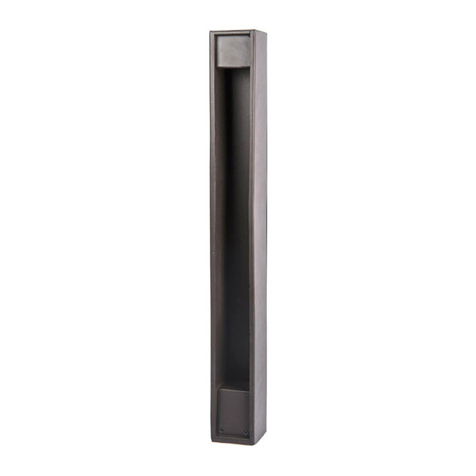
WAC Lighting Falcon Series User manual

WAC Lighting

WAC Lighting Falcon Series User manual

WAC Lighting LD-700MA03-EDIM-IS User manual

WAC Lighting

WAC Lighting LD-700MA03-EDIM-IS User manual

WAC Lighting dweLED FM-96916 User manual

WAC Lighting

WAC Lighting dweLED FM-96916 User manual

WAC Lighting InvisiLED CCT 100 User manual

WAC Lighting

WAC Lighting InvisiLED CCT 100 User manual

WAC Lighting HR-3LED-H20A User manual

WAC Lighting

WAC Lighting HR-3LED-H20A User manual

WAC Lighting WTK-6010 Series User manual

WAC Lighting

WAC Lighting WTK-6010 Series User manual

Popular Lighting Equipment manuals by other brands

Life 39.9F70020C quick start guide

Life

Life 39.9F70020C quick start guide

EuroLite LED ML-20 user manual

EuroLite

EuroLite LED ML-20 user manual

LIGMAN OD-50141 installation manual

LIGMAN

LIGMAN OD-50141 installation manual

Home Accents Holiday 1002461144 instructions

Home Accents Holiday

Home Accents Holiday 1002461144 instructions

Experia IRiS Ripple Light instruction manual

Experia

Experia IRiS Ripple Light instruction manual

Erco Gecko Mounting instructions

Erco

Erco Gecko Mounting instructions

Inter-lux ZTA.100.Surface Installation and maintenance instructions

Inter-lux

Inter-lux ZTA.100.Surface Installation and maintenance instructions

Whelen Engineering Company TN Series installation guide

Whelen Engineering Company

Whelen Engineering Company TN Series installation guide

IKEA BJÖRKSPIREA manual

IKEA

IKEA BJÖRKSPIREA manual

Toolland PM 6640 instruction manual

Toolland

Toolland PM 6640 instruction manual

GTD GTD-LP200 user manual

GTD

GTD GTD-LP200 user manual

LIVARNO home 1105-W-UK manual

LIVARNO home

LIVARNO home 1105-W-UK manual

ProLights EclPar IPMFC user manual

ProLights

ProLights EclPar IPMFC user manual

Velvet EVO Series user manual

Velvet

Velvet EVO Series user manual

IDTOLIGHT GENT installation instructions

IDTOLIGHT

IDTOLIGHT GENT installation instructions

MAYTONI S35 installation manual

MAYTONI

MAYTONI S35 installation manual

MaxLite MLFP14DP4535 user manual

MaxLite

MaxLite MLFP14DP4535 user manual

SLV Elektronik 550621 instruction manual

SLV Elektronik

SLV Elektronik 550621 instruction manual

manuals.online logo
manuals.online logoBrands
  • About & Mission
  • Contact us
  • Privacy Policy
  • Terms and Conditions

Copyright 2025 Manuals.Online. All Rights Reserved.

WAC Lighting
www.waclighting.com
Phone (800) 526.2588 • Fax (800) 526.2585
Headquarters/Eastern Distribution Center
44 Harbor Park Drive • Port Washington, NY 11050
Phone (516) 515.5000 • Fax (516) 515.5050
Western Distribution Center
1750 Archibald Ave • Ontario, CA 91761
Phone (800) 526.2588 • Fax (800) 526.2585
WAC Lighting retains the right to modify the design of our products at any time as part of the company's continuous improvement program. JUNE, 2016
INSTALLATION INSTRUCTION
Silo X10 - LED Monopoint
MO-2010
SAFETY INSTRUCTION
IMPORTANT: NEVER attempt any work without shutting o the electricity.
- Read all instructions before installing.
- System is intended for installation by a qualied electrician in accordance with the National Electrical Code and local regulations.
- Go to the main fuse box, or circuit breaker. Place the main power switch in the“OFF”position and unscrew the fuse(s) or switch“OFF” the
circuit breaker switch(es) that control the power to the xture or room that you are working on.
- Place the wall switch in the“OFF”position.
CAUTION
- All parts must be used as indicated in these instructions. Do not substitute any parts, leave parts out, or use any parts that are worn out or
broken. Failure to follow this instruction could invalidate the ETL/CETL listing of this xture.
AVERTISSEMENT
IMPORTANT : Coupez l’électricité avant TOUTE manipulation.
- Lisez toutes les instructions avant d’installer.
- Système est destiné à être installé par un électricien qualié en conformité avec le code national de l’électricité et les règlements locaux.
- Accédez au panneau central de disjoncteurs ou de fusibles de votre demeure et placez l’interrupteur principal en position d’arrêt («OFF »).
- Placez l’interrupteur mural en position d’arrêt (« OFF »).
MISE EN GARDE
- Toutes les pièces doivent être utilisées tel qu’il est indiqué dans ces instructions. Ne remplacez pas les pièces, n’en laissez pas de côté et ne
les utilisez pas si elles sont usées ou brisées. Le non-respect de ces instructions peut annuler l’homologation ETL/CETL du luminaire.
INSTALLING LAMP: Fig.1)
1. Loosen the three canopy screws, twist and separate
the canopy cover from the base plate.
(keep screws on base plate)
2. Remove a knock out from the base plate.
3. Attach the base plate to the surface using slotted holes
for mounting screws (supplied).
4. Connect xture wires to 120V AC power wire,
with wire nuts (supplied).
5. Connect ground wire to the green wire from xture.
6. Mount the canopy to the base plate by twisting
key holes over three screws in base plate.
7. Tighten screws to secure canopy.
8. After the light is on, rotate the luminaire body
horizontally or vertically to aim properly.
Base Plate
Canopy
Base Plate
Mounting
Screws
Canopy
Mounting
Screws
Fig.1
350°
90°

WAC Lighting
www.waclighting.com
Phone (800) 526.2588 • Fax (800) 526.2585
Headquarters/Eastern Distribution Center
44 Harbor Park Drive • Port Washington, NY 11050
Phone (516) 515.5000 • Fax (516) 515.5050
Western Distribution Center
1750 Archibald Ave • Ontario, CA 91761
Phone (800) 526.2588 • Fax (800) 526.2585
WAC Lighting retains the right to modify the design of our products at any time as part of the company's continuous improvement program. JUNE, 2016
REPLACING TIR LENS :
1. Use a screw-driver or nger nail on inside lips to gently pull out the front cap of the xture. Fig.2
2. Use a at-tip screw-driver and gently pry in lens holder removal slot to remove lens holder. Fig.3
3. Replace the Lens with the desired one.
4. Align plastic tabs and reinstall lens holder on securely. Ensure silicone guide is in place. Fig.4
5. Reinstall front cap
Flood Lens
TIR-LUM6-F
Narrow Flood Lens
TIR-LUM6-N
Pad painted edge to
protect from damage
Silicone Guide Ring
Front Cap Lens Holder TIR Lens Fixture Body
Lens holder
removal slot
Lens holder
Front Cap
Fig.2
Fig.3
Fig.4
Front Cap
INSTALLATION INSTRUCTION
Silo X10 - LED Monopoint
MO-2010
WAC Lighting
www.waclighting.com
Phone (800) 526.2588 • Fax (800) 526.2585
Headquarters/Eastern Distribution Center
44 Harbor Park Drive • Port Washington, NY 11050
Phone (516) 515.5000 • Fax (516) 515.5050
Western Distribution Center
1750 Archibald Ave • Ontario, CA 91761
Phone (800) 526.2588 • Fax (800) 526.2585
WAC Lighting retains the right to modify the design of our products at any time as part of the company's continuous improvement program. JUNE, 2016
ACCESSORIES : Fig.6
1. Use a screw-driver or nger nail to gently remove the front cap of the xture. Fig.5
2. Install the accessory into the front cap. Note: accepts one lens or one glare control accessory. Fig.6
3. Reinstall the front cap onto the xture. Note: front cap will protrude o front of xture the thickness of the accessory base. Fig.7
Cross Louver
LENS-11P-CRL
Front Cap
Cross Louver
Fixture Body
Protrusion Front Cap
Snoot
LENS-11-SNOOT
Lens Accessory
LENS-11
Front Cap
Fig.5
Fig.6
Fig.7
INSTALLATION INSTRUCTION
Silo X10 - LED Monopoint
MO-2010