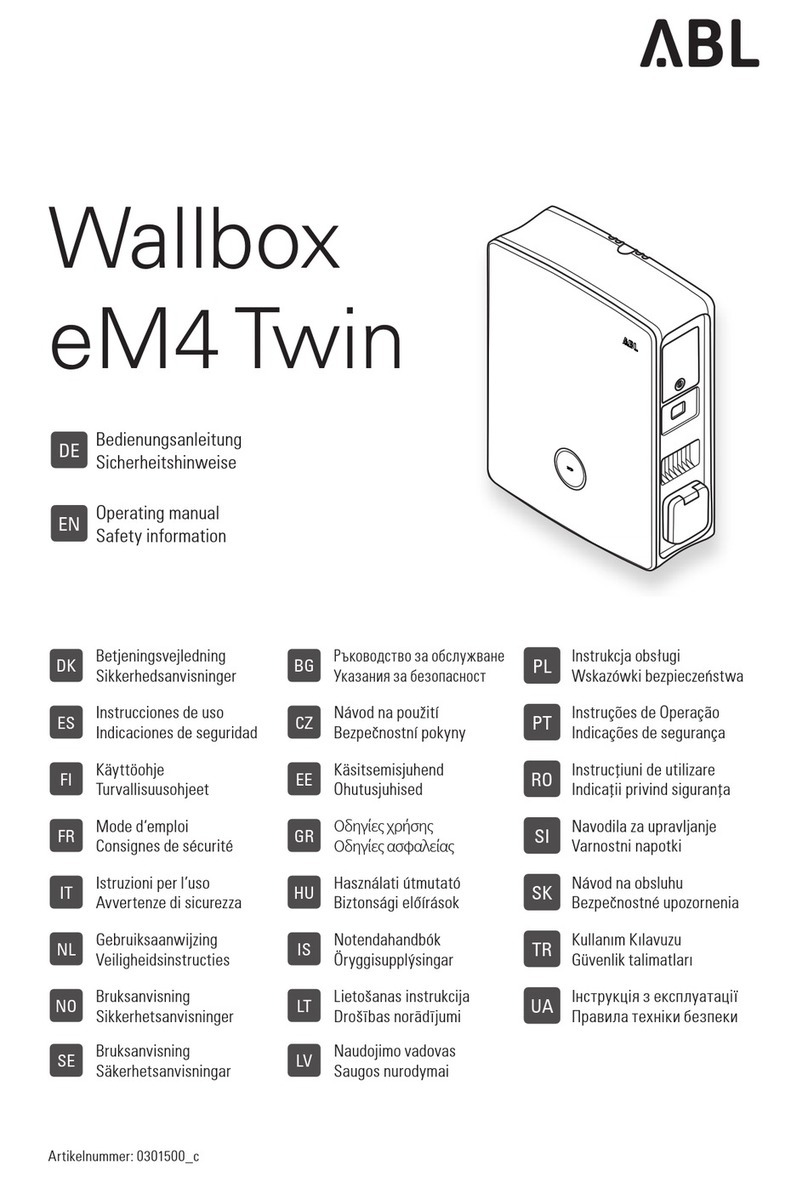
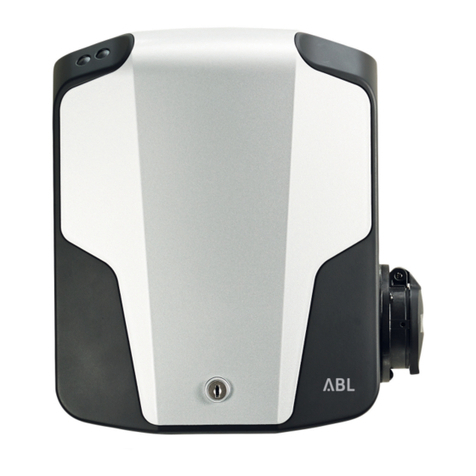
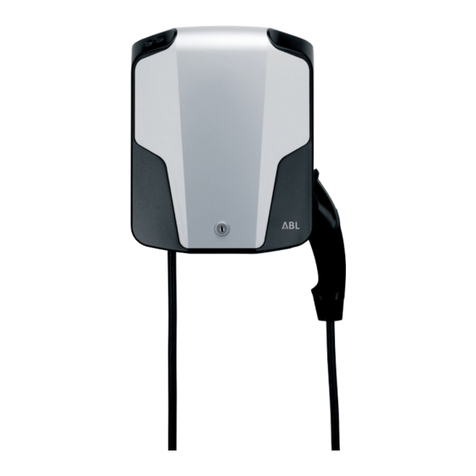
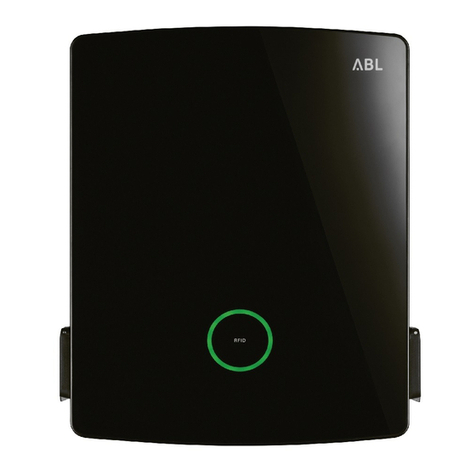
ABL SBC Home User manual

SBC Home
Installation manual
BS
ABL

www.abl.de
2
English 20 pages

3
English
www.abl.de
Contents
4
4
5
6
7
8
8
10
11
12
12
15
16
16
16
17
18
18
18
19
19
20
1. Safety information
2. Terms
3. SBC home general description
4. System requirements/limitations
5. Product description
6. Before installation
7. Phase connection pattern
8. Installing the wallbox
9. IT network with local TN network
10. Configuring the wallbox for SBC home
11. Installing SBC home
12. Charge controller address vs. current sensor input
13. Installation examples TN network
14. Installation examples IT network
15. Installation in TT network
16. Configuring SBC home
17. Failure handling
18. Limited operation mode
19. Status indicator
20. Control input 1 and 2
21. Relay output
22. Technical specification
23. Contact information 21
EN

www.abl.de
4
English
1. Safety information
Read this installation manual carefully before installing SBC home. SBC home shall only be
installed by a licensed electrician. This installation manual describes the necessary steps
to install SBC home. For other products, like the charging station, see the separate
installation manuals that come with each product. SBC home and other components must
be installed in accordance with national and local regulations. Good installation practice
must be followed.
A warning symbol means that extra care must be taken; otherwise damage or
injury could occur.
SBC home is to be used exclusively for its intended purpose. Use for any other purpose,
or in any other manner,will be deemed to be "not in accordance with the intended
purpose". ABL is not liable for any damage or inadequate/incorrect outcomes resulting
from improper configuration or use.
2. Terms
1. Charging station 3. Charging pole 5. Charge controller (EVCC)
2. Wallbox 4. Charge point
1
11
2
2
4444
5
5
2
5
1
3
4
5
4

5
English
www.abl.de
3. SBC home general description
Get more power for charging! SBC home is a control unit used to optimize charging of
electric vehicles in locations with a limited power supply. SBC home measures the
current going through the main fuse, and directs available surplus power to connected
charging stations. SBC home:
•protects the main fuse in the building from tripping when charging at full power
•ensures faster charging when other consumption is low
•allows for charging with the existing electrical system without allocating a xed large
proportion of the available power
•enables use of existing electrical systems with limited power capacity
If there is more than one charge point, only the charge points that are in use will share the
available power. When a vehicle is fully charged or is disconnected from a charge point,
the available power will be distributed evenly among other charge points which are still
charging.
SBC home can control up to six charge points via cabled RS485 bus connection. The SBC
home comes with a 12V DC low voltage power supply (LVPS). ABL recommends a
separate fuse for SBC home (for example a B-6A fuse (MCB) or equivalent RCBO). The
electrician must configure SBC home after installation based on the number of charge
points, main inlet fuse size and the system’s overall charging current.
SBC home is intended for charging equipment, supplied by:
•230V AC and 400V AC TN-S, star topology, with 120 degrees between each phase,
hereafter called TN network
•230V AC IT delta topology, with 120 degrees between each phase (Norway only),
hereafter called IT network
SBC home is only compatible with charge controllers from ABL SURSUM GmbH, Germany.

www.abl.de
6
English
4. System requirements/limitations
• Only one SBC home per main fuse
• Minimum 6A must be available per charge point. Single-phase charging with six charge
points requires:
›minimum three-phase 16A for TN network
›minimum three-phase 25A for IT network
• Maximum main inlet fuse size: 4x63A (TN) or 3x80A (IT)
•SBC home safety margin for the system in total is 10%
• Maximum 6 charge points for three-phase charging
• Maximum 2 charge points for single-phase charging
• Maximum 5 charge points for three-phase charging for IT network with local TN network
via a 25kVA transformer
• Compliant with charge controllers from ABL with firmware 2.7C/CD, 2.8C/CD or newer
• Use Mode-3 cable only. Mode changing adaptors between charge point and vehicle are
not allowed according to international standardization
•SBC home is not compliant with Mode-1 or Mode-2 charging
• eMH3 with RFID reader is not compatible with SBC home

7
English
www.abl.de
Relay output
Control input 1
LED power indicator
Input AC current sensor 1
Communication port
LED status indicator
Control input ground
12V DC power (−)
12V DC power (+)
Input AC current sensor 2
Input AC current sensor 3
Control input 2
5. Product description
SB
ABL

www.abl.de
8
English
6. Before installation
Read the installation manual carefully before installing SBC home.
To be assessed before installation:
•Number of charge points
•Main inlet fuse size
•Preferred total charging current per phase
•Available charging current for each charging point
•Distribution network at inlet: TN, IT or TT network
•Type of local distribution network connected to the wallboxes (such as transformer in an
IT network)
•Single-phase or three-phase charging
•Identify and label the phases on the power line in at the main inlet fuse
•Plan for a connection pattern. Find corresponding phase(s) between the inlet fuse and
the charge point(s). The charge points need unique addresses
›NB! The system will not work as intended if the phases do not correspond!
• Make sure the supply power is switched off during the entire installation
7. Phase connection pattern
Create a true phase rotation in the distributed circuits, one step per each charge point, as
shown in the installation diagrams. See separate document. By using a connection pattern
with true phase rotation, the system ensures an even load distribution among the phases.
This is important for single-phase charging, and for three-phase charging in cases where
single-phase vehicles are connected. PE-wiring is intentionally not shown in any of the
installation diagrams.

9
English
www.abl.de
Addr.
6
Addr.
4
Addr.
5
Addr.
3
Addr.
2
Addr.
1
L1 L2 L3 L1 L2 L3 L1 L2 L3 L1 L2 L3
L1 L2 L3 L1 L2 L3 L1 L2 L3 L1 L2 L3
Addr.
6
Addr.
4
Addr.
5
Addr.
3
Addr.
2
Addr.
1
L1 N L2 N L3 N L1 N L2 N L3 N
L1 N L2 N L3 N L1 N L2 N L3 N
Addr.
6
Addr.
4
Addr.
5
Addr.
3
Addr.
2
Addr.
1
L1 L2 L3 N L1 L2 L3 N L1 L2 L3 N
L1-L2-L3-N L2-L3-L1-N
L3-L1-L2-N
L3-L1-L2-N
L2-L3-L1-NL1-L2-L3-N
Phase rotation, single phase charging,
TN network:
Phase rotation, single phase charging,
IT network:
Phase rotation, three phase charging, TN network:
1.
All charge points to be connected the same way:
•Brown = L1 • Grey = L3
•Black = L2 • Blue = N
1
2
3
2.
Create a xed phase rotation at the output
of the fuses, or terminal blocks, one
rotation-step per connected charge point.
3.
All phases may be distributed with a regular
"L1-L2-L3-N" bus bar suitable for 4-pole DIN
block devices.

www.abl.de
10
English
RJ12 RJ12
1
6
6
1
6
1
8. Installing the wallbox
•Assess and select a connection pattern and phase distribution, as shown in the
installation diagrams. See separate document.
•Connect power cables to the wallbox according to the pattern chosen in section titled
"7. Phase connection pattern".
• All wallboxes must be connected to the same grounding point; otherwise the communication
may be lost or SBC home may be damaged.
•Connect a communication cable between SBC home and the wallbox.
›Use RJ12 connectors included in the SBC home kit.
›Use a communication cable with at least two twisted pairs.
›Assemble the RJ12 connectors to the communication cable by using special hand
pliers suited for RJ12 connectors.
› The example below shows how a CAT5 cable with solid copper core wires may be
connected. Make sure the mid pair of terminals are connected to a twisted pair.
Pin 1
Pin 2 M (GND)
Pin 3 A (Data)
Pin 4 B (Data)
Pin 5 M (GND)
Pin 6
Other ABL Batteries Charger manuals