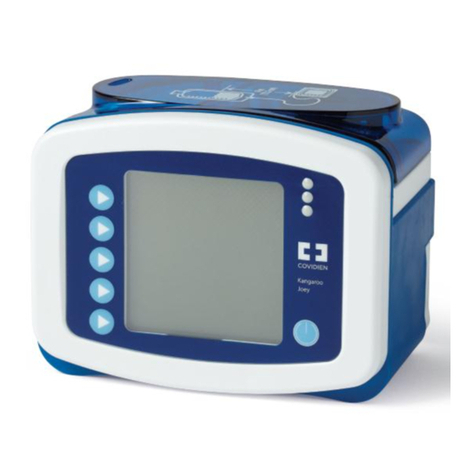
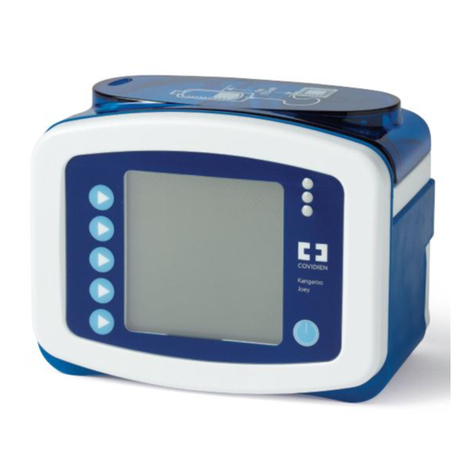
Kangaroo™ Connect Enteral Feeding Pump
Troubleshooting guide
© 2020 Cardinal Health. All Rights Reserved. CARDINAL HEALTH, the
Cardinal Health LOGO and KANGAROO are trademarks of Cardinal Health
and may be registered in the US and/or in other countries. All other marks
are the property of their respective owners. Lit. No. 2MS20-1162466 (5/2020)
Symptom Probable cause Corrections
Feed
Complete
Dose feeding meets
the specified amount.
Press
}
DONE to clear the notification.
Feed
Incomplete
Dose feeding is
interrupted.
Press
}
Resume Dose to continue feeding from the current
pump state or press
}
Restart Dose if you are beginning a new,
full feeding regimen.
Pump
Inactive
This will appear if the
pump has been
without input for more
than 10 minutes.
Press
}
Continue to return to the previous screen. If the error
cannot be resolved, press and HOLD the
}
Power Button for 3
seconds to stop operation of the pump and put a different pump
into service.
Rotor Stuck There is an unusual
amount of resistance
to the rotation of the
rotor.
If cleaning of the rotor and rotor shaft does not resolve this error,
press and HOLD the
}
Power Button for 3 seconds to stop
operation of the pump and put a different pump into service.
Cassette
Dislodged
or Cassette
Error
Appears if the cassette
is not properly
loaded in the pump
set loading area.
Reload the cassette to ensure the correct positioning. If the error
cannot be resolved, load a new pump set, prime it and press
}
Continue to restart the feeding. If the error cannot be resolved,
press and HOLD the
}
Power Button for 3 seconds to stop
operation of the pump and put a different pump into service.
Supply
Tube
Blocked
Appears if there is a
blockage, obstruction,
or kinked tubing
between the feeding
bag and the pump.
Check the tubing between the bag and the pump. If the tube
cannot be cleared, remove the blocked pump set and load a new
pump set onto the pump. If the error still cannot be resolved, press
and HOLD the
}
Power Button for 3 seconds to stop operation of
the pump and put a different pump into service.
Feed Bag
Empty
Appears when the
bag is empty or large
amounts of foam or
bubbles are in the
feeding solution
If the bag is empty, re-fill the bag as required. If the bag still
contains feeding solution, remove cassette and check the bag
side tubing for excessive foam or bubbles. Clear bubbles from line
and reload the feeding set or replace with a new feeding set. If
the error still cannot be resolved, press and HOLD the
}
Power
Button for 3 seconds to stop operation of the pump and put a
different pump into service.
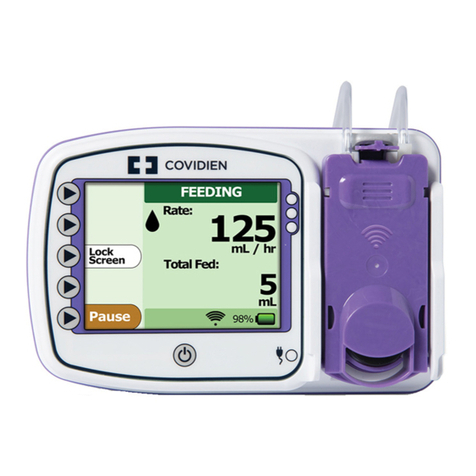
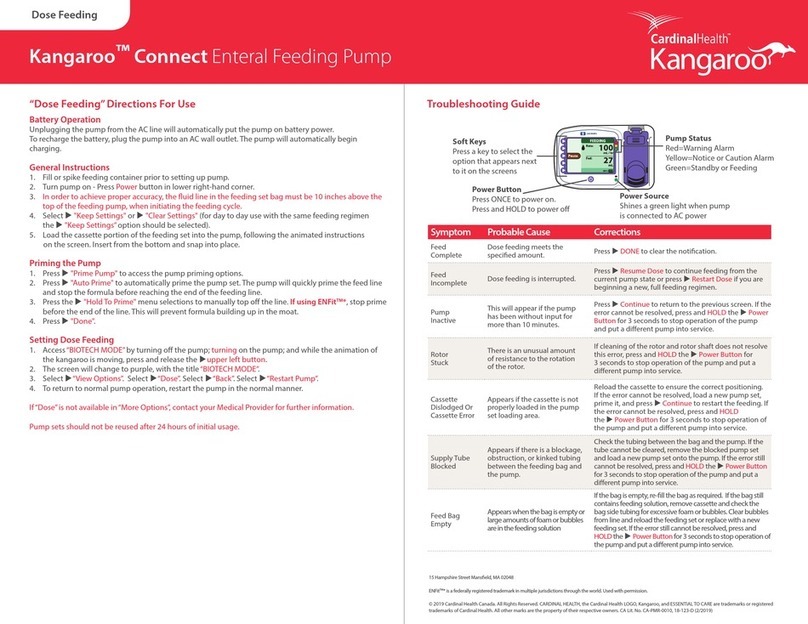
Listed below are some of the probable causes of alarm conditions and their corrections.
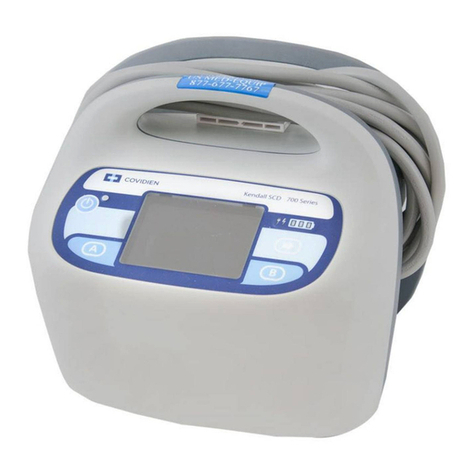
Pump Status
Red=Warning Alarm
Yellow=Notice or Caution Alarm
Green=Standby or Feeding
Power Button
Press ONCE to power on.
Press and HOLD to power off
Power Source
Shines a green light when pump
is connected to AC power
Soft Keys
Press a key to select the
option that appears next
to it on the screens