English Owner’s Manual
CMS20 5
Name of Buttons and their Functions
Note: Be sure to read this chapter referring to the chap-
ter “4. CONTROLS”
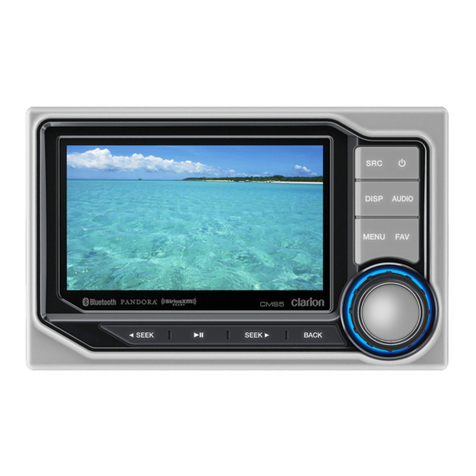
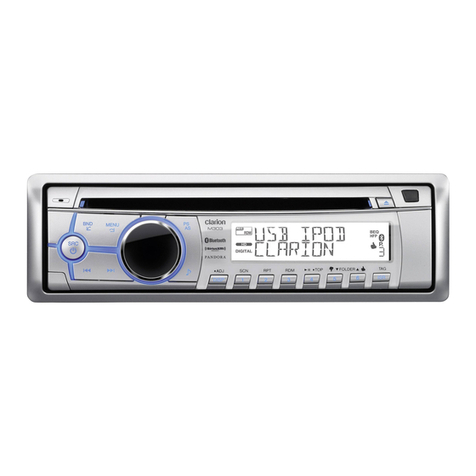
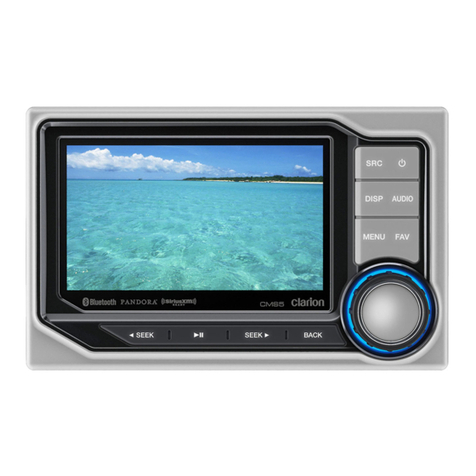
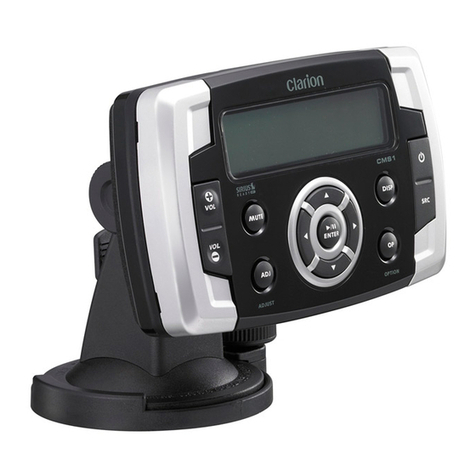
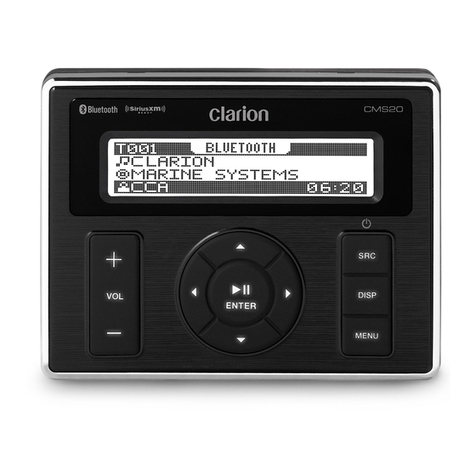
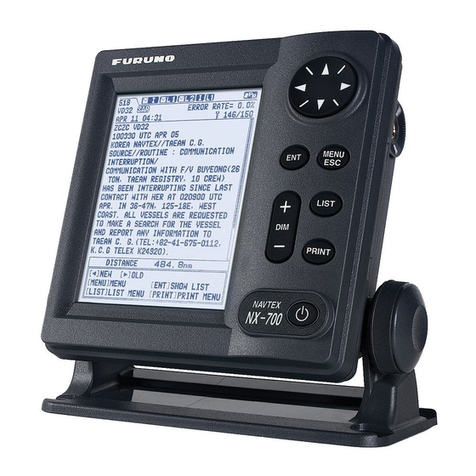
Display Controller
[ / SRC] Button
• Turn power on or off (Press and hold)
• Switch modes among FM, AM, Weather Band,
SiriusXM, USB/iPod, AUX and BT Audio (Short Press)
[ VOL+ ] [ VOL- ] Volume Button
• Press [VOL+] button to increase the volume.
• Press [VOL-] button to decrease the volume.
• The maximum volume level is “46”.
[DISP] Display Button
• Switch the display information (Short Press)
• Turn off the screen (Press and hold)
[ ] Play/Pause/Enter/Mute
• Press to conrm operation.
• Tuner - Mute or Unmute the audio output. (Short Press)
• USB/iPod/Bluetooth - Play/Pause. (Short Press)
• SiriusXM - Play/Pause (Start Instant Replay Mode)
(Short Press). / Live mode (Press and Hold)
[ ] Left Arrow / [ ] Right Arrow Buttons
• Menu – Adjust settings when inside of menu.
• Tuner – Station Up/Down (Short Press), Scan Up/
Down (Press and Hold
• SiriusXM – Channel Up/Down (Short Press), (LP)
Rapid Channel Up/Down (Press and Hold)
• SiriusXM Instant Replay – Skip forward or skip
backwards (Short Press), Fast forward/rewind 5/10/30
seconds (Press and Hold)
• USB/iPod – Next or previous track (Short Press), Fast
forward or rewind (Press and Hold)
• BT – Next or previous track (Short Press), Fast forward
or rewind (Press and Hold)
[ ] Search Up / [ ] Search Down Buttons
• Menu – Navigate up or down (Short Press)
• Tuner – Change to previous/next preset station.
• SiriusXM – Change to previous/next preset channel.
• USB – Press for the next/previous folder.
• BT/iPod – Press to browse up/down through list in
menu.
[MENU] Button
• Access the source menu (Short Press)
• Access the system menu (Press and Hold)
• Press [ / ]repeatedly to select the item to be
adjusted:
EQ
Press the [ / ] buttons to change EQ:
Flat->Jazz->Pop->Classic->Rock->News->Urban->
Rave->Movie->Techno->User
Loud On/Off
Press the [ / ] buttons to select Loundness between
ON and OFF.
Subwoofer On/Off
Press the [ / ] buttons to select Subwoofer between
ON and OFF.
Subwoofer Gain
Press the [ / ] buttons to adjust the Subwoofer Gain
range: 0 to 12
Subwoofer LPF
Press the [ / ] buttons to adjust the Subwoofer Low
Pass Filter range:80HZ/120HZ/180HZ
Bass Level
Press the [/ ] buttons to adjust the Bass level range:
-7 to +7
Middle Level
Press the [/ ] buttons to adjust the Middle level
range: -7 to +7
Treble Level
Press the [/ ] buttons to adjust the Treble level
range:-7 to +7
Balance
Press the [/ ] buttons to adjust the Balance between
the Left and Right speakers from L12 (full left) to R12
(full right).
Fader
Press the [/ ] buttons to adjust the Fader between
the Rear and Front speakers from R12 (full rear) to F12
(full front).
AUX In Mid/Low/High
Press the [/ ] buttons to select the “Low”, “Mid”
or “ High”.
Beep
Press the [/ ] buttons to select Beep tone between
ON and OFF.
BT Disconnect/Connect
Press the [/ ]buttons to Disconnect and Connect
the Bluetooth.
Area Mode
Press the [/ ] button to select the suitable country
area of the radio.
U.S.A->Europe->Asia->AUST (Australia)
Reset Setting
Press the [] button to restore the factory default
settings.
About
Press the [] button to view the device hardware and
software versions.
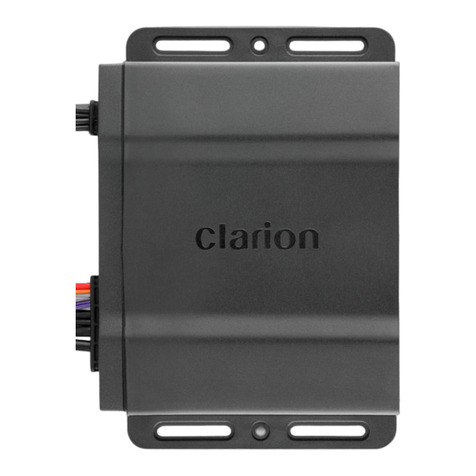
Black Box
[RESET] Button
• Press RESET button with a ball point pin to:
1. Perform a complete system reset.
2. In the event that buttons do not respond or operate
correctly.
3. When an Error Code or Message is displayed.