manuals.online logo
Brands
  1. Home
  2. •
  3. Brands
  4. •
  5. DV8 OFFROAD
  6. •
  7. Automobile Accessories
  8. •
  9. DV8 OFFROAD TSJL-03 User manual

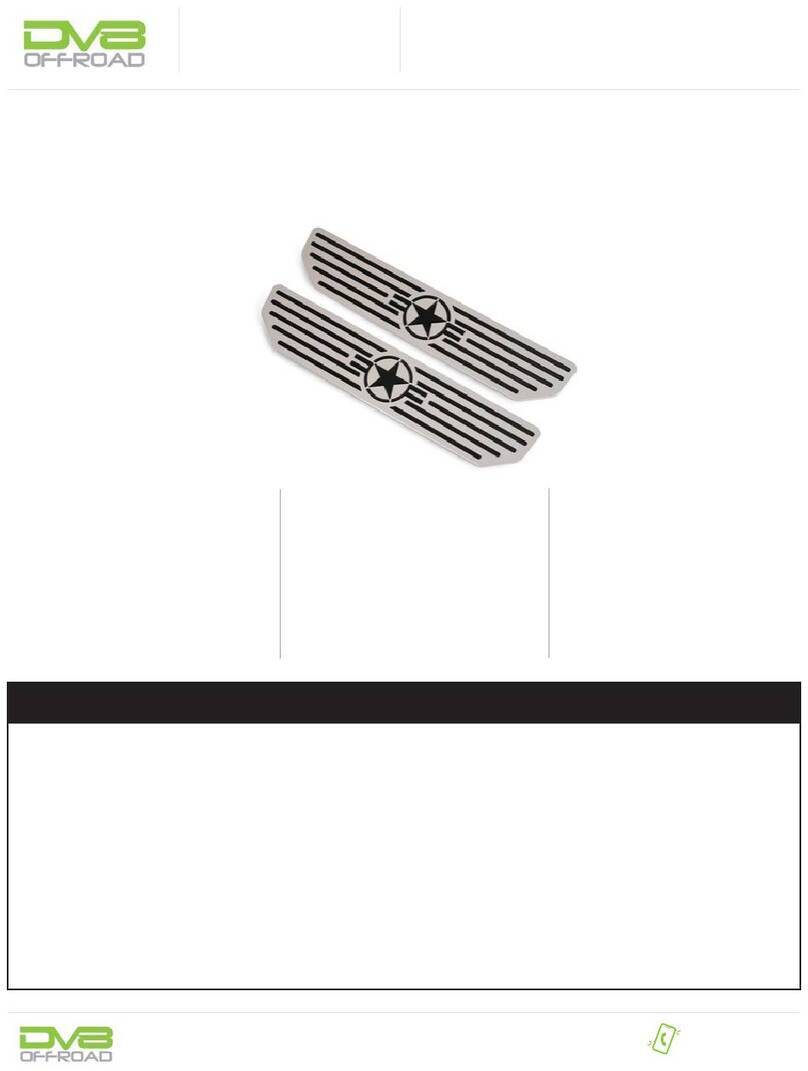
DV8 OFFROAD TSJL-03 User manual

Other DV8 OFFROAD Automobile Accessories manuals

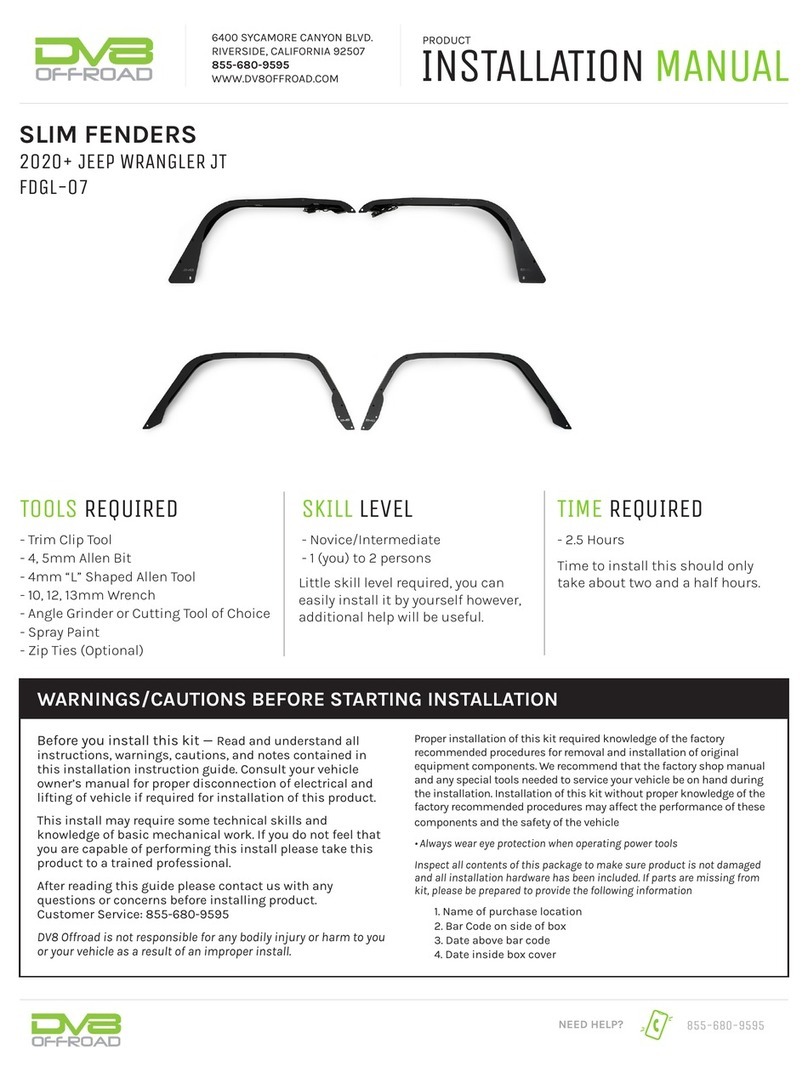
DV8 OFFROAD FDGL-06 User manual

DV8 OFFROAD

DV8 OFFROAD FDGL-06 User manual

DV8 OFFROAD D-JP-190024-BLK User manual

DV8 OFFROAD

DV8 OFFROAD D-JP-190024-BLK User manual

DV8 OFFROAD D-JP-181112-BK User manual

DV8 OFFROAD

DV8 OFFROAD D-JP-181112-BK User manual

DV8 OFFROAD LPBM-02 User manual

DV8 OFFROAD

DV8 OFFROAD LPBM-02 User manual

DV8 OFFROAD FBDR1-05 User manual

DV8 OFFROAD

DV8 OFFROAD FBDR1-05 User manual

DV8 OFFROAD RBJL-13 User manual

DV8 OFFROAD

DV8 OFFROAD RBJL-13 User manual

DV8 OFFROAD CMJL-01 User manual

DV8 OFFROAD

DV8 OFFROAD CMJL-01 User manual

DV8 OFFROAD STJL-05 User manual

DV8 OFFROAD

DV8 OFFROAD STJL-05 User manual

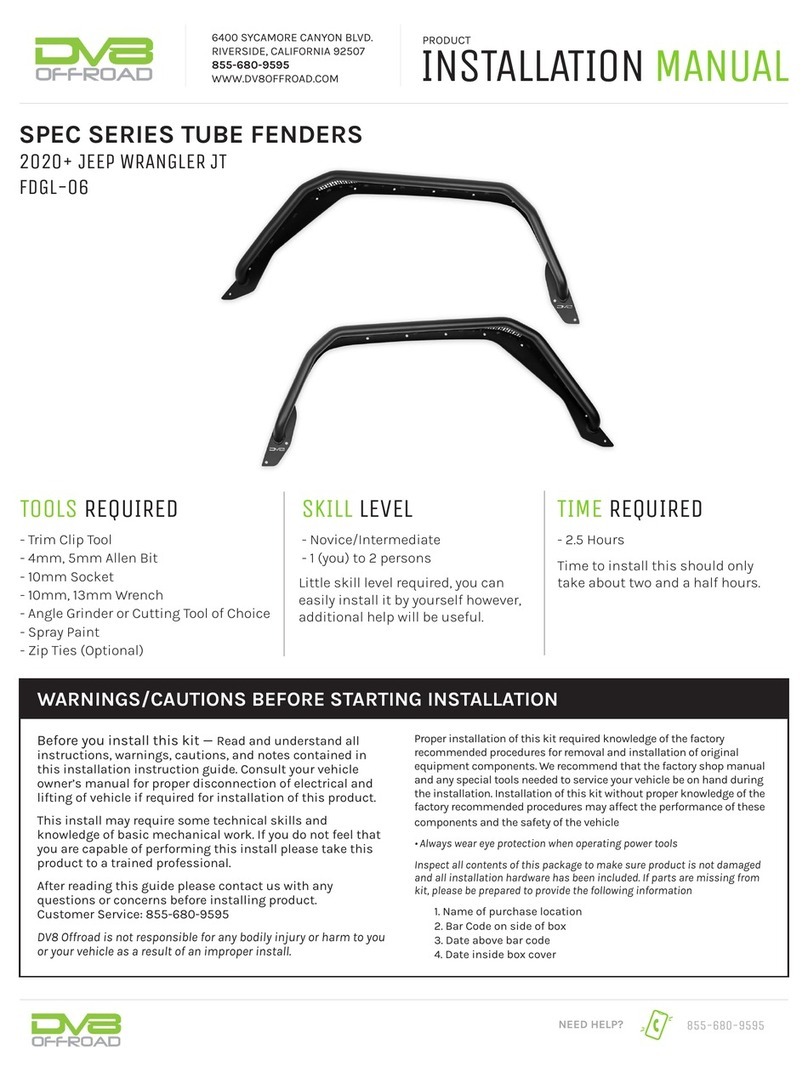
DV8 OFFROAD SPEC Series User manual

DV8 OFFROAD

DV8 OFFROAD SPEC Series User manual

DV8 OFFROAD RRUN-02 User manual

DV8 OFFROAD

DV8 OFFROAD RRUN-02 User manual

DV8 OFFROAD LPBR-05 User manual

DV8 OFFROAD

DV8 OFFROAD LPBR-05 User manual

DV8 OFFROAD RBJL-12 User manual

DV8 OFFROAD

DV8 OFFROAD RBJL-12 User manual

DV8 OFFROAD Razor Series User manual

DV8 OFFROAD

DV8 OFFROAD Razor Series User manual

DV8 OFFROAD RRUN-03 User manual

DV8 OFFROAD

DV8 OFFROAD RRUN-03 User manual

DV8 OFFROAD MTO Series User manual

DV8 OFFROAD

DV8 OFFROAD MTO Series User manual

DV8 OFFROAD LPBM-03 User manual

DV8 OFFROAD

DV8 OFFROAD LPBM-03 User manual

DV8 OFFROAD RBJL-11 User manual

DV8 OFFROAD

DV8 OFFROAD RBJL-11 User manual

DV8 OFFROAD CCJL-01 User manual

DV8 OFFROAD

DV8 OFFROAD CCJL-01 User manual

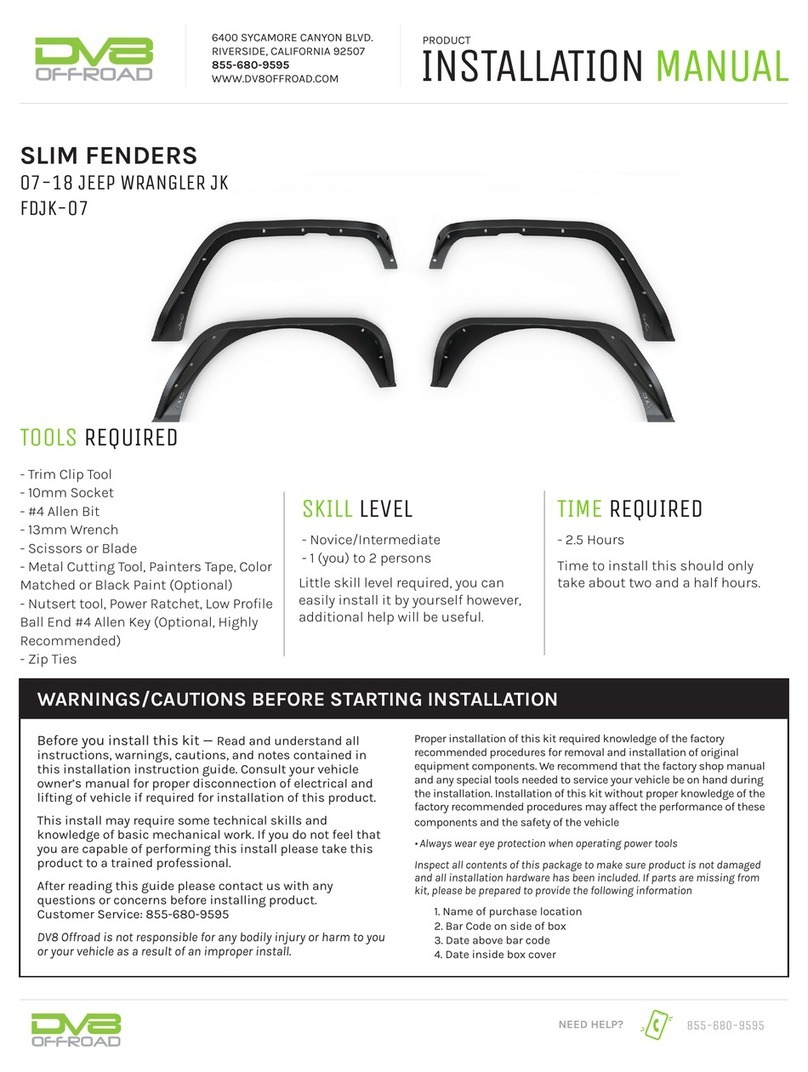
DV8 OFFROAD FDJK-07 User manual

DV8 OFFROAD

DV8 OFFROAD FDJK-07 User manual

DV8 OFFROAD FDBR-01 User manual

DV8 OFFROAD

DV8 OFFROAD FDBR-01 User manual

DV8 OFFROAD SPBR-01 User manual

DV8 OFFROAD

DV8 OFFROAD SPBR-01 User manual

DV8 OFFROAD MPT3-01 User manual

DV8 OFFROAD

DV8 OFFROAD MPT3-01 User manual

DV8 OFFROAD MPJL-01 User manual

DV8 OFFROAD

DV8 OFFROAD MPJL-01 User manual

DV8 OFFROAD DMT3-01 User manual

DV8 OFFROAD

DV8 OFFROAD DMT3-01 User manual

Popular Automobile Accessories manuals by other brands

Magneti Marelli AC161 Installation instruction

Magneti Marelli

Magneti Marelli AC161 Installation instruction

FDI uEZ GUI Start here

FDI

FDI uEZ GUI Start here

JCROffroad JT Install instructions

JCROffroad

JCROffroad JT Install instructions

Rostra VOXXElectronics 250-1930 owner's guide

Rostra

Rostra VOXXElectronics 250-1930 owner's guide

TOP VEHICLE TECH GR3FORD5 installation manual

TOP VEHICLE TECH

TOP VEHICLE TECH GR3FORD5 installation manual

Safe Fleet PRIME DESIGN AR-2000-BLK manual

Safe Fleet

Safe Fleet PRIME DESIGN AR-2000-BLK manual

Skoda Fabia Combi 5J Fitting instructions

Skoda

Skoda Fabia Combi 5J Fitting instructions

Camcar 40077 Al Mounting instructions

Camcar

Camcar 40077 Al Mounting instructions

Camcar 40089 AL Mounting instructions

Camcar

Camcar 40089 AL Mounting instructions

Impac Tradesman 2000 installation manual

Impac

Impac Tradesman 2000 installation manual

DVB OFFROAD BRSB-01 installation manual

DVB

DVB OFFROAD BRSB-01 installation manual

Safari Snorkel SS385HF installation guide

Safari Snorkel

Safari Snorkel SS385HF installation guide

ULTIMATE SPEED 279746 Assembly and Safety Advice

ULTIMATE SPEED

ULTIMATE SPEED 279746 Assembly and Safety Advice

SSV Works DF-F65 manual

SSV Works

SSV Works DF-F65 manual

ULTIMATE SPEED CARBON Assembly and Safety Advice

ULTIMATE SPEED

ULTIMATE SPEED CARBON Assembly and Safety Advice

Witter F174 Fitting instructions

Witter

Witter F174 Fitting instructions

WeatherTech No-Drill installation instructions

WeatherTech

WeatherTech No-Drill installation instructions

TAUBENREUTHER 1-336050 Installation instruction

TAUBENREUTHER

TAUBENREUTHER 1-336050 Installation instruction

manuals.online logo
manuals.online logoBrands
  • About & Mission
  • Contact us
  • Privacy Policy
  • Terms and Conditions

Copyright 2025 Manuals.Online. All Rights Reserved.

6400 SYCAMORE CANYON BLVD.
RIVERSIDE, CALIFORNIA 92507
855-680-9595
WWW.DV8OFFROAD.COM
855-680-9595
NEED HELP?
PRODUCT
INSTALLATION MANUAL
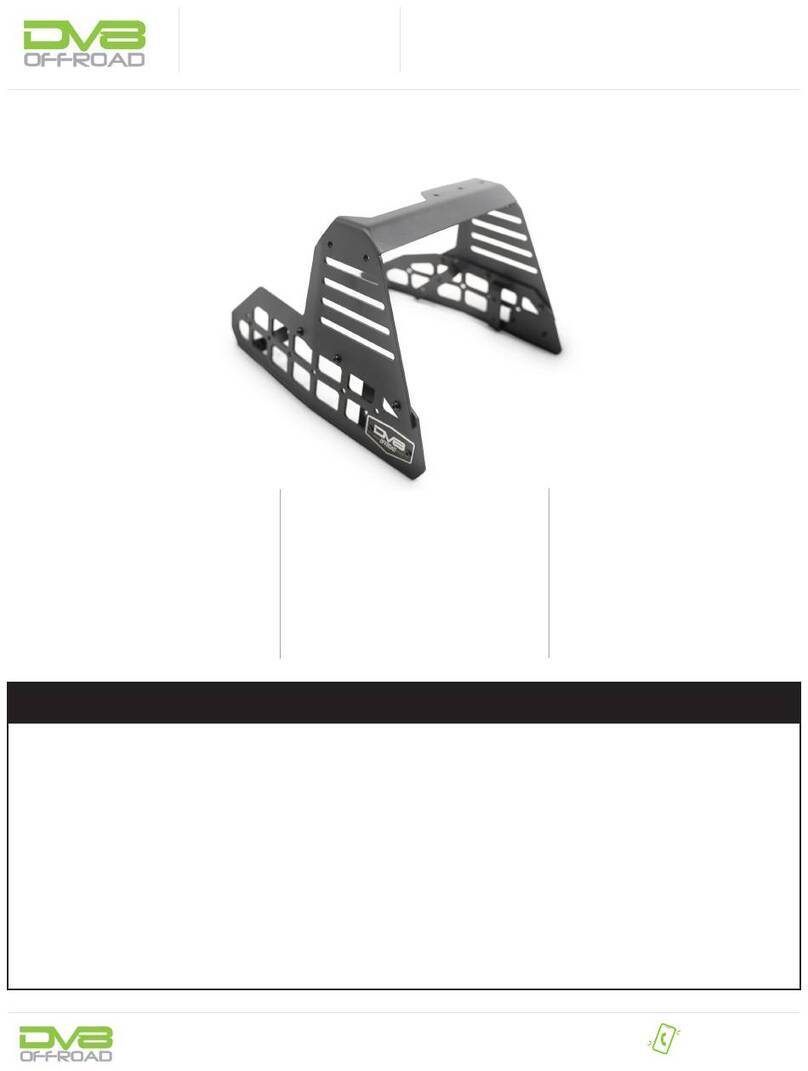
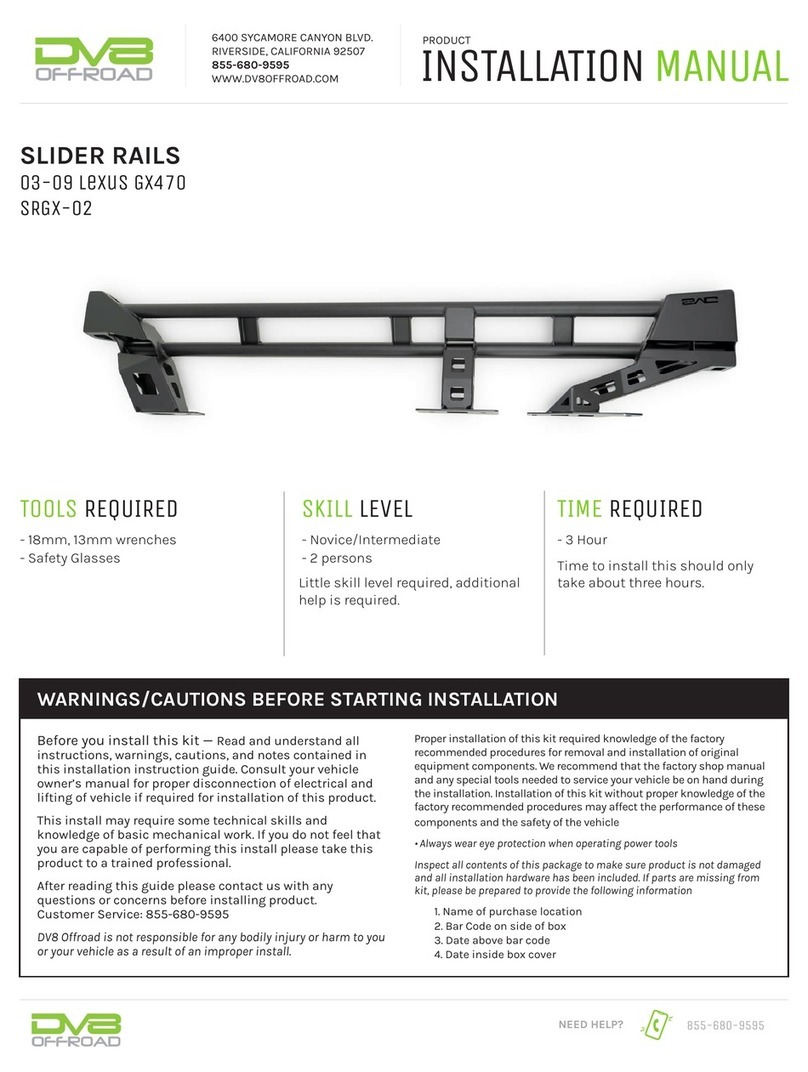
Spare Tire Delete with Optional
Dual Light Pod Mounts
2018+ JL
TSJL-03
TOOLS REQUIRED SKILL LEVEL TIME REQUIRED
- #4, #5 Allen Head
- T8, T25, T30 Torx Bit
- 7, 10, 13, 22mm Sockets
- Plastic Trim Tool
- Small Phillips Head Screwdriver
- Medium Flat Head Screwdriver
- Snips or Grinder
Before you install this kit — Read and understand all
instructions, warnings, cautions, and notes contained in
this installation instruction guide. Consult your vehicle
owner’s manual for proper disconnection of electrical and
lifting of vehicle if required for installation of this product.
This install may require some technical skills and
knowledge of basic mechanical work. If you do not feel that
you are capable of performing this install please take this
product to a trained professional.
After reading this guide please contact us with any
questions or concerns before installing product.
Customer Service: 855-680-9595
DV8 Offroad is not responsible for any bodily injury or harm
to you or your vehicle as a result of an improper install.
Proper installation of this kit required knowledge of the factory
recommended procedures for removal and installation of original
equipment components. We recommend that the factory shop manual
and any special tools needed to service your vehicle be on hand during
the installation. Installation of this kit without proper knowledge of the
factory recommended procedures may affect the performance of these
components and the safety of the vehicle
• Always wear eye protection when operating power tools
Inspect all contents of this package to make sure product is not
damaged and all installation hardware has been included. If parts
are missing from kit, please be prepared to provide the following
information
1. Name of purchase location
2. Bar Code on side of box
3. Date above bar code
4. Date inside box cover
- Novice/Intermediate
- 1 (you)
Little skill level required, you can
easily install it by yourself however,
additional help will be useful
- Approximately 2 Hours
Time to install this should only
take about approximately 2
Hours
WARNINGS/CAUTIONS BEFORE STARTING INSTALLATION

INSTALLATION MANUAL

855-680-9595
NEED HELP?
STEP 1
STEP 3
Begin by unpacking all items and
inspecting for missing pieces or
damage. If you have any concerns,
please contact the company the
product was purchased from.
Remove your spare wheel/tire. Factory
lug nuts are a 22mm socket.
STEP 2
Remove your factory camera/wheel
lock using a T30 bit. Turn towards the
unlock symbol about half of a turn.
(4) M8x20mm Bolts
(4) M8 Flat Washers
(4) M8 Split Washers
(4) M6x20mm Bolts
(4) M6 Flat Washers
(4) M6 Split Washers
(1) M6 Serrated Nut
(4) M4 License Plate
Light bolts
Hardware Included:
INSTALLATION MANUAL
855-680-9595
NEED HELP?
STEP 4
STEP 6
Open your rear door and using a
plastic trim remover tool, pry off the
back plate. Pull straight back to avoid
breaking off any tabs.
Close the door and then using a
13mm socket, remove the eight tire
carrier bolts.
NOTE: The carrier will fall away once the
last bolt is removed. Ensure you have it
secure to avoid paint damage.
STEP 5
Unclip the top two plugs to the
camera and the third brake light.
The white camera plug unclips by
pressing the tab down and pulling
away. The third brake light will require
you to pull back on the red lock tab,
then pushing down on the black tab
to release.
INSTALLATION MANUAL
855-680-9595
NEED HELP?
STEP 7
STEP 9
Grab the rubber wire grommet and
pull away from the door to remove the
wires from the door while holding the
carrier.
Split the front and back of the third
brake light housing to gain access to
the light mount and the plug. Using
the same T25, remove the two bolts
holding the light and then unplug
the light from the harness. Set all
components off to the side.
STEP 8
Once the carrier is removed, place the
carrier face up on a soft surface and
using a T25, remove the seven bolts
under the third brake light.
INSTALLATION MANUAL

855-680-9595
NEED HELP?
STEP 10
STEP 12
Remove the two bolts on the face
of the carrier on either side of the
camera tower using your T25. This will
allow you to remove the camera and
studs.
Once free, using a socket or in our
case a 3/8” socket extension, we
tapped lightly on the exposed camera
mounts in each stud hole. We also
reinserted each T25 screw just to the
left and right of the camera tower and
tapped on these. The camera mount
is not glued but pressed in slightly
so some light force may be needed to
release it.
STEP 11
To remove the stud plate, tap on the
studs evenly with a hammer or mallet
to push them through the carrier. The
stud plate should fall away from the
camera mount and carrier.
INSTALLATION MANUAL

855-680-9595
NEED HELP?
STEP 13
STEP 15
Remove the wire harness from the
stud plate. Clip the zip tie to release
the wire
Reopen the rear door, and using a at
head screwdriver, push down the two
clips on the top of each rear exhaust
vent while pulling from the outside to
remove the vents.
STEP 14
Pull the camera mount from the
carrier and using a T8 torx bit, remove
the camera from the mount and
unplug from the harness and set
everything off to the side.
INSTALLATION MANUAL

855-680-9595
NEED HELP?
STEP 16
STEP 18
You will need to use snips or a grinder
to remove the lip from each vent so
that they appear at from the outside.
Moving to your new spare tire delete.
Using the provided M4 hardware,
install the license plate lights by
pushing them though the holes with
the clear lens facing the center of the
delete.
STEP 17
Replace the vents into the door by
clipping them into place from the
outside pushing towards the inside.
INSTALLATION MANUAL

855-680-9595
NEED HELP?
STEP 19
STEP 21
Install your license plate from the
back as shown in the image.
NOTE: Hardware not included for license
plate mounting.
To install your factory third brake
light, using a pair of snips, trim off
the two posts from the bottom of the
light.
STEP 20
Our delete offers two optional pod
light tabs to give you some additional
points to mount lights. Mount the
lights to the tabs using the provided
hardware that came with your lights.
NOTE: We are using two 3” DV8elite Pod
Lights for this install.
INSTALLATION MANUAL

855-680-9595
NEED HELP?
STEP 22
STEP 24
Using factory hardware, install the
light onto the top mount of the delete
and secure using a T25 torx bit.
Use the camera strap and the
provided 10mm nut to secure camera
in place.
NOTE: Do not over tighten camera strap to
prevent damage. If strap is loose, lightly
bend strap tab down using a pair of pliers.
STEP 23
To install the camera, place the
camera into the hole with the center
hole on the camera facing towards
the boom of the delete mount.
INSTALLATION MANUAL

855-680-9595
NEED HELP?
STEP 25
STEP 27
Set assembled top mount for the
delete off to the side.
Using a #5 allen head and provided
M8 hardware, loosely install the top
two bolts on the top holes of the
delete.
STEP 26
To install the delete onto the vehicle,
rst route the camera and third brake
light plugs through the back of the
delete and the top opening of the
delete as shown in the image.
NOTE: The third brake light plug is tight
and may need a little push to t.