manuals.online logo
Brands
  1. Home
  2. •
  3. Brands
  4. •
  5. GE
  6. •
  7. Lantern
  8. •
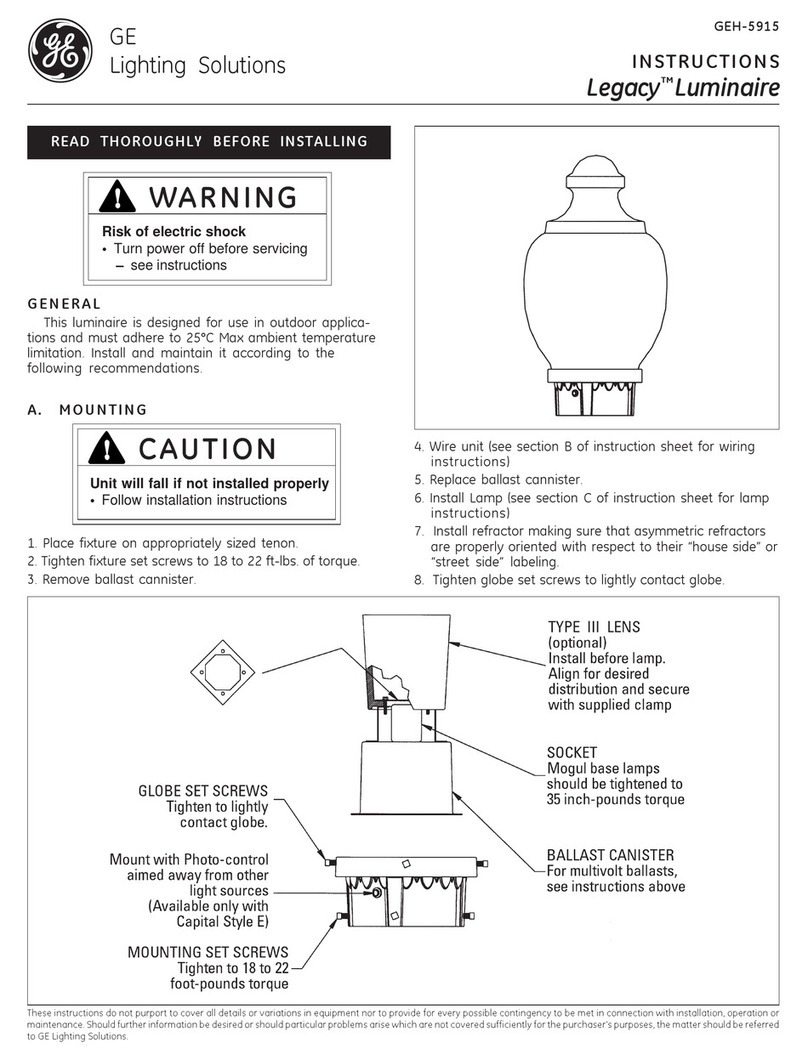
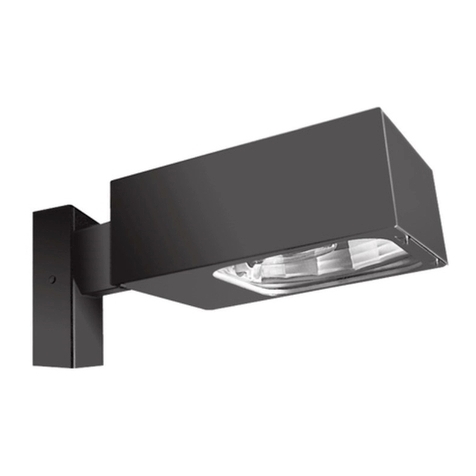
  9. GE IP140 Series User manual

GE IP140 Series User manual

Other GE Lantern manuals

GE Versaflood III User manual

GE

GE Versaflood III User manual

GE QUNA Roadway Series User manual

GE

GE QUNA Roadway Series User manual

GE Lumination RC Series User manual

GE

GE Lumination RC Series User manual

GE Garage Guardian User manual

GE

GE Garage Guardian User manual

GE ABVG2 Series Configuration guide

GE

GE ABVG2 Series Configuration guide

GE BT22 Series User manual

GE

GE BT22 Series User manual

GE Albeo ALR1 Series User manual

GE

GE Albeo ALR1 Series User manual

GE Current Lumination IS Series User manual

GE

GE Current Lumination IS Series User manual

GE Wallighter 250 User manual

GE

GE Wallighter 250 User manual

GE Current Lumination LRXB Series User manual

GE

GE Current Lumination LRXB Series User manual

GE LED Mariner Start Configuration guide

GE

GE LED Mariner Start Configuration guide

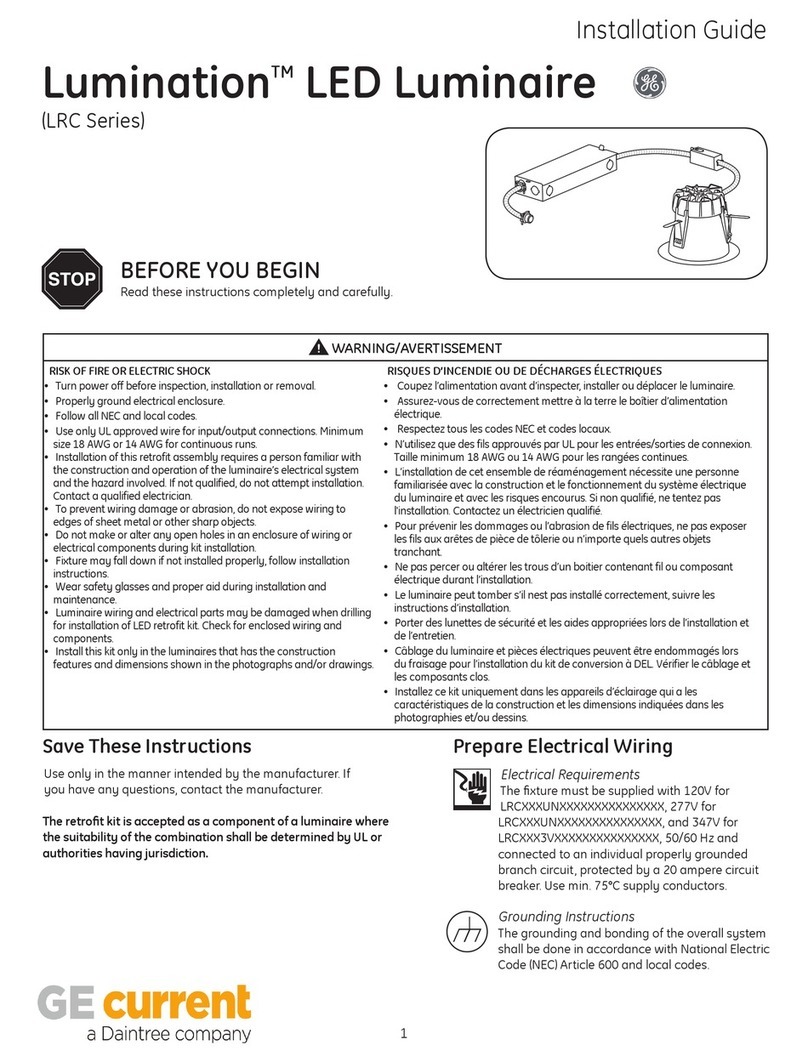
GE Lumination LRC Series User manual

GE

GE Lumination LRC Series User manual

GE Lumination LVT 24 Series User manual

GE

GE Lumination LVT 24 Series User manual

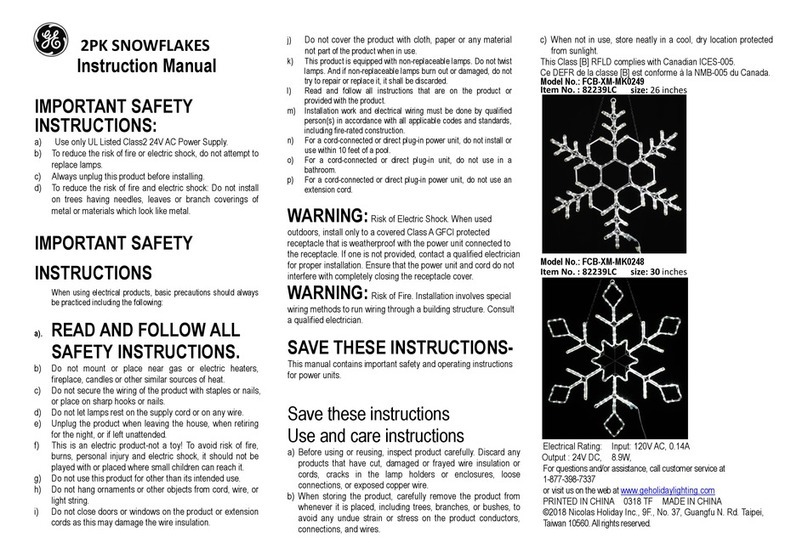
GE FCB-XM-MK0249 User manual

GE

GE FCB-XM-MK0249 User manual

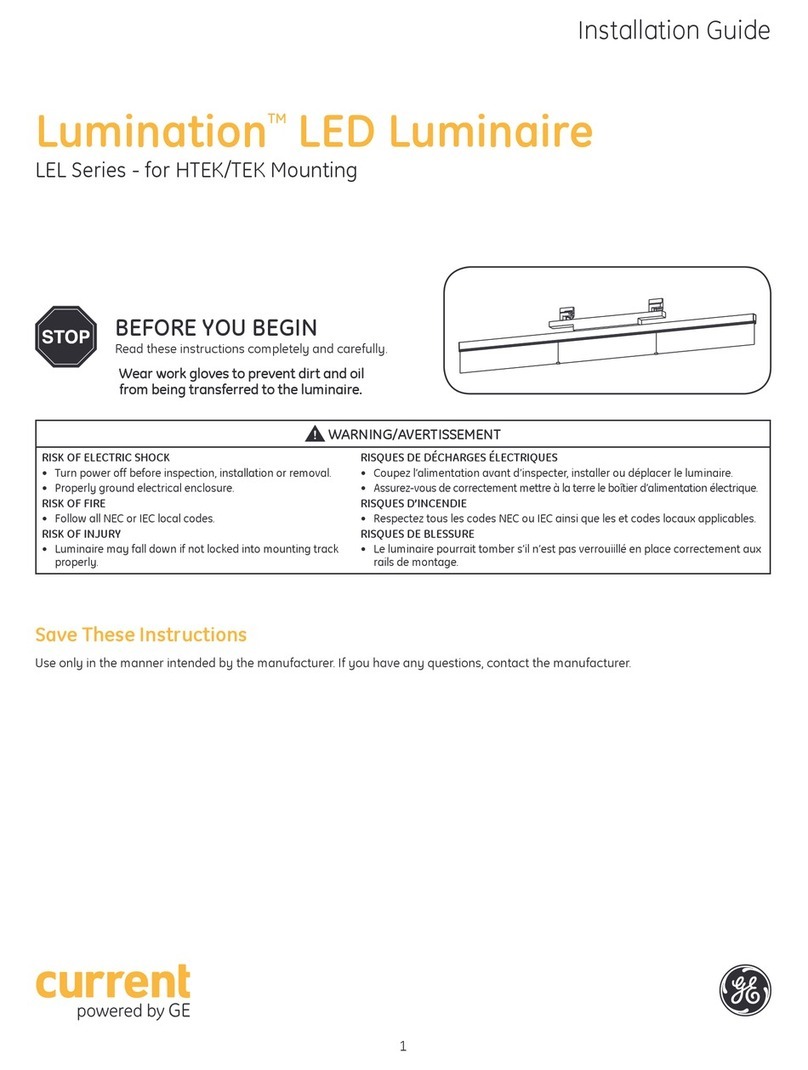
GE Lumination Current LEL Series User manual

GE

GE Lumination Current LEL Series User manual

GE GRT Series User manual

GE

GE GRT Series User manual

GE Lumination LUR Series User manual

GE

GE Lumination LUR Series User manual

GE Arize H1000 User manual

GE

GE Arize H1000 User manual

GE Lumination BL44 Series User manual

GE

GE Lumination BL44 Series User manual

GE Evolve User manual

GE

GE Evolve User manual

GE Lumination DS Series User manual

GE

GE Lumination DS Series User manual

GE Lumination LRX Series User manual

GE

GE Lumination LRX Series User manual

GE Legacy User manual

GE

GE Legacy User manual

GE Dome Top Decasphere User manual

GE

GE Dome Top Decasphere User manual

Popular Lantern manuals by other brands

DS Produkte TRF18P0752-1 instructions

DS Produkte

DS Produkte TRF18P0752-1 instructions

Stahl ECOLUX 6610 Series operating instructions

Stahl

Stahl ECOLUX 6610 Series operating instructions

SNOWJOE SUNJOE 24V-LGT500-CT Operator's manual

SNOWJOE

SNOWJOE SUNJOE 24V-LGT500-CT Operator's manual

PRG VARI LITE VL5 Service manual

PRG

PRG VARI LITE VL5 Service manual

Raytec VARIO2 series installation guide

Raytec

Raytec VARIO2 series installation guide

ENSA LEDBT18WS2 installation instructions

ENSA

ENSA LEDBT18WS2 installation instructions

LUG OFFICE LB LED N/T Installation instruction

LUG

LUG OFFICE LB LED N/T Installation instruction

Draper RLEDL19/B instructions

Draper

Draper RLEDL19/B instructions

Green Lighting TRI-SENSOR GL4612LU Assembly & fitting instructions

Green Lighting

Green Lighting TRI-SENSOR GL4612LU Assembly & fitting instructions

Panasonic EY3741B57 operating instructions

Panasonic

Panasonic EY3741B57 operating instructions

Clas Ohlson LCC8T instruction manual

Clas Ohlson

Clas Ohlson LCC8T instruction manual

Coolon WDN-140 manual

Coolon

Coolon WDN-140 manual

shada 1000436 instruction manual

shada

shada 1000436 instruction manual

BEGA 84 036 Instructions for use

BEGA

BEGA 84 036 Instructions for use

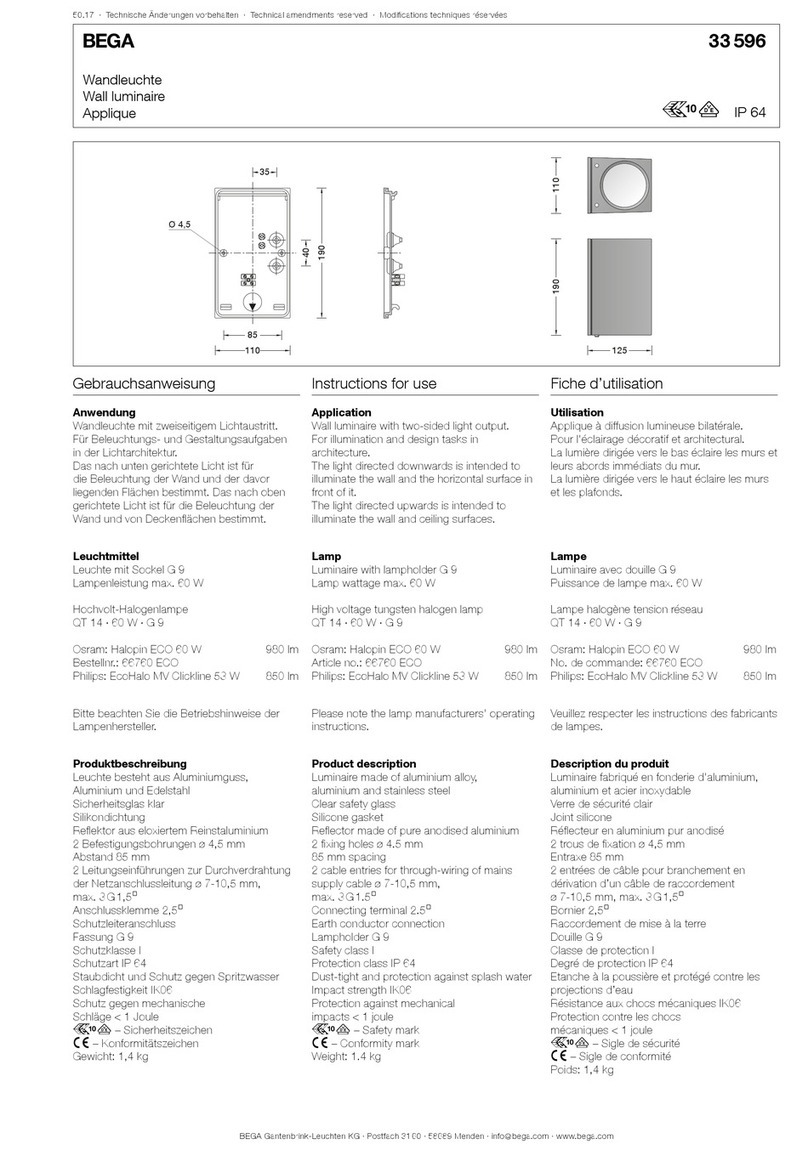
BEGA 33 596 Instructions for use

BEGA

BEGA 33 596 Instructions for use

Dale Tiffany GT701162 Assembly instructions

Dale Tiffany

Dale Tiffany GT701162 Assembly instructions

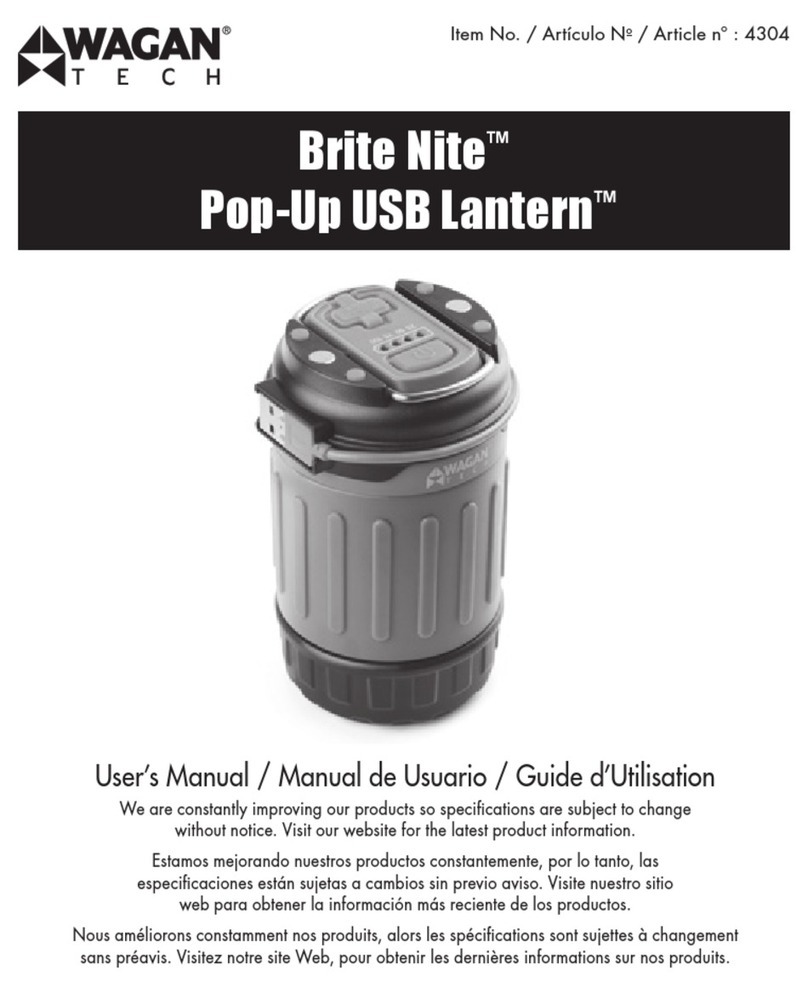
Wagan Brite Nite Pop-Up USB Lantern user manual

Wagan

Wagan Brite Nite Pop-Up USB Lantern user manual

Eaton Crouse-Hinds Pauluhn DLLA M2 Series Installation & maintenance information

Eaton

Eaton Crouse-Hinds Pauluhn DLLA M2 Series Installation & maintenance information

manuals.online logo
manuals.online logoBrands
  • About & Mission
  • Contact us
  • Privacy Policy
  • Terms and Conditions

Copyright 2025 Manuals.Online. All Rights Reserved.

GE
Lighting Solutions
imagination at work
(IP140 Series)
Features
• 0-10V & DALI control (optional)
• Long life (50,000 hour rated life)
• 5 year warranty
• Dry location rated
GE LED Luminaire
Installation Guide
BEFORE YOU BEGIN
Read these instructions completely and carefully.
WARNING/AVERTISSEMENT
RISK OF ELECTRIC SHOCK
• Turn power off before inspection, installation or removal.
• Properly ground electrical enclosure.
RISK OF FIRE
• Follow all NEC and local codes.
• Use only UL approved wire for input/output connections.
Minimum size 18 AWG.
RISQUES DE DÉCHARGES ÉLECTRIQUES
• Coupez l’alimentation avant d’’inspecter, installer ou déplacer le luminaire.
• Assurez-vous de correctement mettre à la terre le boîtier d’alimentation électrique.
RISQUES D’INCENDIE
• Respectez tous les codes NEC et codes locaux.
• N’utilisez que des ls approuvés par UL pour les entrées/sorties de
connexion. Taille minimum 18 AWG.
Save These Instructions
Use only in the manner intended by the manufacturer. If you have any questions, contact the manufacturer.
Prepare Electrical Wiring
Electrical Requirements
• The LED driver must be supplied with 100-277 VAC, 50/60 Hz and connected to an individual properly
grounded branch circuit, protected by a 15 or 20 ampere circuit breaker. Use min. 75°C supply conductor.
Grounding Instructions
• The grounding and bonding of the overall system shall be done in accordance with National Electric Code
(NEC) Article 600 and local codes.
Tools and components required:
• #2 Phillips head screwdriver.
• UL Recognized conduit connections per NEC/CEC for nominal conduit trade sizes ½” or ¾”.
• UL Recognized wire connectors.

2Suspend the luminaire according to the installation
instructions of the selected suspension method.
1Carefully unpack unit from its packaging. Properly
inspect for defects before installing. Wear work
gloves to prevent dirt and oil from being transferred
to the luminaire.
4
6
3
5
Temporarily align the luminaire with the
adjacent luminaire by sliding the tabs into the
corresponding slots.
Conceal wires and connection between the
luminaires by sliding two joiner covers (provided in
Joiner Kit 69073) over the LED light engine so that
they engage with a click.
Use bracket from Joiner Kit (69073) to attach
luminaires by inserting the curved lower tabs
into the slots at the base of the luminaire and
rotate the bracket so the upper tabs slide into the
slots at the top of the luminaire. Install the two
screws (provided in Joiner Kit) with a Phillips head
screwdriver.
Unit Installation
Align tabs with slots
Remove endcaps
If installing luminaire as part of a linear row,
rst remove the end-cap(s) and joiner covers
as appropriate to mate with the neighboring
luminaire(s). For rows, a single suspension is
required every 4 ft.
Remove joiner covers
Electrical Connections
DALI
Fixture
Neutral
Ground
Line
DALI
DALI
White
Green
Black
Violet/White
Violet
0-10V
Fixture
Neutral
Ground
Line
(0-10V) +
(0-10V) –
White
Green
Black
Violet
Grey
2
4
Carefully remove appropriate knockout for AC line
input wires (inner knockout for ½” conduit, outer
knockout for ¾” conduit). Install listed electrical
ttings in the knockout holes for wire protection
and pass supply conduit through electrical ttings.
Optional dimmer: Install UL listed electrical
tting and insert dimming control wires through.
Connect dimming control wires (grey and violet
for 1-10V or violet and violet/white strip for DALI)
to the similarly colored xture wire using UL listed
wire-nuts.
1
3
5
Remove knockout plate from luminaire by
loosening the knockout screw and sliding the cover
out of luminaire.
Connect the green (ground), black (line) and
white (neutral) wires of the AC line to the similarly
colored wires of the power supply unit using
UL listed wire-nuts.
Carefully push the wire bundle back into the body
of the luminaire. Replace plate and re-tighten
mounting screw.
Wiring Diagrams
Conforms to the following standards:
IND044-121712
GE Lighting Solutions • 1-888-MY-GE-LED • www.gelightingsolutions.com
1 - 8 8 8 - 6 9 - 4 3 - 5 3 3
GE Lighting Solutions, LLC is a subsidiary of the General Electric Company. The GE brand and logo are trademarks of the General Electric Company.
© 2012 GE Lighting Solutions, LLC. Information provided is subject to change without notice. All values are design or typical values when measured under laboratory conditions.
Specications
Input Voltage 120 – 277V
Input Power (complete system) 40W
Input Frequency 50/60Hz
Power Factor >0.9
THD <20%
Control 0-10V/DALI
Warranty 5 year limited warranty
Dimensions 1 ft. x 4 ft. x 5 in.
Environmental Operating Temperature Range -10°C to +35°C
Environmental Humidity (non-condensing) 20 to 80% Non-condensing, dry location rated
Environmental Storage Temperature Range -40°C to +60°C
Weight <18 lbs.
Environmental Rating Dry location
Troubleshooting
Symptom Solution
Luminaire will not turn on • Check that the color of the supply side wires match the color of the wires they are connected to.
• Check that the LED driver connector is fully engaged to the LED light engine connector.
Joiner Bracket will not t
between two luminaires in a
linear row
• Check that the mating tabs between the luminaires are fully engaged.
• Check that the two luminaires are on the same level with one another and there is no angle
between them.
Joiner covers will not click
together
• Check that the joiner covers are a slot and tab pair not two slotted or two tabbed pieces.
• Check that the internal wiring is not in the way of the joiner covers.
Suspension method won’t
engage with luminaire
• Check that the suspension method is one of the approved types in the installation instruction.