manuals.online logo
Brands
  1. Home
  2. •
  3. Brands
  4. •
  5. Honeywell
  6. •
  7. Keypad
  8. •
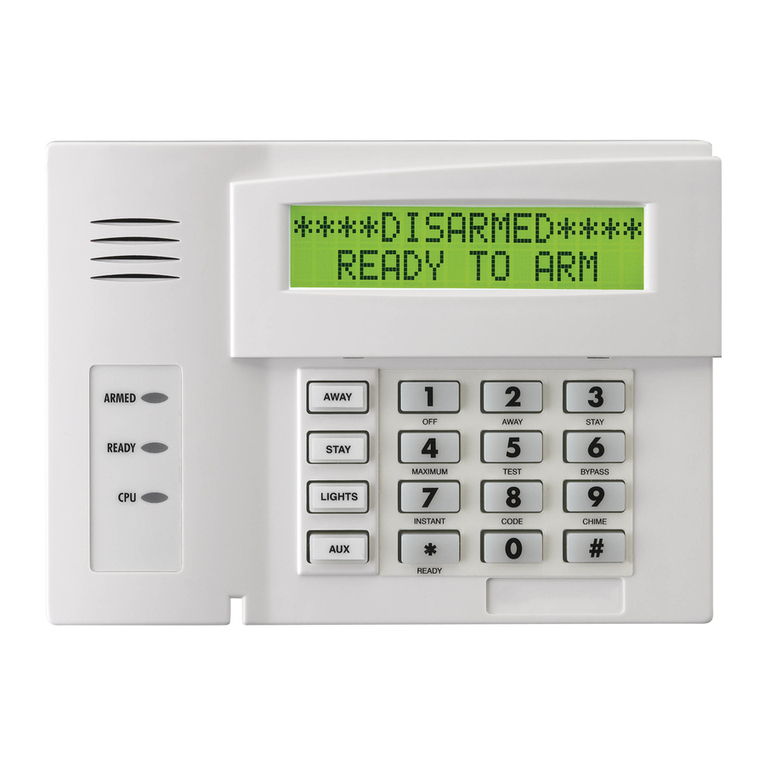
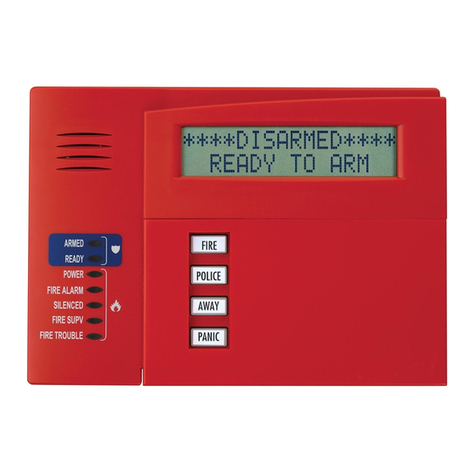
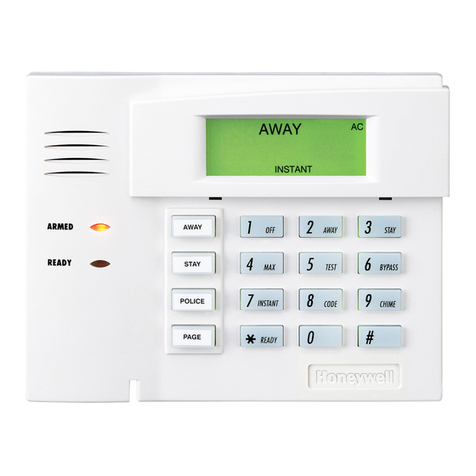
  9. Honeywell 6150 - Ademco Fixed - Display Keypad Assembly instructions

Honeywell 6150 - Ademco Fixed - Display Keypad Assembly instructions

Other manuals for 6150 - Ademco Fixed - Display Keypad

6

This manual suits for next models

1

Other Honeywell Keypad manuals

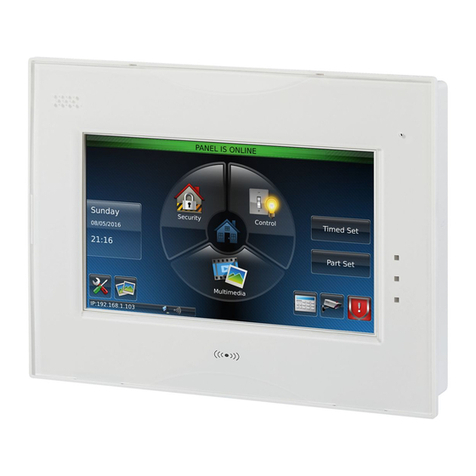
Honeywell Galaxy TouchCenter Plus User manual

Honeywell

Honeywell Galaxy TouchCenter Plus User manual

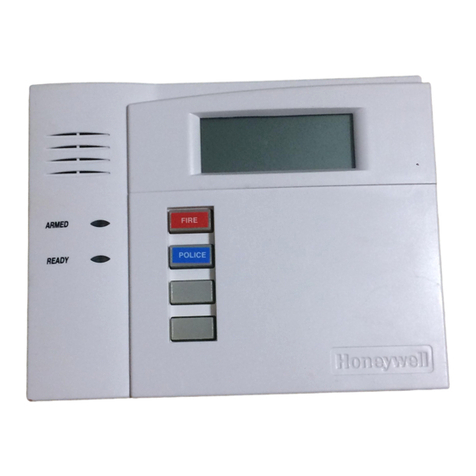
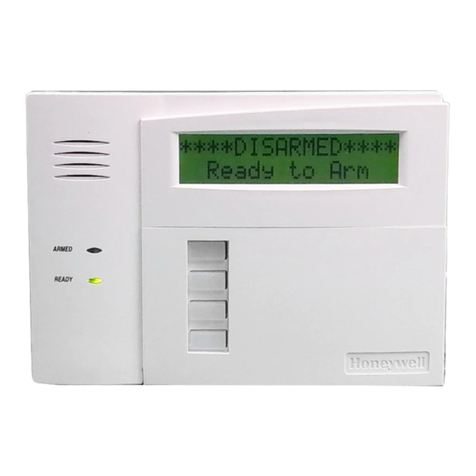
Honeywell 6150RF - Ademco Deluxe Fixed Keypad/Receiver User manual

Honeywell

Honeywell 6150RF - Ademco Deluxe Fixed Keypad/Receiver User manual

Honeywell ADEMCO 6160RF3 Assembly instructions

Honeywell

Honeywell ADEMCO 6160RF3 Assembly instructions

Honeywell ADEMCO 6271CV User manual

Honeywell

Honeywell ADEMCO 6271CV User manual

Honeywell SiX Series User manual

Honeywell

Honeywell SiX Series User manual

Honeywell 5828V - Ademco Wireless Talking Keypad Assembly instructions

Honeywell

Honeywell 5828V - Ademco Wireless Talking Keypad Assembly instructions

Honeywell ADEMCO 6150RF Assembly instructions

Honeywell

Honeywell ADEMCO 6150RF Assembly instructions

Honeywell ADEMCO 6162 User manual

Honeywell

Honeywell ADEMCO 6162 User manual

Honeywell 6280W Installation and operation manual

Honeywell

Honeywell 6280W Installation and operation manual

Honeywell Ademco 6160PX Assembly instructions

Honeywell

Honeywell Ademco 6160PX Assembly instructions

Honeywell Galaxy Mk7 User manual

Honeywell

Honeywell Galaxy Mk7 User manual

Honeywell Ademco 6164US Assembly instructions

Honeywell

Honeywell Ademco 6164US Assembly instructions

Honeywell 6280 Series User manual

Honeywell

Honeywell 6280 Series User manual

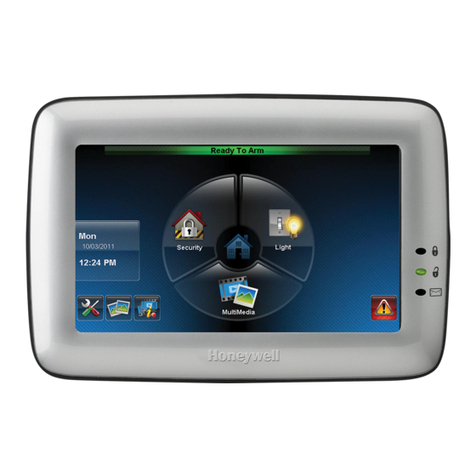
Honeywell 6271C - Ademco TouchCenter Color Keypad User manual

Honeywell

Honeywell 6271C - Ademco TouchCenter Color Keypad User manual

Honeywell Accentic proX2 Service manual

Honeywell

Honeywell Accentic proX2 Service manual

Honeywell ADEMCO 6150RF ADEM Assembly instructions

Honeywell

Honeywell ADEMCO 6150RF ADEM Assembly instructions

Honeywell Silent Knight 6820EVS User manual

Honeywell

Honeywell Silent Knight 6820EVS User manual

Honeywell ADEMCO 6160RF Assembly instructions

Honeywell

Honeywell ADEMCO 6160RF Assembly instructions

Honeywell ADEMCO 6152RF Assembly instructions

Honeywell

Honeywell ADEMCO 6152RF Assembly instructions

Honeywell Ademco 6151 Assembly instructions

Honeywell

Honeywell Ademco 6151 Assembly instructions

Honeywell ADEMCO 5839 User manual

Honeywell

Honeywell ADEMCO 5839 User manual

Honeywell Lyric LKP500-EN Assembly instructions

Honeywell

Honeywell Lyric LKP500-EN Assembly instructions

Honeywell 6280 Series User manual

Honeywell

Honeywell 6280 Series User manual

Honeywell ADEMCO 6152 Assembly instructions

Honeywell

Honeywell ADEMCO 6152 Assembly instructions

Popular Keypad manuals by other brands

AAA 6150RFAAA Installation and setup guide

AAA

AAA 6150RFAAA Installation and setup guide

Fermax MDS Installation and programming manual

Fermax

Fermax MDS Installation and programming manual

ACT ACT PRO 1030 manual

ACT

ACT ACT PRO 1030 manual

Cardin SSB Series manual

Cardin

Cardin SSB Series manual

Harman Kardon KP 1 Specifications

Harman Kardon

Harman Kardon KP 1 Specifications

CYP CR-KP1 Operation manual

CYP

CYP CR-KP1 Operation manual

Aeware k-35 Series Quick reference card

Aeware

Aeware k-35 Series Quick reference card

Aritech CS-175 Series user guide

Aritech

Aritech CS-175 Series user guide

Lenze AC Tech MC SERIES installation instructions

Lenze AC Tech

Lenze AC Tech MC SERIES installation instructions

Burg Wächter secuENTRY 7711 operating instructions

Burg Wächter

Burg Wächter secuENTRY 7711 operating instructions

Aeware in.k450 Tech book

Aeware

Aeware in.k450 Tech book

Lenze EPM-H410 operating instructions

Lenze

Lenze EPM-H410 operating instructions

Toshiba RKP007Z user manual

Toshiba

Toshiba RKP007Z user manual

Elmes Electronic KB1 quick start guide

Elmes Electronic

Elmes Electronic KB1 quick start guide

Clare Controls ClareOne CLR-C1-PNC Installation sheet

Clare Controls

Clare Controls ClareOne CLR-C1-PNC Installation sheet

FM Electronics 4180 quick start guide

FM Electronics

FM Electronics 4180 quick start guide

AMX MIO-PRESTIGE-S Dimensional drawing

AMX

AMX MIO-PRESTIGE-S Dimensional drawing

why pro WHY-KP user manual

why pro

why pro WHY-KP user manual

manuals.online logo
manuals.online logoBrands
  • About & Mission
  • Contact us
  • Privacy Policy
  • Terms and Conditions

Copyright 2025 Manuals.Online. All Rights Reserved.

K3590-ADV5 9/10 Rev. B
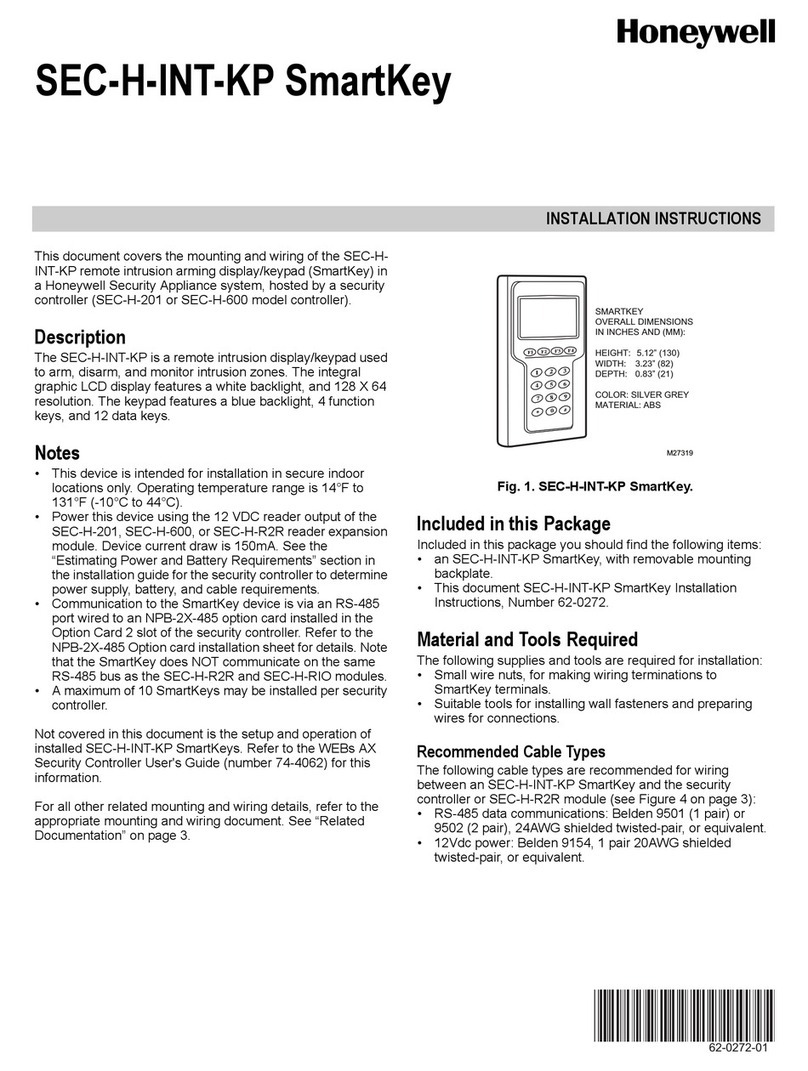
ADEMCO 6150 & 6160
ADEMCO 6150 & 6160ADEMCO 6150 & 6160
ADEMCO 6150 & 6160
REMOTE KEYPADS
REMOTE KEYPADSREMOTE KEYPADS
REMOTE KEYPADS
INSTALLATION AND SETUP GUIDE
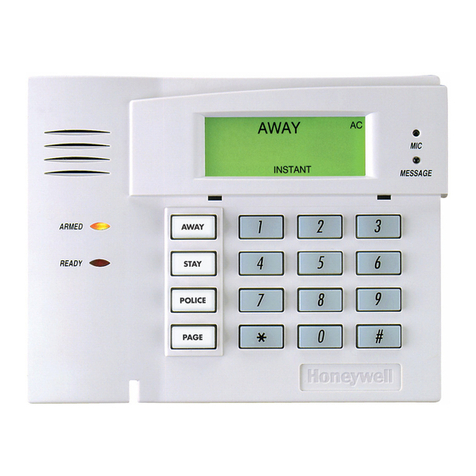
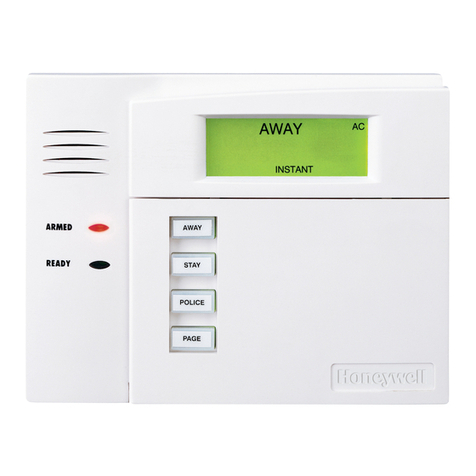
Keypad Features ADEMCO 6150
Fixed-Word
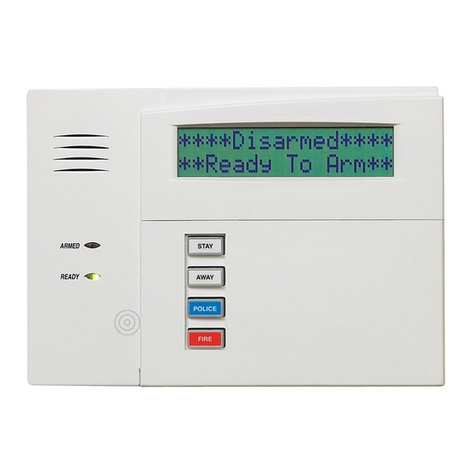
ADEMCO 6160
2-Line Alpha
Backlit Display 9(see note) 9(see note)
Dedicated Function Keys 99
Built-in Sounder Piezo Speaker
Note: Permanent display backlighting is an option on some controls (see the control's instructions for details).
GENERAL INFORMATION
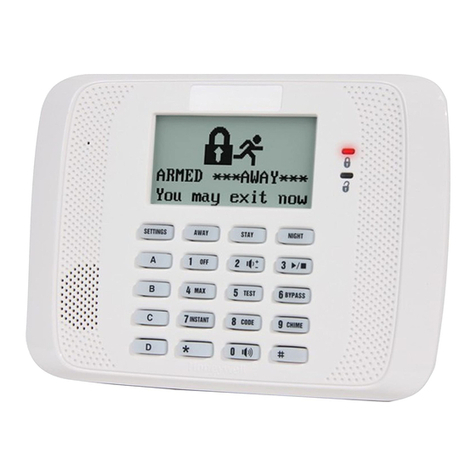
The ADEMCO 6150 and ADEMCO 6160 are addressable
Remote Keypads designed for use with ADEMCO control
panels. Addresses are set via the keypad keys.
The keys on the keypads are continuously backlit for
convenience.
Supervised by control panel (if supported).
ULC For ULC installations, the VISTA-128BP/VISTA-250BP
Series must be used with the ADEMCO 6160 keypad.
KEYPAD DISPLAYS AND LEDS
The keypads have the following display features:
Model
Fixed
Word
Display
2-line
Alpha
Display
2-digit
Zone
Identifier
Custom
Zone
Descriptors
6150 X X
6160 X X
The following table shows the LEDs and their functions:
LED Function
Red Lights when the system is armed in any mode
Green Lights when the system is "ready" to be armed.
SPECIAL FUNCTION KEYS
The keypads also feature function keys. These keys may be
programmed for panic alarms or other special functions
such as macros. See the control's instructions for details.
Function keys must be held down for at least 2
seconds to activate an alarm; key pairs are activated
immediately.
Function Keys
A or [1] and [✻]
B or [✻] and [#]

C or [3] and [#]
D
WIRING AND INSTALLATION
The keypads can be surface mounted directly to a drywall,
or to a single- or double-gang electrical box.
1. Push the two case release snaps at the bottom of the
keypad with the blade of a medium screwdriver (this will
push in the release snap), then pull that side of the case
back away. Insert the screwdriver in the side of the
keypad (between the front and back case) and gently
twist to release the side locking tab. Repeat for the other
side. Refer to Figure 1 for location of the case back
release snaps and locking tabs.
2. Route wiring from the control panel through the opening
in the case back.
3. Mount the case back to a wall or electrical box.
4. Wire directly from the keypad’s terminal block to the
terminal block on the control panel. (See Wiring Table
below).
NOTE: No more than one wire per terminal may be
connected. If daisy-chained configuration is required,
pig-tail wires together so that only one wire is
terminated under the screw. Use 14-22 AWG wire only!
Wiring Table (All Keypads)
Keypad Control Panel Wire Color
SGData In Green
–– Aux Pwr (GND) Black
++ Aux. Pwr Red
TYData Out Yellow
See the control panel’s Installation and Setup Guide for
more complete details.
5. Reattach the keypad to its case back.
NOTE:
TO REMOVE CASE BACK
PUSH IN THE TWO MOUNTING
SNAPS LOCATED ALONG THE
BOTTOM OF THE KEYPAD
AND LIFT UP.
6150-006-V0
RETAINING
SNAPS
ARMED
READY
LOCKING
TA B

Figure 1. Removing the Case Back
SETTING THE KEYPAD ADDRESS
The keypad can either be set for an address of 00-30, or to
the non-addressable mode (31). The keypad's default
address is 31.
To change the keypad's address, do the following:
1. Enter address mode: Power up the keypad. Within 60
seconds of power-up, press and hold down the [1] and [3]
keys at the same time for 3 seconds. (If unable to enter
address mode, power up and try again.)
The current keypad address will be displayed, and the
cursor will be under the "tens" digit. If 10 seconds have
passed with no key entry, the keypad automatically exits
address mode. You must power down, power up and
start address mode again.
NOTE: The keypad will not enter address mode if the
panel to which it is connected is in programming mode.
2. Set the current address to "00": Press [0] to clear the
current "tens" digit. The cursor will move to the "ones"
digit position. Press [0] to clear the current "ones" digit.
The cursor will move back to the "tens" digit position.
3. Enter the keypad's address: Enter the proper "tens" digit
of the keypad's address. The cursor will move to the
"ones" digit position. Enter the proper "ones" digit of the
keypad's address. Note that address "31" sets the
keypad to non-addressable mode.
4. Exit address mode:
Press [Ã] to save the displayed address and exit address
mode.
VIEWING THE KEYPAD ADDRESS
Press and hold down the [1] and [3] keys at the same time
for about 3 seconds. The current address is displayed. No
key entry is allowed. Press any key to exit or wait 10
seconds to exit viewing mode.
FUNCTION KEY LABELS
A set of adhesive-backed labels with some typical function
symbols (i.e., fire, police, personal emergency, etc.) is
provided. These labels can be placed on or next to the keys
to identify each key's function for the end user (as
determined by the control panel's capability and
programming; see the control's instructions).
OPERATING THE KEYPAD
For operating instructions, see the User Guide for the
control panel used with this keypad.
SPECIFICATIONS
Physical:
6150: 4-7/8"H x 6-1/4"W x 1"D
6160: 5-5/16"H x 7-3/8"W x 1-3/16"D
Displays:
6150: Fixed-Word LCD (backlit).
6160: 2 x 16 alpha-numeric supertwist LCD,
backlit.
Sounder:
6150: Piezo-electric (fire alarm is loud, pulsing
single tone; (all Keypads) burglary alarm is
loud, continuous, dual tone).
6160: Speaker.
Voltage: 12VDC (power-limited)
Current:
6150: 70mA (ARMED LED lit, LCD backlight and
sounder on), reduces to 40mA when panel is
operating in standby mode (backlight off).
6160: 150mA (ARMED LED lit, LCD backlight
and sounder on), reduces to 40mA when
panel is operating in standby mode
(backlight off).
NFPA-72 Compliant.
REFER TO INSTALLATION INSTRUCTIONS FOR THE CONTROL PANEL WITH WHICH THIS DEVICE IS USED FOR WARRANTY
INFORMATION AND LIMITATIONS OF THE ENTIRE ALARM SYSTEM.
For the latest warranty information, please go to:
http://www.security.honeywell.com/hsc/resources/wa/index.html
2 Corporate Center Drive, Suite 100
P.O. Box 9040, Melville, NY 11747
Copyright © 2009 Honeywell International Inc.
www.honeywell.com/security
ÊK3590-ADV5iŠ
K3590-ADV5 9/10 Rev. B