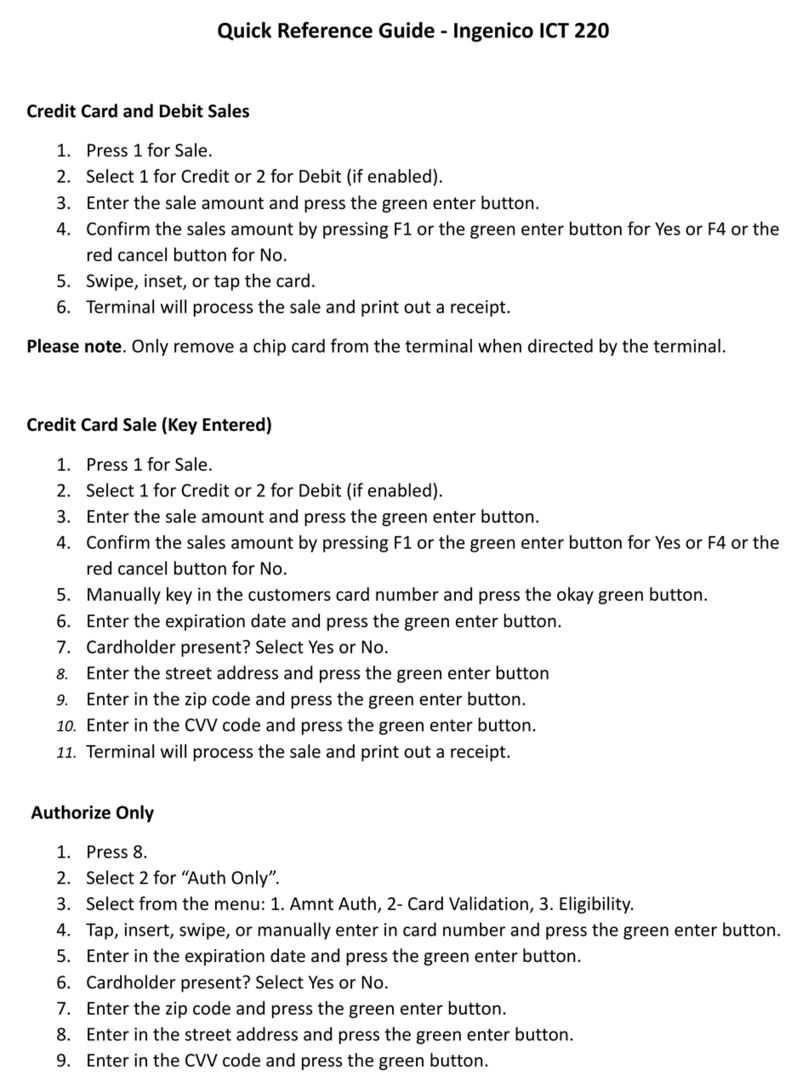
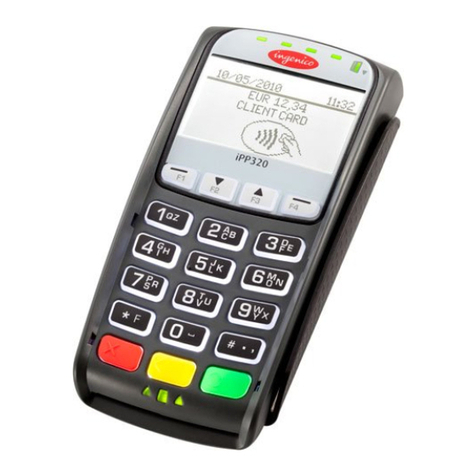
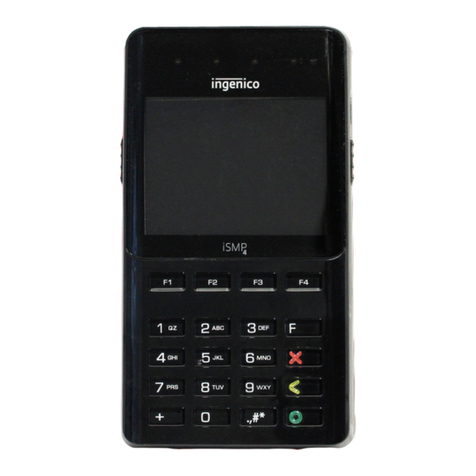
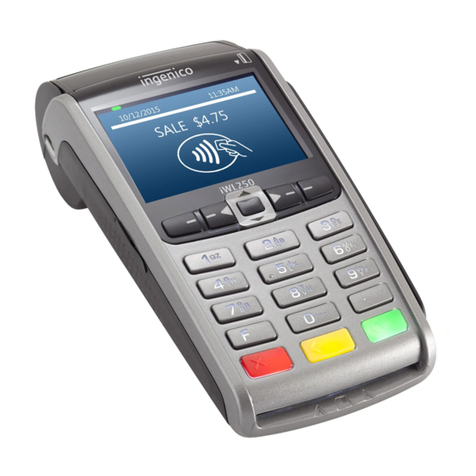
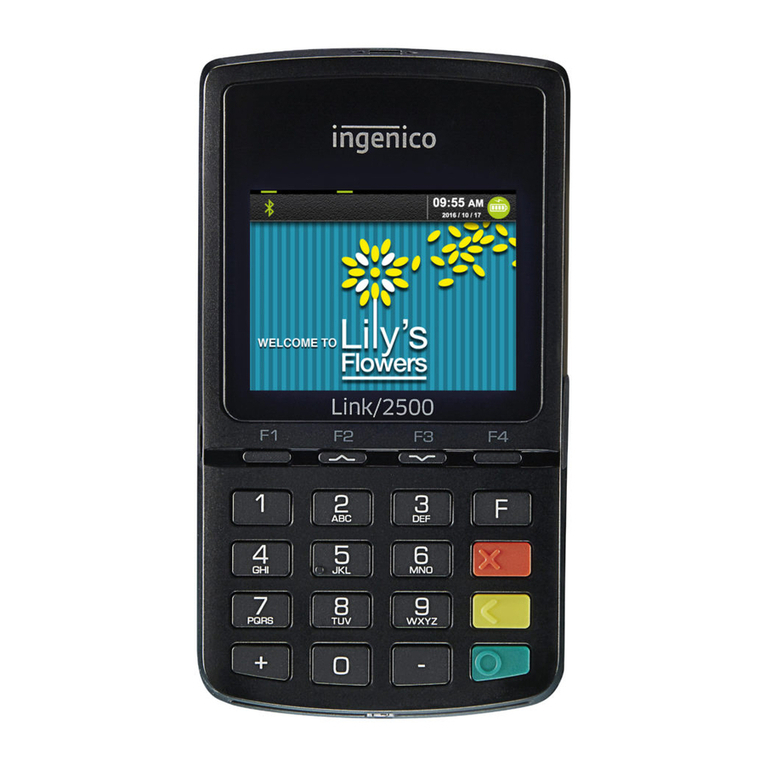
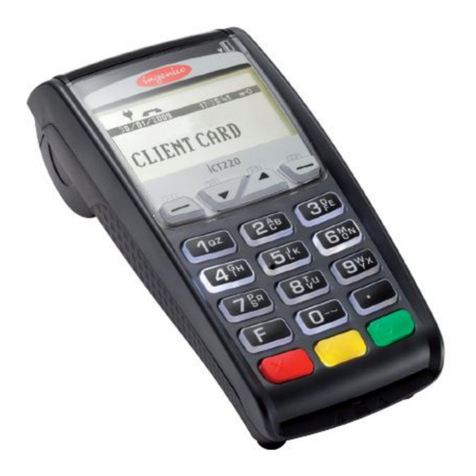
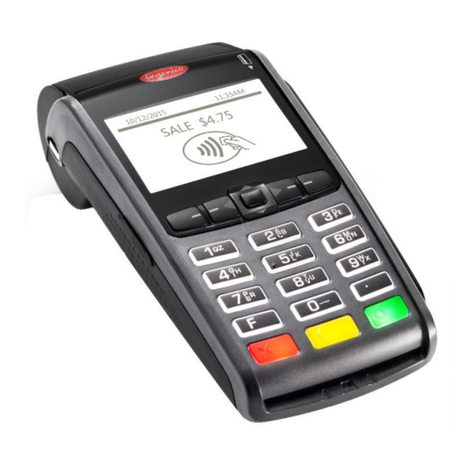
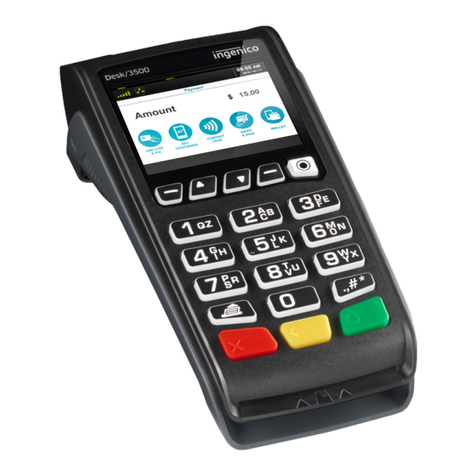
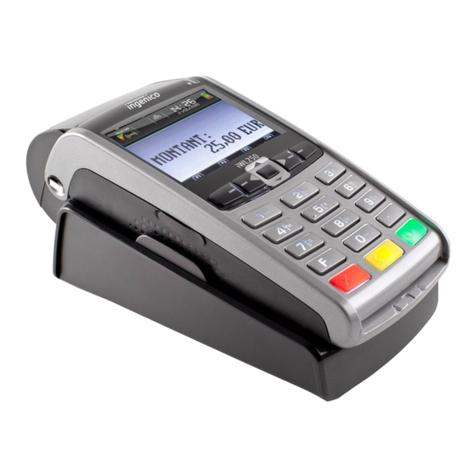
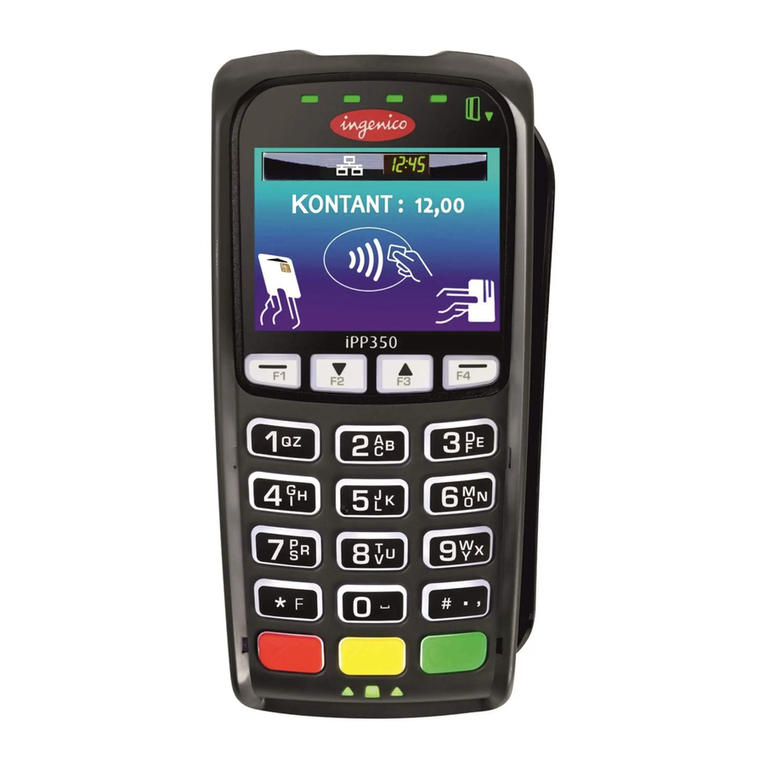
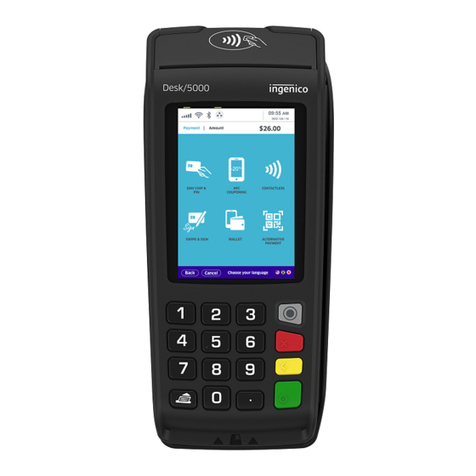
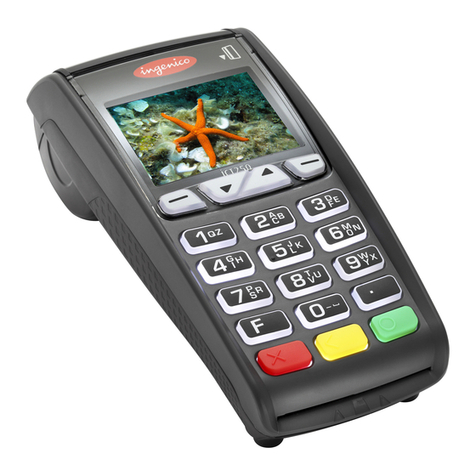
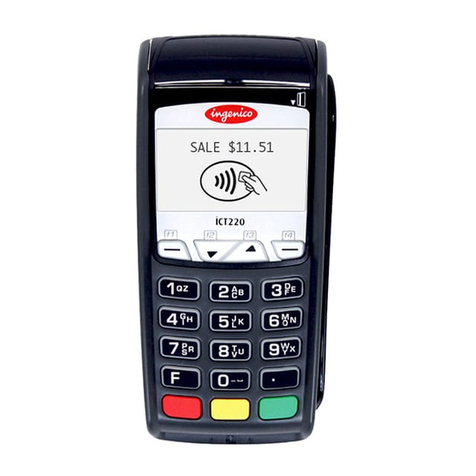
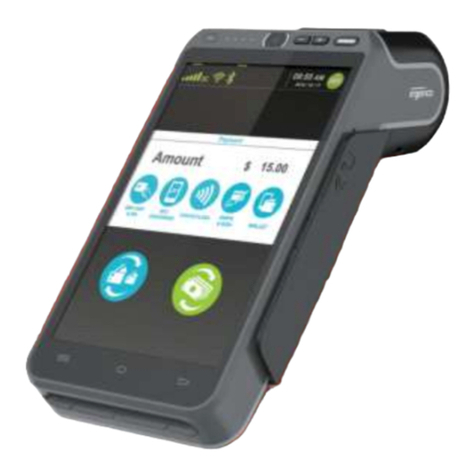
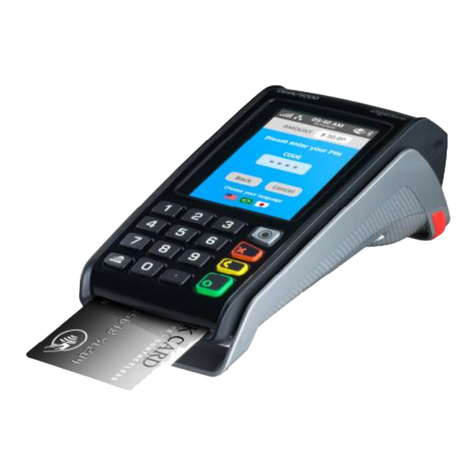
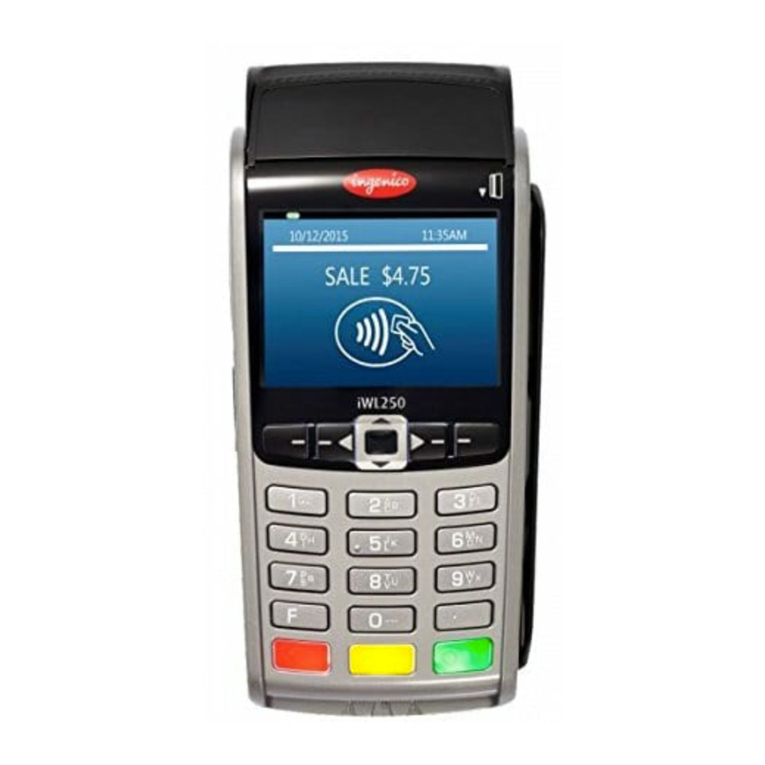
communication methods approved by Ingenico and included in this P2PE solution include the
following:
● IPP315: Ethernet
○ For the configurations of Desk5000+IPP315 and Desk3500+IPP315, DeskXXXX
and IPP315 communicate through USB port, which is processed and managed only
by the Ingenico platform software.
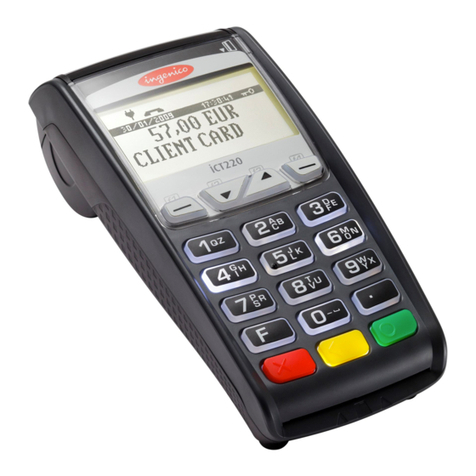
● Desk 3500: Ethernet, Modem, Wi-Fi, and Network Cellular
● Desk 5000: Ethernet, Modem, Wi-Fi, and Network Cellular
● Lane 3000: Ethernet and Wi-Fi
● Lane 5000: Ethernet
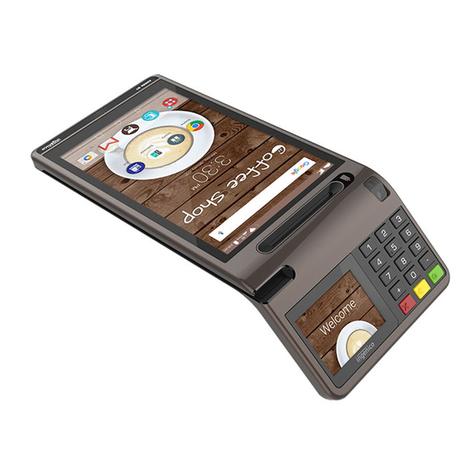
● Move 5000: Wi-Fi and Network Cellular
The use of any other external communication methods outside of those defined in this section is not
allowed.
5. If applicable for PIN-pads, Semi-Integrated devices, Secure Card Readers (SCR), etc., connect the
POS system according to the POS system provider’s instructions. If applicable, use the same data
source for all elements of the POS system. To reduce the potential for tampering, do not use USB
hubs, cable extenders, etc.
6. Securely connect one end of the power supply to the device and the other end to an available
electrical outlet. You may need to remove the cover on the back of the device to locate the
connection port or use the connection box, if applicable.
7. Allow the initial boot process to complete and allow the device to charge, if necessary.
8. If your shipment included instructions for any further set-up, follow them completely. If you have any
further questions, contact EPX using the contact information in Section 1.2 of this document.
9. Your system is ready to begin processing.
10. Update the status of the POI device to “Deployed” in the Merchant Inventory Log. Physically or
digitally secure the Merchant Inventory Log when finished.
Device-specific installation and connection instructions
This section includes device installation and connection instructions that must be followed to begin
processing. All requirements included in the user guides provided by Ingenico for each device must also be
followed.
IPP315 PIN-pad:
The IPP315 is a customer-facing PIN-pad that allows customers to input their method of payment.
The PIN-pad connects to the merchant-facing Ingenico terminal.
1. Review the instructions in Sections 4.2 and 5.1 of this document to ensure that the device is
not compromised.
2. Review the placement guidance and security recommendations in Section 3.3 of this
document.
3. Unpack the PIN-pad with the connection cable.
4. Disconnect the power cable from the Ingenico terminal.
5. Remove the back cover of the terminal by pushing in the clips (1) simultaneously. Lift the lid
rearward to remove it.