Deodorizing Flushing
The urinal will take a flush automatically when it's used 3 or 4
times in 2 minutes.
2 3-4
Flushing Volume
If you need to regulate the flushing volume, you can take off
the cover and turn the adjusting screw in the center of the
stop valve to a proper place.
Adjusting Screw
Basin Wrench
USER'S GUIDEUSER'S GUIDE
Notice:
objects
The first 10 minutes after it is powered is considered
as the standby time for adjusting sensing distance.
Humans or should avoid standing before the
sensor during this period. The sensor will not flush
during this time.
10
Eco-friendyly flush mode
When the urinal is not used for a long term, it is set to flush
with large volumn of water automatically every 24 hours.
24
Working Status
Before powering the system on, clear the unwanted objects in
front of the sensor window lest shortening the sensing
distance.
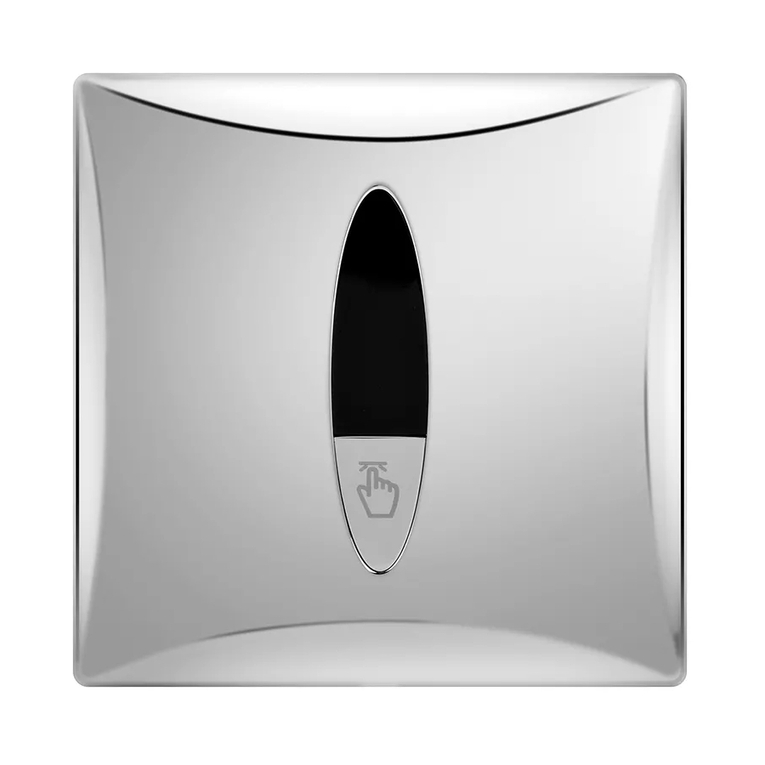
Set Working Status
The product comes our factory with:
1. The working status is set as dual-flush. If you want to
cancel the first flushing function, place manual flush stick
adjacent to right side of sensing window for more than 1
second during the 10-minute standby period (Human
presence in sensing range would cause the indicator to
flash fast).The sensor would generate a flushing cycle to
indicate the setup of the sensor has been adjusted to after-
use flushing. If the action is not completed during this 10
minute, or you need to restore the working status to dual-
flush, plug off the power cord and reconnect the power
supply until the indicator stops flashing and repeat the
above procedures.
2. The diction time is set as 2s to avoid improper function in
narrow toilets, the detection time is automatically set from
2s to 5s.
1. ,
10 (
)
1
10
2. 2
25
Sensing Distance
During the first 10 minutes, when powered on, the system is
in the phase of automatic regulation, and no operation is
required.