5
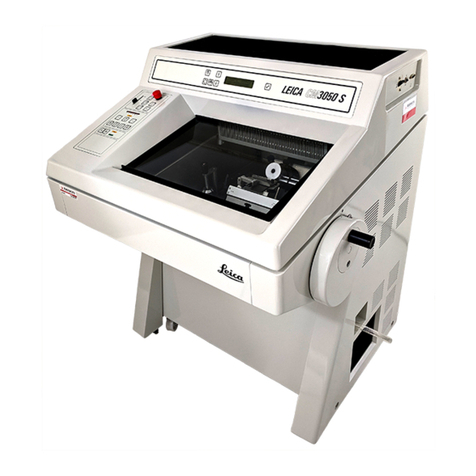
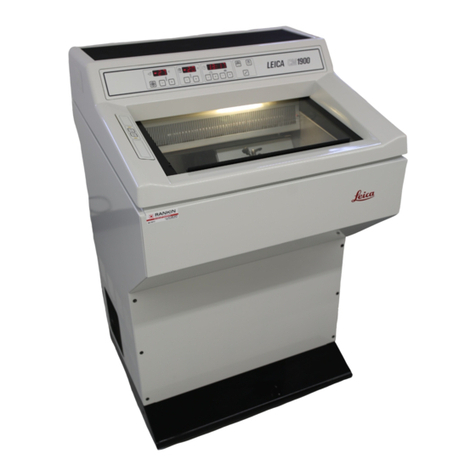
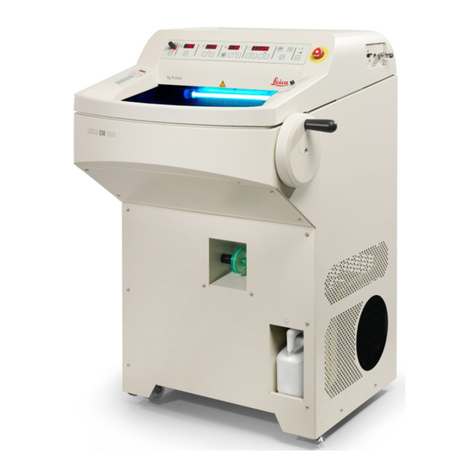
Leica CM3050 S Cryostat
Table of Contents
3.4 Installing/inserting accessories ........................................................................................................... 18
3.4.1 Installing the handwheel ....................................................................................................................... 18
3.4.2 Inserting the accessories ..................................................................................................................... 18
3.4.3 The footswitch ........................................................................................................................................ 19
3.5 Prior to switching on the instrument .................................................................................................... 19
4. Instrument Properties ................................................................................................................ 20
4.1 Overview................................................................................................................................................... 20
4.2 Technical Data......................................................................................................................................... 22
5. Operation ..................................................................................................................................... 24
5.1 Operating the instrument for the first time .......................................................................................... 24
5.2 Switching on/fuses ................................................................................................................................. 25
5.3 Control panel 1......................................................................................................................................... 26
5.3.1 Key functions in control panel 1........................................................................................................... 26
5.3.2 Display functions in control panel 1 .................................................................................................... 26
5.3.3 Display indications when switching on .............................................................................................. 27
5.3.4 Menu functions: ...................................................................................................................................... 28
5.3.5 Status display.......................................................................................................................................... 31
5.3.6 Indication of refrigeration state, section thickness setting and counters .................................... 32
5.4 Control panel 2......................................................................................................................................... 33
5.4.1 Selecting a sectioning mode / .............................................................................................................. 34
5.4.2 Setting the sectioning window............................................................................................................. 35
5.4.3 Selecting sectioning speed .................................................................................................................. 36
5.4.4 Emergency stop ...................................................................................................................................... 36
5.4.5 Coarse feed keys .................................................................................................................................... 37
5.4.6 Trimming and sectioning functions ..................................................................................................... 38
5.4.7 Setting the section thickness ............................................................................................................... 38
5.5 Daily operation of the instrument ......................................................................................................... 39
5.5.1 Freezing specimens onto specimen .................................................................................................... 39
5.5.2 Freezing specimens onto specimen .................................................................................................... 40
5.5.3 Optional accessories for freezing........................................................................................................ 40
5.5.4 Inserting specimen discs into the........................................................................................................ 41