LOCATION & REMOVAL
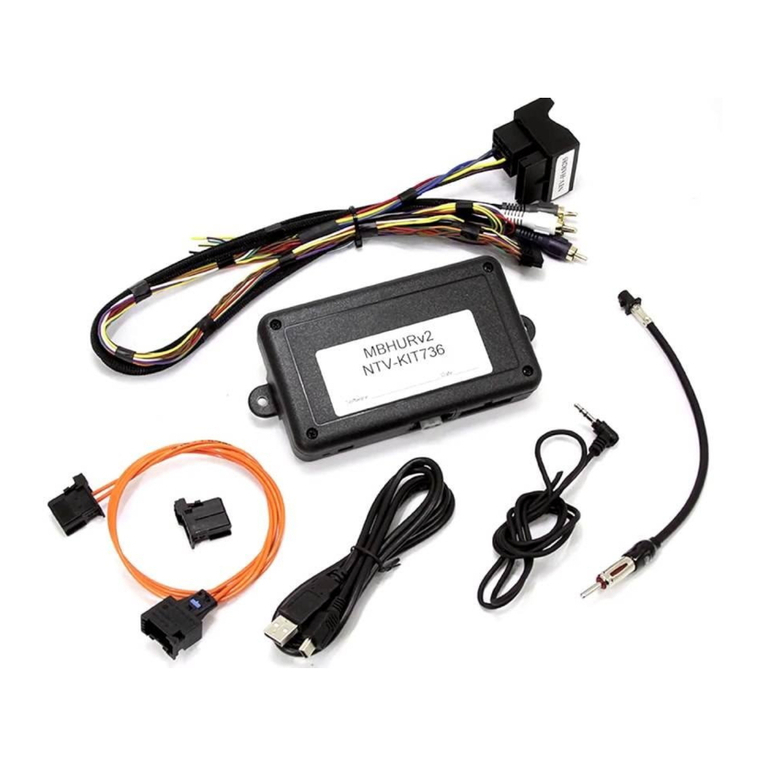
Installation of Rear Camera & Interface.
Remove the Optical Fibre connector from the factory 40
way connector and insert it into the supplied 40 way
connector.
If you are installing a Rear-View camera, disconnect the
Phono connector and plug-in your camera to the
Female socket side.
(Do not disconnect if there is a Fac-
tory Rear Camera fitted)
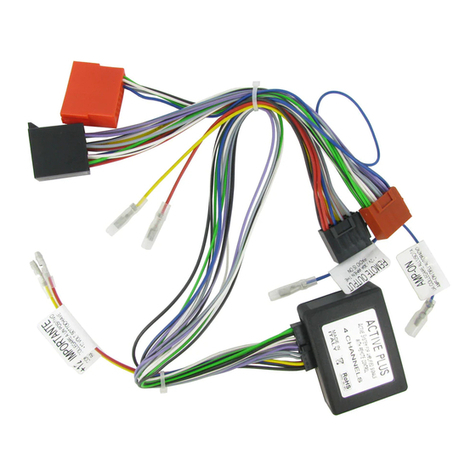
Output cables are provided for camera
installation,
(500mA MAX LOAD)
Pin 5
.
WHITE/RED = 12v+ ACC Out.
Pin 1. WHITE/BLUE = 12v+ Switched
toggle for adding an additional front
camera via a video switcher (not sup-
plied)
Installation of Microphone for Bluetooth.
Remove the Overhead consol by removing two screws
behind the lamp cover and two behind the sunglasses
holder. Next locate the factory 4-pin mic connector.
(below) Run the supplied mic cable to this location and
insert the pins provided;
Red to pin-1, Black to pin-2
INSTALLATION PROGRAMMING
Installation is made at the PCM unit, the unit will need
to be removed from the car for installation.
Carefully pop out the thin trim that surrounds the PCM
unit and button section.
Next remove the four screws that secure the PCM unit.
(do not over-tighten when re-fitting)
Remove all the connectors that are connected to the
PCM unit and remove.
Prior to programming, turn off the vehicle and remove
the key for 30 seconds, Then turn the key to FULL IGNI-
TION ON (Not Running).
ALLOW 2 SECONDS BETWEEN ACTIONS;
Press and hold
VOL +
Press and hold
MUTE
Release
VOL+
Release
MUTE,
wait for
“SERVICE”
on screen
Press
“SEEK UP”
To un-program, repeat programming steps but replace
“SEEK UP” in the last step for “SEEK DOWN”