BHM
10/17/18
NTV-DOC253
Agreement: End user agrees to use this product in compliance with all State and Federal laws. NAV-TV Corp. would not be held liable for
misuse of its product. If you do not agree, please discontinue use immediately and return product to place of purchase. This product is
intended for off-road use and passenger entertainment only.
3 | P a g e
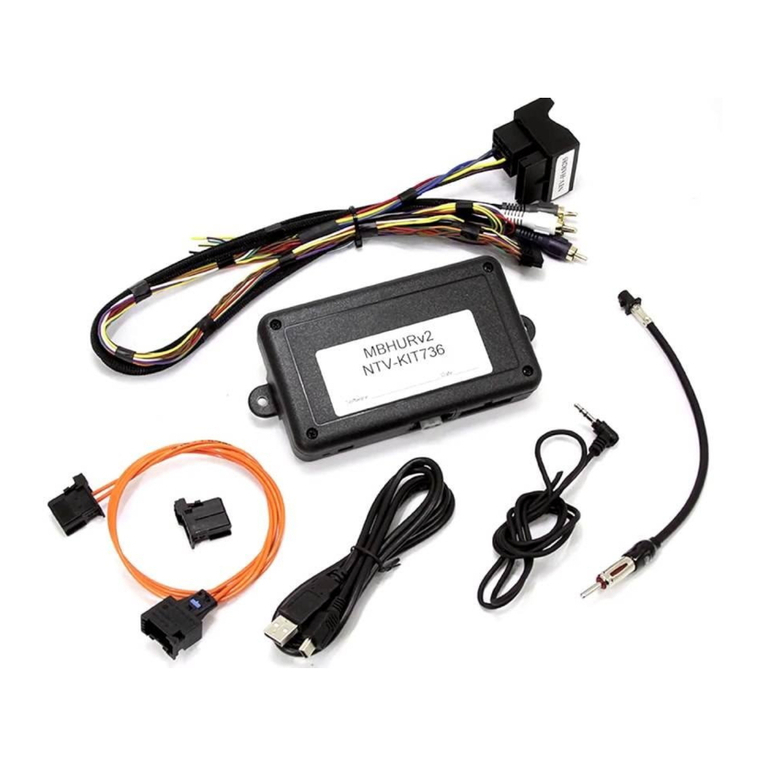
1. The BMW56-N connects entirely behind the OEM infotainment screen. You must gain
access behind the screen for proper connection.
a. Remove any dash panels secured to the sub-dash to access the Torx screws
which secure the screen. Remove the screen and set aside.
2. Connect (splice) the following (4) wires from the provided Power/CAN Harness to the
OEM 12-PIN screen power harness (previously removed from the screen in step 1):
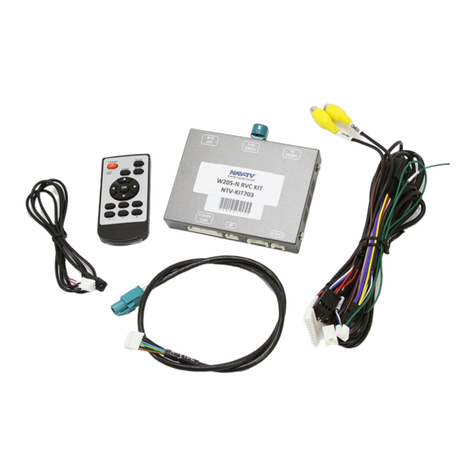
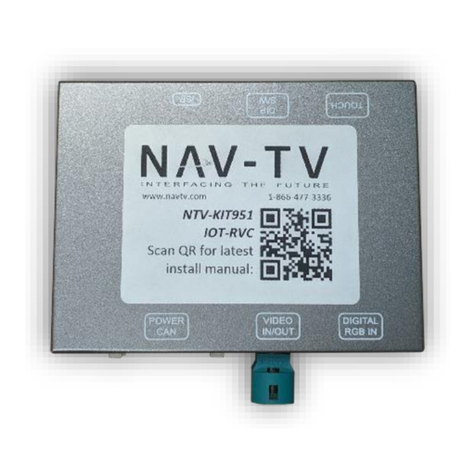
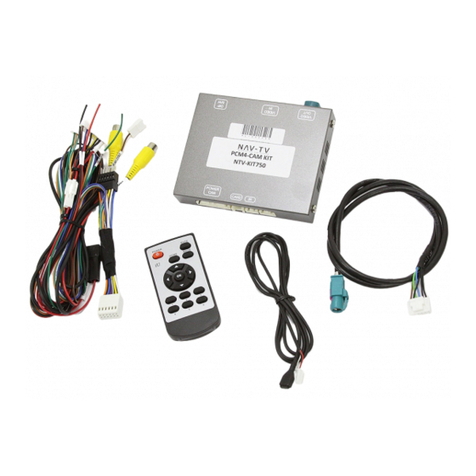
3. Connect the provided LVDS video cable to the port on the BMW56-N interface labeled
’LVDS OUT’ and the other end back to the screen at the LVDS port.
4. Connect the OEM LVDS video cable (originally connected to the screen) to the port on
the BMW56-N interface labeled ‘LCD IN’.
5. Connect the provided Rear Camera Cable to the interface at the port labeled
‘CAM’.
6. Install and run the reverse camera power and signal to the BMW56-N interface
location and connect to the RCA labeled ‘CAMERA’. Power your camera with an ACC
source or use the yellow wire for reverse 12v (+) only located on the Rear Camera
cable. NOTE: this wire outputs 500 mA MAX –do not use to supply power to more than 1
camera. Use this wire to trigger a relay if you’re concerned with current supply.
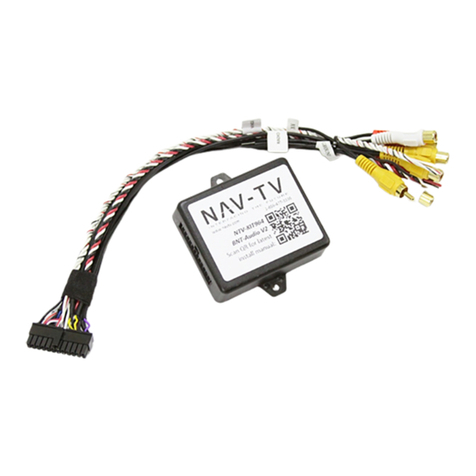
7. Optional: If connecting additional AUX video sources, connect the AV
Harness to the interface port labeled ‘AV IN/OUT’ and use ‘AV1’ or
‘AV2’ RCAs for video input signals. Make sure the DIP switch
settings are set properly if using additional video inputs.
8. After DIP switch settings have been set (see page 2), connect the 8-PIN power connector
to the BMW56-N interface labeled ‘POWER CAN’. Proceed to BMW56-N Operation.