manuals.online logo
Brands
  1. Home
  2. •
  3. Brands
  4. •
  5. Rebotec
  6. •
  7. Mobility Aid
  8. •
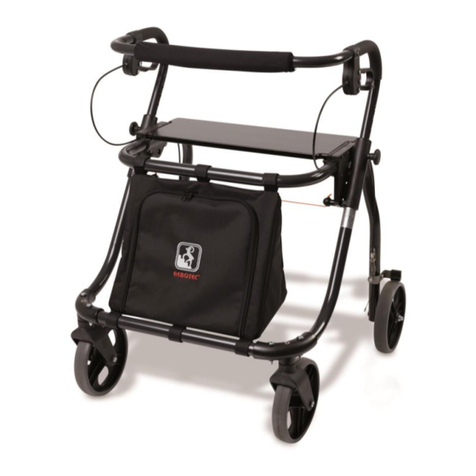
  9. Rebotec FIXI User manual

Rebotec FIXI User manual

Other manuals for FIXI

1

This manual suits for next models

3

Other Rebotec Mobility Aid manuals

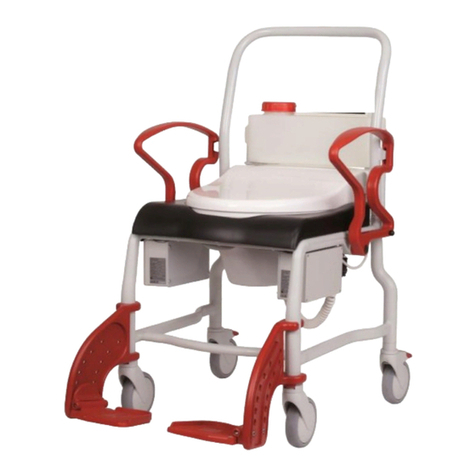
Rebotec 340 Series User manual

Rebotec

Rebotec 340 Series User manual

Rebotec YANO-Walker User manual

Rebotec

Rebotec YANO-Walker User manual

Rebotec Brest User manual

Rebotec

Rebotec Brest User manual

Rebotec Arnold 150 User manual

Rebotec

Rebotec Arnold 150 User manual

Rebotec James 150 User manual

Rebotec

Rebotec James 150 User manual

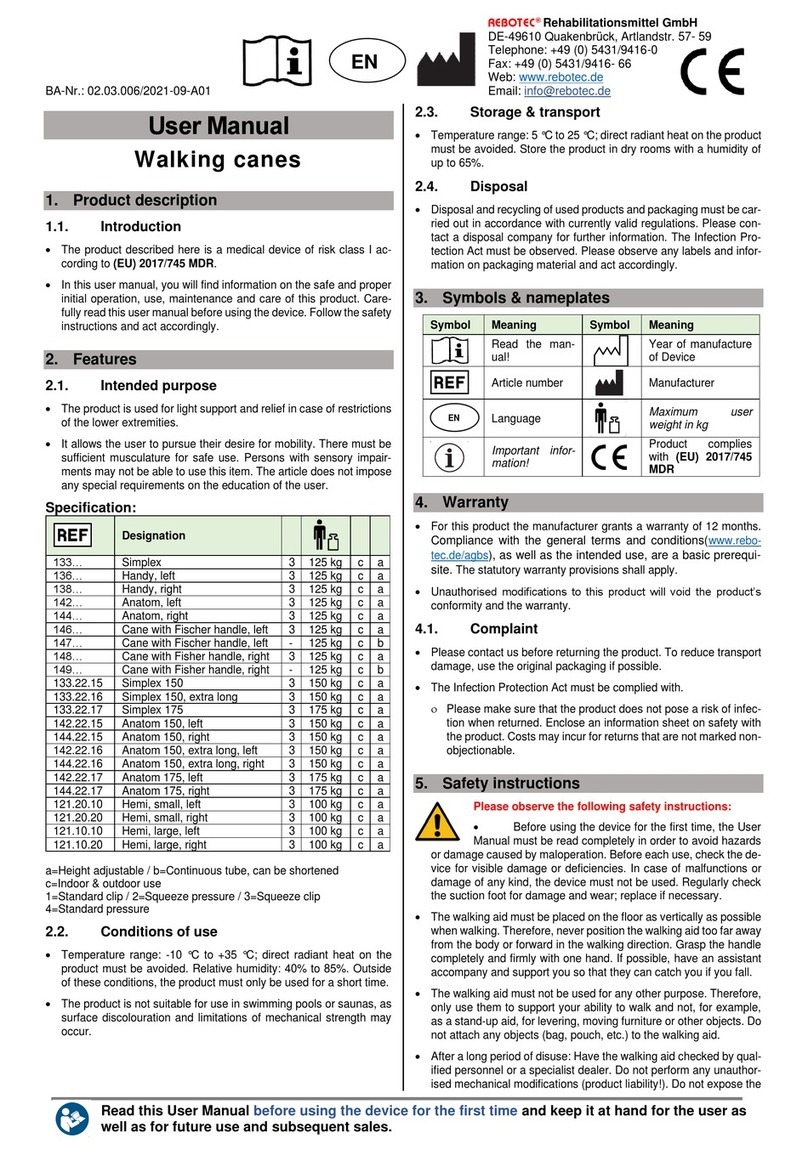
Rebotec Simplex User manual

Rebotec

Rebotec Simplex User manual

Rebotec YANO-Walker User manual

Rebotec

Rebotec YANO-Walker User manual

Rebotec Arnold 150 User manual

Rebotec

Rebotec Arnold 150 User manual

Rebotec Polo Standard User manual

Rebotec

Rebotec Polo Standard User manual

Rebotec 181.10 User manual

Rebotec

Rebotec 181.10 User manual

Rebotec Arnold 150 User manual

Rebotec

Rebotec Arnold 150 User manual

Rebotec Augsburg User manual

Rebotec

Rebotec Augsburg User manual

Rebotec YANO Series User manual

Rebotec

Rebotec YANO Series User manual

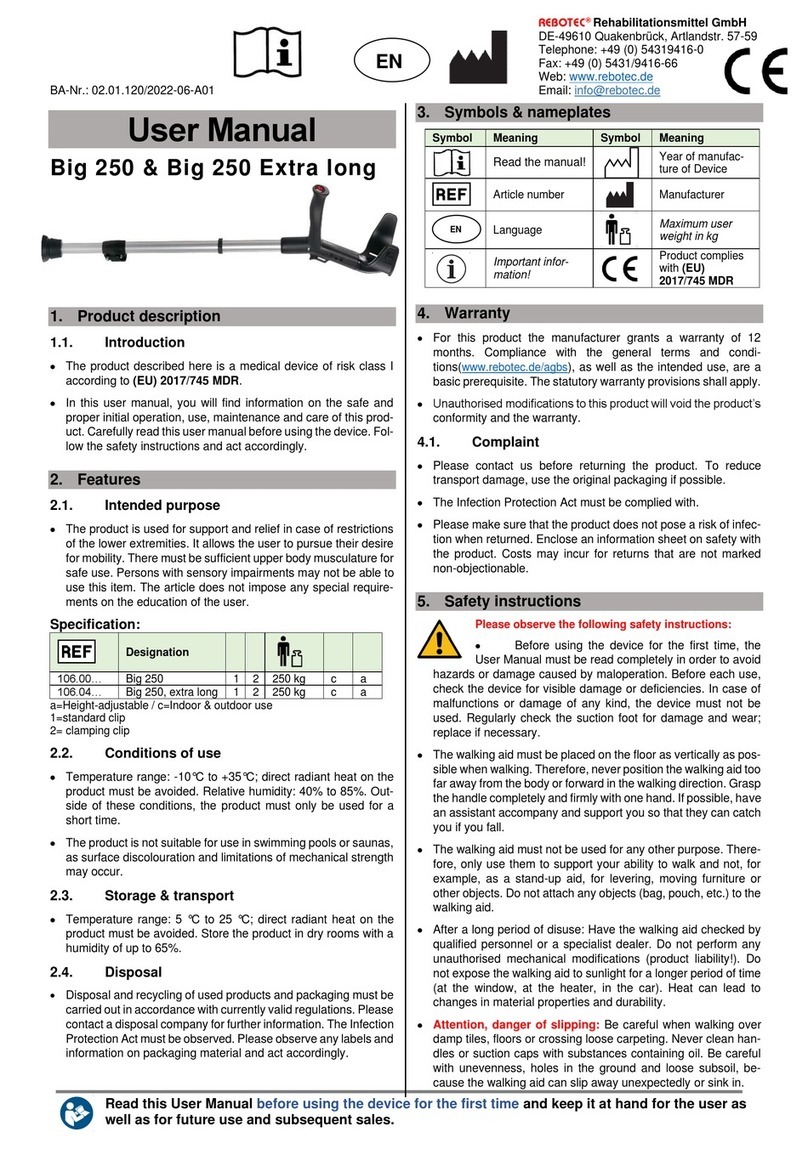
Rebotec Big 250 User manual

Rebotec

Rebotec Big 250 User manual

Rebotec Hamburg User manual

Rebotec

Rebotec Hamburg User manual

Rebotec 153 Series User manual

Rebotec

Rebotec 153 Series User manual

Rebotec Polo-Yano S User manual

Rebotec

Rebotec Polo-Yano S User manual

Rebotec Fixi-YANO User manual

Rebotec

Rebotec Fixi-YANO User manual

Rebotec Walk-On XS User manual

Rebotec

Rebotec Walk-On XS User manual

Rebotec Arnold 125 User manual

Rebotec

Rebotec Arnold 125 User manual

Rebotec QUADRO User manual

Rebotec

Rebotec QUADRO User manual

Rebotec Pluto User manual

Rebotec

Rebotec Pluto User manual

Rebotec FIXI User manual

Rebotec

Rebotec FIXI User manual

Rebotec Travel User manual

Rebotec

Rebotec Travel User manual

Popular Mobility Aid manuals by other brands

Drive DeVilbiss GoLite 200 operating instructions

Drive DeVilbiss

Drive DeVilbiss GoLite 200 operating instructions

Invacare 8153-J user manual

Invacare

Invacare 8153-J user manual

Clearwell Mobility Brandon User instructions

Clearwell Mobility

Clearwell Mobility Brandon User instructions

Handicare 1100 user manual

Handicare

Handicare 1100 user manual

NRS Healthcare M11090 User instructions

NRS Healthcare

NRS Healthcare M11090 User instructions

Alber Scalamobil iQ operating instructions

Alber

Alber Scalamobil iQ operating instructions

Ferno CCT-PX user manual

Ferno

Ferno CCT-PX user manual

Medline MDS86835DSHEC User Instructions & Warranty

Medline

Medline MDS86835DSHEC User Instructions & Warranty

Guldmann Twin Turner II user manual

Guldmann

Guldmann Twin Turner II user manual

Ferno 35-ITA user manual

Ferno

Ferno 35-ITA user manual

Drive ROOMBA Operation manual

Drive

Drive ROOMBA Operation manual

Gate Balder operating instructions

Gate

Gate Balder operating instructions

Decon wheel TNS Notos Assembly instructions

Decon wheel

Decon wheel TNS Notos Assembly instructions

ExoAtlet ExoAtlet-II user manual

ExoAtlet

ExoAtlet ExoAtlet-II user manual

Invacare Storm Series parts catalog

Invacare

Invacare Storm Series parts catalog

Rhythm Healthcare B3800F manual

Rhythm Healthcare

Rhythm Healthcare B3800F manual

AMF-BRUNS PROTEKTOR installation manual

AMF-BRUNS

AMF-BRUNS PROTEKTOR installation manual

Drive DeVilbiss Healthcare OTTER Instructions for use

Drive DeVilbiss Healthcare

Drive DeVilbiss Healthcare OTTER Instructions for use

manuals.online logo
manuals.online logoBrands
  • About & Mission
  • Contact us
  • Privacy Policy
  • Terms and Conditions

Copyright 2025 Manuals.Online. All Rights Reserved.

14
BA No.: 02.05.012/07-07(KP)
Serial No. / Product
User Instructions
REBOTEC Rehabilitationsmittel GmbH
D-49610 Quakenbrück, Artlandstr. 57-59
Telephone: +49-(0)5431/9416-0
Telefax: +49-(0)5431/9416-66

http://www.rebotec.de
E-mail: [email protected]
Rollator
Art. No. 186.00.10 „FIXI“
Art. No. 186.00.20 „FOX“
Intended Use / User Advisory
The Rollators are designed for persons with limited walking ability and serve to increase their
ability to move. The Rollators may be used only on solid, even surfaces.
The aluminium tubular design provides security against tipping over. Its lightweight not only
makes the Rollator easier to drive, the bow handle also allows it to be pulled up towards the
upper body, thus allowing the patient to easily overcome street kerbs. In addition the
backrest may be outfitted with a back padding (accessory), which makes sitting comfortable.
For transport, the Rollator can be folded up. The bow handle is also height adjustable to suit
the height of the patient.
Have your specialised dealer or care provider advise you on using the Rollator and its
adjustment for proper function!
Spare Parts and Accessories
Art. No. Name Material
286.00.45 Wheel D=150 mm, black/yellow Plastic
280.10.48 Padding for back bow PUR
280.00.60 Brake set 1.265x1.000 Niro incl. nipple VA steel
286.65.20 Seat for basket, black (for Fox)
286.65.25 Seat without basket, black (for Fox)
286.88.20 Seat for basket, green (for Fox)
286.88.25 Seat without basket, green (for Fixi & Fox) Pressed wood
189.10.10 Basket (only for “FOX“) Plastic encapsulated steel
Technical Specifications
Nominal Size Model FIXI Model FOX
Weight (kg) / product 5.2 5.3 (without basket)
Max. body weight (kg) 100 100
Depth (mm) 625 670
Width (mm) 575 575
Adjustable handle height (mm) 600-690 / 5 positions 690-770 / 5 positions
Seat height (mm) 425 500
Seat width (mm) 385 385
Also available with a basket
Technical specifications subject to change without notice!
GB
2 3
Care and Maintenance
The surface of the aluminium tubing has been provided with a paint coating. The Rollator can
be cleaned with a commercially available cleaning or disinfecting agent – always follow
instructions for use. All moving parts are permanently lubricated. Inadequate or negligent
care and maintenance leads to limitations or annulment of product liability by the
Manufacturer.
Allow your Rollator to be checked over by specialised dealer once a year!
Advisory!
A
lways keep the User Instructions in case of future use.
A
lways bring a copy of the User Instructions with you whenever you leave the house so that
in the case of an emergency another person will be able to operate the Rollator.
The identical serial number in the User Instructions is also printed on the nameplate of the
product. For complaints or questions, always provide the model, serial no. and the Use
r
Instructions no.
Warranty
We provide a warranty period of 24 months for our Rollators. Wear parts are excluded.
Re-Use (Rental)
Here we refer expressly to the strict conditions of the German product liability law (ProdHaftG
§1 Abs.2 Nr.1).
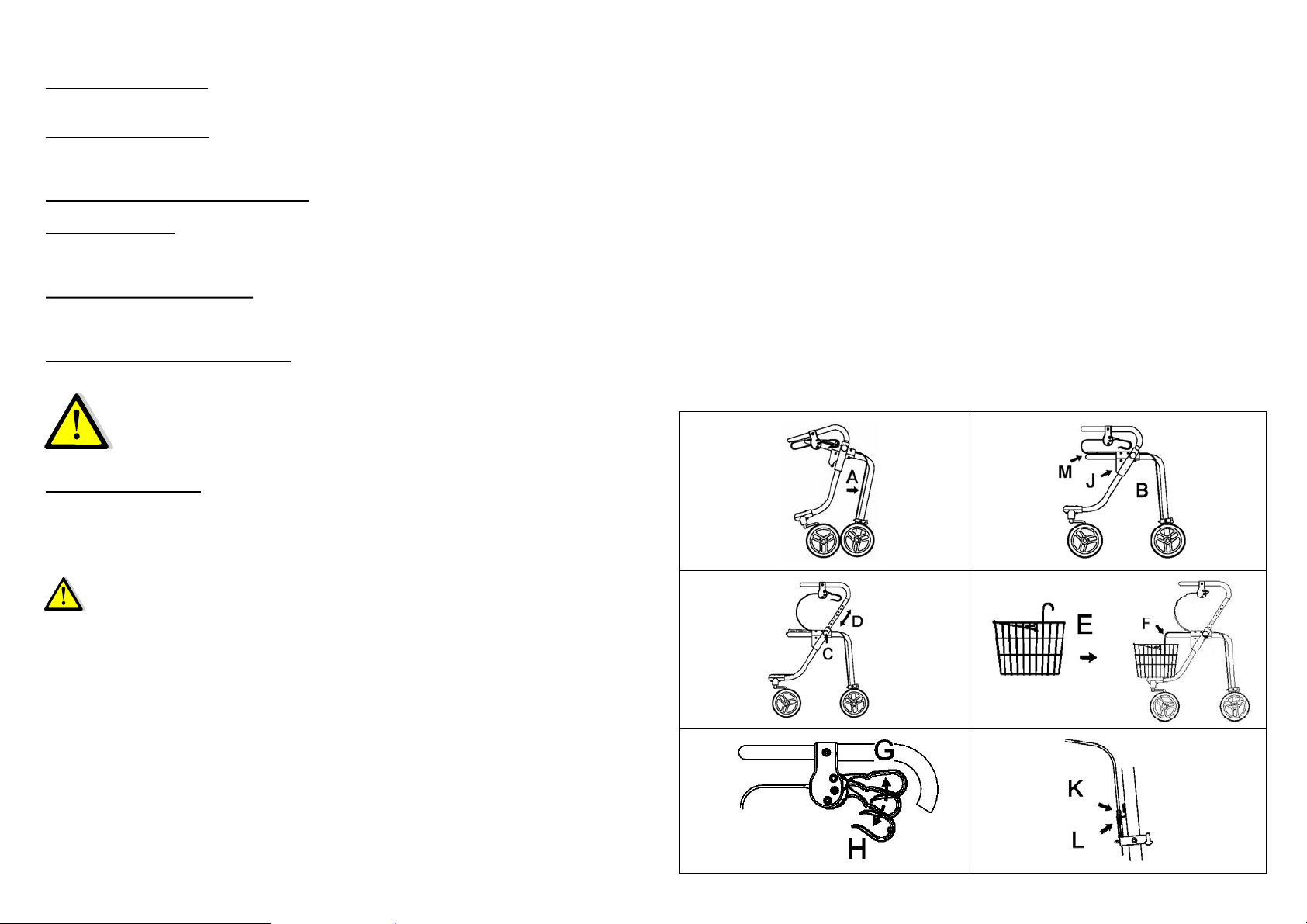
Figures:
Instructions for Assembly and First-time Use
1. Unfolding the Rollator
Place the Rollator on its front wheels and push the frame with the rear wheels apart (A) Fig. 1.
The Rollator clicks by itself into its final position (B) Fig. 2.
2. Adjusting the Handles
Next remove both star-grip screws (C) Fig. 3. Then choose the appropriate height (D) Fig. 3
and adjust the grip handles to the next screw hole. Reinstall the star-grip screws (C) and
tighten them firmly.
3. Attaching the basket (only for “FOX“)
Using the 2 hooks, hang the basket (E) Fig. 4 onto the tubular bow (F) of the Rollator.
4. Using the Brakes
By pulling up the left and right brake levers (G) Fig. 5, the back wheels are locked respectively.
The permanent brake is set by pushing the brake levers (H) downwards. By pulling up the
brake levers (G) the permanent brake is disengaged.
5. Folding the Rollator together
If present, first remove the basket (E). Then with one hand pull the red cord (J) Fig. 2
upwards until the click-lock disengages. Then with the other hand lift the Rollator at the tubula
r
bow (F).
6. Using the Seat (special accessory)
The seat (M) Fig. 2 is screwed firmly to the frame (F).
•Before using the seat, activate the permanent brake (H), see Step 4.
•When the sun shines the seat may get hot! Therefore, check the
temperature of the seat with your hand. If necessary, allow the seat to cool
down, or place a cushion on the seat.
7. Adjusting the Brakes
Loosen the counter nuts (L) and then adjust the brake with the adjustment screw (K).
Be sure that when the brake is released, the wheels are allowed to turn freely, and when the
brake levers are pulled the wheels are firmly arrested. Then retighten the counter nut (L).
Safety Instructions and Inspection
•After the first time set-up and before each use, always conduct a visual inspection of the
Rollator for deficiencies. Check the screw connections to be sure they are tight. Tighten
if necessary using the appropriate tools. If you have any doubt, then do not use the
Rollator. Contact a specialised dealer.
•Before each use, check over the folding mechanism to be sure it has clicked into its final
position.
•Check the function of the brakes and the permanent brake function as well.
•Use the grasp handle only for raising the Rollator and as a backrest.
•DANGER OF TIPPING!
For moving the Rollator only use the rubberized handles.
•DANGER OF TIPPING!
Never load the basket while using the Rollator with more than 4 kg (9 lbs.)
1
Load: max. 4 kg
2
5
3 4
6