manuals.online logo
Brands
  1. Home
  2. •
  3. Brands
  4. •
  5. Sauder
  6. •
  7. Indoor Furnishing
  8. •
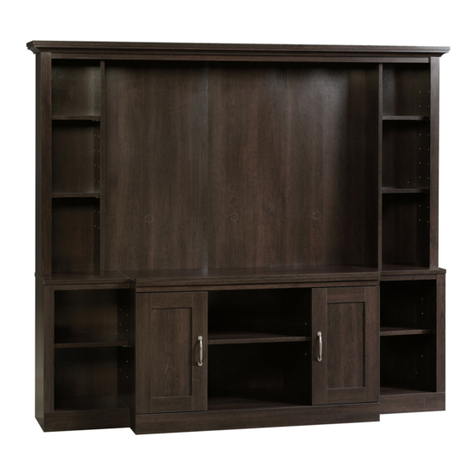
  9. Sauder 427350 User manual

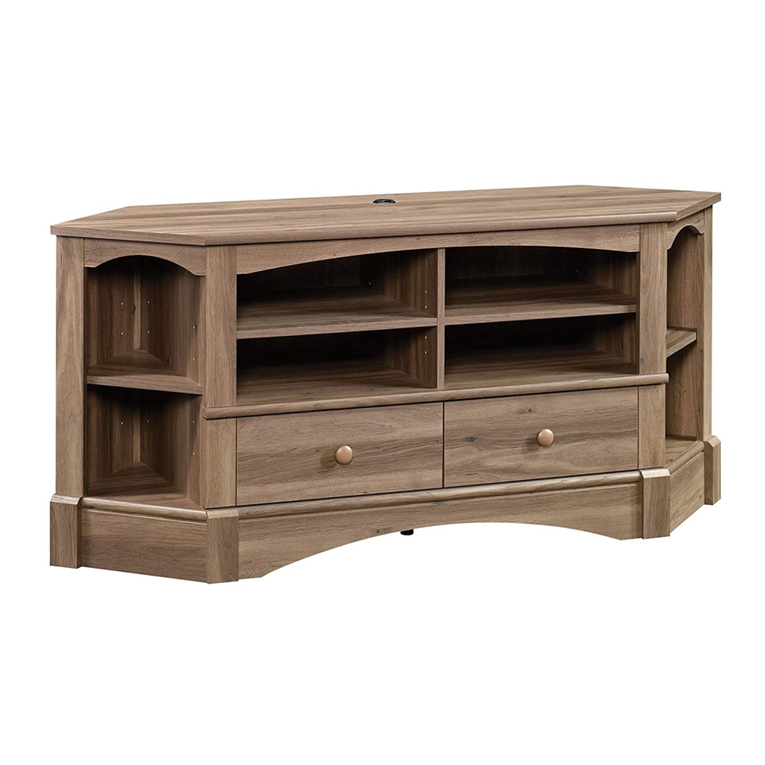
Sauder 427350 User manual

Other Sauder Indoor Furnishing manuals

Sauder August Hill 426135 User manual

Sauder

Sauder August Hill 426135 User manual

Sauder Briarbrook 430072 User manual

Sauder

Sauder Briarbrook 430072 User manual
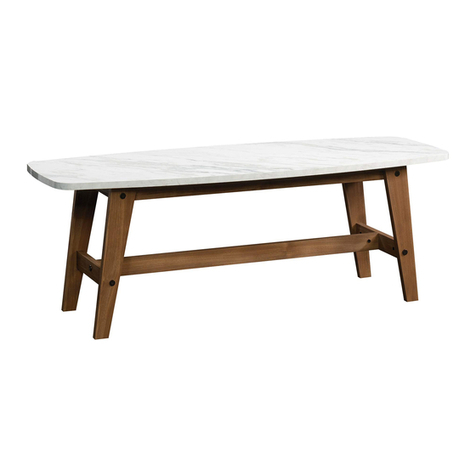
Sauder Soft Modern 414978 User manual

Sauder

Sauder Soft Modern 414978 User manual
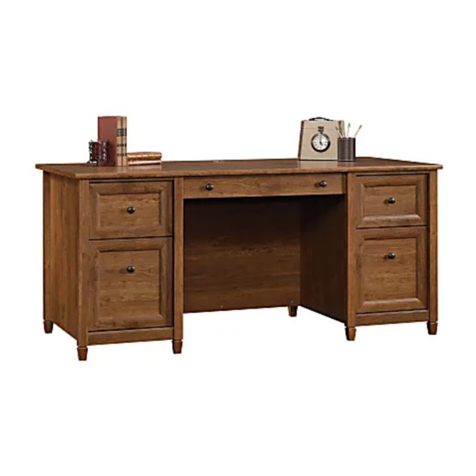
Sauder Edge Water 419100 User manual

Sauder

Sauder Edge Water 419100 User manual
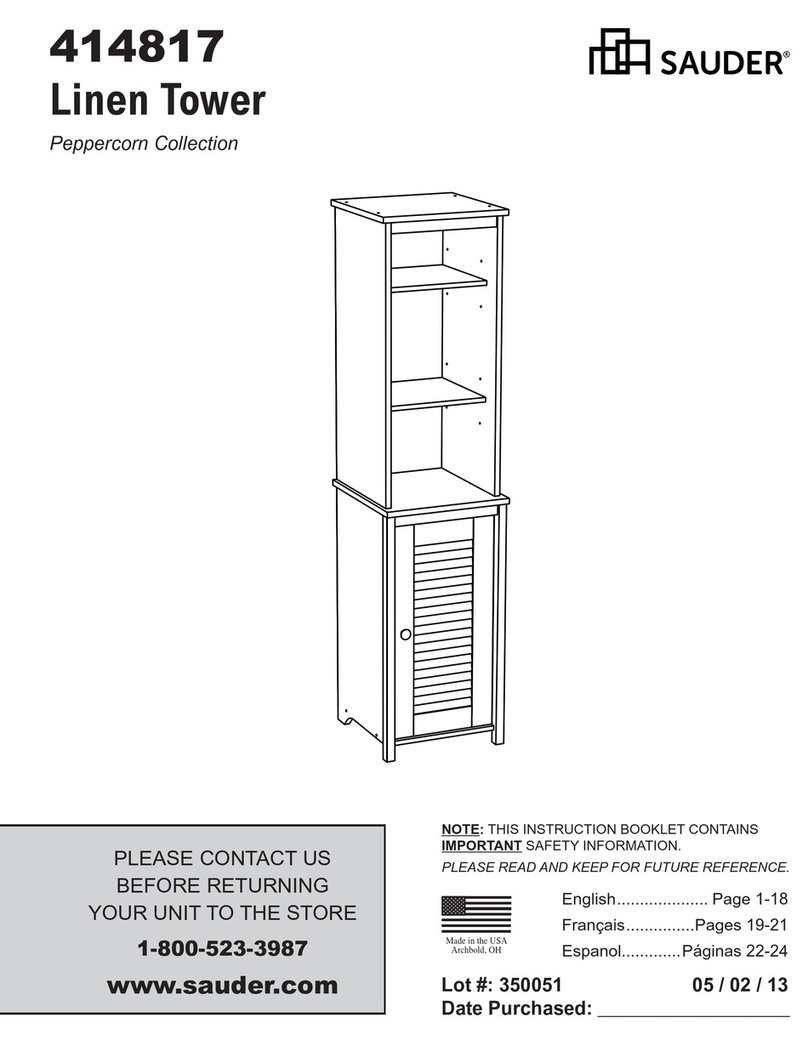
Sauder 414817 User manual

Sauder

Sauder 414817 User manual

Sauder Caraway Etagere 414111 User manual

Sauder

Sauder Caraway Etagere 414111 User manual

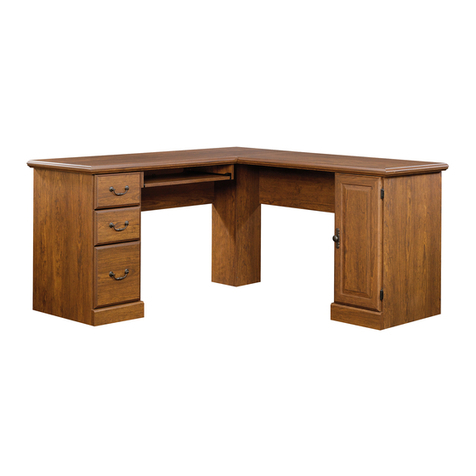
Sauder Anywhere Console 419230 User manual
Sauder

Sauder Anywhere Console 419230 User manual

Sauder Orchard Hills 418648 User manual

Sauder

Sauder Orchard Hills 418648 User manual

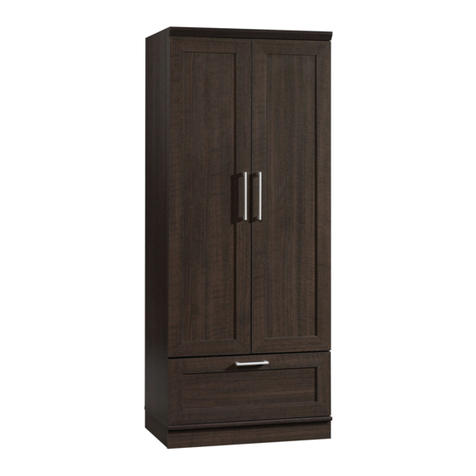
Sauder OfficeWorks AFFIRM 427058 User manual
Sauder

Sauder OfficeWorks AFFIRM 427058 User manual

Sauder 411312 User manual

Sauder

Sauder 411312 User manual
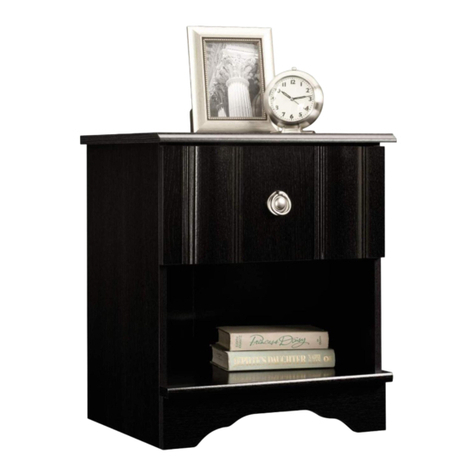
Sauder Jaclyn Smith Gatsby 415693 User manual
Sauder

Sauder Jaclyn Smith Gatsby 415693 User manual

Sauder 423408 User manual

Sauder

Sauder 423408 User manual
Sauder Via 419708 User manual

Sauder

Sauder Via 419708 User manual
Sauder 401804 User manual

Sauder

Sauder 401804 User manual

Sauder Aspen Post 427015 User manual

Sauder

Sauder Aspen Post 427015 User manual
Sauder Stockbridge 409128 User manual

Sauder

Sauder Stockbridge 409128 User manual

Sauder Executive Desk 408289 User manual
Sauder

Sauder Executive Desk 408289 User manual

Sauder 403932 User manual

Sauder

Sauder 403932 User manual

Sauder Pogo 414435 User manual

Sauder

Sauder Pogo 414435 User manual

Sauder Camarin Series User manual

Sauder

Sauder Camarin Series User manual

Sauder North Avenue 420050 User manual

Sauder

Sauder North Avenue 420050 User manual

Sauder 402905 User manual

Sauder

Sauder 402905 User manual

Sauder 420612 User manual

Sauder

Sauder 420612 User manual

Sauder Edge Water Series User manual

Sauder

Sauder Edge Water Series User manual

Popular Indoor Furnishing manuals by other brands

Regency LWMS3015 Assembly instructions

Regency

Regency LWMS3015 Assembly instructions

Furniture of America CM7751C Assembly instructions

Furniture of America

Furniture of America CM7751C Assembly instructions

Safavieh Furniture Estella CNS5731 manual

Safavieh Furniture

Safavieh Furniture Estella CNS5731 manual

PLACES OF STYLE Ovalfuss Assembly instruction

PLACES OF STYLE

PLACES OF STYLE Ovalfuss Assembly instruction

Trasman 1138 Bo1 Assembly manual

Trasman

Trasman 1138 Bo1 Assembly manual

Costway JV10856 manual

Costway

Costway JV10856 manual

moss DESIGN Caisson Credenza Assembly instructions

moss DESIGN

moss DESIGN Caisson Credenza Assembly instructions

Aquaglide FULL DECK 15.0 owner's manual

Aquaglide

Aquaglide FULL DECK 15.0 owner's manual

AREBOS AR-HE-SW30 user manual

AREBOS

AREBOS AR-HE-SW30 user manual

Till-Hilft Fulda 87005.330 Assembly instructions

Till-Hilft

Till-Hilft Fulda 87005.330 Assembly instructions

Twoey Outside 2010 quick start guide

Twoey Outside

Twoey Outside 2010 quick start guide

Hettich Easys 200 operating instructions

Hettich

Hettich Easys 200 operating instructions

The bedboss RELAX 404 Series owner's manual

The bedboss

The bedboss RELAX 404 Series owner's manual

Oeseder Möbelindustrie Bern 991 720 Assembly instructions

Oeseder Möbelindustrie

Oeseder Möbelindustrie Bern 991 720 Assembly instructions

Costway HW68469 user manual

Costway

Costway HW68469 user manual

Next ALIX A27743 Assembly instructions

Next

Next ALIX A27743 Assembly instructions

BROSA Hans Assembly guide

BROSA

BROSA Hans Assembly guide

Prodigg MINIKA PBA015T-FUR installation manual

Prodigg

Prodigg MINIKA PBA015T-FUR installation manual

manuals.online logo
manuals.online logoBrands
  • About & Mission
  • Contact us
  • Privacy Policy
  • Terms and Conditions

Copyright 2025 Manuals.Online. All Rights Reserved.

sauder.com
NOTE: THIS INSTRUCTION
BOOKLET CONTAINS IMPORTANT
SAFETY INFORMATION.
PLEASE READ AND KEEP FOR
FUTURE REFERENCE.
sauder.com
CONTACT US FIRST
BEFORE MAKING ANY RETURNS TO THE STORE.
sauder.com
CONTACT US FIRST
BEFORE MAKING ANY RETURNS TO THE RETAILER.
Visit sauder.com/service to order replacement parts, view video assembly tips, or chat with a live rep.
Prefer the phone? Give us a ring at 1-800-445-1527.
Customer Service is available Monday-Friday - 9 a.m. to 5:30 p.m. EST (except holidays)
Sauder.com
Share your journey!
English pg 1-20
Français pg 21-24
Español pg 25-28
Lot # 552557 08/26/20
Purchased: __________________
TV Stand
Boulevard Cafe Collection | Model 427350
Your holder for all
things awesome.
Part Identification
Hardware Identification
Hardware Usage Guide
Assembly Steps
Français
Español
Safety
Warranty
No. 2 Phillips Screwdriver
Tip Shown Actual Size
WARNING
!
Table of Contents Assembly Tools Required
3
4
5
6-20
21-24
25-28
29-30
31
Use of a TV that is too heavy or large is hazardous. A TV that is too heavy will create a risk of a tip-over that can cause severe injury or
death. A TV that is too large for the available space might be accidentally pushed or bumped o the furniture, or subject to tip-over.
• Check the size and weight of your TV. Compare it to the diagram below – before you begin assembly!
• This Sauder unit is designed for use with flat panel televisions weighing less than 50 pounds. Never use with a TV that weighs
more.
• The size of the television, front-to-back and side-to-side, must fit within the space defined in the diagram.
• Never place the front edge of the TV past the front edge of the TV support shelf (or stop molding – if equipped)
• Never allow the sides of the TV to extend past the side edges of the TV support surface.
• Be sure to apply the warning label as instructed later in the assembly. The label provides important safety related information.
50 lbs.50 lbs.
47-1/2"47-1/2"
15-3/4"15-3/4"
Page 2 www.sauder.com/service 427350
Part Identification
åWhile not all parts are labeled, some of the parts will have a label or an inked letter on the edge
to help distinguish similar parts from each other. Use this part identification to help identify similar parts.
Now you know
our ABCs.
A TOP (1)
B SHELF (1)
C BOTTOM (1)
D LEFT END (1)
E RIGHT END (1)
F ADJUSTABLE SHELF (2)
G UPRIGHT (1)
H BACK (1)
J RIGHT DOOR (1)
K LEFT DOOR (1)
L REAR LEG (1)
M BRACE (2)
N FRONT LEG (1)
O SMALL UPRIGHT (1)
A
B
C
D
E
F
O
F
G
H
J
K
L
M
M
N
Page 3www.sauder.com/service427350
Hardware Identification
åScrews are shown actual size. You may receive extra hardware with your unit.
HIDDEN CAM - 18
1CAM SCREW- 18
2SMALL WOOD
DOWEL - 4
4
LARGE WOOD
DOWEL - 14
3
L-WRENCH - 1
8
APPLIQUE CARD - 3
6 7 BUMPER CARD - 1
SHELF PIN - 8
5
BLACK 9/16" FLAT HEAD SCREW - 4
17
1- 3/4" HEX HEAD SCREW - 4
13 14 1 - 3/4" FLAT HEAD SCREW - 4
1/2" HEX HEAD SCREW - 4
16
5/8" PAN HEAD SCREW - 8
15
HINGE - 4
10 GROMMET - 2
11
PULL - 2
9
(Refer to the last step for proper
location and application)
WARNING LABEL - 1
12
522,68 22,68
Page 4 www.sauder.com/service 427350
SILVER 9/16" FLAT HEAD SCREW - 24
18
Hardware Usage Guide
HOW TO USE A HIDDEN CAM & CAM SCREW OR CAM DOWEL
NOTE: Various CAM SCREWS or a CAM DOWEL may be used.
Cam Screws Cam Dowel
Turn the CAM SCREW or
gently tap the CAM DOWEL
until the shoulder is against
the surface of the part.
1.
Hidden CamHidden Cam
Arrow
Push a HIDDEN CAM into
the part. The arrow in the
HIDDEN CAM must point
toward the hole in the
edge of the board.
Hole
2.
3.
1
2
Insert the CAM SCREW or CAM DOWEL into the
HIDDEN CAM. Tighten the HIDDEN CAM.
Page 5www.sauder.com/service427350
Step 1
å Assemble your unit on a carpeted floor or on the empty
carton to avoid scratching your unit or the floor.
å Push six HIDDEN CAMS (1) into the UPRIGHT (G) and
BACK (H).
Look for this icon. It means a video assembly tip is
available at www.sauder.com/service/tips
Find the numbered video or scan the QR code.
G
H
1
Arrow
1
1
Arrow
Page 6 www.sauder.com/service 427350
å Fasten the BACK (H) to the UPRIGHT (G). Use two 1-3/4"
FLAT HEAD SCREWS (14).
Step 2
G
H
Surface with
HIDDEN CAMS
Surface without
HIDDEN CAMS
The large
hole must
be here.
The large
hole must
be here.
1-3/4" FLAT HEAD SCREW
(2 used in this step)
14
Page 7www.sauder.com/service427350
å Turn four CAM SCREWS (2) into the SHELF (B).
å Push four HIDDEN CAMS (1) into the SHELF (B).
Step 3
B
B
F
L
I
P
O
V
E
R
2
Arrow
1
1
Page 8 www.sauder.com/service 427350
1
Arrow
å Insert two LARGE WOOD DOWELS (3) into the SHELF (B).
å Fasten the SHELF (B) to the UPRIGHT (G). Tighten two
HIDDEN CAMS.
å NOTE: Be sure the WOOD DOWELS in the SHELF insert
into the UPRIGHT.
å Push two GROMMETS (11) into the large holes in
the BACK (H).
Step 4
3
Surface with
HIDDEN CAMS
G
B
11
Finished edge
Finished edge
1
Page 9www.sauder.com/service427350
å Push four HIDDEN CAMS (1) into the
SMALL UPRIGHT (O).
å Insert a LARGE WOOD DOWEL (3) into the SMALL
UPRIGHT (O). Fasten the SMALL UPRIGHT (O) to the
SHELF (B). Tighten two HIDDEN CAMS.
å NOTE: Be sure the WOOD DOWEL in the SMALL
UPRIGHT inserts into the SHELF.
Step 5
B
Arrow
1
1
Arrow
O
O
Surface with
HIDDEN CAMS
3
Finished edge
1
Page 10 www.sauder.com/service 427350