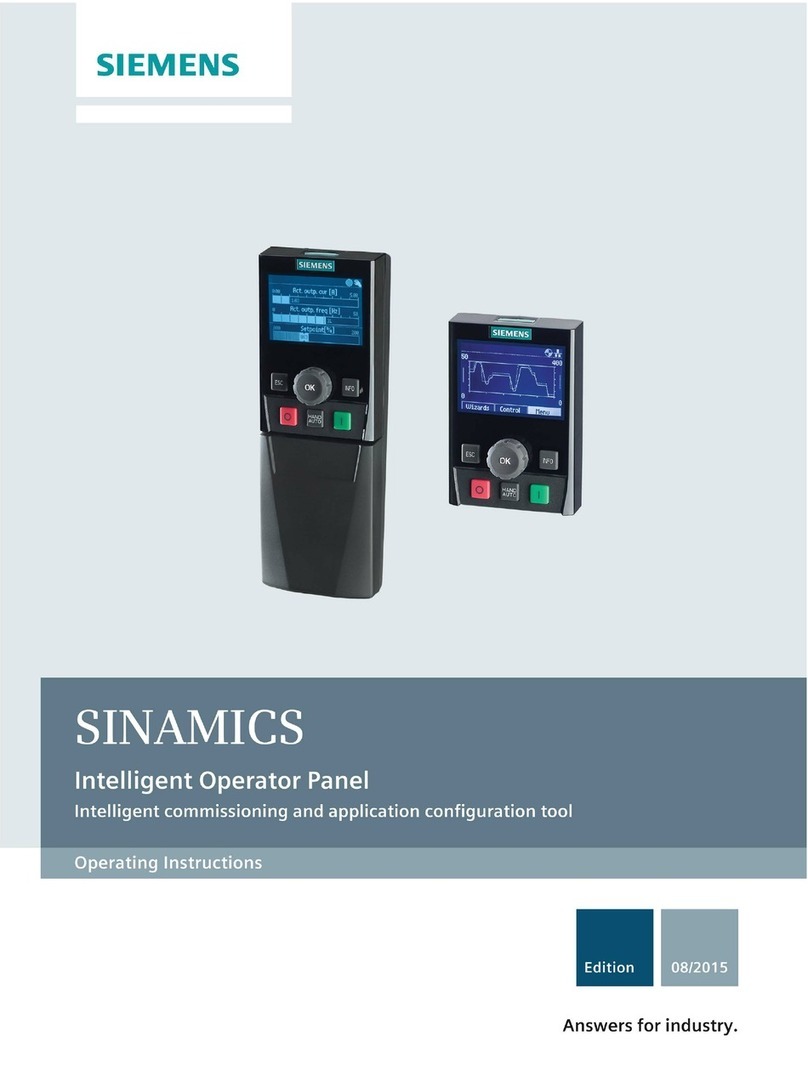
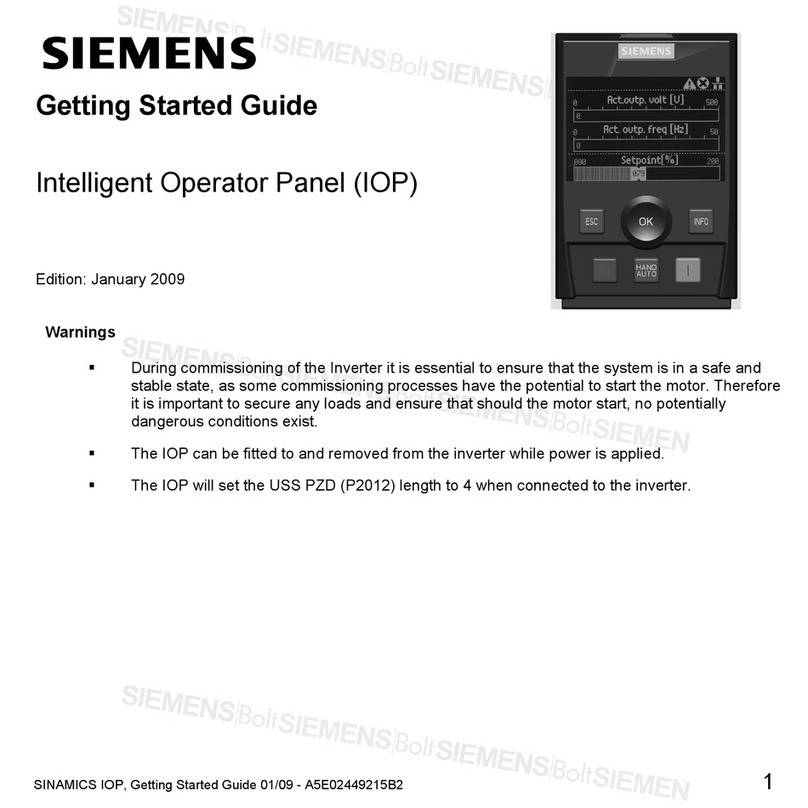
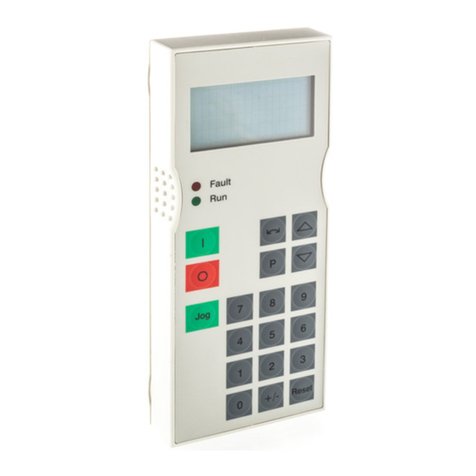
Intelligent Operating Panel 2 (IOP-2)
Operating Instructions, 04/2017, FW V2.0, A5E39549448B AA 5
1 Fundamental safety instructions.............................................................................................................. 7
1.1 General safety instructions .......................................................................................................7
1.2 Industrial security ......................................................................................................................8
2 Safety notes............................................................................................................................................ 9
2.1 Warnings and cautions .............................................................................................................9
3 Overview............................................................................................................................................... 11
3.1 Introduction .............................................................................................................................11
3.2 Layout and functions...............................................................................................................12
3.3 Screen icons ...........................................................................................................................15
3.4 Menu structure ........................................................................................................................17
4 Installation ............................................................................................................................................ 19
4.1 Fitting the IOP-2......................................................................................................................19
4.2 Initial set-up.............................................................................................................................20
4.3 User definable labels on status screen...................................................................................24
4.4 Firmware upgrade...................................................................................................................25
5 Wizards menu....................................................................................................................................... 27
5.1 Example Wizard......................................................................................................................28
5.1.1 Basic commissioning with the IOP-2 ......................................................................................30
6 Control menu ........................................................................................................................................ 33
6.1 Setpoint...................................................................................................................................34
6.2 Reverse...................................................................................................................................34
6.3 Jog ..........................................................................................................................................35
6.4 Custom Hand mode ................................................................................................................35
6.5 Startup in Hand mode .............................................................................................................37
6.6 HAND/AUTO disable ..............................................................................................................38
7 Menu .................................................................................................................................................... 41
7.1 Menu overview........................................................................................................................41
7.2 Diagnostics .............................................................................................................................41
7.3 Parameters .............................................................................................................................45
7.4 Up/Download ..........................................................................................................................48
7.5 Customer parameter sets .......................................................................................................49