SOYAL
ACCESS CONTROL SYSTEM
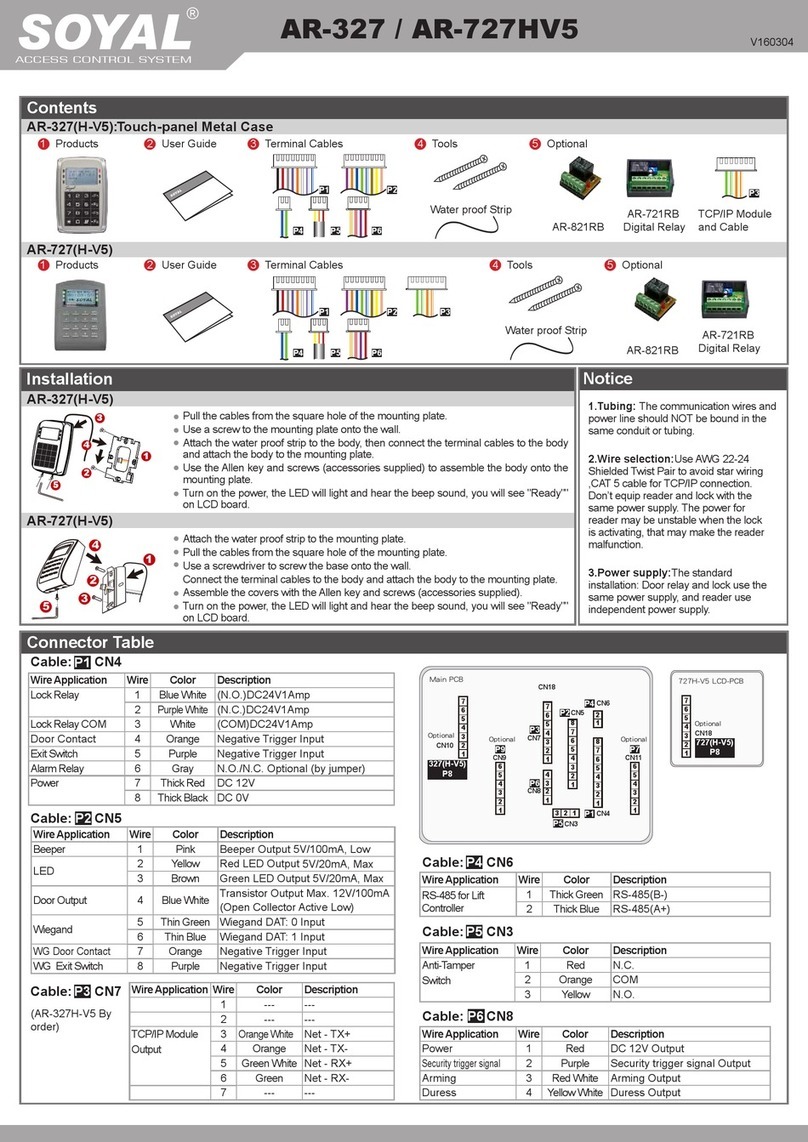
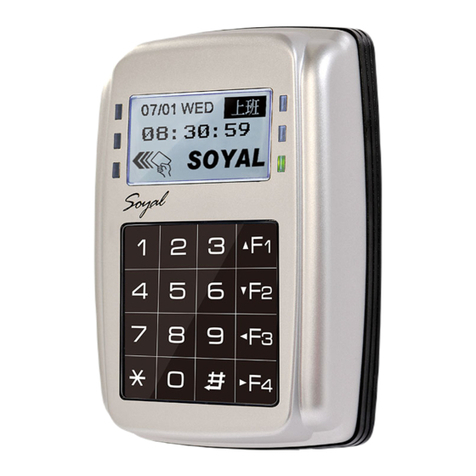
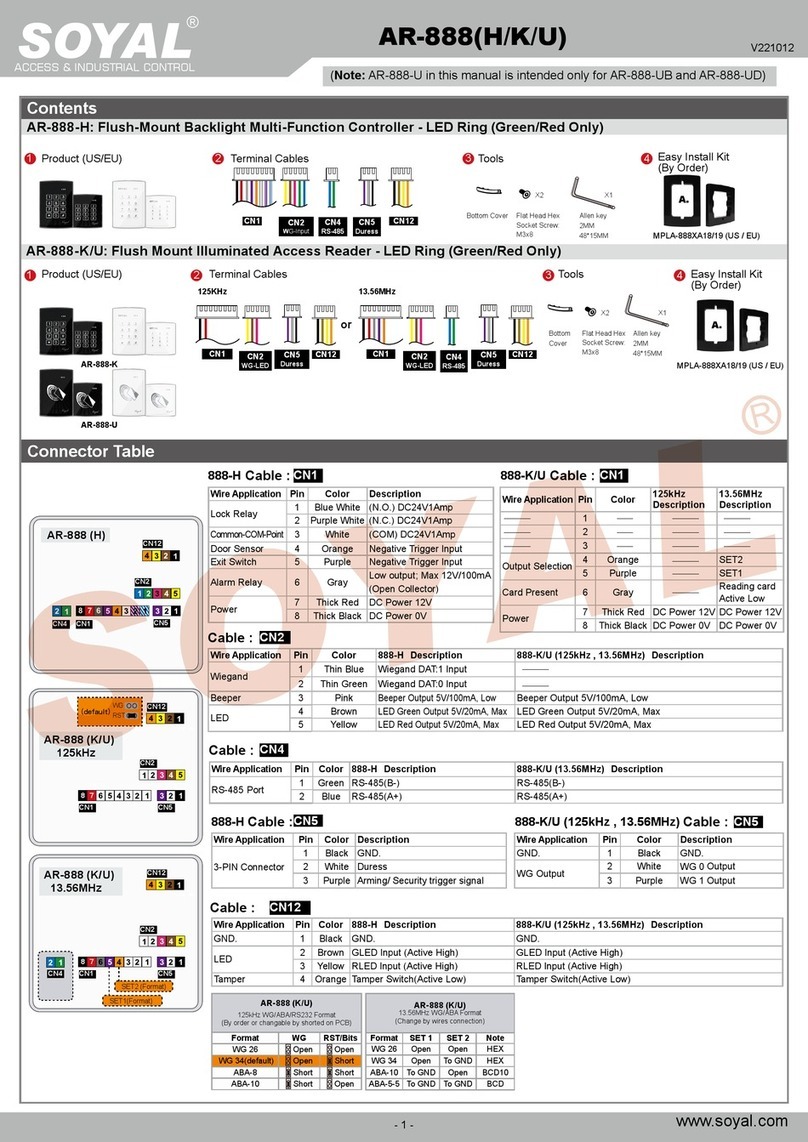
®AR-327H / AR-727H
V091021
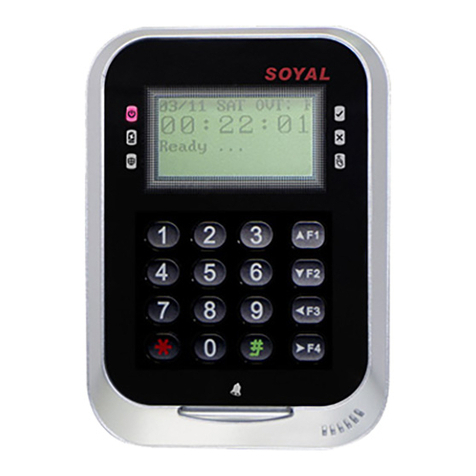
A 18/02 15:45:25
FRI 00001 001
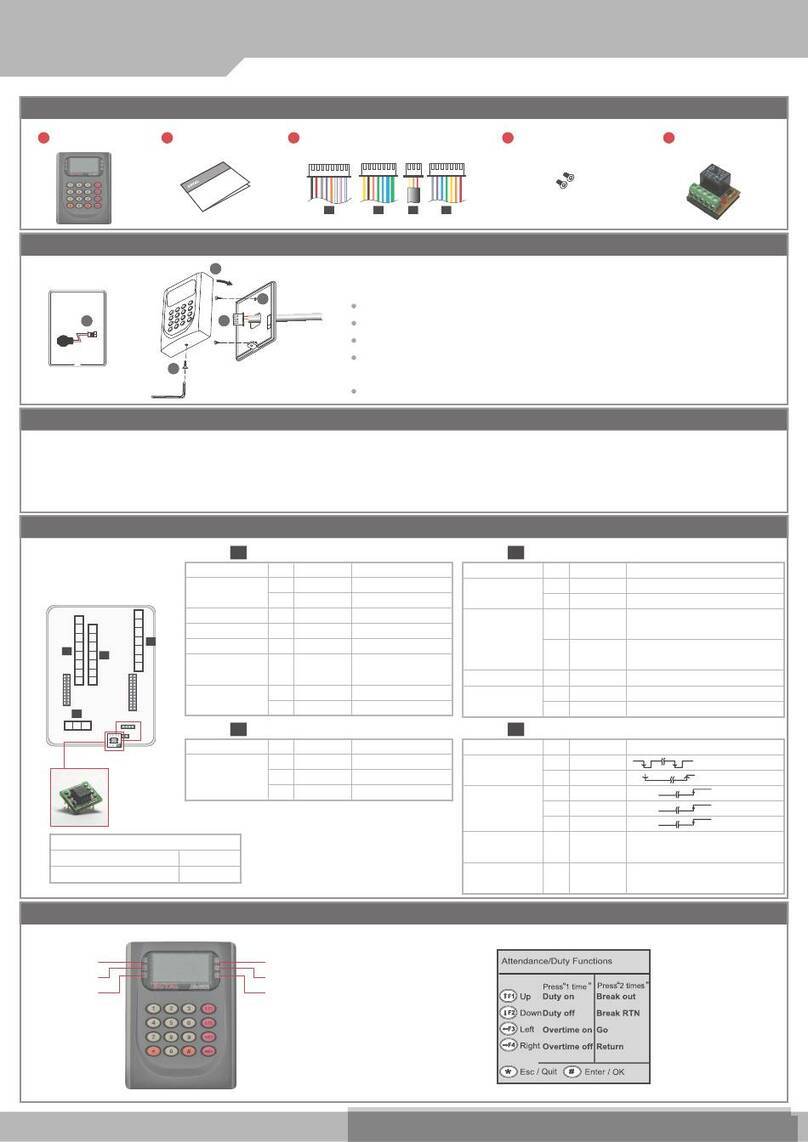
B. Enter/Exit Programming Mode
C. Initial setup
Entering
Input 123456 or PPPPPP (PPPPPP= modied Master Code; Default= 123456)
[e.g.] If the Master Code= 876112, input 876112 → Programming mode accessed
※ It leaves the programming mode 30 seconds without pushing any button.
Exiting
Press repeatedly → Quit
6
Changing the Node ID of Reader
Access programming mode → Parameters[1] → Node ID → Input New Node ID:1~254(default value:
001) → Input: 1~4 to Show Card ID format? (1.No, 2.WG, 3.ABA, 4.HEX) → Input Door number H:
1~254(door No. of its controllen) → Input Door number L: 1~254(door No. of reader) → Succeeded
[e.g.] AR-327H is the 8th slave reader under the 16th AR-716E.
Door-H input (door NO. of controller); Door-L input (door No. of the reader).
[e.g.] AR-727H is a controller and its Node ID is 8.
Door-H input ; Door-L input
3
1 6 8
88
1
Work Status Code
Date
Time
Serial NO.
User Add.
Week
A: Duty On
B: Duty Off
C: Overtime On
D: Overtime Off
E: Break Out
F: Break RTN
G: Out
H: Return
01: PWD/PIN Error
03: Invalid Card
04: Time-zone Error
11: Normal Access
16: Egress (Request to exit)
17: Alarm
31: Anti-pass-back Error
Work Status Code:
Changing the Master Code
Access programming mode → Tools → Master Code → Input the 6-digit new master code → Succeeded
5 2
Restoring Factory Settings
Access programming mode → Parameters[2] → Factory Reset → select [1: Yes] → Succeeded...
4 9
Review the old events
Access programming mode → Tools → View Events → the display will show the history events.
5 0
Changing the Language
Access programming mode → Tools → Language → EN → Succeeded...
5 1 1
Adding and Deleting Tag
Operation
A. Keyboard Lock/ Unlock
Lock/ Unlock
Push both and buttons at same time to lock the keyboard. Push both and at same time again to unlock the keyboard.
Mode4/Mode8
Access programming mode → Add/Delete → Add Card > ID → Input 5-digit user address → Input Site Code → Input Card Code
1 1
Adding Tag by Tag ID
Access programming mode → Add/Delete → Delete > Address → Input Start address → Input End address
1 5
Deleteing User Address
Access programming mode → User Setting → Password → Input 5-digit user address → Key in 4-digit PIN
2 1
Setting up the password
Access programming mode → User Setting → Access Mode → Input 5-digit user address → 1: Card; 2: or PIN; 3: & PIN; 4: Pause;
2 2
Setting up the access mode
Mode6
※In Mode6, user address is card code. Only suspend or recover to add or delete the tags.
Tag Information
SITE CODE
CARD CODE
SITE CODE
CARD CODE
Access programming mode → Add/Delete → Add > RF Learn → Input 5-digit user address
→ Input Tag Units(pcs) → Close Tag into RF Area to induct.
1 2
Adding Tag RF Iduction
※For a batch of Sequential tags, present the tag of the lowest number to the controller; for a batch of
non-sequential tags, present all the tags one by one to the controller.
Access programming mode → Add/Delete → Recover > Address → Input Start address → Input End address
71
Adding Tag
※For a batch of Sequential tags, present the tag of the lowest number to the controller; for a batch of non-sequential tags, present all the tags one by
one to the controller.
Access programming mode → Add/Delete → Suspend > Address → Input Start address → Input End address
1 3
Deleting Tag
Access programming mode → Parameters[1] → Arming PWD → Input: 0000
3 8
Card Only
Access programming mode → Parameters[1] → Arming PWD → Key in 4-digit PIN [0001~9999, default value: 1234]
3 8
Card and PIN
Access programming mode → Parameters[2] → Duress Code → Key in 4-digit PIN [0001~9999, default value: 4321]
4 8
Card or PIN
※In this mode, the access controlled by the Arming PWD and Duress Code.