V230117
- 2 -
4
2C.
1
c.
A.
B.
3
4
5
A. B. C.
6
A.
B.
D.
7
8
A.
C.
d.
F.
1A1.
F.
E.
2
4
5
e.
3
A3.
A1.
G.
1
2
3
e.
b. A2.
A1.+A3.
H.
4
5
5
a.
D.
4
41
2
3
2
3
4
5
16
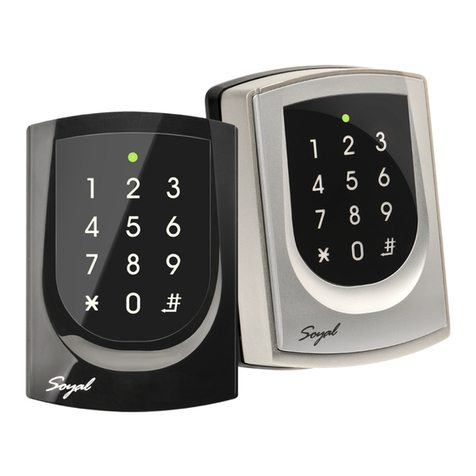
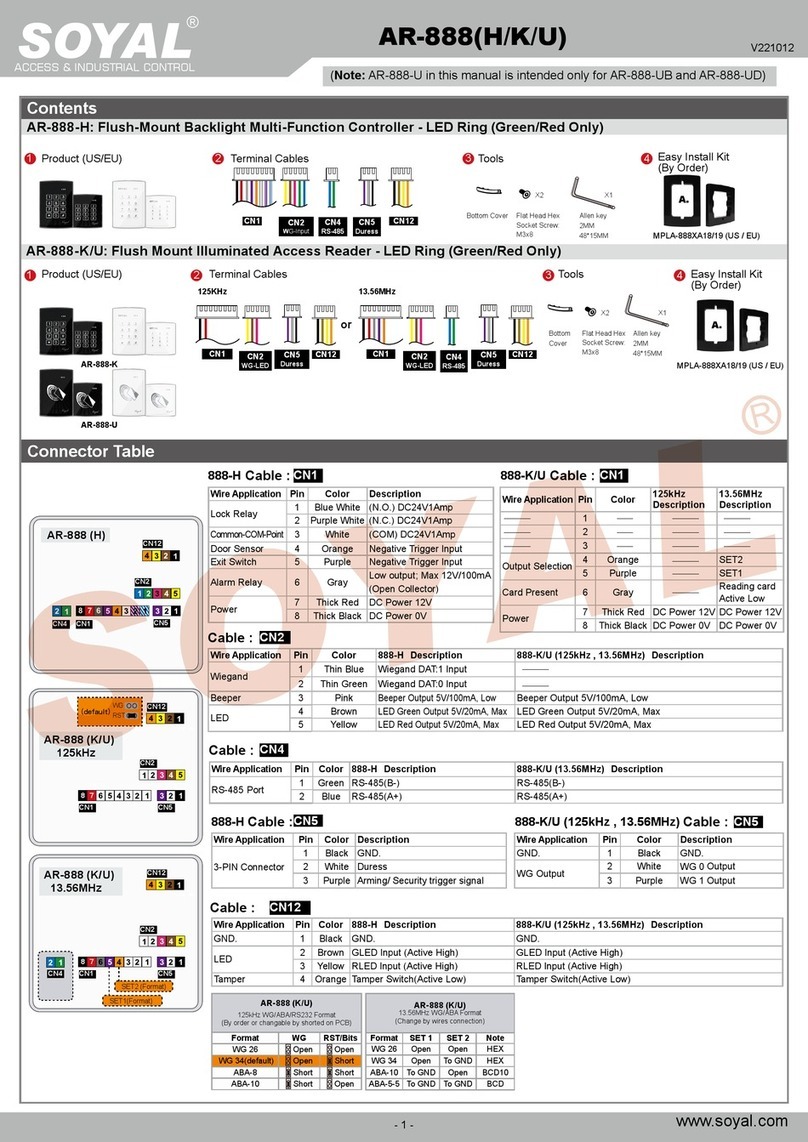
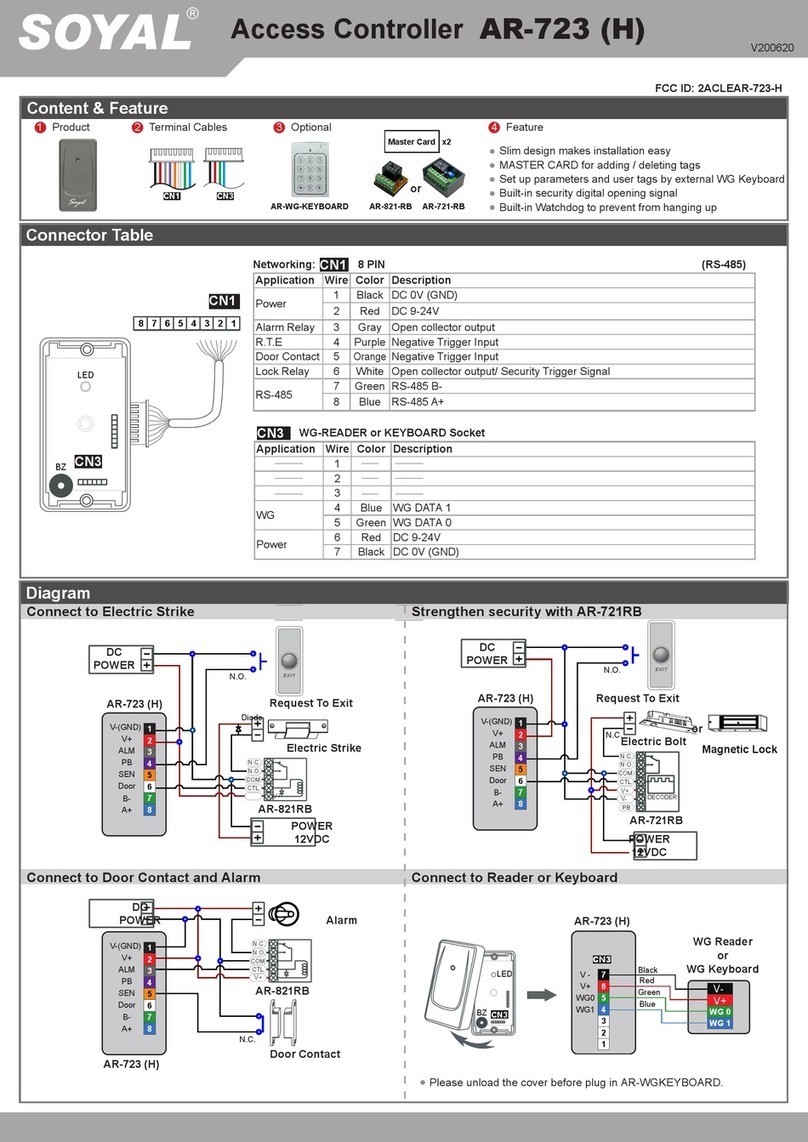
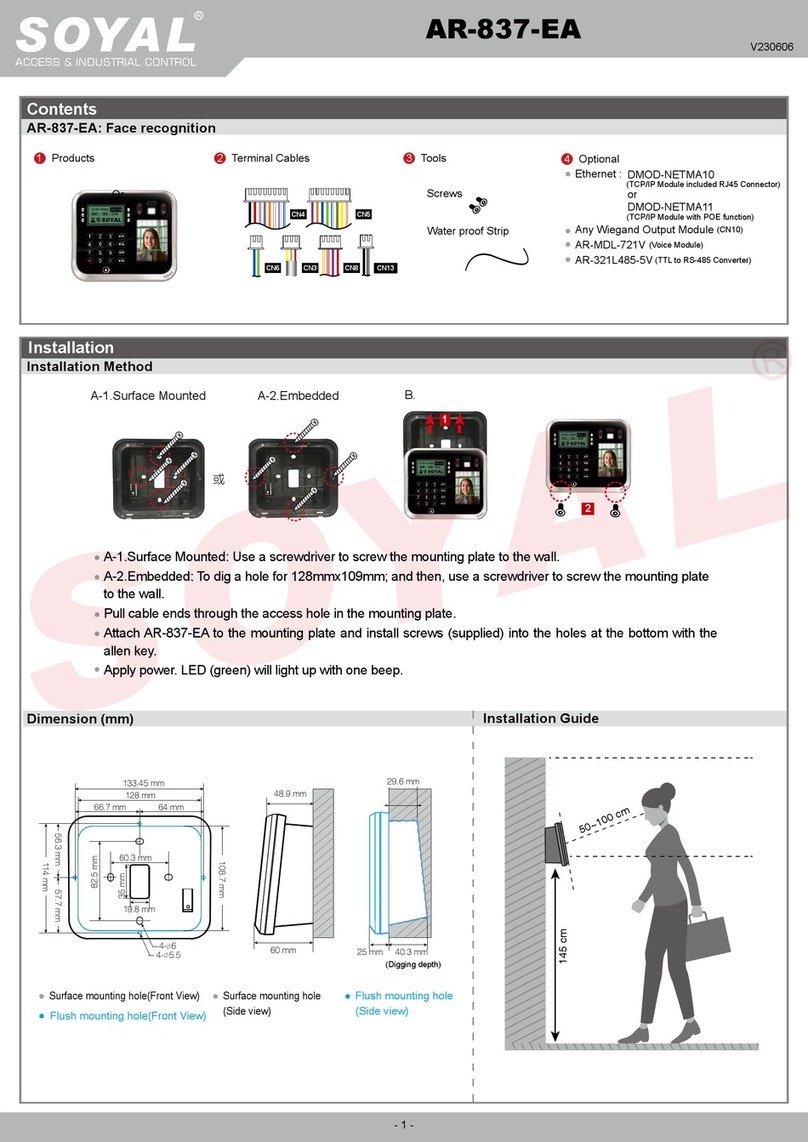
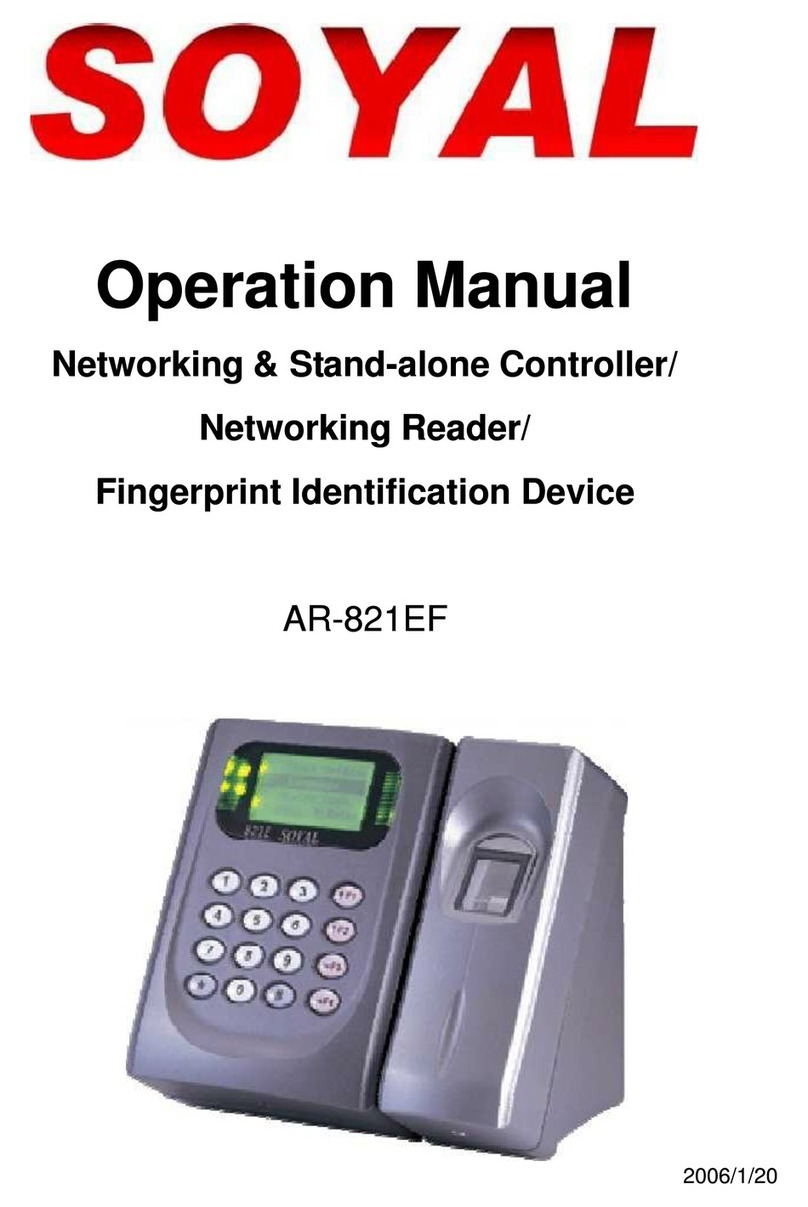
Access Controller
Touch-panel Metal Housing / Illuminated Touch-panel
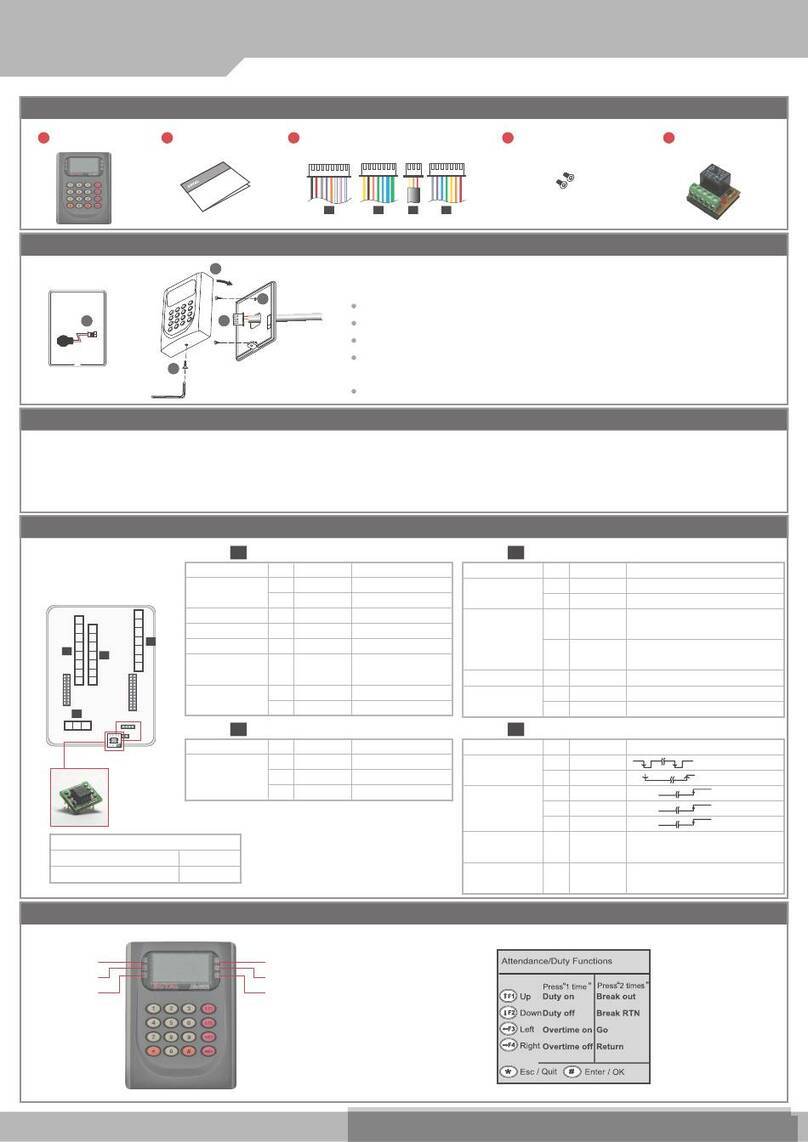
Installation
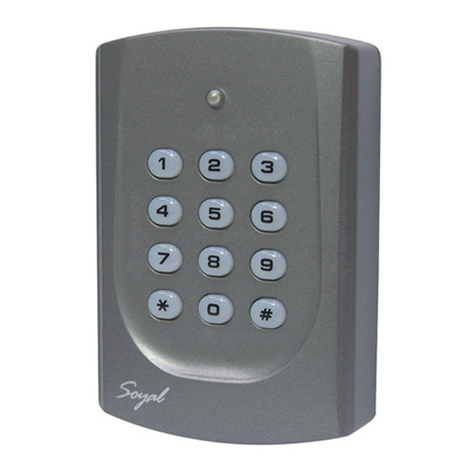
AR-321-H
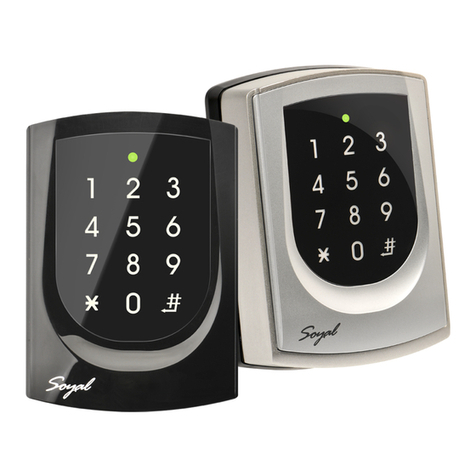
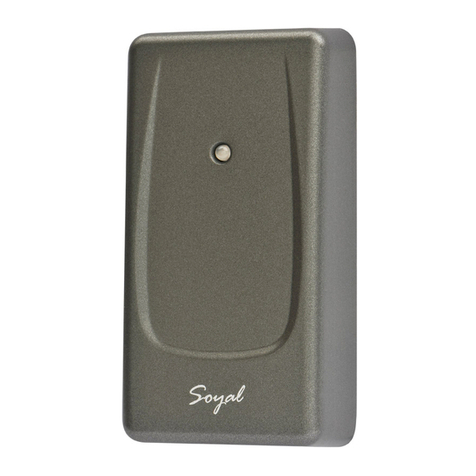
AR-721-H
AR-725-H
AR-331-H / AR-331-H-S
AR-757-H
AR-725-H-M
AR-725-H
AR-725 (X)
Pull the cables from the square hole of the mounting plate.
Use a screwdriver to screw the mounting plate onto the wall.
Attach the water proof strip to the body, then connect the terminal cables to the body and attach the
body to the mounting plate.
Use the Allen key and screws (accessories supplied) to assemble the body onto the mounting plate.
Turn on the power, and LED will light and beep will sound.
Pull the cables from the square hole of the mounting plate.
Use a screwdriver to screw the base onto the wall.
Connect the terminal cables to the body and attach the body to the mounting plate.
Assemble the covers with the Allen key and screws (accessories supplied).
Turn on the power and LED will light and beep will sound.
Pull the cables from the square hole of the mounting plate.
Use a screwdriver to screw the base onto the wall.
Connect the terminal cables to the body and attach the body to the mounting plate.
Assemble the covers with the Allen key and screws (accessories supplied).
Turn on the power and LED will light and beep will sound.
Pull the cables from the square hole of the mounting plate.
Use a screwdriver to screw the base onto the wall.
Embed the water proof strip 3onto the frame side of the base.
Connect the terminal cables to the body and attach the body to the mounting plate.
Assemble the covers with the Allen key and screws (accessories supplied).
Turn on the power and LED will light and beep will sound.
Pull the cables from the square access hole of the mounting plate C.
Use a screwdriver to screw the metal plate Conto the wall.
Take o the plastic mounting plate Bfrom the body A, and pull the cables
through the access hole of Cand B, then connect to the body A.
Assemble plate Bwith the body A, and embed the water proof strip D
onto the plastic side frame.
Assemble the body Aonto the mounting plate Cwith the Allen key and
screws (accessories supplied).
Turn on the power and LED will light and beep will sound.
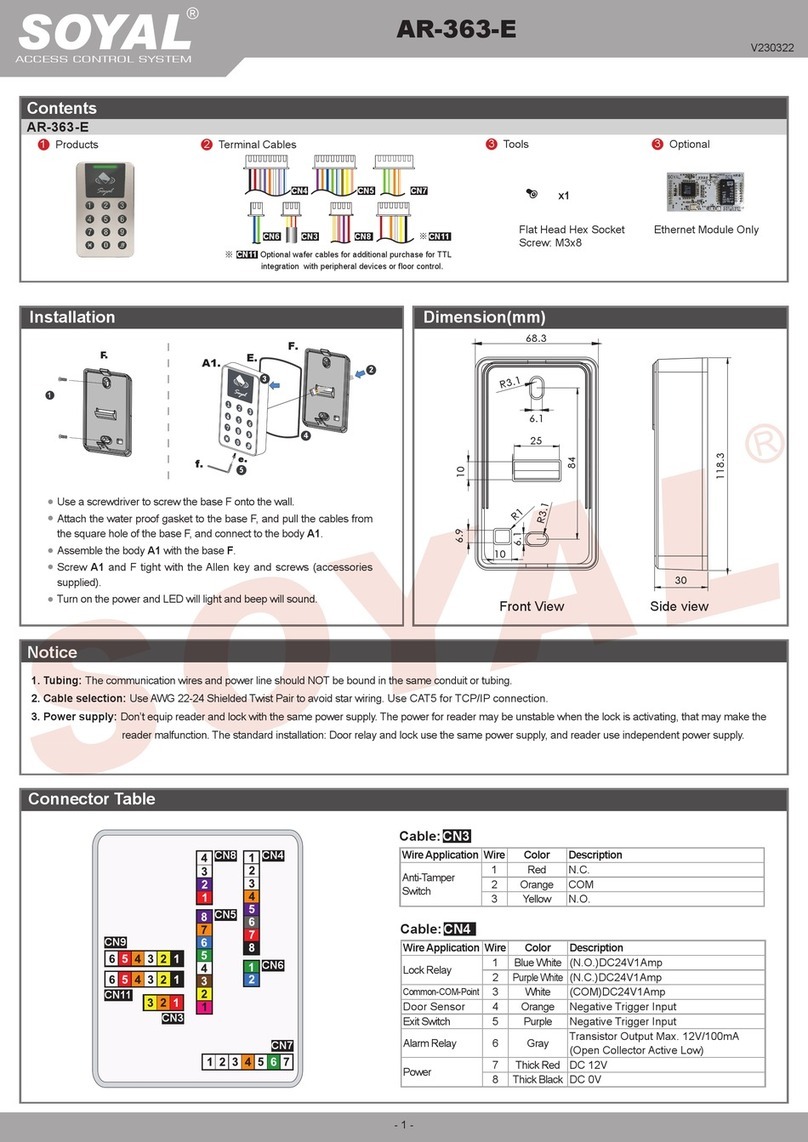
Use a screwdriver to screw the base F onto the wall.
Attach the water proof gasket to the body A1, and pull the cables
from the square hole of the base F, and connect to the body A1.
Assemble the body A1 with the base F.
Screw A1 and F tight with the Allen key and screws (accessories
supplied).
Turn on the power and LED will light and beep will sound.
Put on G, and attach A1 onto the plastic plate A3, and screw it with
the Allen key and screws (accessories supplied).
Put the ring O on the metal frame, and put them together onto the
reader A1+A3, and screw them and buckle up the 4 buckles on the
back.
Embed the water proof strip Donto the frame side of the base.
Following by the install process of AR-725 (H-M)
Remove the rubber plug.
To cut tamper-resistant column and make it fit the appropriate
height for actual installation.
First, take o the metal casing then screw the controller on the wall.
Second, put the metal casing back and lock it with security screw.
Finally, put the rubber plug into the hole.
Turn on the power, and LED will light and beep will sound.