CONTENTS
1. Outline. ........................................................................................................................................................................7
1.1. Model classifications. ......................................................................................................................................7
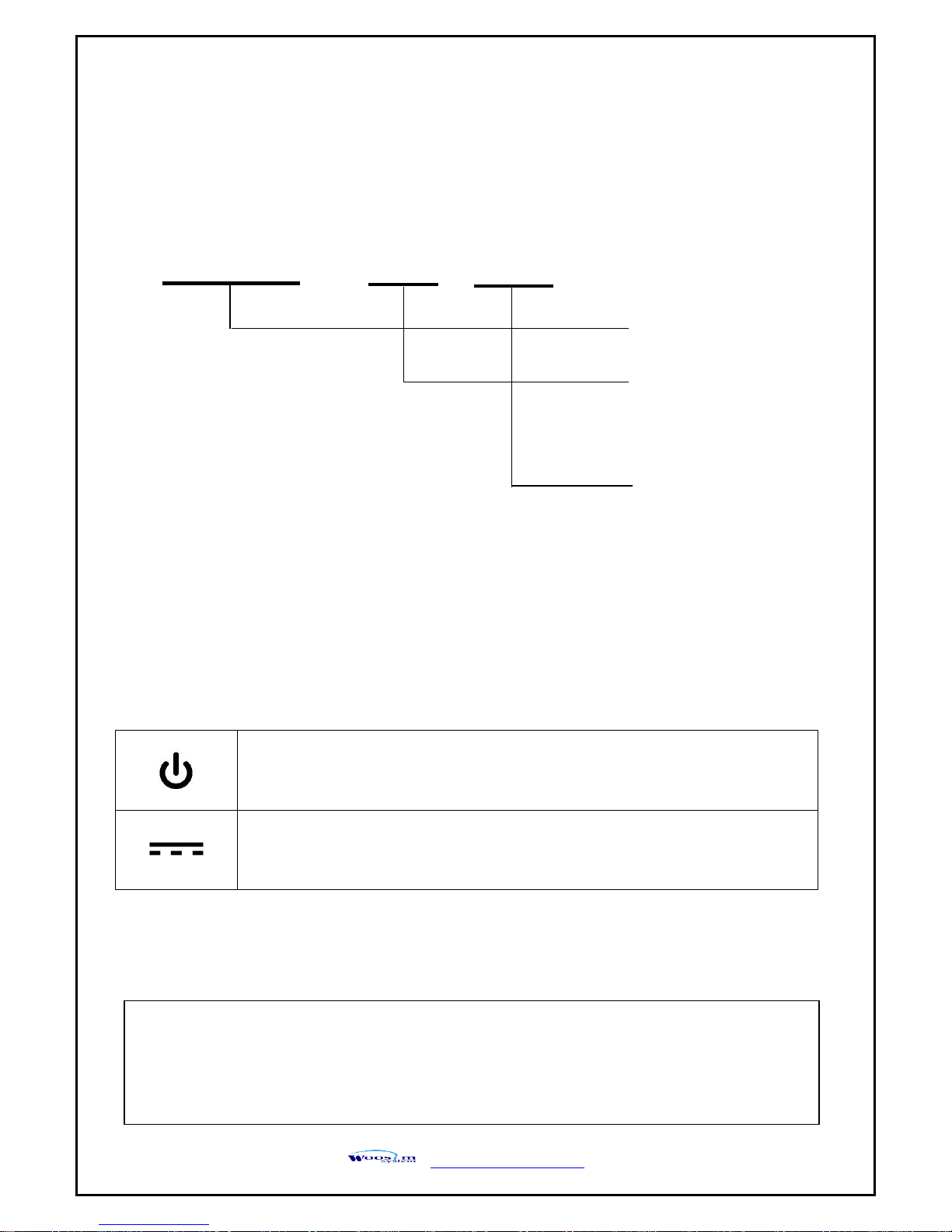
1.2. Symbol ...............................................................................................................................................................7
1.3. Product Part Number System........................................................................................................................8
1.3. Specifications. ...................................................................................................................................................9
2. Setting up the printer............................................................................................................................................11
2.1. Printer & Accessories .................................................................................................................................... 11
2.2. Printer Features ..............................................................................................................................................12
2.3. Dimensions......................................................................................................................................................13
2.4. Replacing paper roll.......................................................................................................................................15
2.5. Power supply...................................................................................................................................................16
2.5.1. Specified power supply......................................................................................................................16
2.5.2. Installing the battery ..........................................................................................................................16
2.5.3. Recharging the battery pack.............................................................................................................17
2.6. Set operation mode ......................................................................................................................................18
2.6.1. GAP/HOLE SENSOR SETTING ...........................................................................................................20
2.7. Confirmation of the Wireless-LAN information .......................................................................................22
2.7.1. MAC Address printing........................................................................................................................22
2.7.2. Confirmation of the Wireless-LAN setting information...............................................................22
3. Interface.....................................................................................................................................................................23
3.1. UART or USB ...................................................................................................................................................23
3.2. Bluetooth .........................................................................................................................................................24
3.3. Wireless LAN...................................................................................................................................................24
3.4. Magnetic stripe card reading & IC card insert(option) ..........................................................................24
4. Smart Card Module ................................................................................................................................................25
4.1. General Spec...................................................................................................................................................25
4.2. Inserting the SAM card.................................................................................................................................25
4.3. Communication Protocol Sequence ...........................................................................................................26
4.3.1. Regular Operation...............................................................................................................................26
4.3.2. Irregular Operation (Communication Error)...................................................................................26
5. Using the printer.....................................................................................................................................................27
5.1. Control panel. .................................................................................................................................................27
5.2. The self test.....................................................................................................................................................28
5.3. Using the Accessory ......................................................................................................................................28
5.3.1. Using the Shoulder strap...................................................................................................................28
5.3.2. Using the Belt clip ..............................................................................................................................29