Features
System 25 has two types of features, fixed and assignable,
voice terminal. Fixed features are available on every voice
assigned by the System Administrator.
Feature Access Codes
Some System 25 features require the user to dial a code to
that transform a telephone into a
terminal. Assignable features are
access the feature. These codes
are specified in the operating instructions reference that follows. For convenient reference,
they are summarized below.
FEATURE ACCESS CODES
FEATURE DESCRIPTION
I
CODE
Account Code † to enter an Account Code * 0 Code
Call Accountability to make PDC accountable for this call # # PDC
Callback Request to request callback for a busy station/trunk RECALL ‡ or # 60
to cancel callback request DROP ‡ or # 61
Call Waiting to answer a waiting call *9
Direct Group Calling to leave your DGC group *4
to return to your DGC group *6
to sign in PDC ** PDC PDC
Following to sign out PDC ** PDC 0
to sign out all PDCs **
0
to send calls to PDC # 70 PDC
Forwarding to send calls to an outside number # 70 number
to cancel forwarding from a PDC ** PDC PDC
to leave a message when calling PDC LEAVE WORD ‡
Leave Word Calling to leave a message when calling PDC #92‡
to leave a message at PDC while not active
LEAVE WORD
‡ PDC
to leave a message at PDC while not active # 92 PDC
to turn on message light at PDC # 90 PDC
Message Waiting to turn off message light at PDC # 91 PDC
or
MESSAGE ‡ (for yourself)
Park to park this call *5
to pick up call parked by PDC * 8 PDC
Pickup to pick up a call ringing in a pickup group * 70
to pick up a call ringing at PDC * 7 PDC
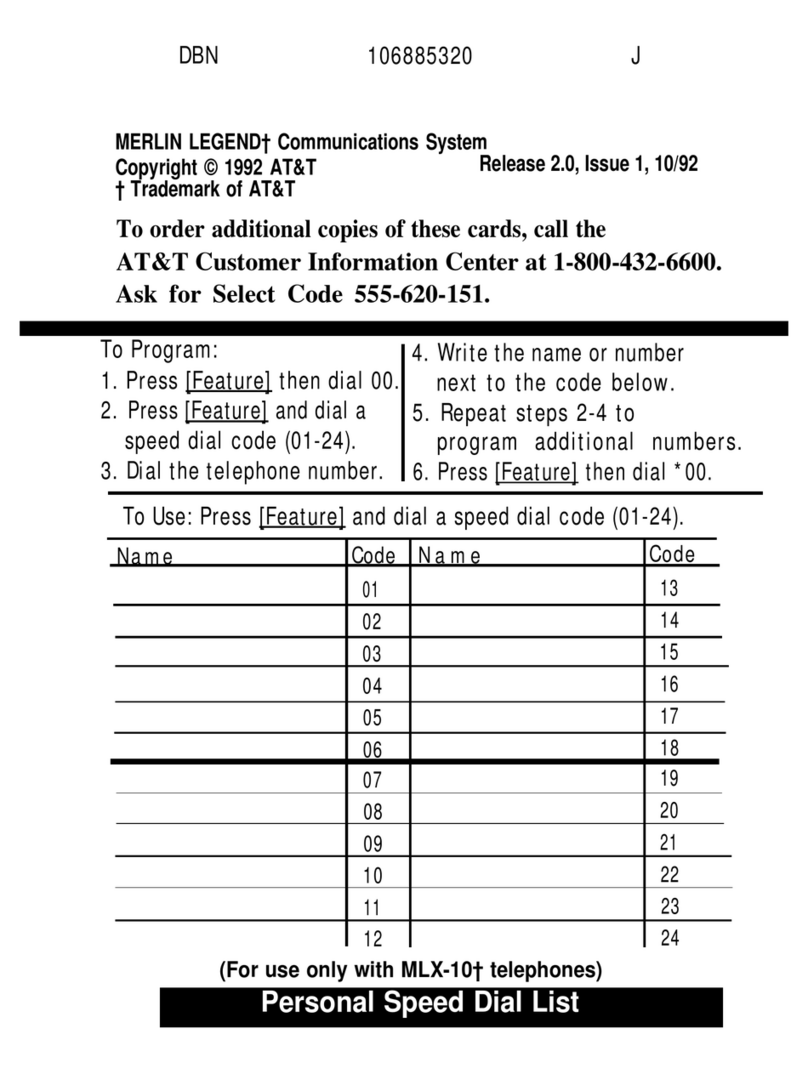
Programming to program a button or code #4
Speed Dialing
to dial a programmed number (20-39, 100-189) # Code
† Multiline voice terminals must have an Account Code Entry button to enter codes for
incoming calls.
‡ This button or feature is available on multiline terminals only.
1-4 Introduction