EnglishDeutsch
 logo
Brands
  1. Home
  2. •
  3. Brands
  4. •
  5. Crestron
  6. •
  7. Controllers
  8. •
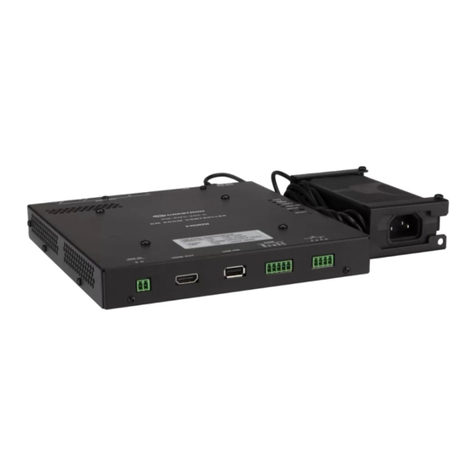
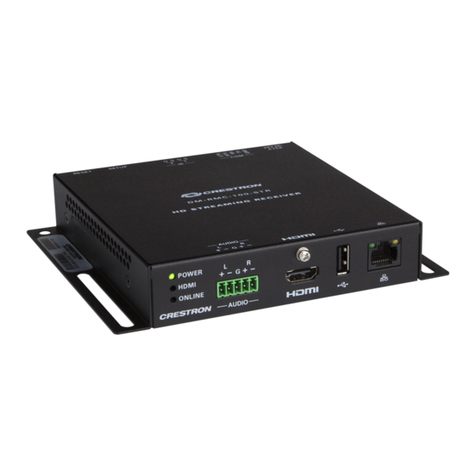
  9. Crestron DigitalMedia 8G DM-RMC-200-S Dimensional drawing

Crestron DigitalMedia 8G DM-RMC-200-S Dimensional drawing

This manual suits for next models

1

Other Crestron Controllers manuals

Crestron CH-HREL8-D6 User manual

Crestron

Crestron CH-HREL8-D6 User manual

Crestron MPC-M10 Dimensional drawing

Crestron

Crestron MPC-M10 Dimensional drawing

Crestron infiNET EX CLC-FANDELVEX-W User manual

Crestron

Crestron infiNET EX CLC-FANDELVEX-W User manual

Crestron DGE-100 Owner's manual

Crestron

Crestron DGE-100 Owner's manual

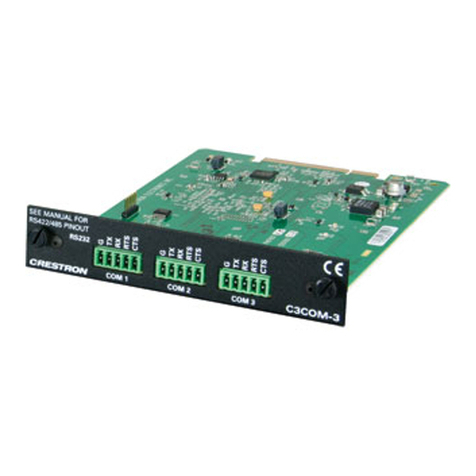
Crestron C3COM-3 User manual

Crestron

Crestron C3COM-3 User manual

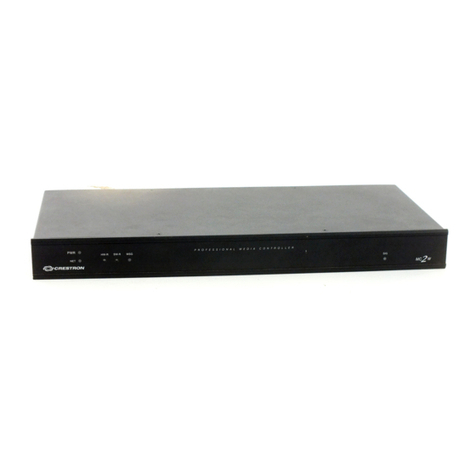
Crestron MC2W User manual

Crestron

Crestron MC2W User manual

Crestron CNXFZ User manual

Crestron

Crestron CNXFZ User manual

Crestron DigitalMedia 8G+ DM-RMC-200-C Dimensional drawing

Crestron

Crestron DigitalMedia 8G+ DM-RMC-200-C Dimensional drawing

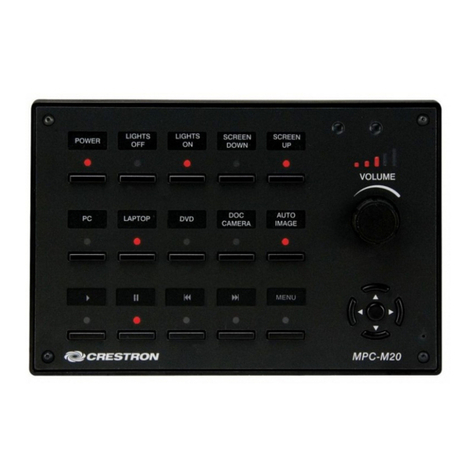
Crestron MPC-M10 How to use

Crestron

Crestron MPC-M10 How to use

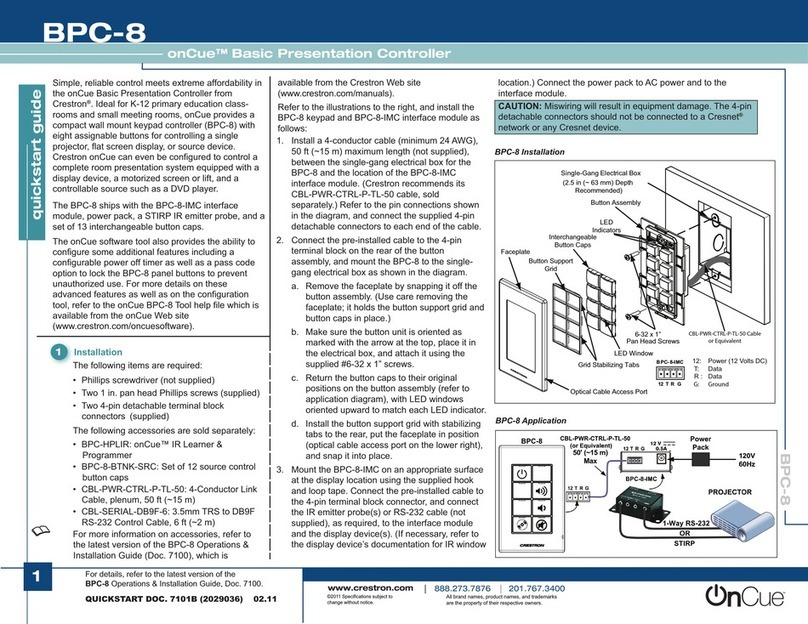
Crestron onCue BPC-8 User manual

Crestron

Crestron onCue BPC-8 User manual

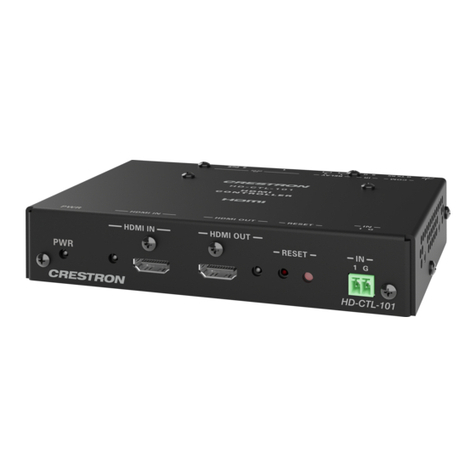
Crestron HD-CTL-101 User manual

Crestron

Crestron HD-CTL-101 User manual

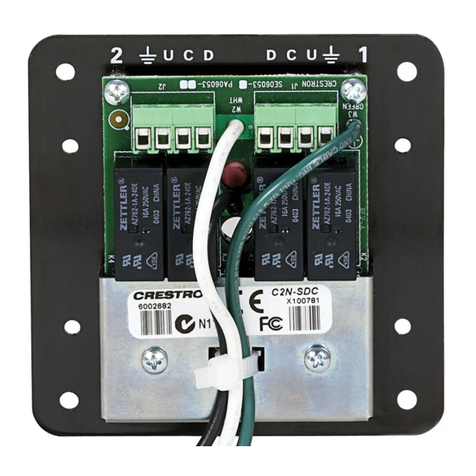
Crestron C2N-SDC How to use

Crestron

Crestron C2N-SDC How to use

Crestron 3 Series User manual

Crestron

Crestron 3 Series User manual

Crestron 3 Series User manual

Crestron

Crestron 3 Series User manual

Crestron DM-RMC-4K-100-C-1G User manual

Crestron

Crestron DM-RMC-4K-100-C-1G User manual

Crestron DigitalMedia Room Controller DM-RMC-100 How to use

Crestron

Crestron DigitalMedia Room Controller DM-RMC-100 How to use

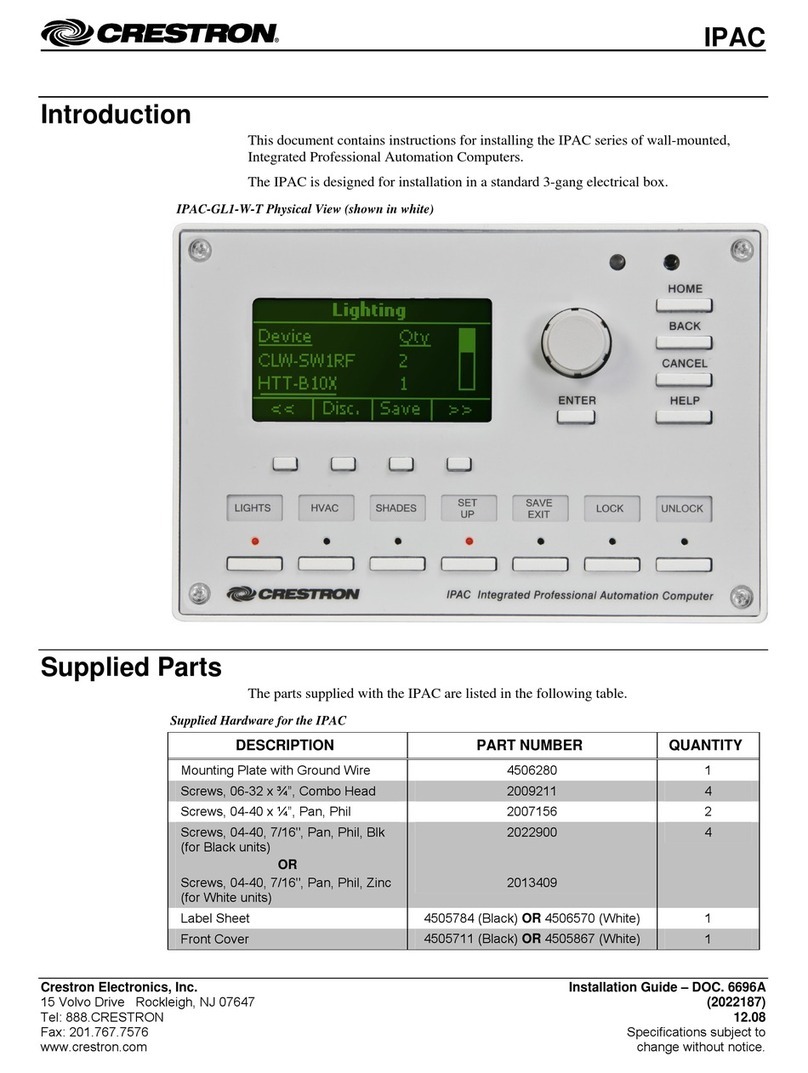
Crestron IPAC User manual

Crestron

Crestron IPAC User manual

Crestron CNECI-4A User manual

Crestron

Crestron CNECI-4A User manual

Crestron CGDMX-512BI How to use

Crestron

Crestron CGDMX-512BI How to use

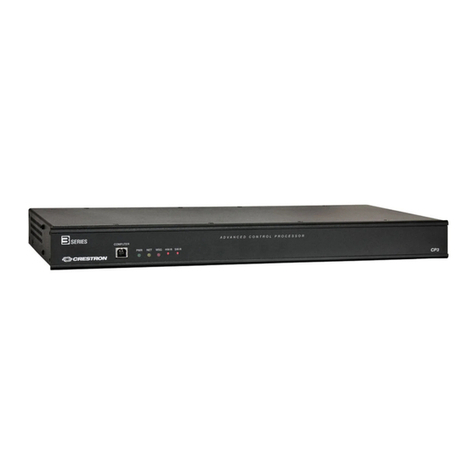
Crestron CP3-R User manual

Crestron

Crestron CP3-R User manual

Crestron SP-RY User manual

Crestron

Crestron SP-RY User manual

Crestron 4 Channel Motor Control Module CLX-1MC4 User manual

Crestron

Crestron 4 Channel Motor Control Module CLX-1MC4 User manual

Crestron ZUMMESH-JBOX Series User manual

Crestron

Crestron ZUMMESH-JBOX Series User manual

Crestron MC2E Manual

Crestron

Crestron MC2E Manual

Popular Controllers manuals by other brands

Digiplex DGP-848 Programming guide

Digiplex

Digiplex DGP-848 Programming guide

YASKAWA SGM series user manual

YASKAWA

YASKAWA SGM series user manual

Sinope Calypso RM3500ZB installation guide

Sinope

Sinope Calypso RM3500ZB installation guide

Isimet DLA Series Style 2 Installation, Operations, Start-up and Maintenance Instructions

Isimet

Isimet DLA Series Style 2 Installation, Operations, Start-up and Maintenance Instructions

LSIS sv-ip5a user manual

LSIS

LSIS sv-ip5a user manual

Airflow Uno hab Installation and operating instructions

Airflow

Airflow Uno hab Installation and operating instructions

ABB ACS580-01 drives Hardware manual

ABB

ABB ACS580-01 drives Hardware manual

Panasonic GM1 Series Reference manual

Panasonic

Panasonic GM1 Series Reference manual

Emerson SW93 owner's manual

Emerson

Emerson SW93 owner's manual

AutoAqua Smart ATO micro SATO-120P manual

AutoAqua

AutoAqua Smart ATO micro SATO-120P manual

Panasonic FP? Positioning Unit RTEX Technical manual

Panasonic

Panasonic FP? Positioning Unit RTEX Technical manual

Alpha IP MIOB 21001 manual

Alpha IP

Alpha IP MIOB 21001 manual

Siemens OpenAir GMA 1 Series Mounting instructions

Siemens

Siemens OpenAir GMA 1 Series Mounting instructions

Surecom SR-629 user manual

Surecom

Surecom SR-629 user manual

Regulus SRS1 T Installation and operation manual

Regulus

Regulus SRS1 T Installation and operation manual

3M MicroTouch EX113 reference guide

3M

3M MicroTouch EX113 reference guide

KUHN TKS user manual

KUHN

KUHN TKS user manual

S&C PMH Instructions for operation

S&C

S&C PMH Instructions for operation

https://manuals.online logo
https://manuals.online logoBrands
  • About & Mission
  • Contact us
  • Privacy Policy
  • Terms and Conditions

Copyright 2026 Manuals.Online. All Rights Reserved.

DO GUIDE
4. Using the four included 6-32 x 1/4" Phillips head screws,
attach the device to the standoffs.
Inserting the Power Pack
into the Power Pack Holder
To insert the power pack into the power pack holder, do the
following:
1. Slide the power pack into the power pack holder.
2. Using the included 6-32 x 1/2" Phillips pan head screw,
thread the screw through either of the two provided
screw holes to hold the power pack in place.
3. Bundle the excess cable of the power pack into a loop,
and then fasten the bundled cable to the power pack
holder by doing the following:
a. Insert one of the included tie wraps through one of
the tie wrap holes in the power pack holder.
b. Wrap the tie wrap around the bundled cable.
DM-RMC-200-S/DM-RMC-200-S2
DigitalMedia 8G™ Fiber Receiver and Room Controller
DO Install the Device
The Crestron®DM-RMC-200-S and DM-RMC-200-S2 mount
onto a 2-gang electrical box using the included support
bracket. The support bracket provides a holder for the included
power pack.
Mounting the Device onto an Electrical Box
To mount the device onto an electrical box, do the following:
1. Attach the four included 6-32 x 1-1/4" standoffs to the
studs of the included support bracket.
2. Using the four included 6-32 x 3/4" combo truss head
screws, attach the included support bracket to the
electrical box.
3. Ground the device and then connect the proper cables to
the bottom of the unit.
DO Check the Box
QTY PRODUCT COLOR PART NUM.
1Bracket, Support 2047591
2Connector, 2-Pin 2003574
4Connector, 2-Pin 2003582
2Connector, 4-Pin 2003576
1Connector, 5-Pin 2003577
1 Power Cord, 5' 10" (1.78 m) 2042043
1 Power Pack, 24 Vdc 2.5 A, 100-240 Vac 2045873
1 Screw, 6-32 x 1/2", Pan Head, Phillips Black 2007238
4 Screw, 6-32 x 1/4", Pan Head, Phillips Black 2007215
4 Screw, 6-32 x 3/4", Truss Head, Combo 2009211
4 Standoff, 06-32 x 1-1/4", 1/4" OD, Hex 2007056
2 Tie Wrap, Cable Tie, 15-1/2" x 1" Black 2013608
c. Repeat steps 3a and 3b if necessary using the other
included tie wrap and the remaining tie wrap hole in
the power pack holder.
Installation of the power pack in the holder appears as shown
below.
Tie wrap
hole
Screw
hole*
Tie wrap
hole
Screw
hole*
*Use either screw hole for the included 6-32 x 1/2" Phillips
pan head screw.
Ground
RELAY:
To relay
controllable
devices
AUDIO OUT:
Amplied stereo
audio output
DIG IN:
Software
programmable
digital input
DO GUIDE
DO Complete the Connections
Make additional connections as appropriate for the application.
DM-RMC-200-S and DM-RMC-200-S2
Front Panel Connections
DM-RMC-200-S Rear Panel Connections
DM-RMC-200-S2 Rear Panel Connections
DO Set the IP Address
The conguration of the receiver within the DigitalMedia 8G™
system determines how the IP address of the receiver is set:
• If the receiver connects to a DigitalMedia™ switcher, the
receiver is congured by the switcher automatically.
• If the receiver connects to a DigitalMedia 8G ber
transmitter, the receiver uses its own conguration
settings. By default, DHCP (Dynamic Host Conguration
Protocol) is enabled. If it is desired, assign the default IP
address to the receiver by holding down the SETUP button
while the unit boots up. The default IP address overwrites
the current setting. The default IP address of the DM-
RMC-200-S and DM-RMC-200-S2 is 192.168.1.248.
To manually set a different IP address, use Crestron
Toolbox™ application.
DOC. 7810B (2044421) 09.16
Specications subject to change without notice.
DO Learn More
Visit the website for additional information and the
latest rmware updates. To learn more about this
product, use a QR reader application on your mobile
device to scan the QR images.

Crestron Electronics
15 Volvo Drive, Rockleigh, NJ 07647
888.CRESTRON | www.crestron.com
As of the date of manufacture, the products have been tested and found to comply with specications for CE marking.
This product is Listed to applicable UL Standards and requirements by Underwriters Laboratories Inc.
Ce produit est homologué selon les normes et les exigences UL applicables par Underwriters Laboratories Inc.
Federal Communications Commission (FCC) Compliance Statement
This device complies with part 15 of the FCC Rules. Operation is subject to the following two conditions:
(1) This device may not cause harmful interference, and (2) this device must accept any interference received, including interference

that may cause undesired operation.
CAUTION:Changes or modications not expressly approved by the manufacturer responsible for compliance could void the
user’s authority to operate the equipment.
NOTE: This equipment has been tested and found to comply with the limits for a Class A digital device, pursuant to part 15 of
the FCC Rules. These limits are designed to provide reasonable protection against harmful interference when the equipment
is operated in a commercial environment. This equipment generates, uses, and can radiate radio frequency energy and, if not
installed and used in accordance with the instruction manual, may cause harmful interference to radio communications. Operation
of this equipment in a residential area is likely to cause harmful interference in which case the user will be required to correct the
interference at his own expense.
Industry Canada (IC) Compliance Statement
CAN ICES-3(A)/NMB-3(A)
The products are class 1 laser products. They comply with safety regulations of IEC-60825-1, FDA 21 CFR
1040 11 and FDA 21 CFR 1040 10.
WARNING: Visible and invisible laser radiation when open. Avoid direct exposure to beam.
NOTE: Plug the included dust cap into the optical transceiver when the ber optic cable is unplugged.
WARNING: These are Class A products. In a domestic environment these products may cause radio interference in which case the
user may be required to take adequate measures.
The specic patents that cover Crestron products are listed at patents.crestron.com. The product warranty can be found at www.crestron.com/warranty.
Certain Crestron products contain open source software. For specic information, please visit www.crestron.com/opensource.
Crestron, the Crestron logo, Crestron Toolbox, DigitalMedia, DigitalMedia 8G, and DM are either trademarks or registered trademarks of Crestron Electronics, Inc. in the United States
and/or other countries. HDMI and the HDMI logo are either trademarks or registered trademarks of HDMI Licensing LLC in the United States and/or other countries. UL and the UL logo are
either trademarks or registered trademarks of Underwriters Laboratories, Inc. in the United States and/or other countries. Other trademarks, registered trademarks, and trade names may be
used in this document to refer to either the entities claiming the marks and names or their products. Crestron disclaims any proprietary interest in the marks and names of others. Crestron is
not responsible for errors in typography or photography.
This document was written by the Technical Publications department at Crestron.
©2016 Crestron Electronics, Inc.
DM-RMC-200-S
DM-RMC-200-S2
AUDIO OUT R, L
(SPEAKER):
Amplied stereo
audio output
LAN:
10BASE-T/100BASE-TX
Ethernet to local
network device
AUDIO OUT R, L (LINE):
Stereo unbalanced
line level audio output
DM IN MMF/SC:
From DM®switcher, transmitter,
or other DM device

24 V 2.0A MAX:
From power pack
(included)
AUDIO OUT R, L
(SPEAKER):
Amplied stereo
audio output
AUDIO OUT R, L (LINE):
Stereo unbalanced
line level audio output
LAN:
10BASE-T/100BASE-TX
Ethernet to local
network device

DM IN SMF/LC:
From DM switcher, transmitter,
or other DM device

24 V 2.0A MAX:
From power pack
(included)
DIG IN:
software
programmable
digital input
HDMI OUT:
HDMI®digital
video/audio
output
USB HID:
From USB
HID-compliant
device
COM:
To/from
RS-232 device
IR:
To IR
controllable
device