Crux Interfacing Solutions • Chatsworth, CA 91311
phone: (818) 609-9299 • fax: (818) 996-8188 • www.cruxinterfacing.com
rev.071720
SWRGM-49L
Radio Replacement Interface with Steering Wheel Control
Retention for GM LAN v2 (LIN) Bus Vehicles 2014 -2018
2 of 4
RADIO REPLACEMENT
SWC RETENTION
+
R
INTERFACING SOLUTIONS
For vehicles equipped with a factory Bose amplier, extend the speaker wires of the SWRGM-49L harness and
connect to the Bose amplier output wires. Locate the Bose amplier to nd out how much speaker wires is
neccessary. The Bose amplier is located as follows: (NOTE: Bose ampliers are commonly found in the locaons listed
below but the manufacturer can mount it elsewhere. Installer should verify the locaon before installaon.)
Trucks = Center of the rear wall / SUVs = Center console or in the cargo space / Sedans = Rear deck or Trunk area
Pinout for the 8 and 16 pin OEM Bose amplier connectors:
14
8 5
1
8
9
16
Pin # Wire Color Descrip�on
1 Dark Blue / Grey Subwoofer +
2 Yellow Right Front Speaker +
3 Dark Blue Le� Front Speaker +
4 Red / Yellow Constant +12V
5 Grey / Black Subwoofer -
6 Yellow / Black Right Front Speaker -
7 Brown / Dark Blue Le� Front Speaker -
8 Black Ground
Pin # Wire Color Descrip�on
4 Brown / Light Green Right Front Tweeter +
5 Yellow / Dark Blue Le� Front Tweeter +
6 White Right Rear Speaker +
7 Light Green Le� Rear Speaker +
12 Purple / Brown Right Front Tweeter -
13 Yellow / Grey Le� Front Tweeter -
14 Dark Blue / Black Right Rear Speaker -
15 Light Green / Black Le� Rear Speaker -
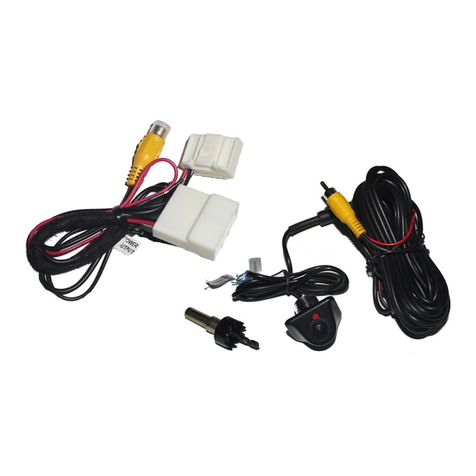
The SWRGM-49L is prewired with an RCA connector to retain the OEM camera
on vehicles with a IO3 system. To retain the OEM camera on IO4, IO5 and IO6
systems, you will need connect an RCA cable to the 12-pin connector on the
HMI module found either by the passenger kick panel or behind the glove box.
Connect the RCA as follows:
HMI Connector
PIN 5 = Gray/Yellow to RCA posive
PIN 6 = White/Blue to RCA shield
We recommend soldering and using heat shrink tubing these wires for a secure
connecon.
Pin 6 Pin 5
White/Blue Gray/Yellow
The SWRGM-49L has a potenometer to adjust the chime
volume. It is set at half way by default. To adjust the volume,
simply use a suitable screw driver and turn the potenometer
clockwise to increase the volume and counter-clockwise to
decrease the volume.
Chime
Volume
Adjustment