manuals.online logo
Brands
  1. Home
  2. •
  3. Brands
  4. •
  5. Crux
  6. •
  7. Automobile Accessories
  8. •
  9. Crux Sightline RVCAD-81B Instruction Manual

Crux Sightline RVCAD-81B Instruction Manual

Other Crux Automobile Accessories manuals
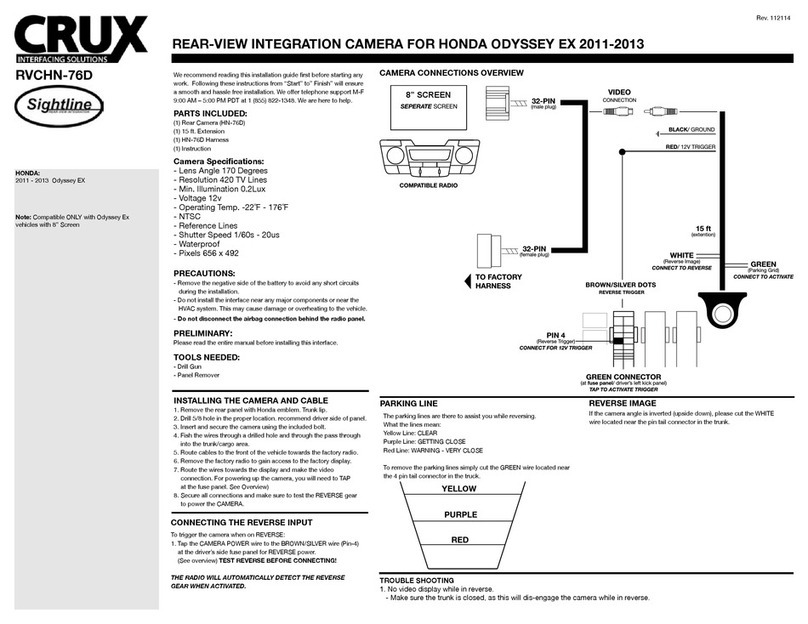
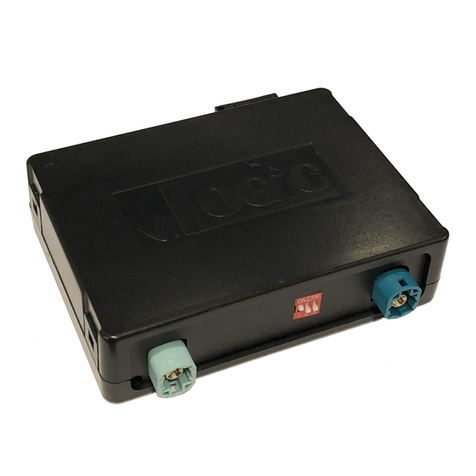
Crux Logic ACPBM-77Y User manual

Crux

Crux Logic ACPBM-77Y User manual

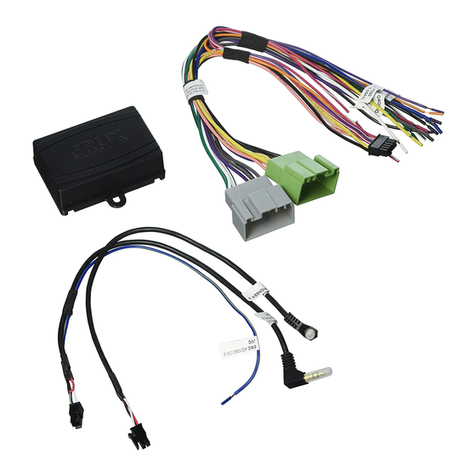
Crux ACPAD-01W User manual

Crux

Crux ACPAD-01W User manual

Crux RVCCH-75F User manual

Crux

Crux RVCCH-75F User manual

Crux F Series User manual

Crux

Crux F Series User manual

Crux BEELINE Series User manual

Crux

Crux BEELINE Series User manual

Crux BTI-ISO User manual

Crux

Crux BTI-ISO User manual

Crux SWRGM-49L User manual

Crux

Crux SWRGM-49L User manual

Crux SOOCR-26 User manual

Crux

Crux SOOCR-26 User manual

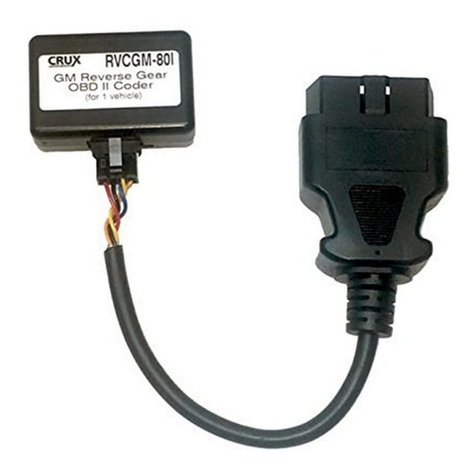
Crux RVCGM-80I User manual

Crux

Crux RVCGM-80I User manual

Crux TDR-RVM32 User manual

Crux

Crux TDR-RVM32 User manual

Crux MG-3 User manual

Crux

Crux MG-3 User manual

Crux SOOGM-15 User manual

Crux

Crux SOOGM-15 User manual

Crux Sightline RVCVW-73B User manual

Crux

Crux Sightline RVCVW-73B User manual

Crux SWRGM-51 User manual

Crux

Crux SWRGM-51 User manual

Crux RVCCH-75D User manual

Crux

Crux RVCCH-75D User manual

Crux Sightline PCM-3 User manual

Crux

Crux Sightline PCM-3 User manual

Crux VIMGM-94M User manual

Crux

Crux VIMGM-94M User manual

Crux DKGM-51 User manual

Crux

Crux DKGM-51 User manual

Crux RVCCH-75B User manual

Crux

Crux RVCCH-75B User manual

Crux Sightline VIMFD-95F User manual

Crux

Crux Sightline VIMFD-95F User manual

Crux ACPBM-77Z User manual

Crux

Crux ACPBM-77Z User manual

Crux RVCVL-82S User manual

Crux

Crux RVCVL-82S User manual

Crux Sightline RVCVW-73 User manual

Crux

Crux Sightline RVCVW-73 User manual

Crux MRVFD-79Q User manual

Crux

Crux MRVFD-79Q User manual
Popular Automobile Accessories manuals by other brands

James Baroud Odyssey user guide

James Baroud

James Baroud Odyssey user guide

Motorola i50sx owner's manual

Motorola

Motorola i50sx owner's manual

Yakima 9MM STANDARD BIKE MOUNT instructions

Yakima

Yakima 9MM STANDARD BIKE MOUNT instructions

Feniex T3 instruction manual

Feniex

Feniex T3 instruction manual

Kia E8300-4D000 manual

Kia

Kia E8300-4D000 manual

Brink 756843 installation instructions

Brink

Brink 756843 installation instructions

Whispbar K085W Fitting instructions

Whispbar

Whispbar K085W Fitting instructions

v.link CI-VL2-PC-HSD manual

v.link

v.link CI-VL2-PC-HSD manual

Viking Stack-Rack Assembly and use instructions

Viking

Viking Stack-Rack Assembly and use instructions

Aries 203015 installation manual

Aries

Aries 203015 installation manual

Choetech AT0005 user manual

Choetech

Choetech AT0005 user manual

ZZ2 ZZAIR-PRO instruction manual

ZZ2

ZZ2 ZZAIR-PRO instruction manual

Holman 4A80L installation guide

Holman

Holman 4A80L installation guide

Thule 2075 parts manual

Thule

Thule 2075 parts manual

Motorola T325 quick start guide

Motorola

Motorola T325 quick start guide

TAUBENREUTHER 16-3950 FITTING INSTRUCTION

TAUBENREUTHER

TAUBENREUTHER 16-3950 FITTING INSTRUCTION

DV8 FBJL-02 Product installation manual

DV8

DV8 FBJL-02 Product installation manual

Prorack K1163 manual

Prorack

Prorack K1163 manual

manuals.online logo
manuals.online logoBrands
  • About & Mission
  • Contact us
  • Privacy Policy
  • Terms and Conditions

Copyright 2025 Manuals.Online. All Rights Reserved.

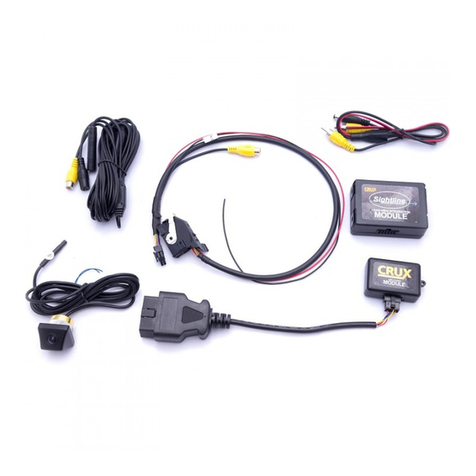
-Activates Reverse camera input in Non MMI Audi vehicles.
-Rear-view camera input.
-Provides three AV Inputs.
-With OE type Dynamic Parking Assistance + PDC.
-On-screen display and setup.
AUDI
2008 - 2014
A4
2008 - 2014
A6
2008 - 2014
Q5
- Works on Audi vehicles with Non MMI systems (no MMI Control Knob behind the gear shifter).
1 / 10
rev.011917
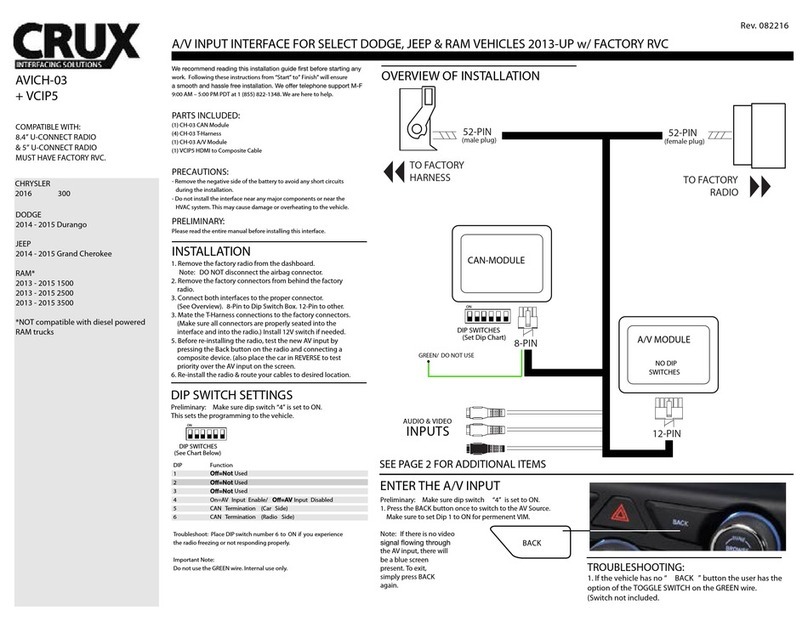
Connecting the CAN Wires
Connect CAN-H-HS (Brown+Green-3Pin) of the interface to CAN High (Orange + Brown) of the car
Connect CAN-L-HS (Green-4pin) of the interface to CAN Low (Orange + Green) of the car
2 / 10
rev.011917
Connection of LCD Wires
5 / 6
1. Unplug the OE LCD cable from a monitor and connect to the supplied LVDS-IN cable.
Please refer to the photo above. WARNING: The ACC wire should be at the bottom. (see arrow)
2. Connect the other end of the original LVDS IN cable to LVDS IN port of the interface.
3. Connect the supplied LVDS-OUT cable to OEM Monitor and connect the other end to the LVDS OUT
port of the interface.
3 / 10
rev.011917
Connecting the CAN Wires
4. Tap the CAN High wire (green + brown) of the RVCAD-81B to the CAN High wire (orange + green)
of the vehicle.
5. Tap the CAN Low wire (green) of the RVCAD-81B to the CAN Low wire (orange + brown) of the
vehicle.
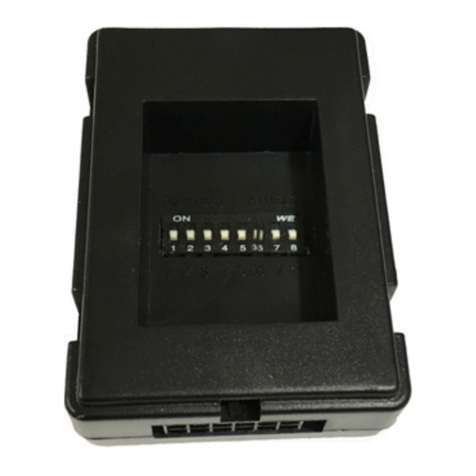
DIP Switch Settings
NOTE: Disconnect the Power Harness
before changing the DIP Switch setting.
4 / 10
rev.011917
Remote Control
OSD Settings
Press the of the remote control for 2 seconds to enter settings.
5 / 10
rev.011917
Parking Line Setting
6 / 10
rev.011917
UTIL1 Settings
7 / 10
rev.011917
8 / 10
rev.011917
Operation
9 / 10
rev.011917
OSD (On Screen Display) Settings
10 / 10
rev.011917