manuals.online logo
Brands
  1. Home
  2. •
  3. Brands
  4. •
  5. danalock
  6. •
  7. Lock
  8. •
  9. danalock V3 SCANDI ASSA 2000 User manual

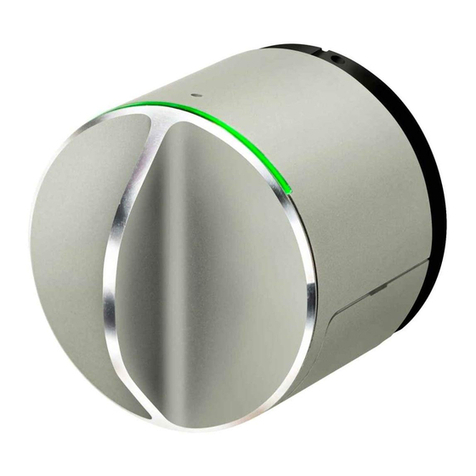
danalock V3 SCANDI ASSA 2000 User manual

Other danalock Lock manuals
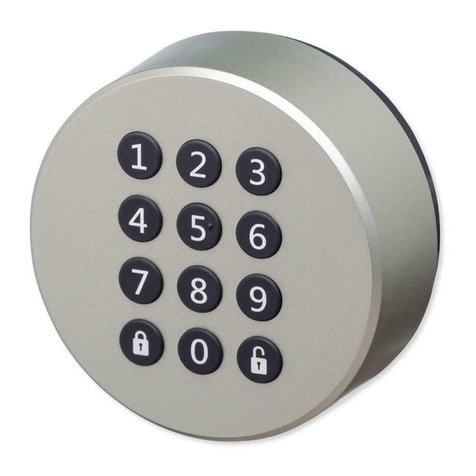
danalock Danapad V3 User manual

danalock

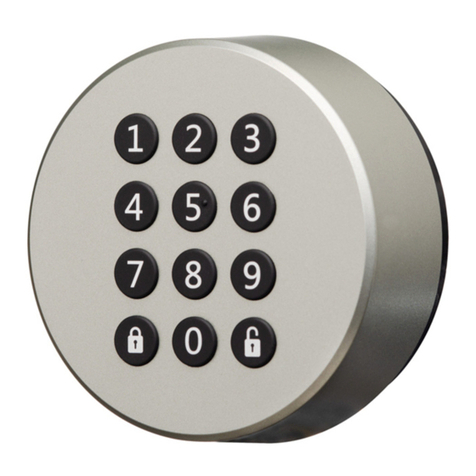
danalock Danapad V3 User manual

danalock V3-BTZBE User manual

danalock

danalock V3-BTZBE User manual

danalock V3 BT HK SCANDI User manual

danalock

danalock V3 BT HK SCANDI User manual
danalock V3-BTZB User manual

danalock

danalock V3-BTZB User manual
danalock V3 US Installation instructions manual
danalock

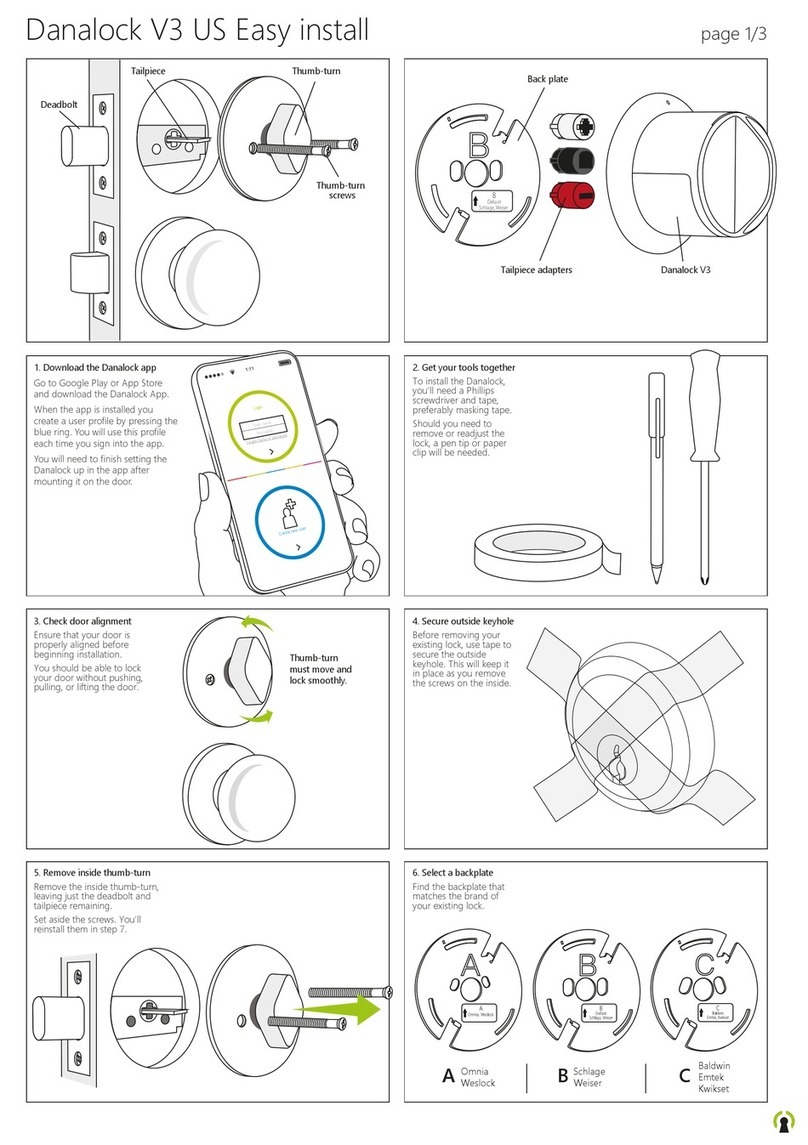
danalock V3 US Installation instructions manual

danalock V3 US Product information sheet

danalock

danalock V3 US Product information sheet

danalock BT100 Circle User manual

danalock

danalock BT100 Circle User manual
danalock V3-BTZU User manual

danalock

danalock V3-BTZU User manual
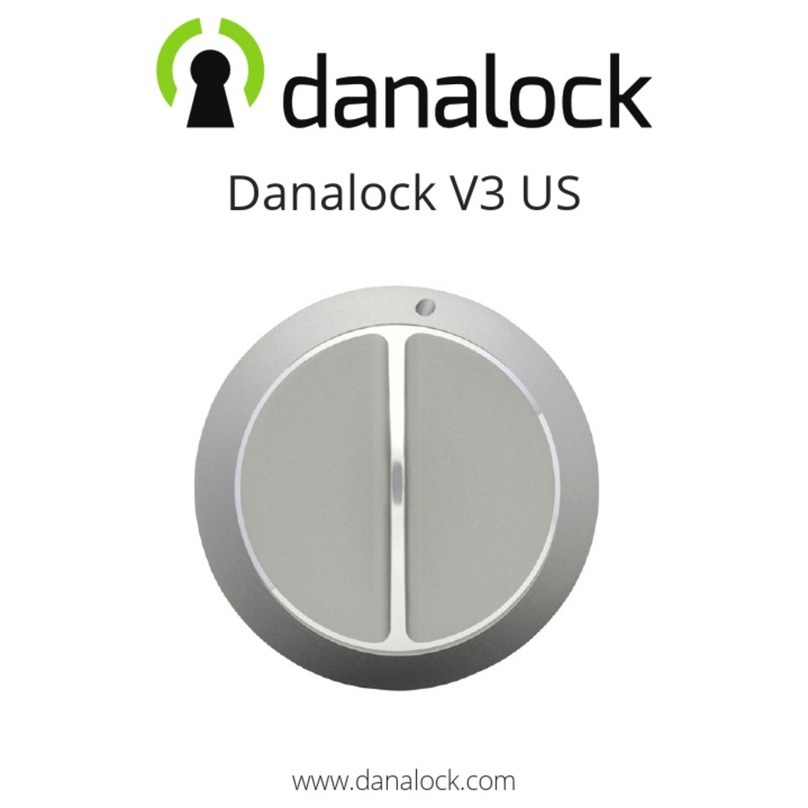
danalock V3 US User manual

danalock

danalock V3 US User manual
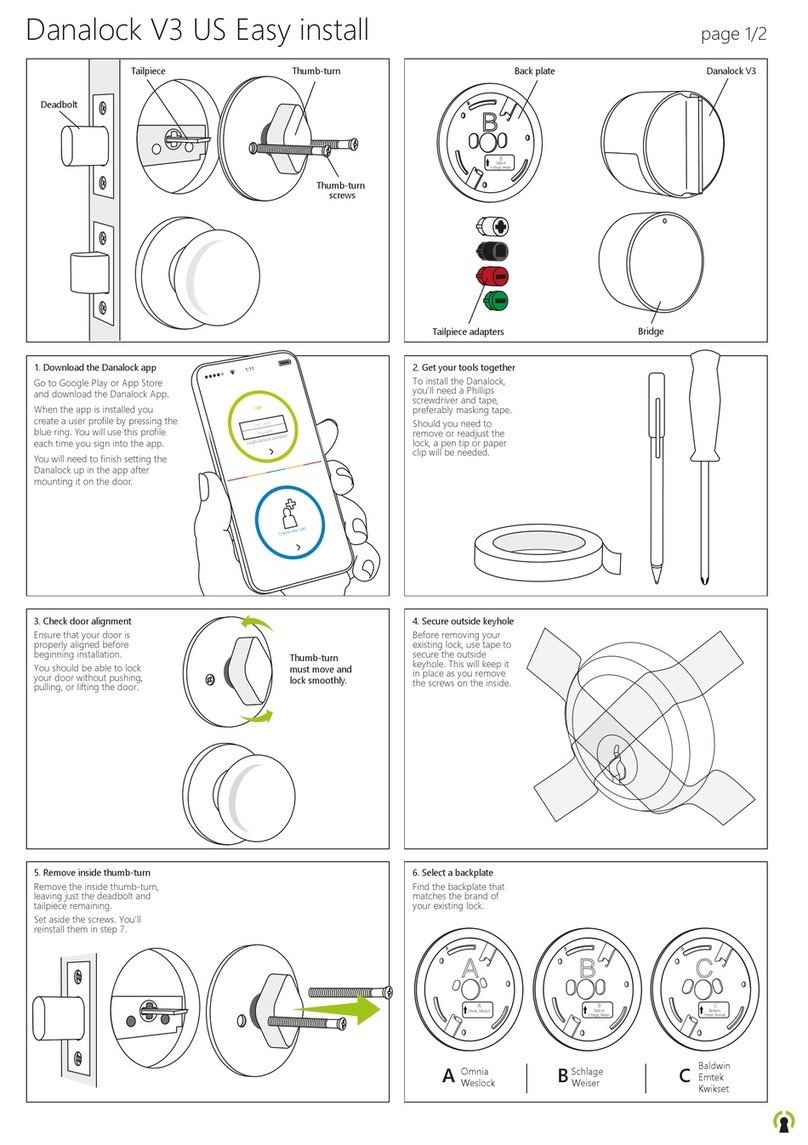
danalock V3 US Product information sheet
danalock

danalock V3 US Product information sheet
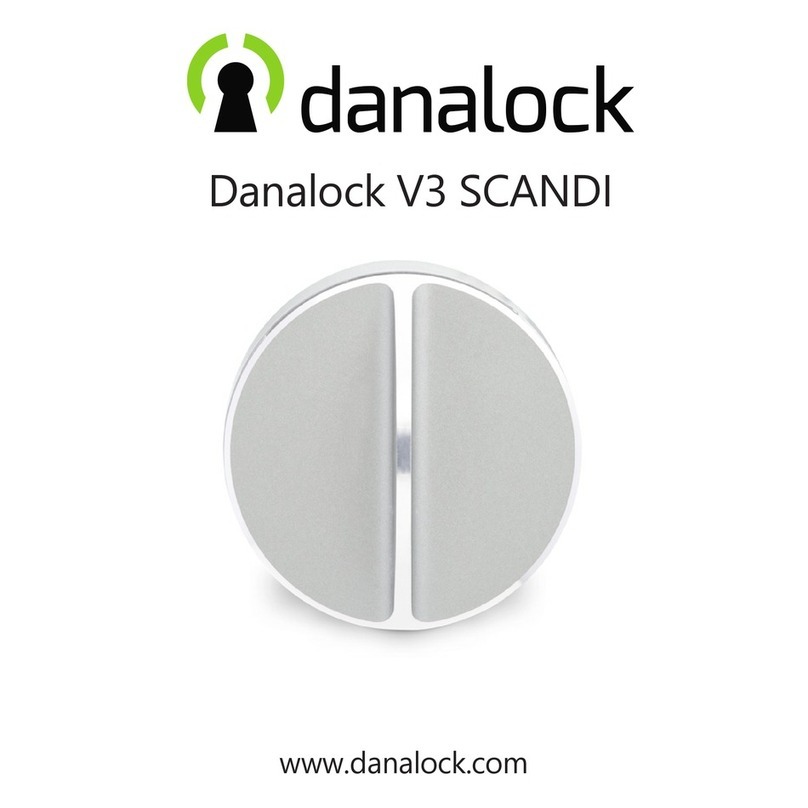
danalock V3 SCANDI User manual

danalock

danalock V3 SCANDI User manual

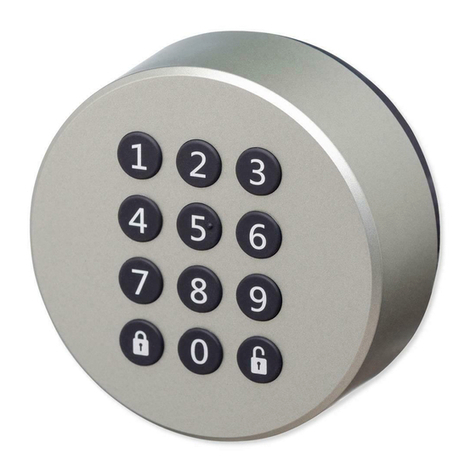
danalock Danapad V3 User manual

danalock

danalock Danapad V3 User manual

danalock V3 BT HK SCANDI User manual

danalock

danalock V3 BT HK SCANDI User manual

danalock V3 EURO Product information sheet

danalock

danalock V3 EURO Product information sheet

danalock Danapad PADV3-BT Guide

danalock

danalock Danapad PADV3-BT Guide

Popular Lock manuals by other brands

Magic 105 manual

Magic

Magic 105 manual

Gantner GAT NET.Lock 7020 System Installation, configuration & operation

Gantner

Gantner GAT NET.Lock 7020 System Installation, configuration & operation

Dorma Studio Classic Installation instruction

Dorma

Dorma Studio Classic Installation instruction

Securam ECSL-601 quick start guide

Securam

Securam ECSL-601 quick start guide

Sudhaus 3003 operating manual

Sudhaus

Sudhaus 3003 operating manual

Safety 1st 48517 user guide

Safety 1st

Safety 1st 48517 user guide

Pado FDS-10 user manual

Pado

Pado FDS-10 user manual

Esco systeQ Series installation instructions

Esco

Esco systeQ Series installation instructions

COMPX National D8951 instruction sheet

COMPX

COMPX National D8951 instruction sheet

secureo Key Box instruction manual

secureo

secureo Key Box instruction manual

Stock Loks C8713 instruction sheet

Stock Loks

Stock Loks C8713 instruction sheet

COMPX 1T-058 Information

COMPX

COMPX 1T-058 Information

Auslock T11 user manual

Auslock

Auslock T11 user manual

Stealth SAFES ShadowVault Instructions & Troubleshooting

Stealth SAFES

Stealth SAFES ShadowVault Instructions & Troubleshooting

Knox KeySecure 5 Admin & user guide

Knox

Knox KeySecure 5 Admin & user guide

Kwikset 48334/01 Quick installation guide
Kwikset

Kwikset 48334/01 Quick installation guide

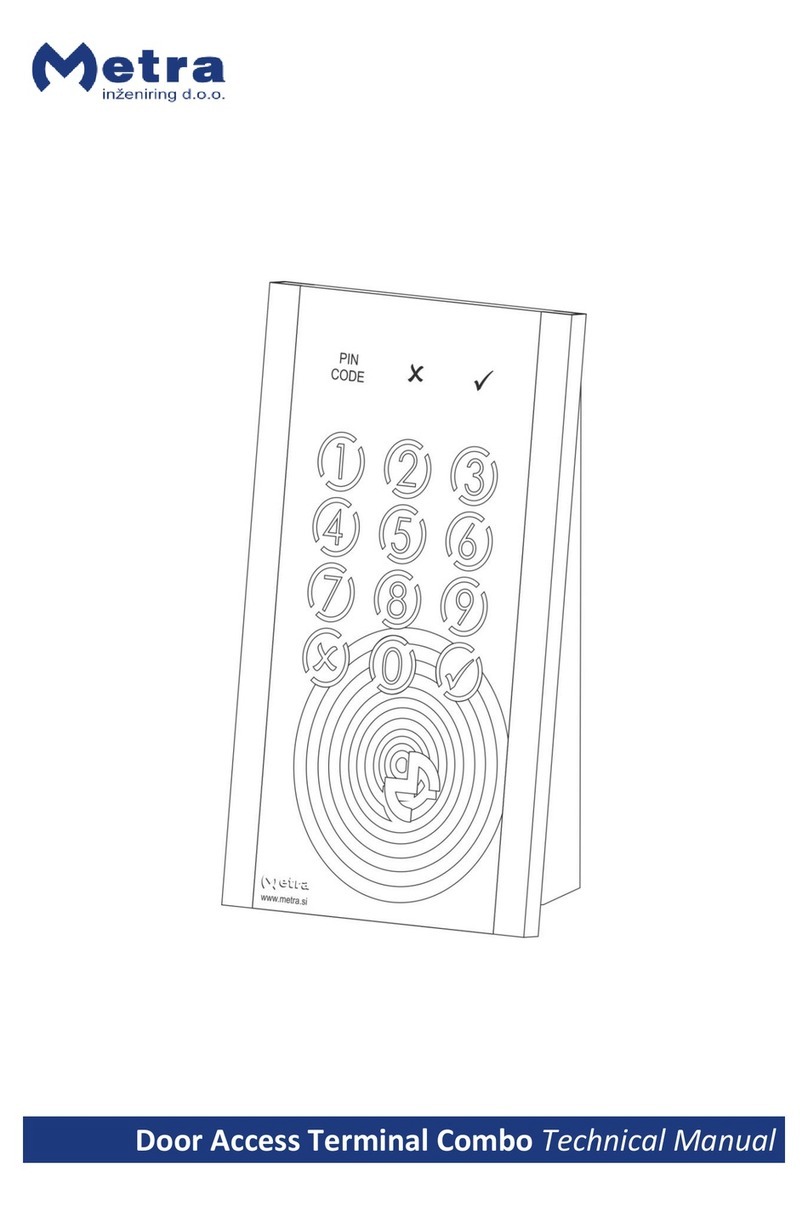
Metra Electronics Door Access Terminal Combo Technical manual

Metra Electronics

Metra Electronics Door Access Terminal Combo Technical manual

Kilitronik miniK10m operating manual

Kilitronik

Kilitronik miniK10m operating manual

manuals.online logo
manuals.online logoBrands
  • About & Mission
  • Contact us
  • Privacy Policy
  • Terms and Conditions

Copyright 2025 Manuals.Online. All Rights Reserved.

Danalock V3 SCANDI ASSA 2000 install page 1
123
456
7 8
119
Turn key
in opposite
direction.
10
Find
tailpiece kit
in the box.
13
Find
backplate
in the box.
Turn key
to pull out
safety plugs.
Remove
screws and
save two for
later use.
Insert key.
12 14
Fix the backplate
with the screws
you saved.
Danalock V3 SCANDI ASSA 2000 install page 2
16 1715
Break the tailpiece
using two pliers.
max.
35 mm
Click!
Press
until it
clicks.
The tailpiece
adapter needs
to be inserted
in the back of
the Danalock.
Fit the Danalock
over the backplate.
Ensure that the
tailpiece hits the
adapter.
19 2018
22 2321
25 2624
The tailpiece must not extend more
than 35 mm from the backplate.
Find Danalock and the
tailpiece adaptor in the box.
Align
the marks
on the
backplate
and baseplate.
Download the
Danalock app
and leave the
door open.
Turn clockwise to fasten. Remove the plastic to
activate batteries.
Click!
Create a user profile by pressing the blue
ring. Use this profile each time you sign
into the app.
If you have a user
profile use the
green ring.
Next you need to
press ”Menu” in the
top right corner,
and the press
”Add lock”.
A guide will now
lead you through
the installation
and configuration.
If you need to dismount the Danalock
insert a pen tip into the hole at the top
inner edge of the lock
and press while turning
the lock counter-
clockwise until
it releases.
This doesn’t
reset the lock,
but it may
need to be
re-calibrated
if fastened
to your
door again.