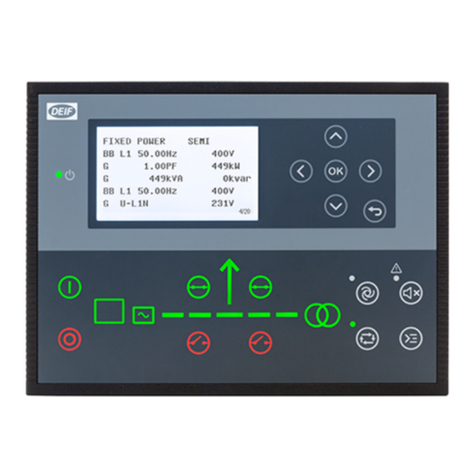
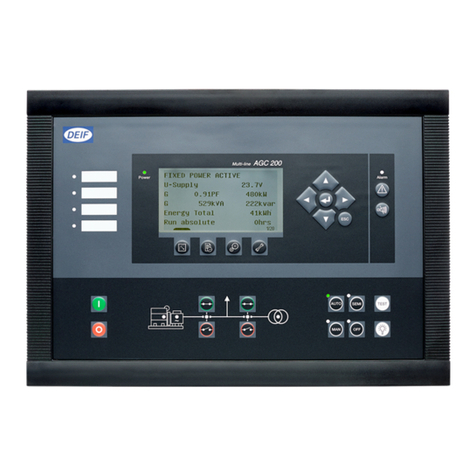
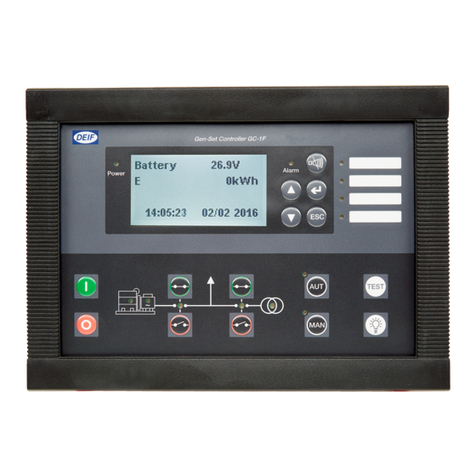
Deif AGC-4 User manual

DEIF A/S · Frisenborgvej 33 · DK-7800 Skive · Tel.: +45 9614 9614 · Fax: +45 9614 9615 · info@deif.com · www.deif.com
QUICK START GUIDE
Automatic Genset Controller, AGC-4
● What’s in the delivery?
● Getting started
● The first steps
● Using the AGC
Document no.: 4189340689D
SW version: 4.0x.x or later

1. General information
1.1. Warnings, legal information and safety.................................................................................................. 3
1.1.1. Warnings and notes ......................................................................................................................3
1.1.2. Legal information and disclaimer ..................................................................................................3
1.1.3. Safety issues ................................................................................................................................ 3
1.1.4. Electrostatic discharge awareness ............................................................................................... 3
1.1.5. Factory settings ............................................................................................................................ 4
1.2. About the Quick Start Guide...................................................................................................................4
1.2.1. General purpose............................................................................................................................4
1.2.2. Intended users...............................................................................................................................4
1.2.3. Contents and overall structure ......................................................................................................4
2. What's in the delivery?
2.1. Standard delivery................................................................................................................................... 5
2.2. Optional delivery.....................................................................................................................................5
3. Getting started
3.1. Connecting the devices..........................................................................................................................7
3.1.1. Connecting the display with the main unit..................................................................................... 7
4. The first steps
4.1. Switching on the first time...................................................................................................................... 8
4.1.1. AGC single application.................................................................................................................. 8
4.1.2. AGC island...................................................................................................................................10
4.1.3. AGC mains.................................................................................................................................. 12
4.1.4. AGC BTB.....................................................................................................................................14
4.2. Getting started with the DEIF utility software (USW)............................................................................15
4.2.1. Downloading the software........................................................................................................... 15
4.2.2. Installation of USB drivers........................................................................................................... 16
4.2.3. Getting connected........................................................................................................................16
4.2.4. Read parameters from the device............................................................................................... 18
4.2.5. Basic configuration of a device using the utility software.............................................................18
5. Display push-buttons and LEDs
5.1. Push-button functions...........................................................................................................................20
5.2. LED functions.......................................................................................................................................21
5.2.1. LED functions.............................................................................................................................. 21
5.2.2. Display navigation........................................................................................................................22
5.3. Controller setup....................................................................................................................................23
5.3.1. Controllers available.................................................................................................................... 23
5.3.2. Controller output types.................................................................................................................23
AGC-4 quick start guide 4189340689 UK
DEIF A/S Page 2 of 26

1. General information
1.1 Warnings, legal information and safety
1.1.1 Warnings and notes
Throughout this document, a number of warnings and notes with helpful user information will be presented.
To ensure that these are noticed, they will be highlighted as follows in order to separate them from the gener-
al text.
Warnings
Warnings indicate a potentially dangerous situation, which could result in death, personal in-
jury or damaged equipment, if certain guidelines are not followed.
Notes
Notes provide general information, which will be helpful for the reader to bear in mind.
1.1.2 Legal information and disclaimer
DEIF takes no responsibility for installation or operation of the generator set. If there is any doubt about how
to install or operate the engine/generator controlled by the Multi-line 2 unit, the company responsible for the
installation or the operation of the set must be contacted.
The Multi-line 2 unit is not to be opened by unauthorised personnel. If opened anyway, the war-
ranty will be lost.
Disclaimer
DEIF A/S reserves the right to change any of the contents of this document without prior notice.
The English version of this document always contains the most recent and up-to-date information about the
product. DEIF does not take responsibility for the accuracy of translations, and translations might not be up-
dated at the same time as the English document. If there is a discrepancy, the English version prevails.
1.1.3 Safety issues
Installing and operating the Multi-line 2 unit may imply work with dangerous currents and voltages. Therefore,
the installation should only be carried out by authorised personnel who understand the risks involved in work-
ing with live electrical equipment.
Be aware of the hazardous live currents and voltages. Do not touch any AC measurement in-
puts as this could lead to injury or death.
1.1.4 Electrostatic discharge awareness
Sufficient care must be taken to protect the terminal against static discharges during the installation. Once the
unit is installed and connected, these precautions are no longer necessary.
AGC-4 quick start guide 4189340689 UK General information
DEIF A/S Page 3 of 26

1.1.5 Factory settings
The Multi-line 2 unit is delivered from factory with certain factory settings. These are based on average values
and are not necessarily the correct settings for matching the engine/generator set in question. Precautions
must be taken to check the settings before running the engine/generator set.
1.2 About the Quick Start Guide
1.2.1 General purpose
This Quick Start Guide mainly includes general product information, mounting instructions and wiring descrip-
tions.
The general purpose of this document is to help the user with the first steps of installing and using the Multi-
line 2 system.
Please make sure that you also read the Installation Instructions before starting to work with
the Multi-line 2 unit and the genset to be controlled. Failure to do this could result in human
injury or damage to the equipment.
1.2.2 Intended users
This Quick Start Guide is mainly intended for the panel builder in charge. On the basis of this document, the
panel builder designer will give the electrician the information he needs in order to get started with the instal-
lation. For detailed electrical drawings, please see the Installation Instructions.
1.2.3 Contents and overall structure
This document is divided into chapters, and in order to make the structure simple and easy to use, each
chapter will begin from the top of a new page.
AGC-4 quick start guide 4189340689 UK General information
DEIF A/S Page 4 of 26
2. What's in the delivery?
2.1 Standard delivery
The main unit Installation Instructions
INSTALLATION INSTRUCTIONS
AGC Automatic Gen-set Controlle
r
•Mounting
• Board slot positions
• Terminal strip overview
• I/O lists
• Wiring
Document no.: 4189340432F SW version 3.4X.X or later
Standard display, DU-2
2.2 Optional delivery
Display cable (option J1/J2/J6) PC cable for utility software (option J7)
AGC-4 quick start guide 4189340689 UK What's in the delivery?
DEIF A/S Page 5 of 26

Additional standard display, DU-2 (option X2)
Additional Operator's Panel, AOP-1 (option X3)
Additional Operator's Panel, AOP-2 (option X4)
For connection description of the optional deliveries, please refer to the option X manual.
AGC-4 quick start guide 4189340689 UK What's in the delivery?
DEIF A/S Page 6 of 26

3. Getting started
3.1 Connecting the devices
3.1.1 Connecting the display with the main unit
Connect the SUB-D display cable to the main unit and the display unit as shown in the picture below.
No use of tools or brute force when tightening finger-screws on display cable.
AGC-4 quick start guide 4189340689 UK Getting started
DEIF A/S Page 7 of 26

4. The first steps
4.1 Switching on the first time
The drawings below show the wiring of the most important signals. Once all connections to the main units are
done, the units are ready to be switched on.
4.1.1 AGC single application
The most important connections are marked with an arrow.
AGC-4 quick start guide 4189340689 UK The first steps
DEIF A/S Page 8 of 26

AGC-4 quick start guide 4189340689 UK The first steps
DEIF A/S Page 9 of 26

4.1.2 AGC island
AGC-4 quick start guide 4189340689 UK The first steps
DEIF A/S Page 10 of 26
Other manuals for AGC-4
3
Table of contents
Other Deif Controllers manuals

Deif
Deif MPC-1 Owner's manual

Deif
Deif SGC 121 User manual

Deif
Deif CGC 200 User manual

Deif
Deif CGC 400 Product guide

Deif
Deif ASC Series User manual

Deif
Deif AGC-3 User manual

Deif
Deif 4189340315C User manual

Deif
Deif CGC 400 User manual

Deif
Deif CGC 200 Installation and operation manual

Deif
Deif SGC 421 User manual
Popular Controllers manuals by other brands

Digiplex
Digiplex DGP-848 Programming guide

YASKAWA
YASKAWA SGM series user manual

Sinope
Sinope Calypso RM3500ZB installation guide

Isimet
Isimet DLA Series Style 2 Installation, Operations, Start-up and Maintenance Instructions

LSIS
LSIS sv-ip5a user manual

Rockwell Automation
Rockwell Automation 1769-L31 installation instructions