15
Functions for changing the operating parameters
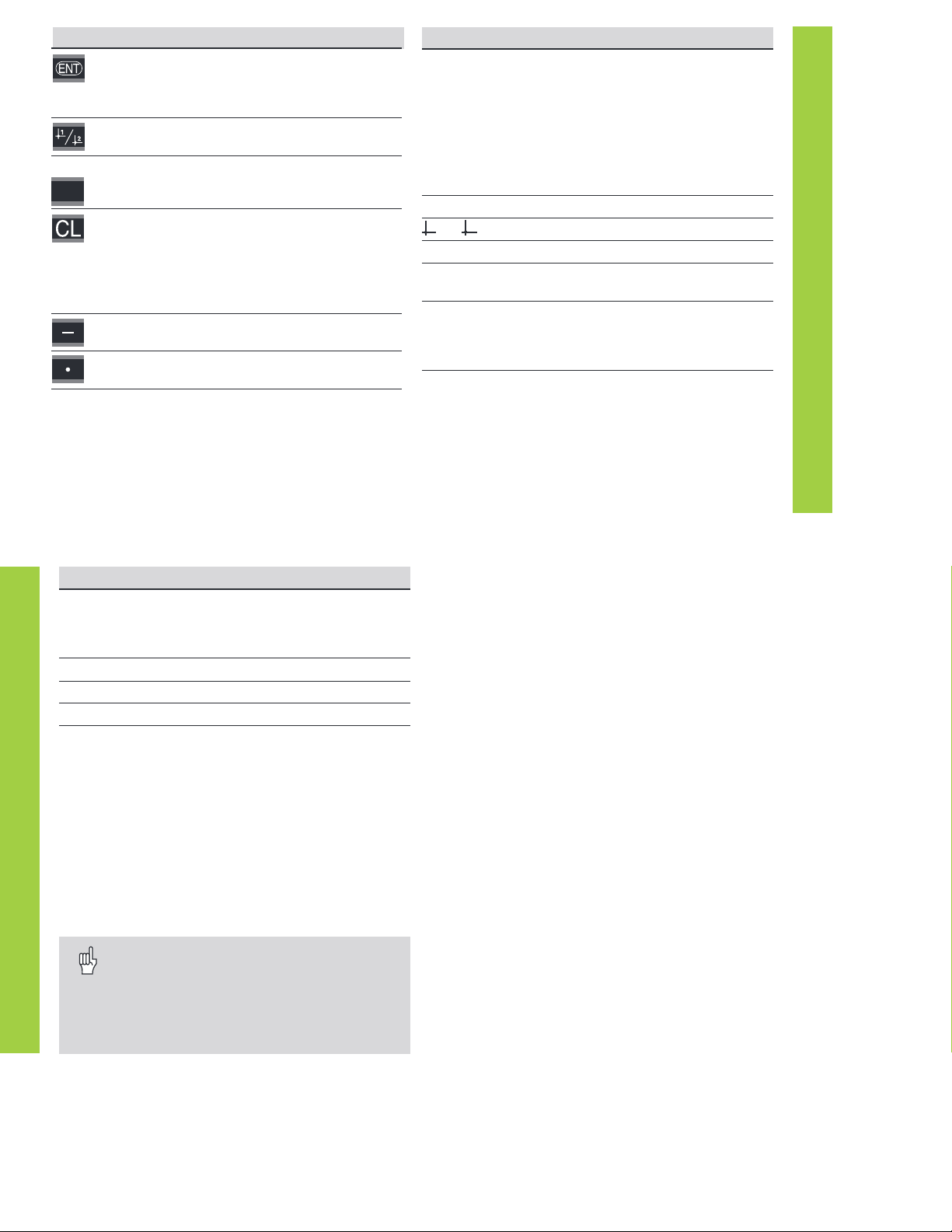
Function Key
Page forward
in the list of operating parameters
Page backward
in the list of operating parameters
Reduce parameter value
Increase parameter value
Correct entry and
display parameter designations
Confirm change or numerical entry,
leave list of operating parameters
A changed parameter is stored as soon as you
• leave the list of operating parameters
or
• page forward or backward after the change.
MOD
Code number for changing protected operating
parameters
If you wish to change protected operating parameters, you
must first enter the code number 95 148:
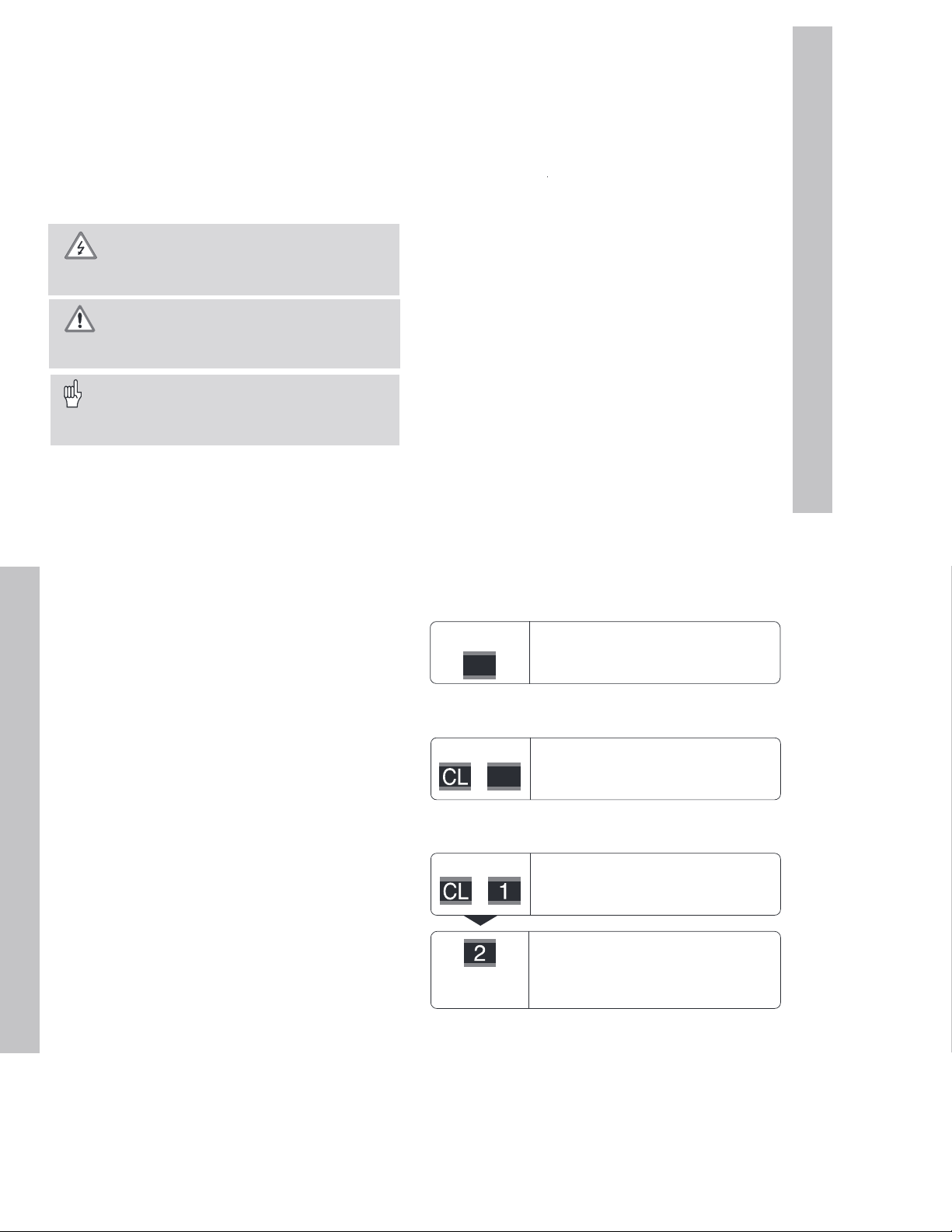
➤➤
➤➤
➤
Select the user parameter
P00 CODE
.
➤➤
➤➤
➤
Enter the code number 95 148.
➤➤
➤➤
➤
Confirm entry with ENT.
Parameter P30 appears on the display. By paging through the
list of operating parameters you can display—and, if
necessary, change—each protected operating parameter and,
of course, each user parameter.
Once you have entered the code number, the
protected operating parameters remain accessible
until the display unit is switched off.
Operating Parameters
16
Parameter Settings / Function
P00 CODE
To change the protected operating param-
eters, enter code number 95 148
P01
Units of measurement
Display in millimeters
MM
Display in inches
INCH
P11 SCL
Scaling factor
Scaling factor off
SCALING OFF
Scaling factor on
SCALING ON
P12 SCL
Scaling factor
Enter a numerical value
0.100000 < P12 < 9.999999
Default setting: 1.000000
P30 DIR
Counting direction
Positive counting direction with
positive direction of traverse
DIRECT. POS
Negative counting direction with
positive direction of traverse
DIRECT. NEG
P31 S. PER.
Signal period of encoder
0.000 000 01 < P31 < 99 999.9999 µm
Default setting: 10 µm
P33 COUNT
Counting mode
0-1-2-3-4-5-6-7-8-9
COUNT 0-1
0-2-4-6-8
COUNT 0-2
0-5
COUNT 0-5
List of Operating Parameters
List of Operating Parameters
Parameter Settings/ Function
P38 DP POS
Decimal places
1)
1 / 2 / 3 / 4 / 5 / 6
(up to 8 for inch display)
P40 COMP.
Select encoder compensation
No compensation
COMP. OFF
Nonlinear: up to 64 compensation points for
linear encoders
NONL. COMP
Linear compensation
COMP. ON
P41 L.COMP.
Linear error compensation
–99 999.9 < P41 < + 99 999.9 [µm/m]
Default setting: 0
Example: Find input value for P41
Displayed measuring length .............L
a
= 620.000 mm
Actual length (measured, e.g.
with the VM 101 comparator
system from HEIDENHAIN)..............L
t
= 619.877 mm
Length difference .............................
∆
L = L
t
– L
a
= – 123 µm
Compensation factor k (= P41):
k =
∆
L / L
a
= – 123 µm / 0.62 m........k = – 198.4 [µm/m]
1)
Depends on signal period (P31) and measuring unit (P01)
Artisan Technology Group - Quality Instrumentation ... Guaranteed | (888) 88-SOURCE | www.artisantg.com