/
Manual Page 7
Table of Content
Introduction--------------------------------------------------------------------------4
About this Manual -----------------------------------------------------------------5
Version History ---------------------------------------------------------------------6
AHardware ----------------------------------------------------------------------- 14
A.1 General Notice..........................................................................................14
A.2 Safety Notes.............................................................................................14
Marking of Safety Notes 14A.2.1
A.3 Certification...............................................................................................14
A.4 Safety Precautions....................................................................................15
A.5 Device Location........................................................................................16
A.6 Maintenance.............................................................................................17
Touchscreen 17A.6.1
Surfaces 17A.6.2
Glass plate 17A.6.3
A.7 Repair.......................................................................................................17
A.8 Content on Delivery..................................................................................18
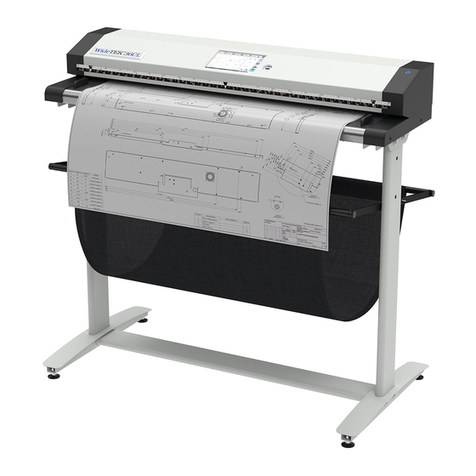
WideTEK®25 18A.8.1
Removing the Transport Box 20A.8.2
WideTEK®1221A.8.3
Unpacking from the Transport Box 22A.8.4
A.9 Transportation Locks................................................................................23
Removing the transportation locks 23A.9.1
Inserting the transportation locks 24A.9.2
A.10 Device Overview.......................................................................................25
WideTEK®25 Front Side Elements 25A.10.1
WideTEK®25 Back Side Connectors 26A.10.2
WideTEK®12 Front Side Elements 27A.10.3
WideTEK®12Back Side Elements 27A.10.4
A.11 Connecting to the Power Source..............................................................28
A.12 Powering up the Scanner .........................................................................29
Starting the Scanner from Standby Mode 29A.12.1
Switching the Scanner to Standby Mode 29A.12.2
The Help Function 29A.12.3