manuals.online logo
Brands
  1. Home
  2. •
  3. Brands
  4. •
  5. Intrinsyc
  6. •
  7. Microcontroller
  8. •
  9. Intrinsyc Open-Q 670 HDK User manual

Intrinsyc Open-Q 670 HDK User manual

Other manuals for Open-Q 670 HDK

1

Other Intrinsyc Microcontroller manuals
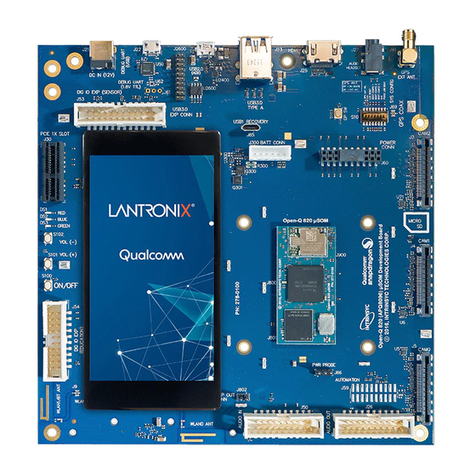
Intrinsyc LANTRONIX Open-Q 820 User manual
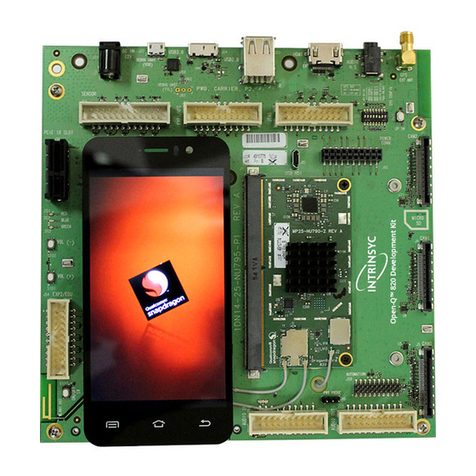
Intrinsyc

Intrinsyc LANTRONIX Open-Q 820 User manual
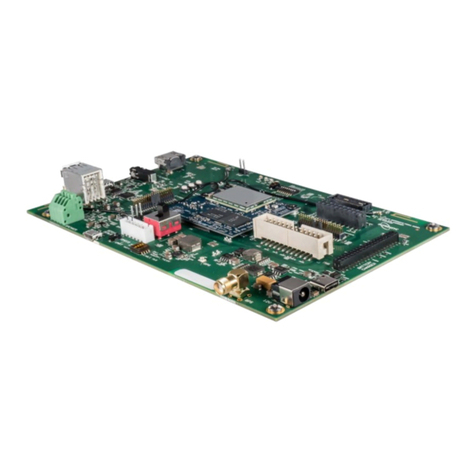
Intrinsyc LANTRONIX Open-Q 820 User manual

Intrinsyc

Intrinsyc LANTRONIX Open-Q 820 User manual

Intrinsyc Open-Q 212A User manual

Intrinsyc

Intrinsyc Open-Q 212A User manual
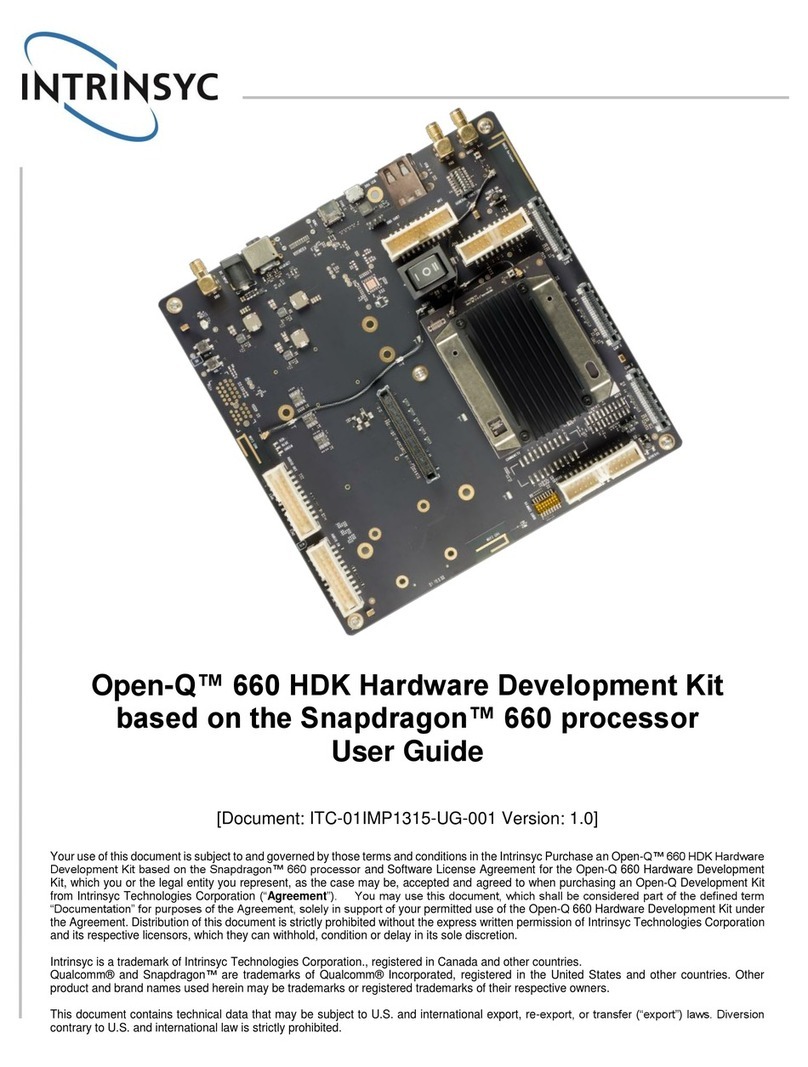
Intrinsyc Open-Q 660 User manual

Intrinsyc

Intrinsyc Open-Q 660 User manual
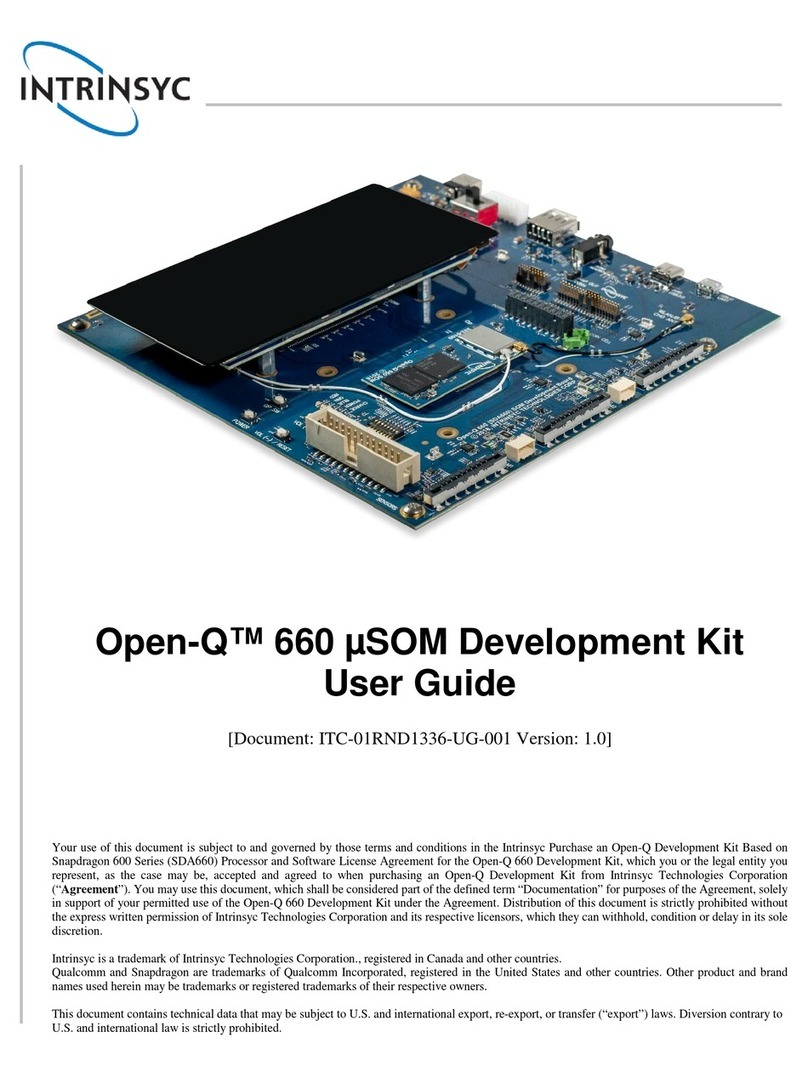
Intrinsyc Open-Q 660 mSOM User manual

Intrinsyc

Intrinsyc Open-Q 660 mSOM User manual
Intrinsyc Open-Q 212A User manual

Intrinsyc

Intrinsyc Open-Q 212A User manual
Intrinsyc LANTRONIX Open-Q 820 User manual
Intrinsyc

Intrinsyc LANTRONIX Open-Q 820 User manual

Intrinsyc LANTRONIX Open-Q 624A User manual
Intrinsyc

Intrinsyc LANTRONIX Open-Q 624A User manual

Intrinsyc Open-Q 2100 User manual

Intrinsyc

Intrinsyc Open-Q 2100 User manual
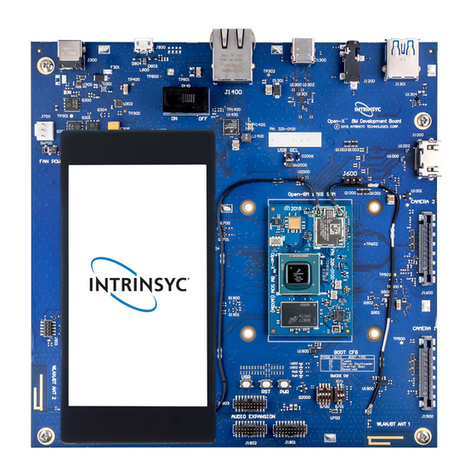
Intrinsyc Open-X 8M User manual

Intrinsyc

Intrinsyc Open-X 8M User manual
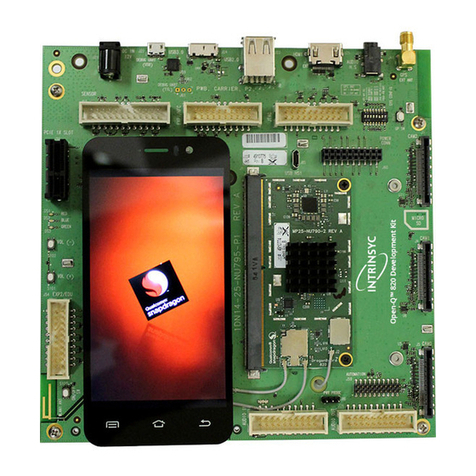
Intrinsyc LANTRONIX Open-Q 820 User manual
Intrinsyc

Intrinsyc LANTRONIX Open-Q 820 User manual

Intrinsyc Open-Q 845 mSOM User manual

Intrinsyc

Intrinsyc Open-Q 845 mSOM User manual
Intrinsyc Open-Q 835 uSOM User manual

Intrinsyc

Intrinsyc Open-Q 835 uSOM User manual
Intrinsyc Lantronix Open-Q 865XR SOM User manual
Intrinsyc

Intrinsyc Lantronix Open-Q 865XR SOM User manual

Intrinsyc Open-Q 2500 User manual

Intrinsyc

Intrinsyc Open-Q 2500 User manual
Intrinsyc Open-Q 835 User manual

Intrinsyc

Intrinsyc Open-Q 835 User manual
Intrinsyc APQ8096 User manual

Intrinsyc

Intrinsyc APQ8096 User manual
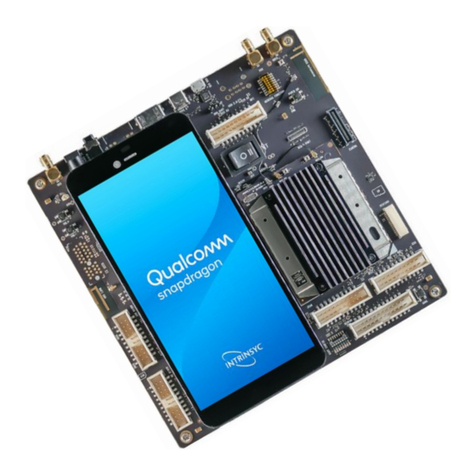
Intrinsyc Open-Q 670 HDK User manual

Intrinsyc

Intrinsyc Open-Q 670 HDK User manual
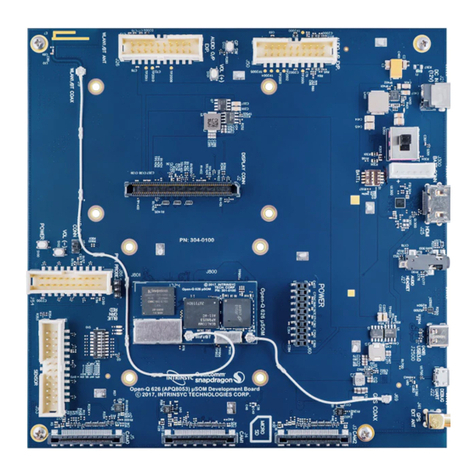
Intrinsyc Open-Q 626 mSOM User manual

Intrinsyc

Intrinsyc Open-Q 626 mSOM User manual
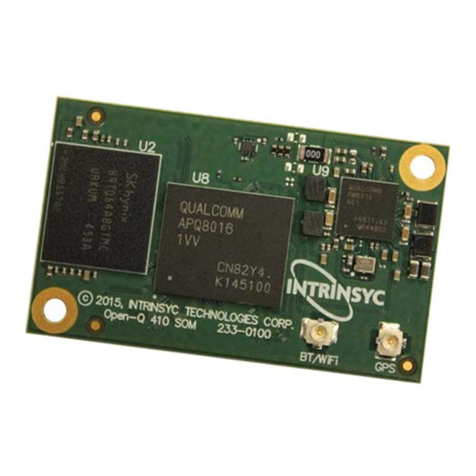
Intrinsyc Open-Q 410 User manual

Intrinsyc

Intrinsyc Open-Q 410 User manual

Popular Microcontroller manuals by other brands
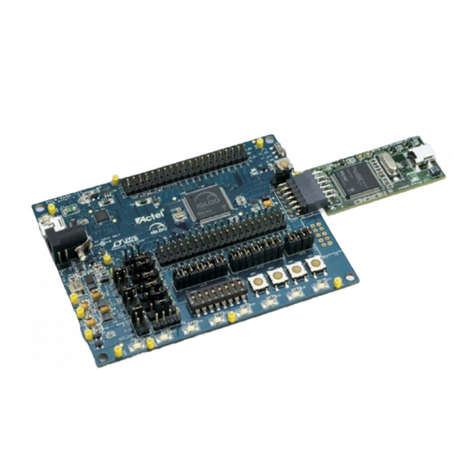
Microsemi IGLOO nano Starter Kit user guide

Microsemi

Microsemi IGLOO nano Starter Kit user guide

GOWIN DK START GW1NSR-LV4CQN48PC7I6 V 1.1 user guide

GOWIN

GOWIN DK START GW1NSR-LV4CQN48PC7I6 V 1.1 user guide

HETRONIC ERGO-S Service manual

HETRONIC

HETRONIC ERGO-S Service manual

Laird BL654PA user guide

Laird

Laird BL654PA user guide

Novatek NT6861 manual

Novatek

Novatek NT6861 manual

Lantronix Intrinsyc Open-Q 865XR SOM user guide

Lantronix

Lantronix Intrinsyc Open-Q 865XR SOM user guide

Nuvoton ISD61S00 ChipCorder Design guide

Nuvoton

Nuvoton ISD61S00 ChipCorder Design guide

STMicrolectronics ST7 Assembler Linker user manual

STMicrolectronics

STMicrolectronics ST7 Assembler Linker user manual

Texas Instruments Chipcon CC2420DK user manual

Texas Instruments

Texas Instruments Chipcon CC2420DK user manual

NEC 78GK0S/K 1+ Series Application note

NEC

NEC 78GK0S/K 1+ Series Application note

Mikroe SEMITECH N-PLC Click Application note

Mikroe

Mikroe SEMITECH N-PLC Click Application note

Intel Agilex user guide

Intel

Intel Agilex user guide

DIGITAL-LOGIC MICROSPACE manual

DIGITAL-LOGIC

DIGITAL-LOGIC MICROSPACE manual

Texas Instruments TMS320F2837 D Series Workshop Guide and Lab Manual

Texas Instruments

Texas Instruments TMS320F2837 D Series Workshop Guide and Lab Manual

CYPRES CY14NVSRAMKIT-001 user guide

CYPRES

CYPRES CY14NVSRAMKIT-001 user guide

Espressif Systems ESP8266EX Programming guide

Espressif Systems

Espressif Systems ESP8266EX Programming guide

Abov AC33M8128L user manual

Abov

Abov AC33M8128L user manual

Silicon Laboratories C8051F800 user guide

Silicon Laboratories

Silicon Laboratories C8051F800 user guide

manuals.online logo
manuals.online logoBrands
  • About & Mission
  • Contact us
  • Privacy Policy
  • Terms and Conditions

Copyright 2025 Manuals.Online. All Rights Reserved.

Open-Q™ 670 HDK Development Kit
Quick Start Guide
Your use of this document is subject to and governed by those terms and conditions, https://www.intrinsyc.com/legal-terms/qualcomm-terms.html, in the Intrinsyc Purchase and Software License Agreement for the Open-Q™ 670 HDK Development Kit based on the Qualcomm® Snapdrag-
on™ 670 Processor (SDA670), which you or the legal entity you represent, as the case may be, accepted and agreed to when pur chasing an Open-Q™ 670 HDK Development Kit from Intrinsyc Technologies Corporation (“Agreement”). You may use this document, which shall be considered part
of the defined term “Documentation” for purposes of the Agreement, solely in support of your permitted use of the Open-Q™ 670 HDK Development Kit under the Agreement. Distribution of this document is strictly prohibited without the express written permission of Intrinsyc Technolo-
gies Corporation and its respective licensors, which they can withhold, condition or delay in its sole discretion.
Intrinsyc is a trademark of Intrinsyc Technologies Corporation, registered in Canada and other countries. Qualcomm and Snapdragon are trademarks of Qualcomm Incorporated, registered in the United States and other countries.
Package Contents
1. Open-Q™ 670 processor board with SDA670 processor
2. Carrier board
3. 12V AC power adapter
4. Charger with USB cable
1. DRx SMA
2. 12V DC jack
3. 3.5mm Headset Jack
4. HDMI
5. USB 3.1 type C
6. UART Debug over Micro B
7. NFC Expansion Header
8. PRx SMA
9. GPS SMA
10. GPS antenna
11. RCM
12. General funcon switches
13. Power buon
14. Camera connector
15. Power switch (12V DC or baery)
16. Processor board
17. Heatsink
18. Micro SD slot*
19. Vergo sensor connector
20. Educaon header
21. Home key
22. Baery*
23. Sensor header
24. JTAG Header
25. Boot conguraon switches
26. Wi-Fi Antenna 1
27. LCD
28. Audio in header
29. Audio out header
30. Wi-Fi Antenna 0
31. PCI Express (footprint only)
32. Volume - buon
33. Volume + buon
* on boom side
1 2 3 4 5 7
6 8 9
11
12
13
15
14
16
17
18
24
20
21232527
33
30
29
28
32
19
10
26
31
22
Open-Q™ 670 HDK Development Kit
Quick Start Guide
Development Kit Support
Should you require more information or assistance, you can contact us at:
https://www.intrinsyc.com/contact-support
Intrinsyc also provides technical information and videos on Snapdragon processors at:
https://www.intrinsyc.com/resources
Should you require additional technical support for your Development Kit you can
easily purchase a block of technical support hours from the Intrinsyc store:
http://shop.intrinsyc.com/collections/technical-support-packages
Thank you for purchasing the Open-Q 670 HDK Development Kit
The Intrinsyc Team
Development Kit Setup
1. Remove the development kit board carefully from the anti static bag at
a static-safe work-station
2. Select “I” on the Power switch, connect the 12V Power Adapter into
the DC jack then press the power button once for the board to boot
3. Documentation and software
To access the documentation (user guides…), platform BSP software and
much more, please register at: http://support.intrinsyc.com
Specifications are subject to change - Open-Q 670 HDK QSG Rev. 1.0